

Which One is the Better Option?
Determining the right choice depends heavily on the complexity of the user’s workflow and the specific hardware they use. The decision is rarely about which technology is "better" in a vacuum, but rather which one fits the user’s specific desk ecology.
It Depends on How Many Screens You Run
For a standard setup involving one laptop and one external display, the USB-C monitor is almost always the superior choice. It provides enough power to keep the laptop charged and enough ports to handle the basic peripherals that most users require. For students, office workers, and remote professionals, the simplicity of walking up to a desk and plugging in a single cable to "dock" the entire workstation is a massive quality-of-life improvement.
The calculation shifts when a second or third external screen is introduced. While some USB-C monitors support "daisy-chaining" via DisplayPort Multi-Stream Transport (MST)—where one monitor connects to another—this technology has limitations. Most notably, macOS does not support MST for extended displays over standard USB-C. This means that a Mac user attempting to daisy-chain two monitors will end up with two screens showing the exact same mirrored image. For these users, a Thunderbolt dock with multiple dedicated video outputs is the only way to achieve a multi-monitor setup over a single cable.
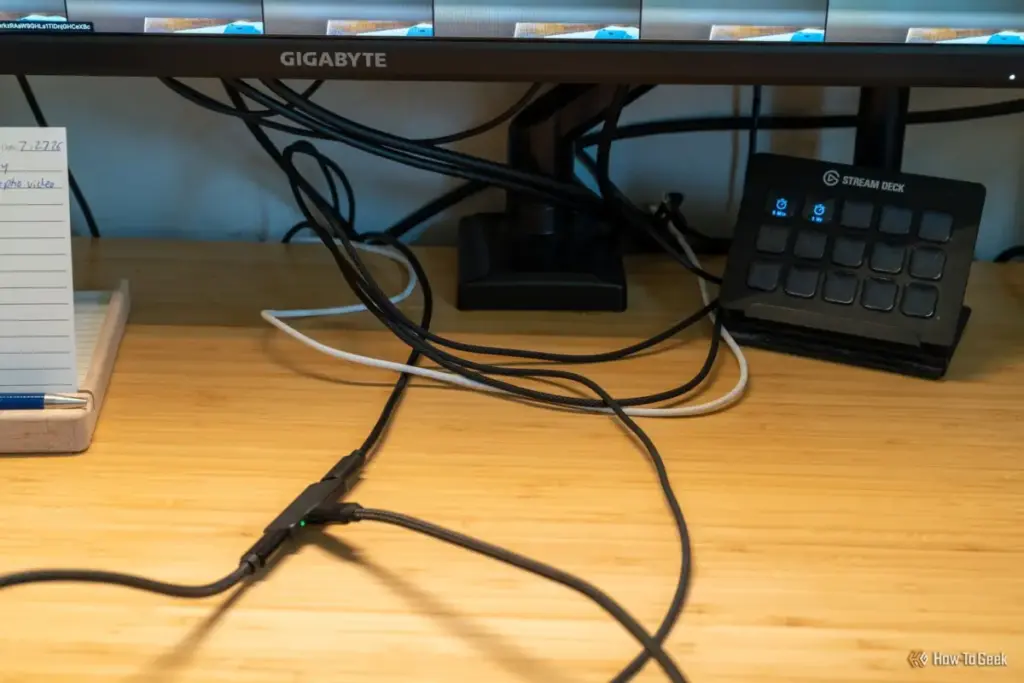
The "middle path" is also a popular strategy. Many users find that a USB-C monitor handles 90% of their needs, but they still require an occasional SD card reader or an extra USB-A port. In these cases, a small, bus-powered USB-C hub can be plugged into the monitor itself or the laptop’s second port. This hybrid approach maintains the cleanliness of the desk while providing the flexibility of a dock at a fraction of the cost.
Ultimately, the rise of the USB-C monitor represents the maturation of the "desktop-as-a-service" philosophy. As laptops become more powerful and ports become more scarce, the monitor is no longer just a passive output device; it has become an active participant in the computing experience.
One Cable is Enough for Most Desks
The transition to a USB-C monitor is a definitive step toward the "invisible" desk setup. By carrying video, power, and data over a single connection, these displays have successfully cannibalized the role of the entry-level docking station. While power users, multi-monitor aficionados, and data-heavy professionals will still find value in the expanded bandwidth and port variety of a dedicated Thunderbolt dock, the average user no longer needs that extra hardware. For most people, the simplest solution—the one-cable monitor—is also the best one. It reduces the "tangle of adapters" to a single, elegant point of contact, proving that in the world of technology, less is often significantly more.
 Tech Tutorials & How-To Guides
Low-Cost Innovation: How DIY ESP32 Projects are Transforming Smart Home Economics and Sustainability
The landscape of home automation has undergone a radical shift over the...
 Tech Tutorials & How-To Guides
The Case for a Dedicated YouTube Audio Experience on Apple CarPlay and Android Auto
In the rapidly evolving landscape of automotive technology, Apple CarPlay and Android...
 Tech Tutorials & How-To Guides
To Boldly Go From Your Desktop: Celebrating 60 Years of Star Trek Through Modern Tech Hobbies
As the calendar turns to late 2026, the global science fiction community...







