
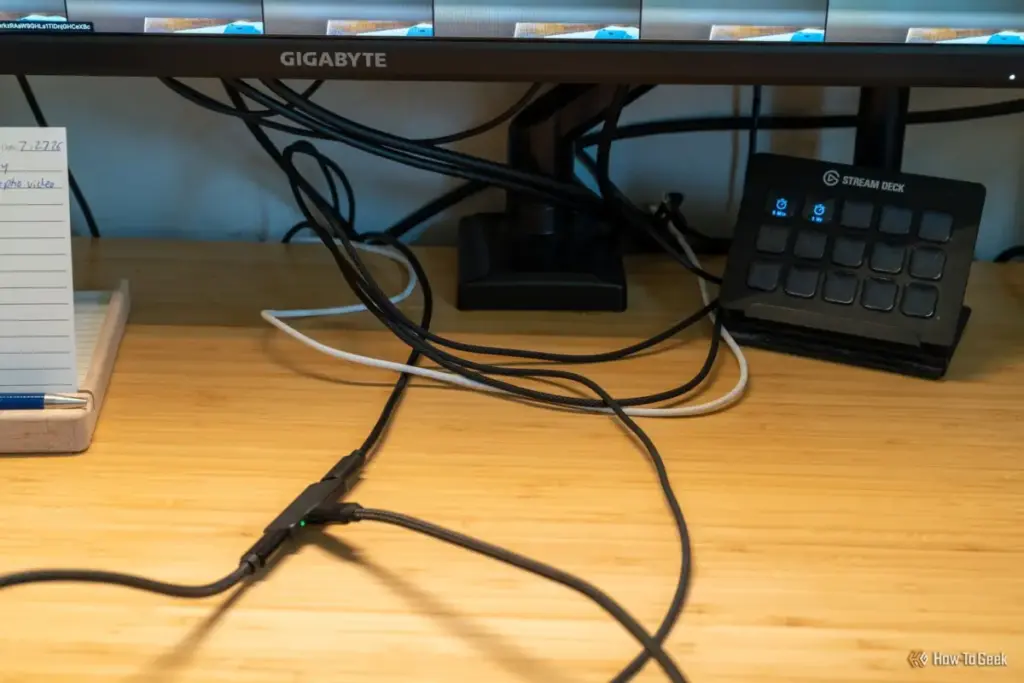
However, this convenience comes with a technical caveat regarding bandwidth. A USB-C cable has a fixed number of high-speed data "lanes." When a user drives a high-resolution display, such as a 4K panel at a 60Hz or 144Hz refresh rate, the video signal requires a significant portion of that bandwidth. In many cases, the monitor must sacrifice data speeds to maintain the video signal, dropping the integrated USB hub from USB 3.0 speeds down to USB 2.0. While this is irrelevant for a mouse or keyboard, it can drastically slow down file transfers from an external hard drive. Some monitors address this by offering a "USB Priority" setting in their on-screen display (OSD), allowing the user to choose between higher refresh rates or faster data transfer speeds.
How it Compares Against a Regular Dock
The debate between an integrated monitor hub and a dedicated docking station often comes down to a choice between simplicity and raw power. While they solve the same problem—connecting multiple devices to a laptop via one cable—the execution differs significantly.
Docks Win on Ports, Monitors Win on Simplicity
A dedicated docking station is a standalone device that acts as a middleman. Because it is a specialized piece of hardware, a dock typically offers a much wider array of connectivity options than a monitor. High-end Thunderbolt 4 or USB4 docks often feature dual HDMI or DisplayPort outputs, multiple USB-C ports with high-speed data ratings, SD and microSD card readers, and dedicated audio jacks. For a creative professional who needs to ingest footage from memory cards while outputting to two different screens and a set of studio monitors, a standalone dock remains an indispensable tool.
Bandwidth is another area where dedicated docks hold a clear advantage. While many USB-C monitors rely on DisplayPort Alt Mode, professional-grade docks utilize Thunderbolt or USB4 protocols, which provide up to 40Gbps (and even 80Gbps with the advent of Thunderbolt 5). This massive pipe allows for the simultaneous use of multiple 4K displays and high-speed NVMe external storage without the "bandwidth throttling" often seen in monitor-based hubs.
However, the monitor-centric approach wins on the grounds of elegance and cost-effectiveness. A dedicated Thunderbolt dock can easily cost between $200 and $400. If a user is already in the market for a new monitor, choosing a model with an integrated USB-C hub often adds only a small premium to the price, effectively giving them a "free" dock.
Furthermore, the physical footprint of a monitor-based setup is significantly smaller. A dedicated dock requires its own power brick—which is often as large as the dock itself—and adds another box to the desk surface. By moving these components inside the monitor, the user eliminates several points of failure and a significant amount of cable clutter. There are no firmware updates to manage for a separate docking box, and there is one less device that can overheat or require a reboot. For the minimalist, the "one-cable" monitor is the ultimate expression of a clean workspace.
 Tech Tutorials & How-To Guides
Thrills and Psychological Chills: Netflix Bolsters October Lineup With ‘Unabomber’ and Genre Classics
As the calendar turns to the first full week of October, the...
 Tech Tutorials & How-To Guides
Microsoft Security Reports Highlight Growing Need for Advanced Windows 11 Protection Measures
The landscape of digital security is undergoing a fundamental shift as cybercriminals...
 Tech Tutorials & How-To Guides
Protecting Your Power: The Critical Importance of Proper Winter Storage for Ryobi Tool Batteries
As the autumn leaves finish falling and the first signs of frost...







