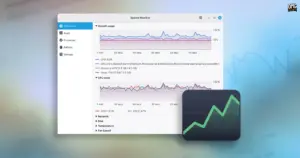
Linux Mint is preparing a major refresh of its core software lineup ahead of the upcoming Linux Mint 27 release, scheduled to arrive in December. Among the most notable additions is an entirely redesigned, homegrown system monitoring utility that will be included out of the box. Developed under the package and project name Superlight, the utility will be presented to end users under the familiar title of System Monitor, replacing the aging GNOME System Monitor that has long served as the default performance tracking tool across many distributions.
The new application represents a substantial step forward in usability and aesthetic cohesion for Linux Mint. Currently undergoing active development, Superlight brings together real-time hardware telemetry, application and process inspection, granular laptop battery statistics, and a dedicated storage analysis and cleanup interface into a unified, responsive client. While the software remains subject to feature adjustments and visual polish ahead of its first stable release, early previews show an application tailored to both routine everyday troubleshooting and in-depth performance monitoring.
Linux Mint’s Superlight Delivers a Unified Resources Dashboard
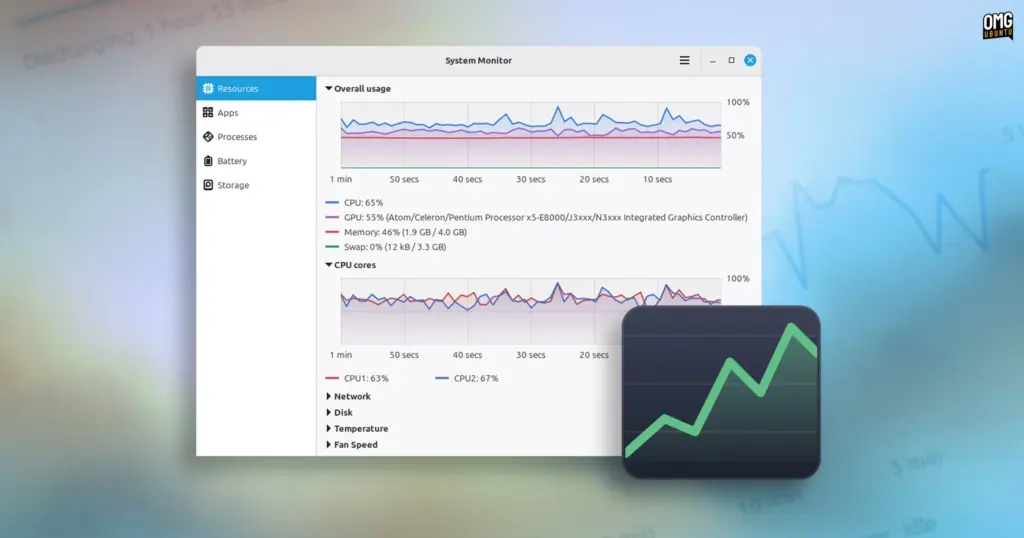
Upon launching the application, users are greeted immediately by the Resources overview, designed to deliver immediate situational awareness regarding system state. Unlike older monitoring tools that often fragment metrics into disconnected tabs or separate windows, Superlight places an "overall usage" chart at the very top of the interface. This top-level visualization simultaneously plots CPU, GPU, system memory (RAM), and Swap utilization across the preceding 60 seconds on a single unified canvas. By presenting these core hardware metrics in parallel, the software allows users to quickly correlate resource spikes—such as determining whether a sudden burst in memory consumption is pushing system state into Swap or whether an intensive graphics task is placing unexpected pressure on the central processor.
Below the combined graph, the Resources page provides dedicated secondary charts tracking specific hardware subsystems in closer detail. These include:
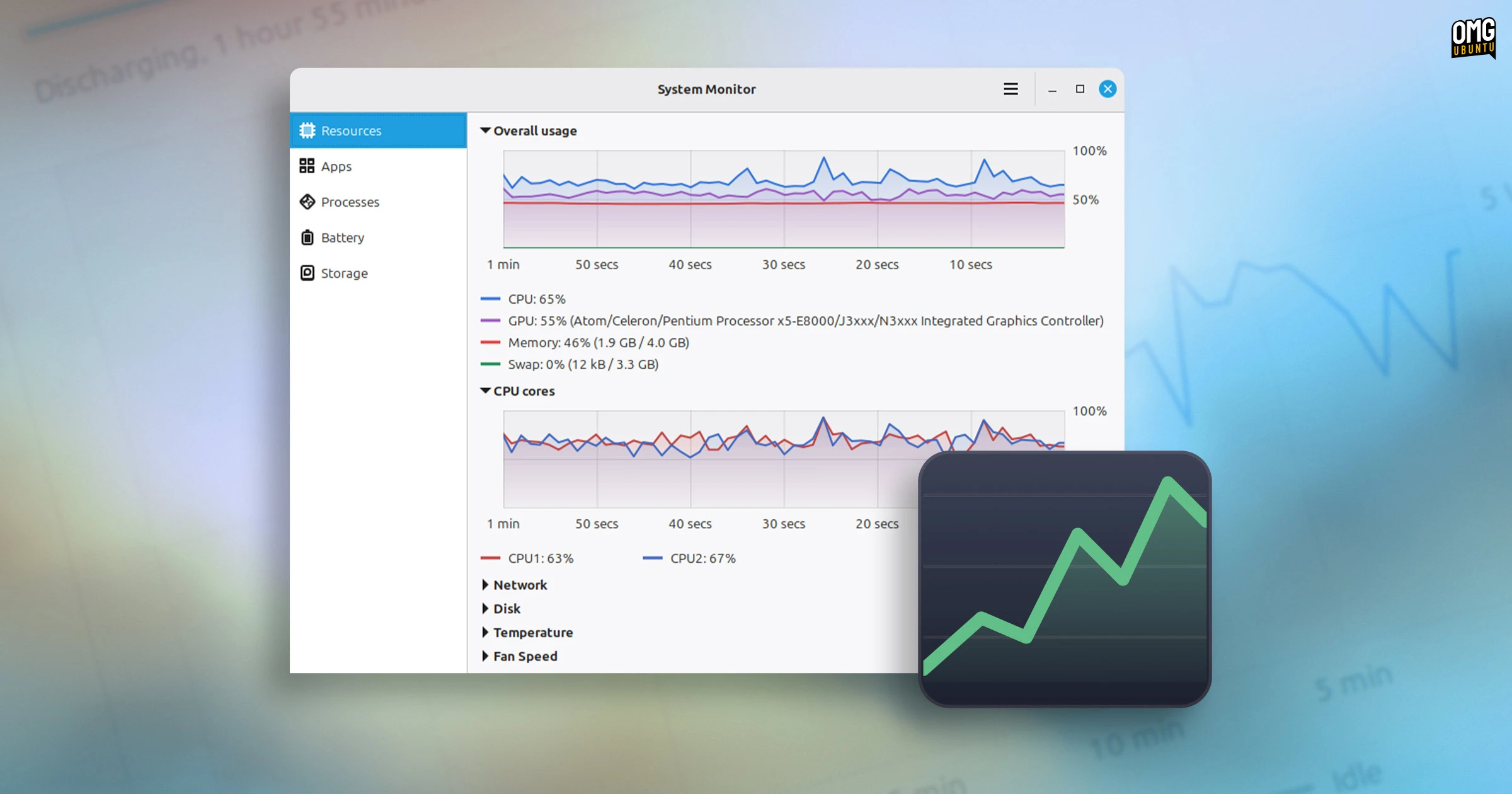
- Breakdowns of individual CPU core activity, tracking thread saturation across modern multi-core architectures.
- Network bandwidth consumption, monitoring ingress and egress data traffic.
- Storage input/output (I/O) read and write throughput.
- Dedicated thermal monitoring displaying active temperature readouts from available motherboard, chip, and drive sensors.
- Real-time fan speed tachometers, showing thermal mitigation in response to load.
To prevent visual clutter on smaller screens, all graphs within the interface are collapsible. Users can hide metrics that are not currently relevant, and when only a single graph is left active, the application dynamically enlarges the chart to fill the available viewing area, giving power users a larger, detailed timeline of specific hardware activity.
Streamlined Process and Application Inspection
Beyond hardware telemetry, Superlight overhauls process management with a tiered approach designed to accommodate both mainstream desktop users and seasoned administrators. The tool separates running tasks into two distinct navigation sections: Apps and Processes.
The Apps page offers a simplified, user-centric perspective, grouping system activity into high-level desktop applications. Each entry displays:
- Total child process count associated with the software.
- Aggregate CPU usage across all associated threads.
- Overall physical and virtual memory footprint.
Users can organize this data by clicking on any column header to sort values in ascending or descending order. Furthermore, the application allows users to click and drag column headers directly, letting them reorder information according to personal workflow preferences.
 Linux & Open Source Solutions
Ubuntu 26.10 Flavour Lineup Arrives with Updated Desktops, Architectural Changes, and the Return of Ubuntu MATE
Following the official launch of the Ubuntu 26.10 operating system, Canonical’s family...
 Linux & Open Source Solutions
Era Arrives on Flathub as a New Rust-Powered Calendar Application for the GNOME Desktop
A new open-source calendaring client has entered the Linux application ecosystem. Named...
 Linux & Open Source Solutions
Ubuntu 26.10 Flavours Arrive with Updated Desktops, System Modernization, and the Return of Ubuntu MATE
The launch of the Ubuntu 26.10 operating system cycle extends well beyond...