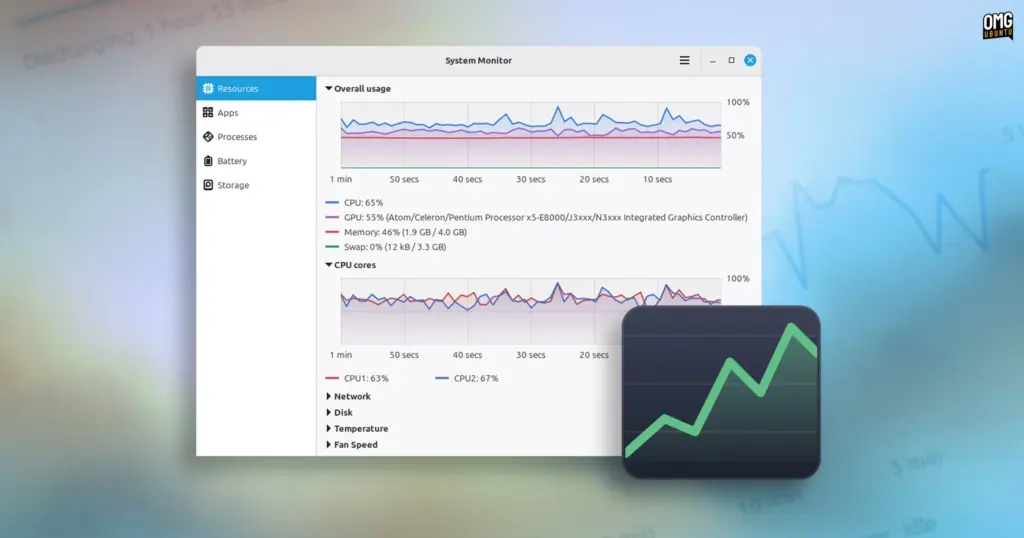
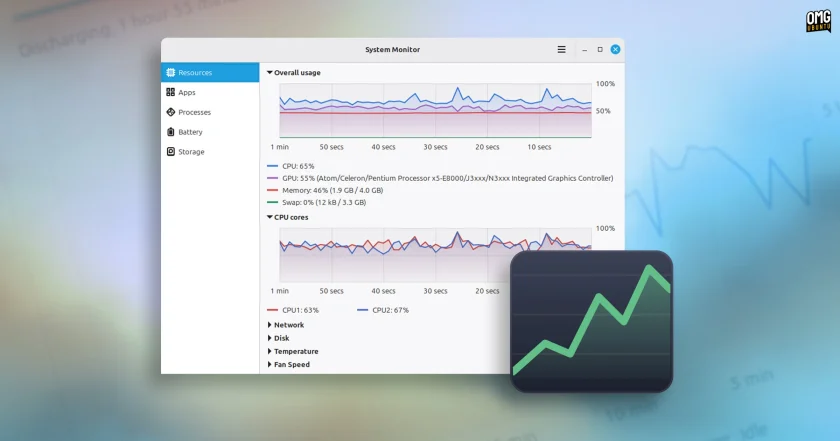
For deeper investigations into running services, background daemons, or unresponsive utilities, the Processes view provides an exhaustive view of every task running on the machine. Both the Apps and Processes pages feature an integrated, real-time search bar to filter entries quickly by name.
The Processes tab adds granular filtering toggles, allowing users to view all active processes, isolate only user-spawned programs, or focus strictly on system and background processes. To assist in troubleshooting stubborn parent-child task loops or stuck helper binaries, the view can also be switched into a hierarchical tree display, illustrating the exact parentage and dependency tree of every executing process on the operating system.
Dedicated Laptop Telemetry and Battery Diagnostics
For mobile hardware, Linux Mint’s upcoming monitor incorporates a dedicated Battery telemetry dashboard. Rather than relying solely on the desktop panel’s basic percentage indicator, the utility exposes comprehensive power metrics on a dedicated graph, tracking historical charge state, discharge patterns, and instantaneous power draw over time.
Alongside real-time power metrics, the interface calculates estimated time-to-full during charging cycles and remaining runtime projections while operating on battery power.
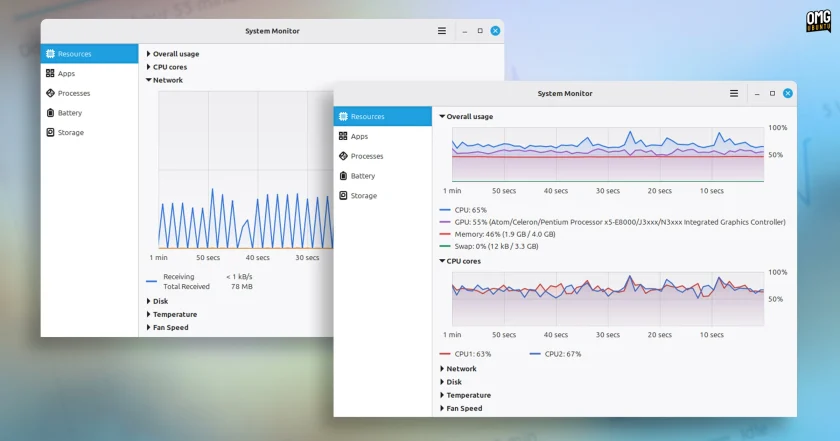
The page also functions as a hardware diagnostic panel, surfacing low-level factory battery parameters sourced directly from the system kernel:
- Manufacturer make and specific model numbers.
- Battery cell chemistry and underlying power technology.
- Design capacity compared against current maximum usable capacity.
- Total accumulated hardware charge cycles.
- An overall computed battery health assessment indicating long-term wear and degradation.
Integrated Storage Analysis and Maintenance
One of the more unique additions to Superlight is its built-in Storage dashboard—a feature not typically bundled inside classic desktop system monitors. The view serves as a faster, more accessible alternative to dedicated space-auditing tools like Disk Usage Analyzer (Baobab), offering users an immediate visual representation of how internal drives and mounted external storage volumes are being utilized.
The page maps out capacity consumption, making it straightforward to identify large directories, neglected download folders, or space-heavy media libraries without having to open separate administrative disk utilities.
Beyond passive space auditing, the Storage view doubles as a maintenance tool by integrating a direct system cleaning mechanism. Users are provided with a dedicated "Clear Cache" button designed to safely purge temporary system files and residual application caches. In testing conducted on a converted Chromebook equipped with a modest 32GB eMMC internal storage drive, invoking the cache cleanup action immediately reclaimed approximately 900MB of unnecessary files, demonstrating practical utility for low-spec and storage-constrained machines.
 Linux & Open Source Solutions
Canonical Hardens Ubuntu 26.10 Boot Security by Stripping Advanced Filesystem Parsers from Signed GRUB
Canonical has implemented a significant architectural shift in how Ubuntu 26.10 boots...
 Linux & Open Source Solutions
Ex-Microsoft dev builds a new task manager for Linux
For millions of personal computer users over the past three decades, Plummer’s...
 Linux & Open Source Solutions
Ubuntu 26.10 Introduces Top-Screen Layout Picker to Streamline Window Tiling
Ubuntu 26.10 is introducing a new way for users to organize their...