For years, the tech industry has buzzed with rumors that Google was preparing a fundamental shift in its laptop strategy. While ChromeOS has successfully carved out a massive niche in the education and budget sectors, power users and professionals have often looked toward Android for a more robust app ecosystem and tighter integration with their mobile devices. Earlier this year, Google finally bridged that gap, introducing what many had long anticipated: a full-fledged Android-based laptop experience. These devices, officially dubbed "Googlebooks," represent a natural and perhaps inevitable evolution of the Chromebook concept, signaling a new era for Google’s computing ambitions.
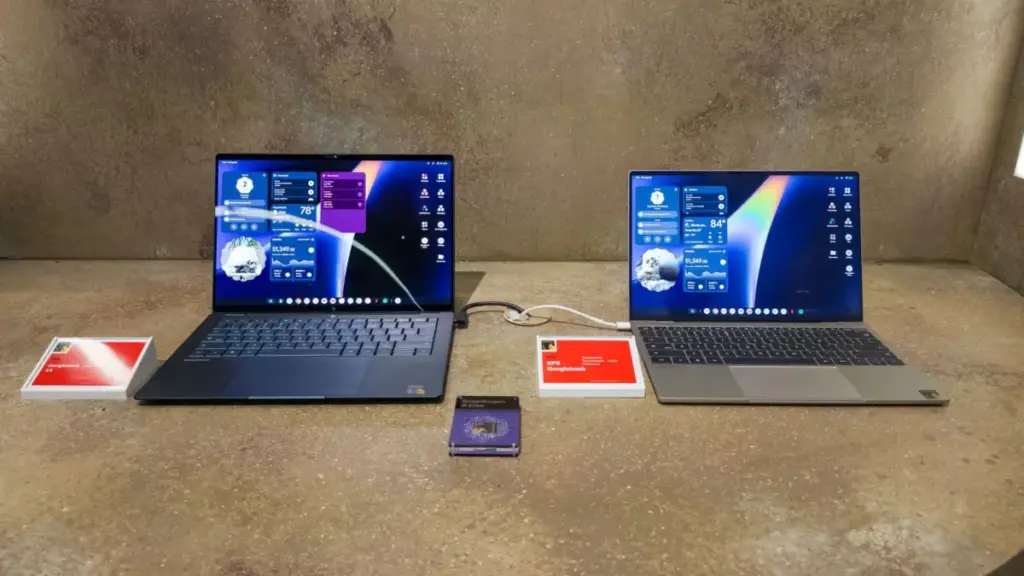
At the recent Snapdragon Summit, the first wave of these devices was on full display. Powered by Qualcomm’s high-performance silicon, these Googlebooks are designed to challenge the traditional dominance of Windows and macOS in the premium space. The transition from ChromeOS to an Android-based foundation is more than just a branding exercise; it is a complete reimagining of what a lightweight, cloud-integrated operating system can achieve when backed by modern hardware and advanced artificial intelligence.
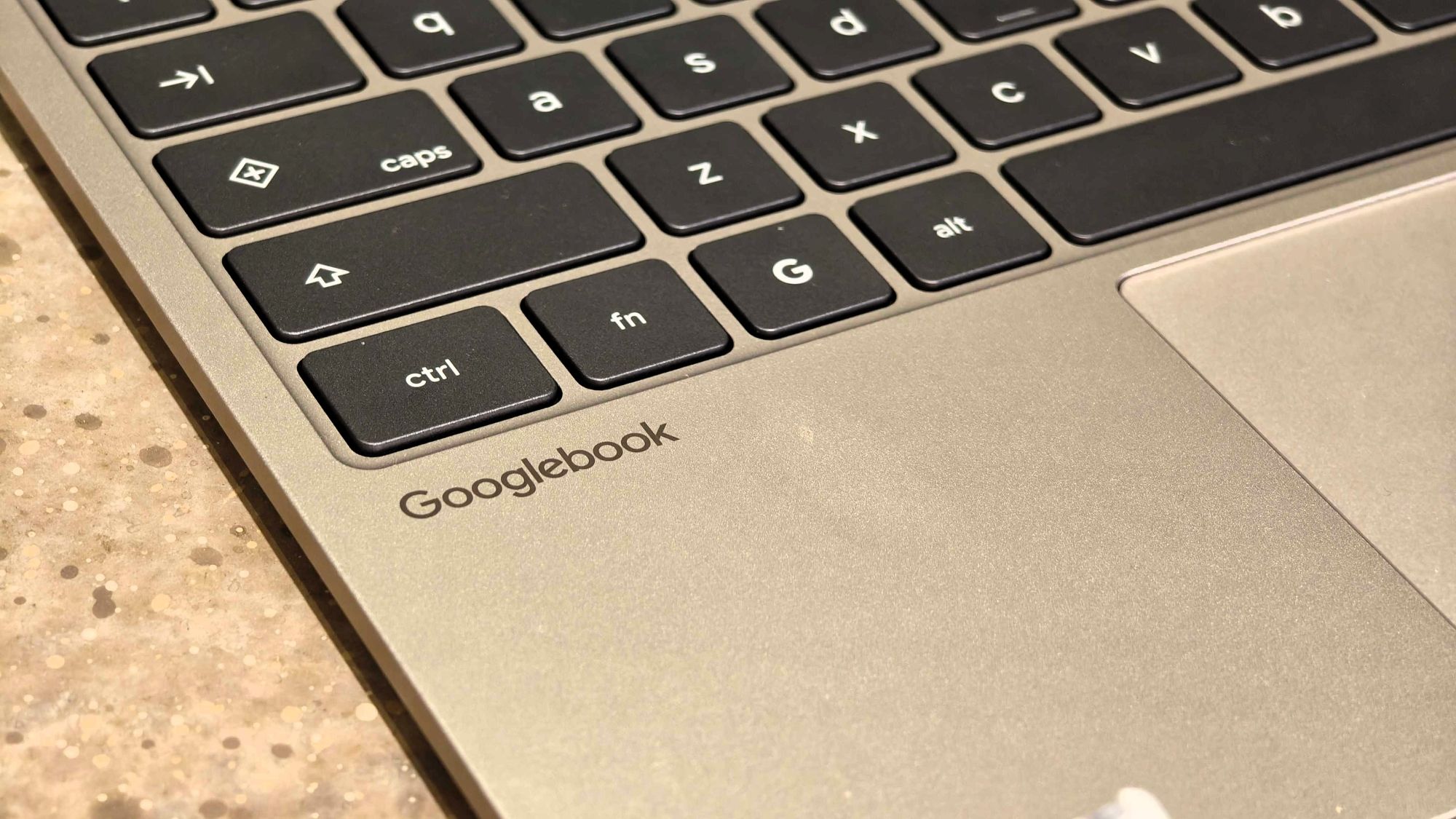
The experience of using a Googlebook is immediately familiar yet distinctly more capable than the Chromebooks of old. By merging the best elements of ChromeOS—its speed, security, and simplicity—with the vast capabilities of Android, Google is attempting to create a computing environment that is not only highly productive but also more deeply connected to the modern smartphone-centric lifestyle.
Not the Chromebook You Remember
For over a decade, the term "Chromebook" has been synonymous with affordability. These devices were built to be accessible, providing a gateway to the web for students and budget-conscious consumers. However, Googlebooks are taking a different path. The new hardware unveiled at the Snapdragon Summit makes it clear that Google is no longer content with staying in the bargain bin.
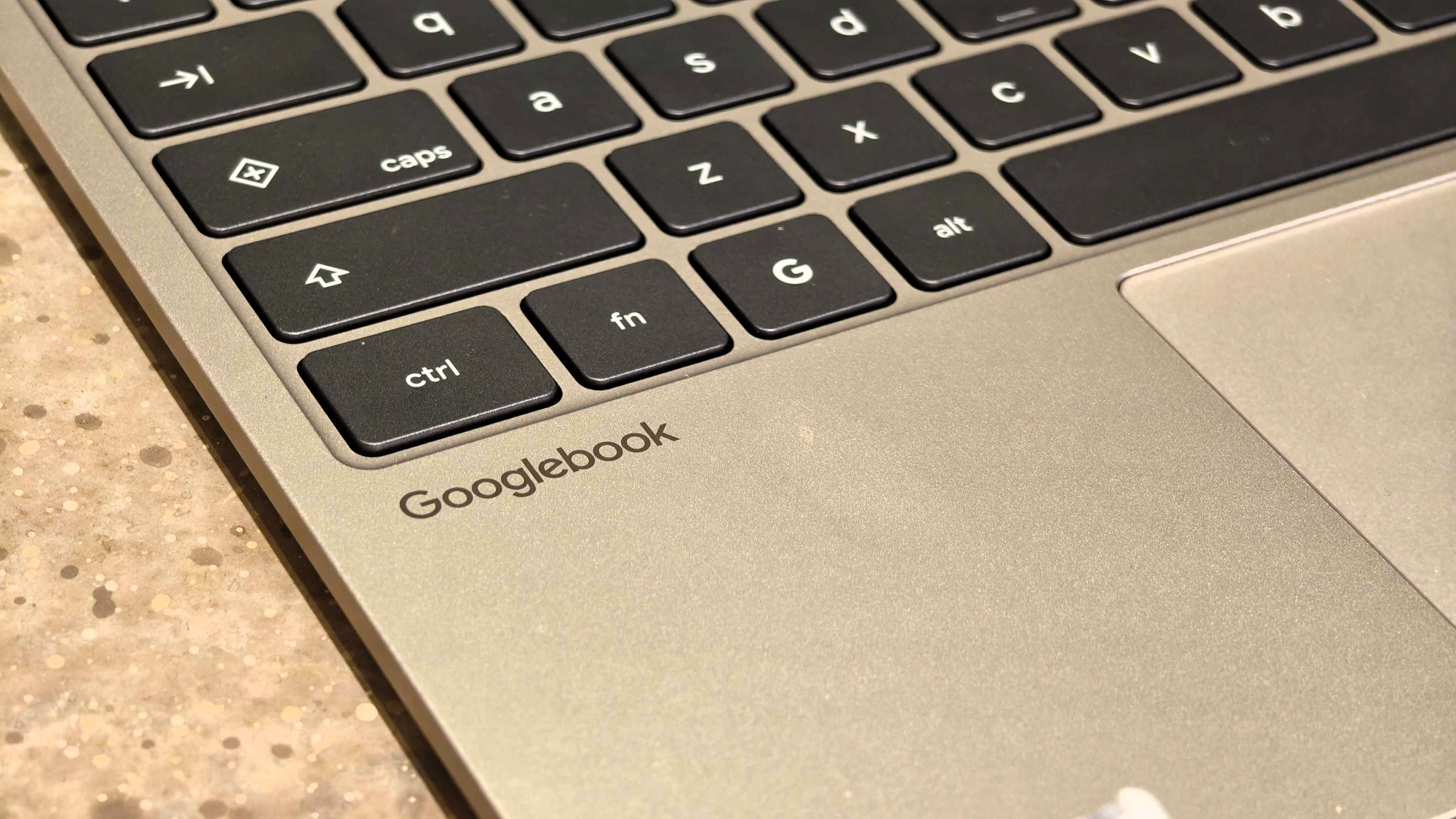
The most striking difference between the new Googlebooks and traditional Chromebooks is the price point. While the Chromebook market thrived on devices priced between $200 and $400, Googlebooks are launching with a much more premium focus. Currently, the barrier to entry is high, with the most affordable models starting at $899 and others easily surpassing the $1,000 mark.
According to industry insights shared during the summit, this pricing strategy is intentional. Google is aiming to establish Googlebooks as a premium tier of computing first, ensuring that the initial user experience is flawless and high-end. The philosophy is that it is far easier to start at the top of the market and eventually scale down to more affordable price points than it is to try and elevate a "budget" brand into the premium space. By the time cheaper Googlebooks arrive to eventually supplant the existing Chromebook lineup, the platform will have already established its reputation for quality and performance.
The hardware itself reflects this premium ambition. Two of the standout models showcased were the HP Googlebook 14 and the Dell XPS Googlebook. Both are powered by the Snapdragon X Elite, a chipset that has redefined expectations for ARM-based performance on laptops.
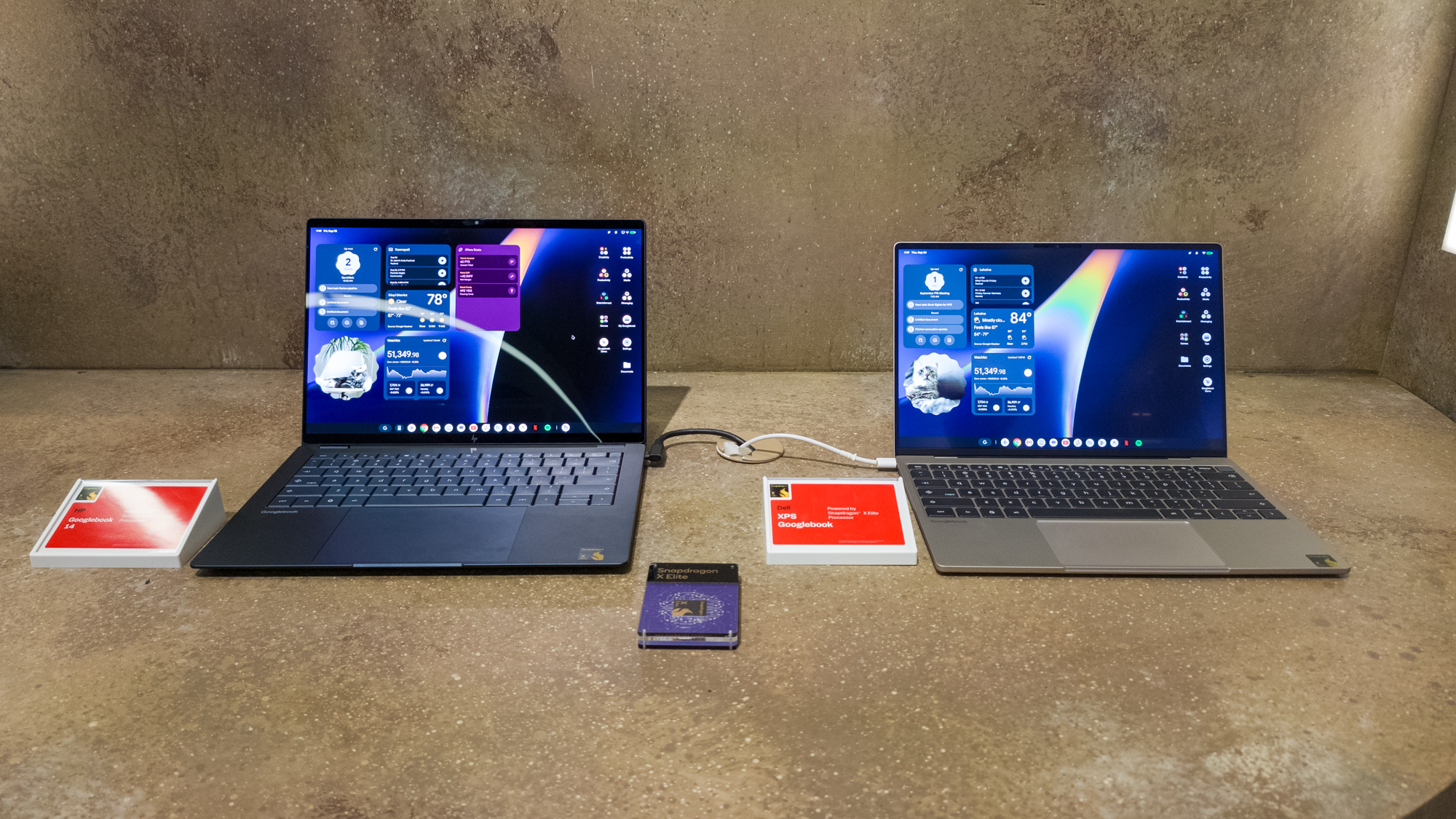
The HP Googlebook 14, priced at $1,299, is a flagship in every sense of the word. It features a stunning 14-inch OLED display that offers the kind of visual fidelity rarely seen in the ChromeOS era. With deep, true blacks and vibrant color reproduction, the screen is designed for both creative work and high-definition media consumption. The build quality is equally impressive, featuring a refined keyboard with comfortable travel and a spacious, responsive trackpad.
On the other hand, the Dell XPS Googlebook, starting at $999, brings the legendary XPS design language to the Google ecosystem. It features a 13.4-inch LCD panel with remarkably thin bezels and a matte finish designed to minimize glare in bright environments. The aluminum chassis is reminiscent of a MacBook, offering a lightweight yet incredibly sturdy feel that emphasizes portability without sacrificing the "pro" aesthetic.
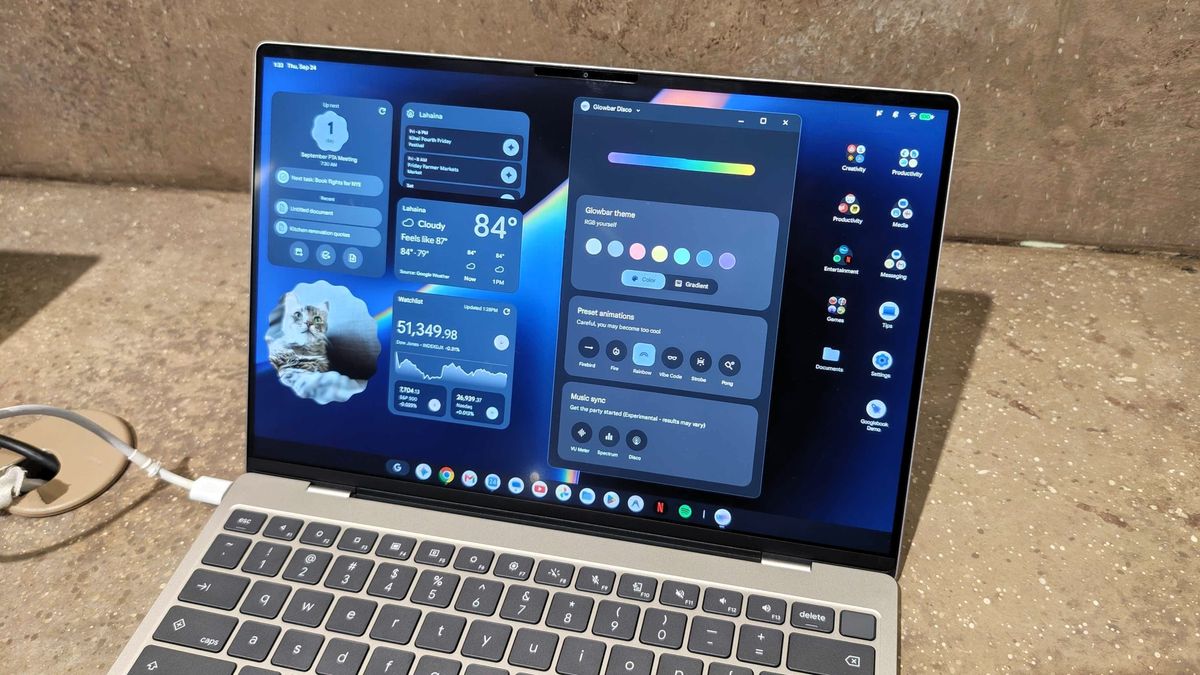
Both devices come equipped with 16GB of RAM and 512GB of internal storage, specs that align them more closely with high-end Windows ultrabooks than with the education-focused laptops of the past. They also include modern biometric security via built-in fingerprint sensors and a unique hardware feature known as the "Glowbar."
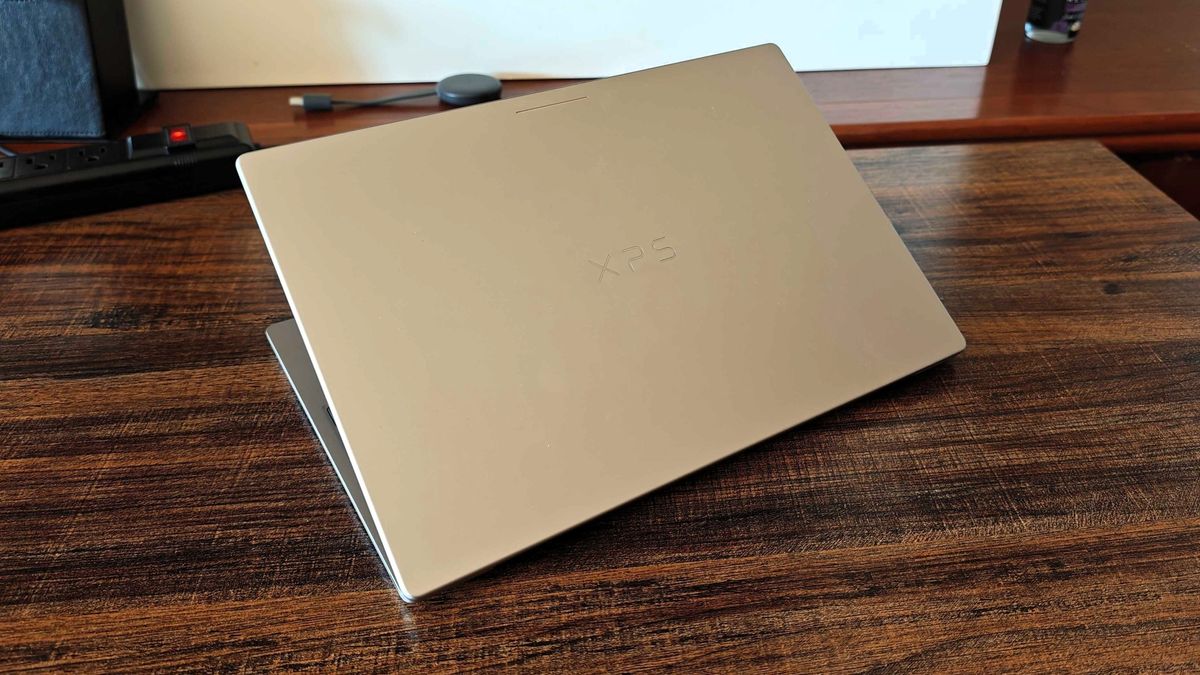
The Glowbar serves as a multifunctional status indicator, providing at-a-glance information such as battery life and active Gemini AI interactions. It adds a futuristic flair to the devices, though much of its deeper functionality remains hidden. Google has even included an "easter egg" within the system that unlocks a hidden control panel for the Glowbar, encouraging users to explore and interact with their hardware in new ways. While currently limited in scope, Google plans to expand the Glowbar’s utility, much like the HiLight feature found on the Pixel 11 Pro.
The Integration of AI and the Android Foundation
The shift to an Android foundation allows Googlebooks to leverage artificial intelligence in ways that were previously difficult on ChromeOS. With the Snapdragon X Elite’s powerful NPU (Neural Processing Unit), Googlebooks are capable of running complex AI tasks locally, providing a snappier and more private experience.
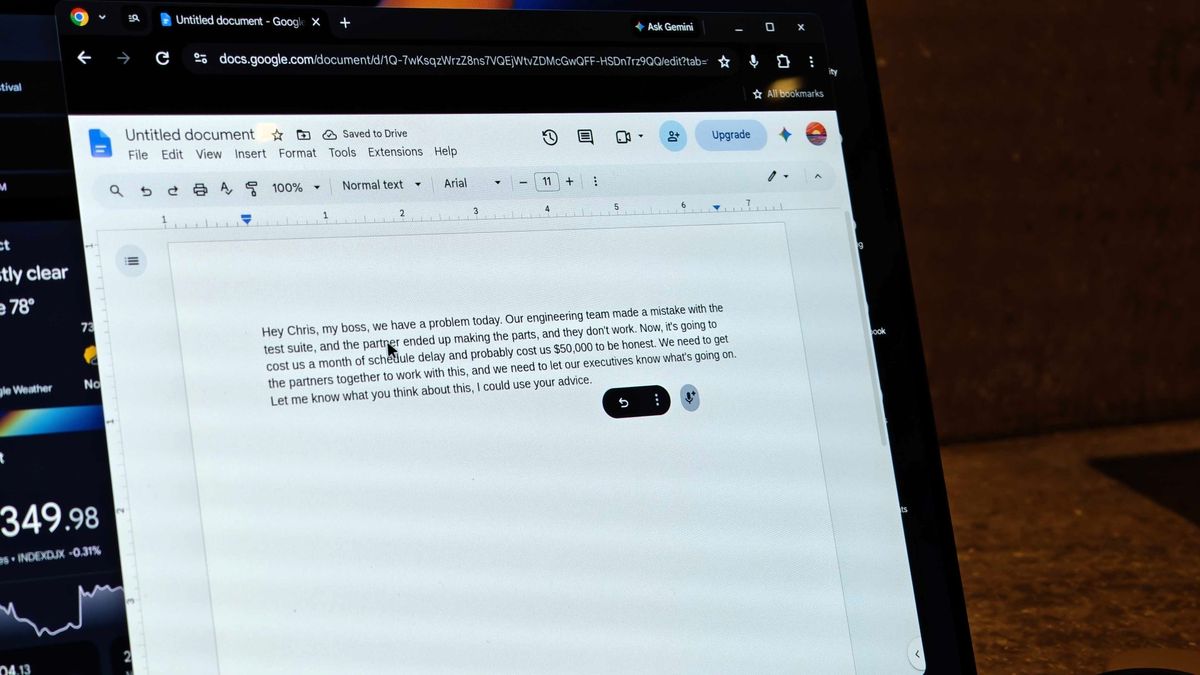
One of the most impressive AI features demonstrated was "Rambler." This tool is designed to revolutionize how users take notes and draft documents. Unlike standard dictation software, Rambler uses natural language processing to filter out disfluencies—such as "ums" and "uhs"—and can even track when a speaker changes their mind mid-sentence, adjusting the transcribed text accordingly. To emphasize the importance of this feature, Googlebooks include a dedicated Rambler key, allowing users to trigger the AI assistant instantly.
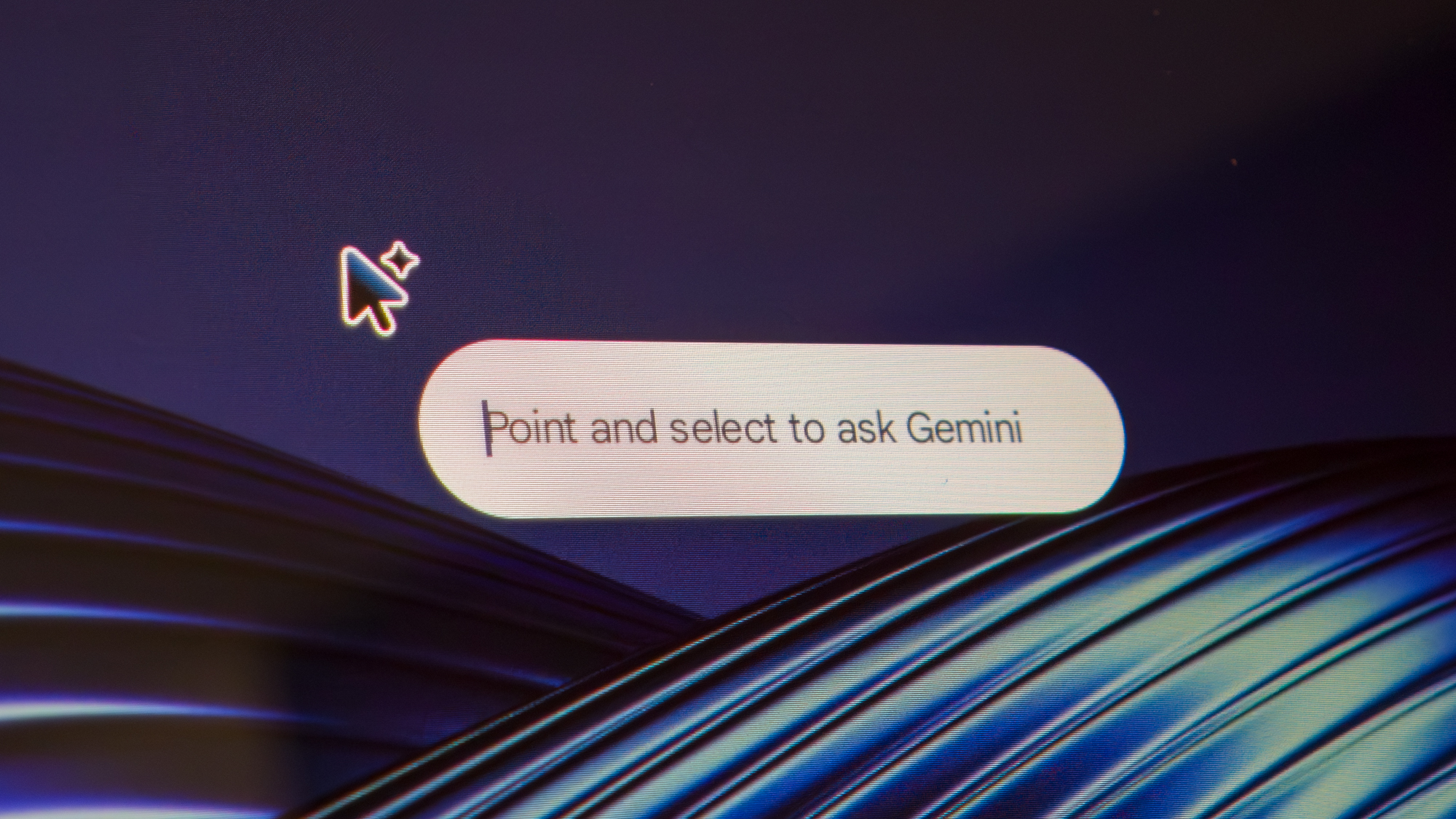
Another standout addition is the "Magic Pointer." This feature feels like a desktop-optimized version of the popular "Circle to Search" found on Pixel and Galaxy smartphones. By simply wiggling the cursor, the user activates an intelligent overlay. From there, clicking on an image, a block of text, or a specific UI element prompts a Gemini dialogue box to open in a side panel. Users can ask questions about what they see on their screen, request summaries, or even pull data from multiple items at once. It is a seamless way to integrate Google’s most powerful AI directly into the daily workflow without needing to switch tabs or apps.
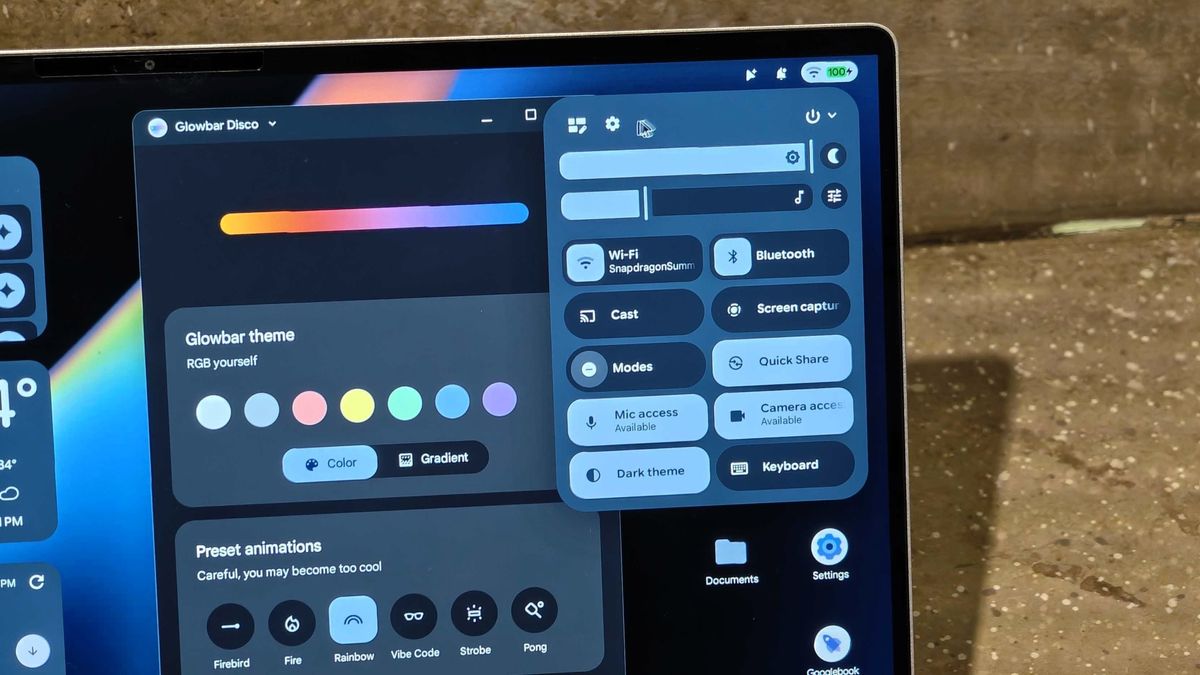
The user interface also draws heavily from the Android ecosystem. The quick settings panel and the main Settings app are nearly identical to what one would find on a Pixel Tablet, making the transition effortless for longtime Android users. The home screen supports pinned widgets for real-time information and allows for the creation of app folders, mirroring the customization options of a smartphone.
Perhaps most impressively, Googlebooks allow users to generate custom widgets using AI. By providing a specific prompt—such as "create a widget that tracks the 49ers’ score and compares it to their rivals, using a neon purple theme"—the system can build and deploy a functional, dynamic widget to the desktop in less than a minute. This level of personalization turns the desktop into a truly bespoke workspace.
A Unified Ecosystem and the Path Forward
Beyond AI, the core strength of the Googlebook lies in its ability to act as a hub for a user’s entire digital life. Because the OS is built on Android, almost any app or game available on the Play Store can be downloaded and run natively. While Google is working with developers to ensure better optimization for larger screens, the sheer breadth of the library gives Googlebooks an immediate advantage over the early days of ChromeOS.
The connectivity between a Googlebook and an Android phone is also deeper than ever. Building on the foundation of the "Phone Hub," Googlebooks allow users to cast apps directly from their phone to their laptop screen and browse their phone’s app drawer from the desktop. A new "Continue On" feature acts similarly to Apple’s Handoff, allowing a user to start a task on their mobile device and pick it up exactly where they left off on their Googlebook. File sharing is also simplified, enabling the seamless swapping of documents and photos between devices without the need for cables or third-party transfer services.
While Googlebooks are not intended to be high-end gaming rigs—native AAA PC titles are still the domain of Windows—the inclusion of services like GeForce NOW ensures that users can still enjoy high-fidelity gaming via the cloud.
As it stands, the Googlebook is a bold statement of intent. It is a device category designed for the modern professional who values mobility, AI-driven productivity, and a cohesive ecosystem. While Chromebooks will remain in the market for the foreseeable future, particularly for the institutional sectors they currently dominate, the Googlebook represents the clear path forward for Google’s consumer hardware.
The transition may take time, and the current high price points may deter some, but the underlying technology is undeniably promising. For those who have spent years wishing for a "Pixel Laptop" that truly felt like a part of the Android family, the Googlebook is the answer they have been waiting for. It is a sophisticated, powerful, and deeply intelligent take on the modern laptop, and it may just be enough to convince even the most dedicated Windows users to make the switch.
 Mobile Device Management (MDM) & Mobile OS
Power on the Move: Why High-Wattage Wired Charging is Becoming Essential for Modern Travelers
In the rapidly evolving landscape of mobile technology, the way we power...
 Mobile Device Management (MDM) & Mobile OS
Xiaomi 18 Pro Confirmed to Feature Advanced Smart Privacy Display Technology
As the global smartphone market continues to shift its focus toward specialized...
 Mobile Device Management (MDM) & Mobile OS
Google to Replace Gemini Gems with Modular ‘Skills’ Starting in October
Google is preparing a significant evolution for its artificial intelligence ecosystem, announcing...