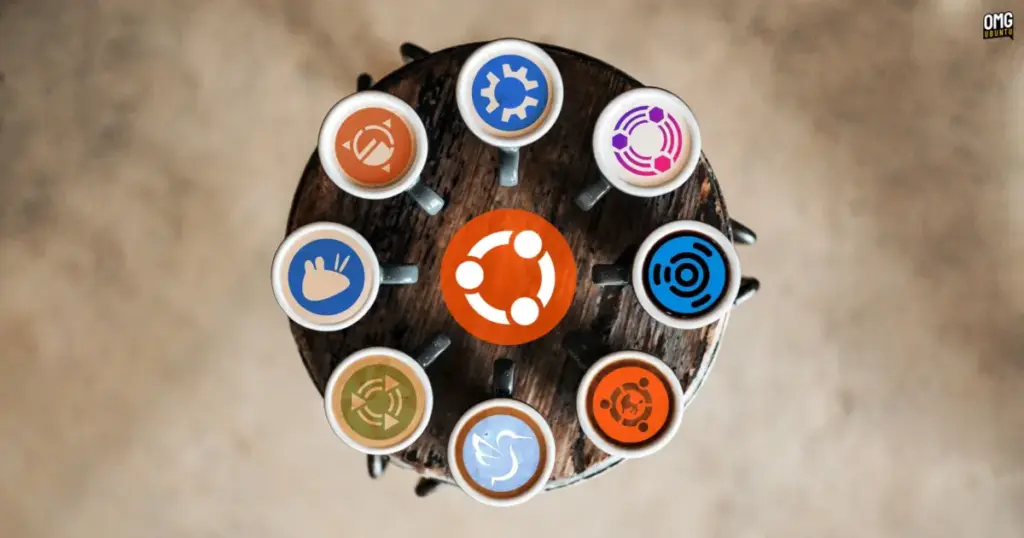
Alongside the debut of the primary distribution, the wider Ubuntu ecosystem has formally rolled out the full family of official community flavours for the Ubuntu 26.10 release cycle. The milestone brings refreshed desktop environments and software selections across long-standing community mainstays such as Kubuntu and Xubuntu, introduces incremental architectural steps across lightweight distributions, and marks a much-anticipated return for Ubuntu MATE under a reconstituted maintenance team.
Every official Ubuntu flavour continues to inherit the architectural foundation established by the core distribution. Beneath their distinct user interfaces and application stacks, each spin is powered by the Linux 7.3 kernel and the Mesa 26.2 graphics stack, alongside updated compilers, system libraries, and core developer toolchains. Central system services and distribution mechanics remain unified across the board, including full access to Snap package deployments via the Snap Store alongside traditional Debian package management.
While the core distribution showcases Canonical’s default GNOME-based desktop experience, the flavours represent the diverse computing philosophies within the Ubuntu umbrella. The 26.10 interim cycle serves as a critical testbed for broader transitions, ranging from experimental display server migrations to the ongoing modernization of long-running desktop codebases.
Ubuntu 26.10 Flavour Recap
Xubuntu 26.10
Xubuntu 26.10 arrives with the Xfce 4.20 desktop environment, delivering a balanced combination of incremental bug fixes, refined user utilities, and early display server experimentation. While Xfce has long maintained a reputation for traditionalism and dependable stability on top of the X11 windowing system, this release continues the incremental development of Wayland support. The development team has embraced a pragmatic posture regarding the newer display protocol, characterizing Wayland availability within Xfce 4.20 as an option primarily targeted at adventurous users willing to evaluate ongoing work.
A substantial portion of the day-to-day user improvements in Xubuntu 26.10 is centered in its default utility suite. The default image viewer, Ristretto, receives functional enhancements that expand its media handling capabilities: users can now shuffle image presentations randomly, take advantage of an overhauled printing pipeline, and open graphic files directly from web URLs without needing to save them locally first.
The Xfce Terminal emulator has undergone performance optimizations aimed at reducing unnecessary background CPU consumption, and it now offers a configuration toggle enabling users to disable automatic URL highlighting when working in text-heavy console sessions.
The distribution’s native screenshot utility, Screenshooter, reaches parity with modern desktop expectations by supporting both regional and full-screen screen captures under Wayland sessions. As part of an ongoing cleanup of legacy network integrations, Screenshooter has also dropped its built-in Imgur upload feature.
File searching through the Catfish utility has been adjusted so that queries default directly to searching within the currently active folder rather than initiating broad filesystem traversals. On the creative side, Xubuntu updates its graphics workstation offerings with the inclusion of GIMP 3.2.6, delivering current image manipulation tools out of the box.
Kubuntu 26.10
Kubuntu 26.10 serves as the flagship showcase for the KDE community’s software within the Ubuntu family. Although official launch communications referenced access to the newest KDE Plasma environment, the release formally incorporates KDE Plasma 6.7 rather than the very recently tagged Plasma 6.8 release. Despite trailing the latest upstream branch by one version, Plasma 6.7 represents a step forward compared to the Plasma implementation provided in Kubuntu 26.04.
The desktop environment introduces refined workflow options for multi-monitor setups. Users operating workstations with multiple physical displays can now explicitly bind specific virtual desktops to individual monitors, breaking away from historical limitations where desktop switching was forced globally across all connected panels. These multi-display virtual desktop configurations are further complemented by dedicated keyboard shortcuts designed to expedite rapid workspace navigation.
 Linux & Open Source Solutions
NexPhone Multi-OS Smartphone Delayed to March 2027 as Hardware Challenges and Price Adjustments Emerge
The NexPhone, an ambitious multi-operating system smartphone designed to bridge the divide...
 Linux & Open Source Solutions
Ex-Microsoft dev builds a new task manager for Linux
For millions of personal computer users over the past three decades, Plummer’s...
 Linux & Open Source Solutions
The Document Foundation Unveils New Visual Identity to Establish Distinct Institutional Profile Apart from LibreOffice
The Document Foundation, the charitable non-profit entity responsible for overseeing the development...