
Customization and User Experience
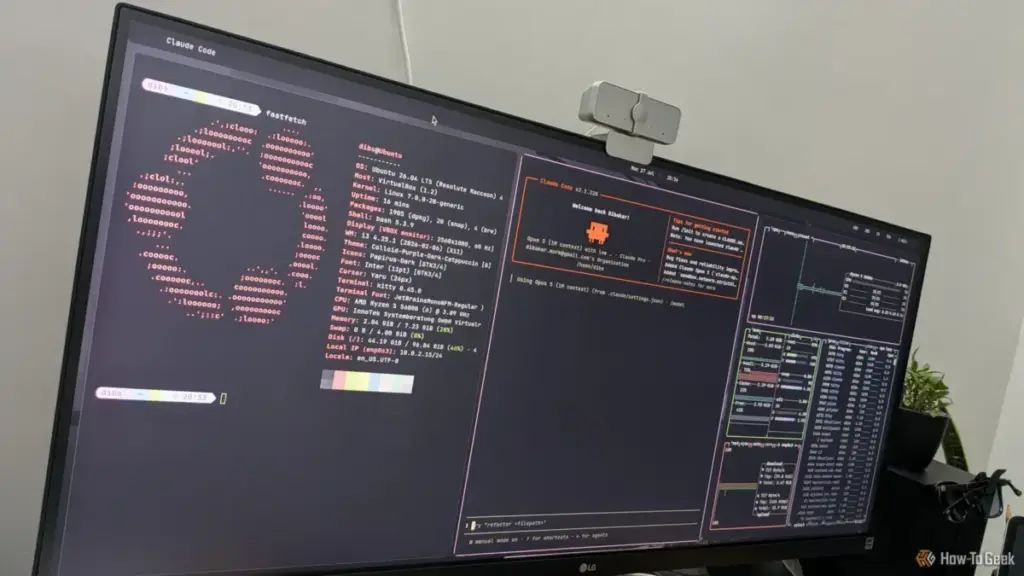
For the modern Linux user, customization is often as important as functionality. btop addresses this through a deep but accessible configuration system. Rather than forcing users to manually edit cryptic text files (though that option remains available), btop includes a built-in, game-inspired menu system. Users can change themes, adjust graph symbols, toggle specific boxes on or off, and modify the update frequency—all from within the application.
The theme support is particularly robust. btop can search through system-wide theme directories or a user-specific folder in the .config directory. This has fostered a community of users who share custom color schemes, ranging from high-contrast "matrix" greens to soft "Nord" pastels, ensuring the monitor matches the aesthetic of the user’s overall desktop environment.
Practical Implementation and the Competitive Landscape
Despite its many advantages, btop exists in a competitive ecosystem. For many, the classic "top" or "htop" is "good enough." On a minimal, headless server where the goal is a five-second check of the load average, the overhead of installing a new tool might not be justified. Furthermore, btop’s reliance on color and Unicode symbols means it is best experienced in a modern terminal emulator that supports "truecolor" (24-bit color). While btop does offer a low-color mode for older TTYs and serial consoles, the experience loses much of the visual flair that makes it unique.
There is also the question of automated parsing. btop is designed for human eyes; its output is complex and interactive. For scripts and automated monitoring systems, simpler tools like "vmstat," "iostat," or "sar" remain the superior choice, as they provide raw data that is easily piped into other applications.
However, for the desktop user, the developer, or the enthusiast, the "cost" of entry is negligible. btop is packaged in the official repositories of almost every major Linux distribution, including Ubuntu, Fedora, Arch, and Manjaro. For those on more conservative systems, a Snap package provides an easy installation path, and the source code is readily available on GitHub for those who prefer to compile their own binaries with specific hardware support enabled.
A New Standard for the Terminal
The rise of btop signifies a broader trend in the Linux community: the refusal to choose between power and beauty. It proves that the terminal does not have to be a place of austerity. By combining the data-rich environment of a professional dashboard with the speed of C++ and the accessibility of a modern UI, btop has earned its place as a must-have utility.
Whether you are a seasoned sysadmin looking for a faster way to kill runaway processes, or a newcomer wanting to see what’s happening under the hood of your new Linux installation, btop offers a window into your computer’s soul that is as informative as it is beautiful. It is a testament to the power of open-source development—taking a simple concept, refining it through multiple iterations, and ultimately producing a tool that feels essential from the very first time you type its name into the prompt.
 Tech Tutorials & How-To Guides
From Satire to Slapstick: A Curated Selection of Netflix Comedies to Cure the Workday Blues
In the modern professional landscape, the transition from a high-stress office environment...
 Tech Tutorials & How-To Guides
The Hidden Cost of DLSS: Why NVIDIA’s Software Lead No Longer Justifies the GeForce Price Premium
For over a decade, NVIDIA has cultivated a nearly impenetrable software ecosystem...
 Tech Tutorials & How-To Guides
The Precision Gap: Why the Electric Screwdriver Has Become the Essential Companion to the Cordless Drill
In the world of home improvement and DIY maintenance, the cordless drill...







