
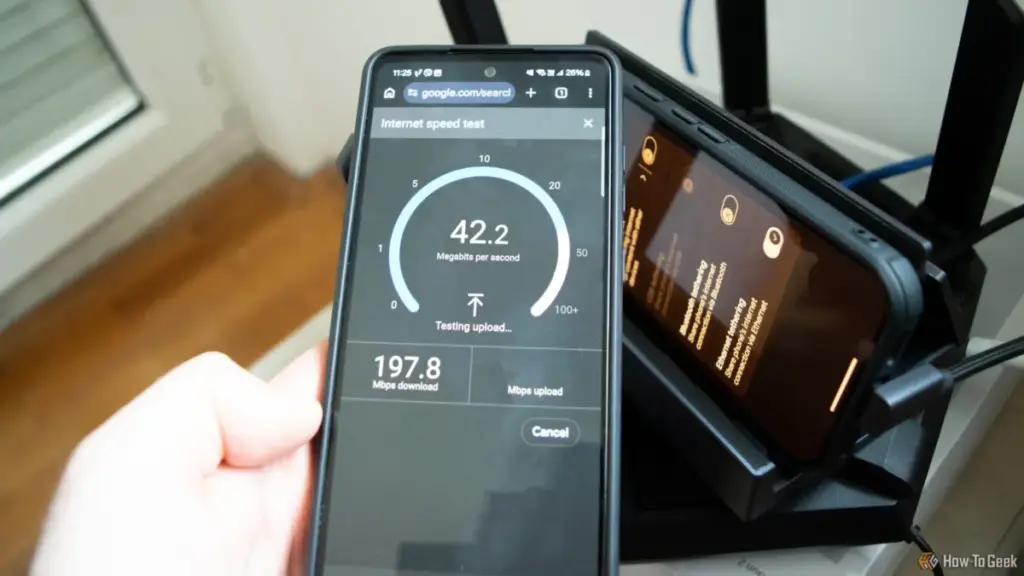
In the modern digital household, few things are as frustrating as a sluggish internet connection. When the spinning wheel of a buffering video appears or a video call begins to stutter, the instinctive reaction for most users is to reach for a web-based speed test. It is a ritual as common as rebooting a router: navigate to a testing site, click "Go," and wait for the gauge to report the megabits per second. If the numbers align with the service tier promised by the Internet Service Provider (ISP), most users breathe a sigh of relief and assume the glitch was a momentary phantom of the Wi-Fi.
However, veteran hardware experts and network engineers warn that this reliance on external speed tests can be deeply misleading. While these tools are excellent for measuring the pipe between a home and the wider world, they are remarkably poor at diagnosing the health of the physical infrastructure within the home itself. Specifically, a standard speed test is often incapable of revealing a failing, damaged, or improperly configured Ethernet cable—a component that serves as the literal backbone of a high-performance network.
Monica J. White, a seasoned technology journalist with nearly two decades of experience in PC building and hardware testing, notes that the simplicity of a speed test is its greatest weakness. Because these tests are designed to measure the end-to-end connection to a remote server, they are inherently capped by the user’s internet subscription. If a user pays for a 300Mbps plan, a speed test will never show more than 300Mbps, even if their internal hardware is capable of 10,000Mbps. This "ceiling" effectively masks hardware degradation until the hardware fails so spectacularly that it drops below the ISP’s provided speed.
The Limitations of External Benchmarking
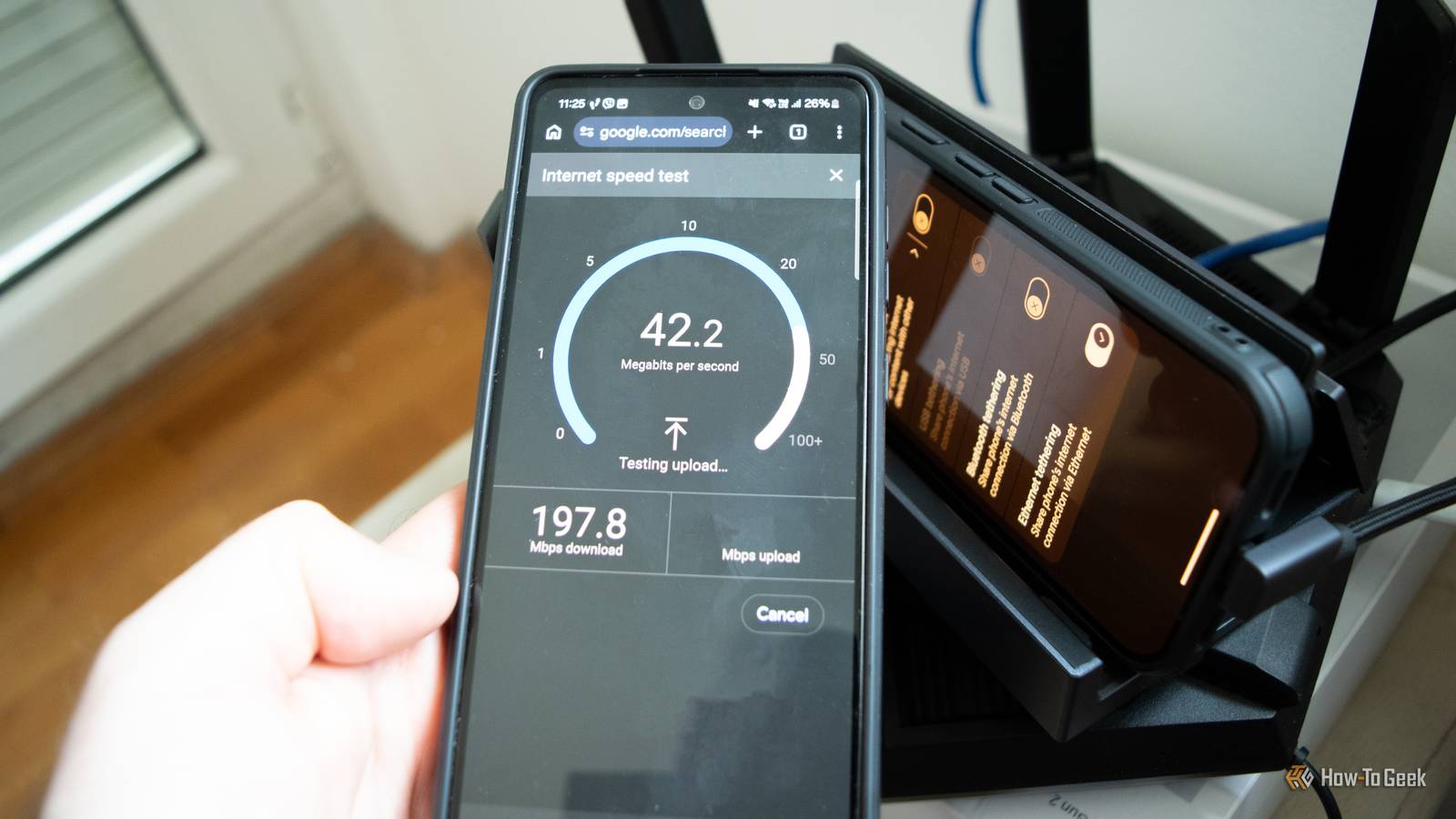
The fundamental issue with using an internet speed test to judge hardware health is the discrepancy between local network capabilities and internet service speeds. Most modern Ethernet hardware is designed for Gigabit speeds (1,000Mbps), and many newer motherboards and routers support 2.5Gbps or even 10Gbps. In contrast, many home internet plans still hover between 100Mbps and 500Mbps.
If an Ethernet cable is damaged—perhaps by a sharp bend behind a desk, a crushed locking clip, or the teeth of a curious pet—it rarely stops working entirely. Instead, the hardware often performs a "negotiated slowdown." Because the internet speed test only measures the path to a server on the web, it is influenced by dozens of external variables: ISP congestion, VPN overhead, browser extensions, and the load on the test server itself. A user might see a lower-than-expected number and blame their provider, when the reality is that their physical cable is struggling to maintain a stable link.
Furthermore, speed tests are transient. They capture a snapshot of performance over a few seconds. They are less likely to catch the intermittent packet loss or the subtle "retransmits" that occur when a cable is on the verge of failure. As long as the result falls within the "good enough" range of a household plan, a dying cable can remain hidden for months or even years, causing micro-stutters in gaming or latency spikes that a simple download gauge won’t adequately reflect.
The Mechanics of a "Sneaky" Cable Failure
To understand why an Ethernet cable can fail without actually breaking, one must look at its internal construction. A standard Category 5e or Category 6 cable contains eight individual copper wires, twisted into four distinct pairs. This design is not merely for organization; the twisting is a precise engineering requirement to cancel out electromagnetic interference and crosstalk.
 Tech Tutorials & How-To Guides
Netflix Expands October Streaming Lineup With High-Stakes Sports Dramas and Darkly Humorous Animation
As the autumn chill settles in and the evening air turns crisp,...
 Tech Tutorials & How-To Guides
Beyond the Command Line: How btop is Redefining System Monitoring for the Modern Linux User
The terminal has long been the sanctuary of the Linux power user—a...
 Tech Tutorials & How-To Guides
Essential Roadside Resilience: Why Modern Drivers are Turning to Portable Battery-Powered Solutions
The modern driving experience is often defined by a sense of seamless...







