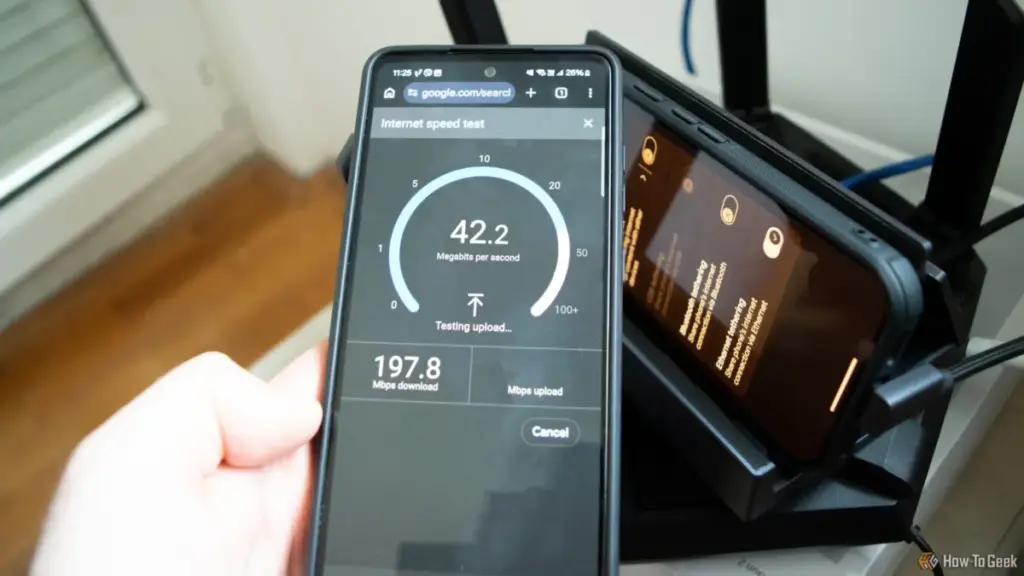

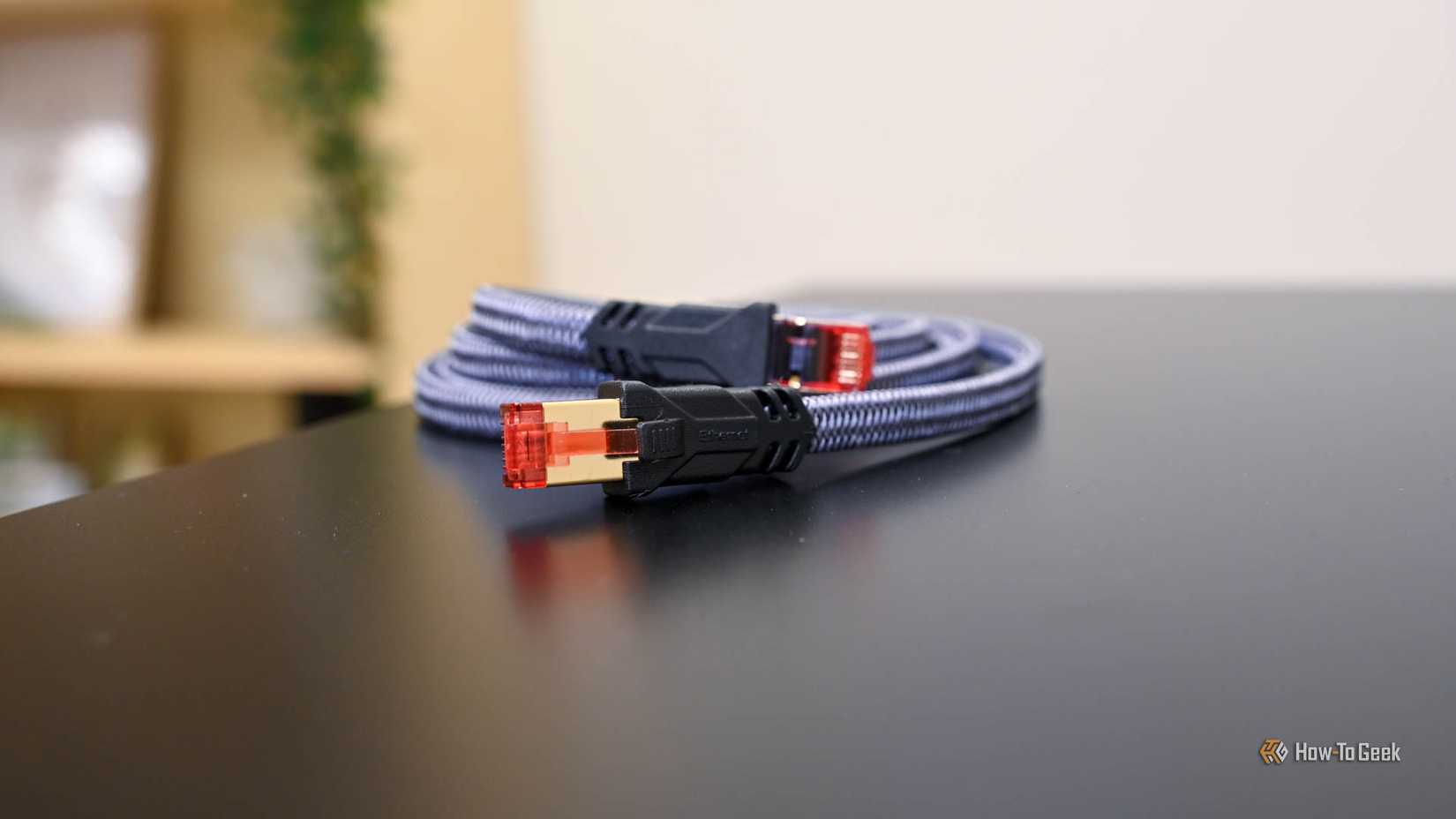
The standard for full Gigabit Ethernet, known as 1000BASE-T, requires all four pairs to be in perfect working order. However, the older 100Mbps Fast Ethernet standard only requires two of those pairs. This creates a unique failure mode: if a single wire in a Gigabit cable is severed or if the contact in the RJ45 connector becomes corroded, the network interface cards on both ends will realize they can no longer sustain a Gigabit link. Rather than cutting the connection entirely, they "renegotiate" down to the 100Mbps standard.
This is the "sneaky" failure that tricks most users. If a person pays for a 75Mbps internet plan and their Gigabit cable fails down to 100Mbps, their internet speed test will still show 75Mbps. To the user, everything looks perfect. However, their internal network—used for moving files between computers, streaming 4K media from a local server, or backing up devices—has just seen a 90% reduction in performance. In extreme cases of interference or physical damage, a modern adapter can even negotiate itself down to 10Mbps, speeds reminiscent of the early 2000s, all while the "connected" icon remains stubbornly active in the system tray.
Isolating the Local Area Network
To truly test the integrity of a network setup, experts suggest moving away from the "speed test" mentality and toward "bandwidth testing." This involves removing the internet from the equation entirely and measuring the raw data transfer rate between two devices on the same local network.
The first step in this diagnostic process is checking the "link speed" or "negotiated speed." In Windows, this is found within the Network and Internet settings under the Ethernet properties, or via a quick command in PowerShell. If a computer is equipped with a Gigabit port and is connected to a Gigabit router, but the link speed shows 100/100 (Mbps), the diagnostic is already halfway complete. The problem is almost certainly physical—either the cable, the port, or the wiring in the walls.
However, even a link that claims to be 1,000Mbps can be deceptive. A cable may be "passing" the handshake but failing during heavy load due to poor shielding or internal damage. This is where professional-grade utilities like iPerf3 become invaluable. iPerf3 is a free, open-source, command-line tool that acts as a dedicated speed test for a local network. By running one computer as a "server" and another as a "client," users can push raw data through their Ethernet cables at the maximum theoretical limit of the hardware.
In a healthy Gigabit environment, iPerf3 should report speeds in the neighborhood of 940Mbps to 980Mbps, accounting for protocol overhead. If the results are significantly lower, or if the "Retr" (retransmits) column shows a high number of errors, it is a definitive sign that the physical link is flaky. This tool allows users to see the true "ceiling" of their hardware, independent of whatever speed they are buying from their ISP.
Practical Troubleshooting and Hardware Standards
 Tech Tutorials & How-To Guides
Best Buy Slashes Price of LG 77-Inch B5 Series OLED TV by Fifty Percent in Early Holiday Sales Push
As the calendar turns and the final quarter of the year approaches,...
 Tech Tutorials & How-To Guides
Beyond the Command Line: How btop is Redefining System Monitoring for the Modern Linux User
The terminal has long been the sanctuary of the Linux power user—a...
 Tech Tutorials & How-To Guides
Asustor Lockerstor 2 Gen2+ NAS Review: A High-Security Storage Solution for Power Users and Small Businesses
In the rapidly evolving landscape of network-attached storage (NAS), the market is...