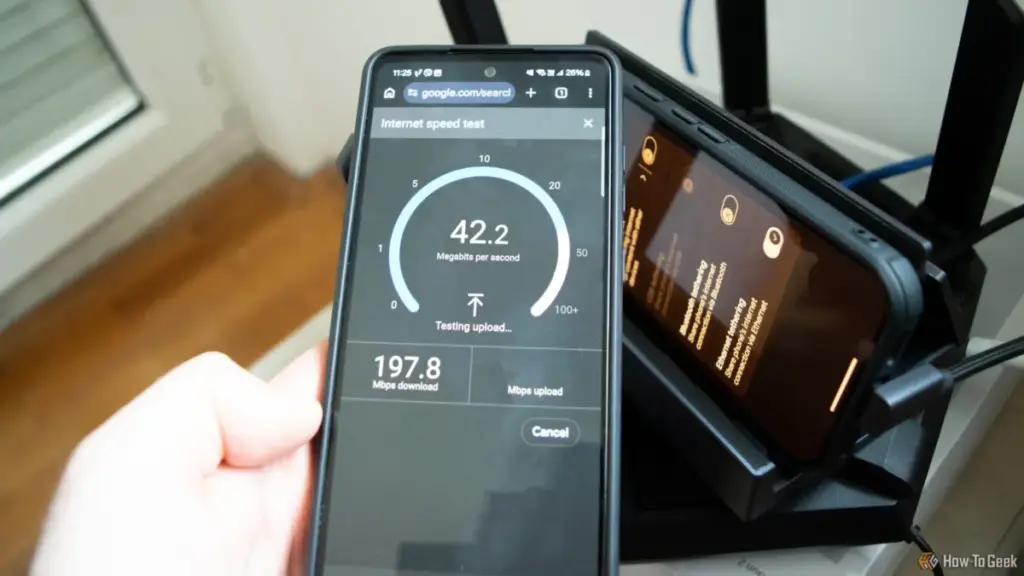
In the modern digital household, few things are as frustrating as a sluggish internet connection. When the spinning wheel of a buffering video appears or a video call begins to stutter, the instinctive reaction for most users is to reach for a web-based speed test. It is a ritual as common as rebooting a router: navigate to a testing site, click "Go," and wait for the gauge to report the megabits per second. If the numbers align with the service tier promised by the Internet Service Provider (ISP), most users breathe a sigh of relief and assume the glitch was a momentary phantom of the Wi-Fi.
However, veteran hardware experts and network engineers warn that this reliance on external speed tests can be deeply misleading. While these tools are excellent for measuring the pipe between a home and the wider world, they are remarkably poor at diagnosing the health of the physical infrastructure within the home itself. Specifically, a standard speed test is often incapable of revealing a failing, damaged, or improperly configured Ethernet cable—a component that serves as the literal backbone of a high-performance network.
Monica J. White, a seasoned technology journalist with nearly two decades of experience in PC building and hardware testing, notes that the simplicity of a speed test is its greatest weakness. Because these tests are designed to measure the end-to-end connection to a remote server, they are inherently capped by the user’s internet subscription. If a user pays for a 300Mbps plan, a speed test will never show more than 300Mbps, even if their internal hardware is capable of 10,000Mbps. This "ceiling" effectively masks hardware degradation until the hardware fails so spectacularly that it drops below the ISP’s provided speed.
The Limitations of External Benchmarking
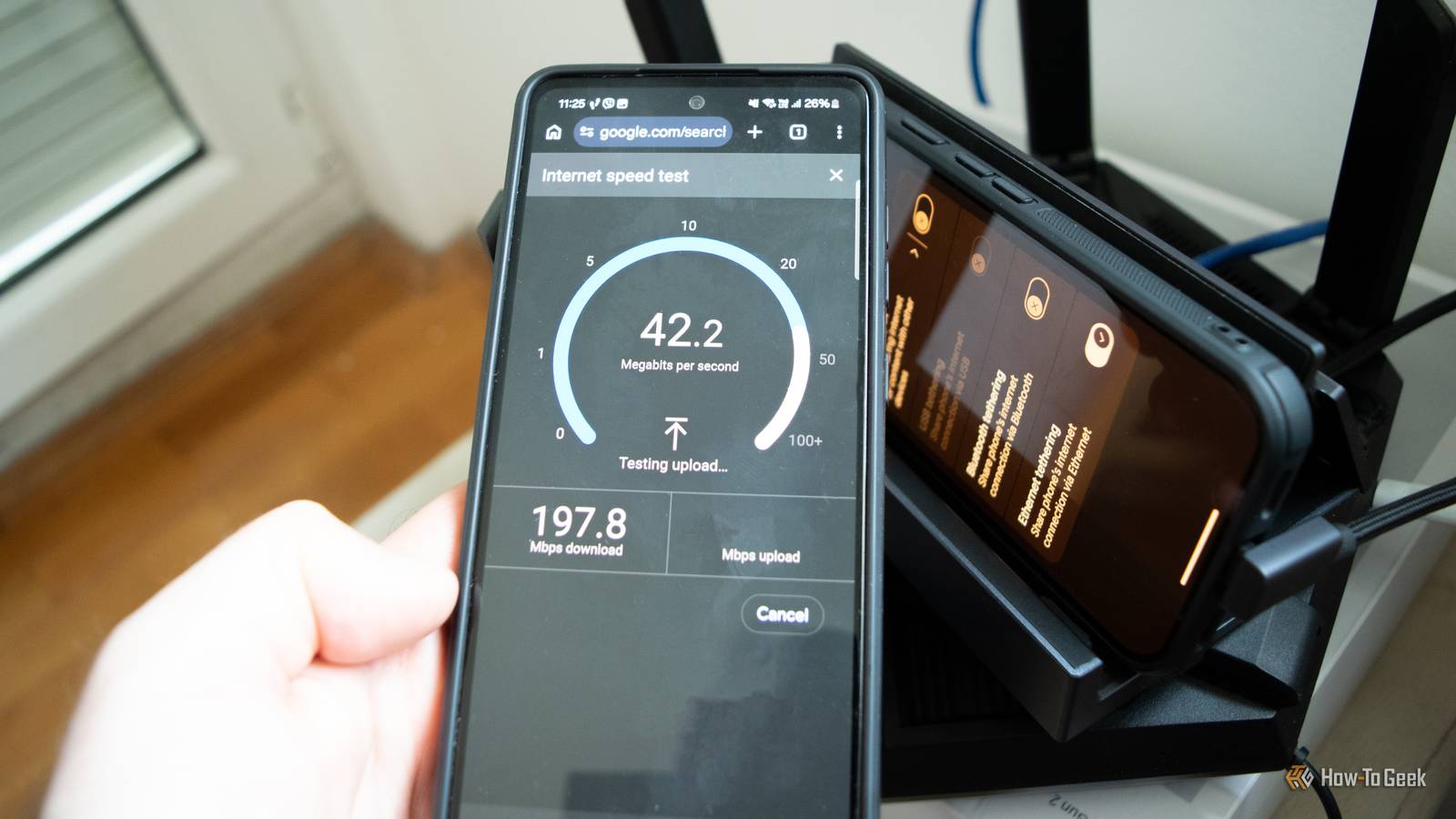
The fundamental issue with using an internet speed test to judge hardware health is the discrepancy between local network capabilities and internet service speeds. Most modern Ethernet hardware is designed for Gigabit speeds (1,000Mbps), and many newer motherboards and routers support 2.5Gbps or even 10Gbps. In contrast, many home internet plans still hover between 100Mbps and 500Mbps.
If an Ethernet cable is damaged—perhaps by a sharp bend behind a desk, a crushed locking clip, or the teeth of a curious pet—it rarely stops working entirely. Instead, the hardware often performs a "negotiated slowdown." Because the internet speed test only measures the path to a server on the web, it is influenced by dozens of external variables: ISP congestion, VPN overhead, browser extensions, and the load on the test server itself. A user might see a lower-than-expected number and blame their provider, when the reality is that their physical cable is struggling to maintain a stable link.
Furthermore, speed tests are transient. They capture a snapshot of performance over a few seconds. They are less likely to catch the intermittent packet loss or the subtle "retransmits" that occur when a cable is on the verge of failure. As long as the result falls within the "good enough" range of a household plan, a dying cable can remain hidden for months or even years, causing micro-stutters in gaming or latency spikes that a simple download gauge won’t adequately reflect.
The Mechanics of a "Sneaky" Cable Failure
To understand why an Ethernet cable can fail without actually breaking, one must look at its internal construction. A standard Category 5e or Category 6 cable contains eight individual copper wires, twisted into four distinct pairs. This design is not merely for organization; the twisting is a precise engineering requirement to cancel out electromagnetic interference and crosstalk.

The standard for full Gigabit Ethernet, known as 1000BASE-T, requires all four pairs to be in perfect working order. However, the older 100Mbps Fast Ethernet standard only requires two of those pairs. This creates a unique failure mode: if a single wire in a Gigabit cable is severed or if the contact in the RJ45 connector becomes corroded, the network interface cards on both ends will realize they can no longer sustain a Gigabit link. Rather than cutting the connection entirely, they "renegotiate" down to the 100Mbps standard.
This is the "sneaky" failure that tricks most users. If a person pays for a 75Mbps internet plan and their Gigabit cable fails down to 100Mbps, their internet speed test will still show 75Mbps. To the user, everything looks perfect. However, their internal network—used for moving files between computers, streaming 4K media from a local server, or backing up devices—has just seen a 90% reduction in performance. In extreme cases of interference or physical damage, a modern adapter can even negotiate itself down to 10Mbps, speeds reminiscent of the early 2000s, all while the "connected" icon remains stubbornly active in the system tray.
Isolating the Local Area Network
To truly test the integrity of a network setup, experts suggest moving away from the "speed test" mentality and toward "bandwidth testing." This involves removing the internet from the equation entirely and measuring the raw data transfer rate between two devices on the same local network.
The first step in this diagnostic process is checking the "link speed" or "negotiated speed." In Windows, this is found within the Network and Internet settings under the Ethernet properties, or via a quick command in PowerShell. If a computer is equipped with a Gigabit port and is connected to a Gigabit router, but the link speed shows 100/100 (Mbps), the diagnostic is already halfway complete. The problem is almost certainly physical—either the cable, the port, or the wiring in the walls.
However, even a link that claims to be 1,000Mbps can be deceptive. A cable may be "passing" the handshake but failing during heavy load due to poor shielding or internal damage. This is where professional-grade utilities like iPerf3 become invaluable. iPerf3 is a free, open-source, command-line tool that acts as a dedicated speed test for a local network. By running one computer as a "server" and another as a "client," users can push raw data through their Ethernet cables at the maximum theoretical limit of the hardware.
In a healthy Gigabit environment, iPerf3 should report speeds in the neighborhood of 940Mbps to 980Mbps, accounting for protocol overhead. If the results are significantly lower, or if the "Retr" (retransmits) column shows a high number of errors, it is a definitive sign that the physical link is flaky. This tool allows users to see the true "ceiling" of their hardware, independent of whatever speed they are buying from their ISP.
Practical Troubleshooting and Hardware Standards
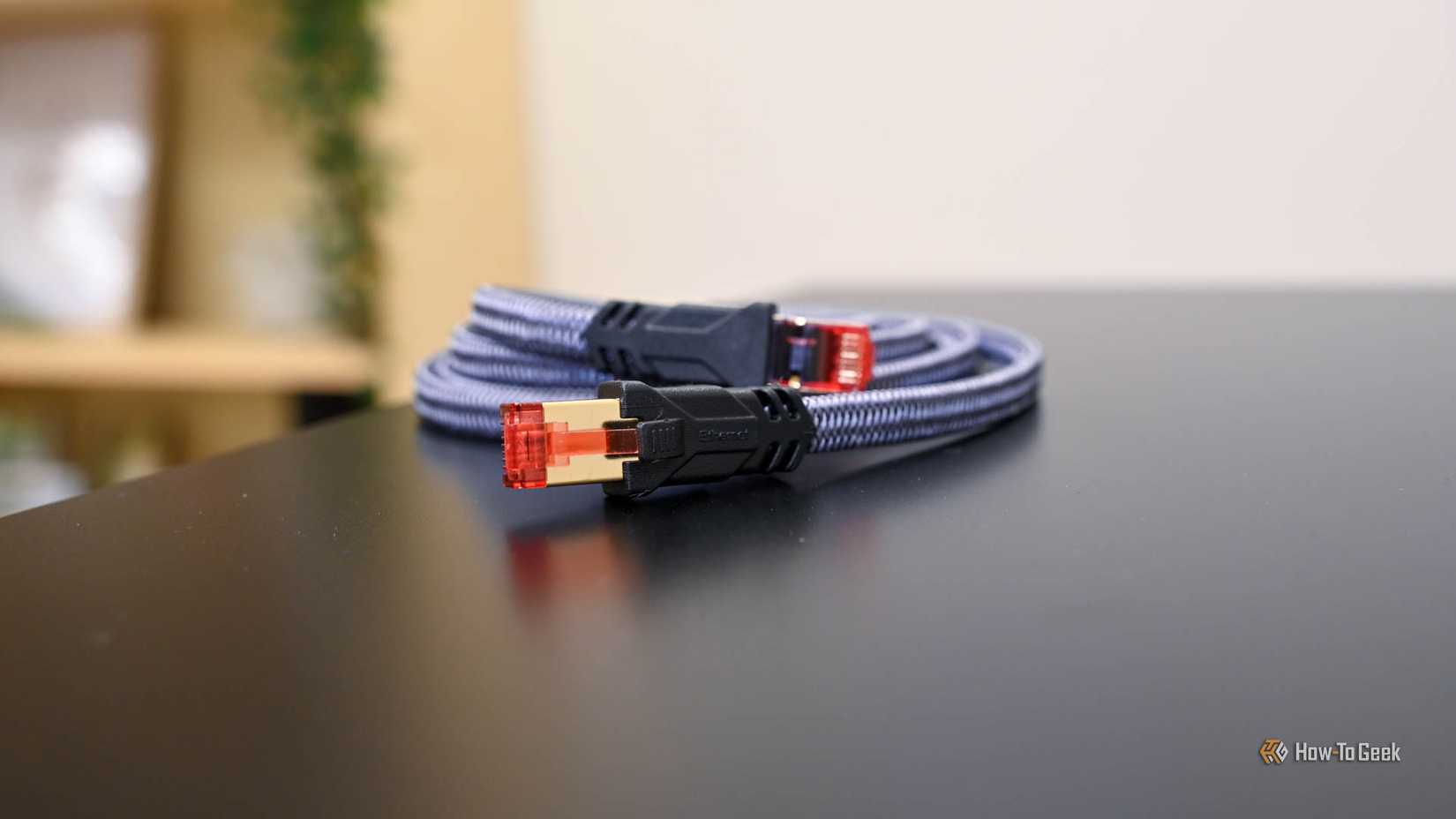
When a test finally points toward a cable issue, the solution is often simpler than the diagnosis. The most effective troubleshooting method remains the "swap test." By replacing a suspected long-run cable with a known-good, short factory-made cable, a user can instantly see if their performance improves. This is particularly relevant for long cable runs; Ethernet has a theoretical limit of 100 meters (328 feet), but poor-quality cables or those subjected to environmental stress can see signal degradation much sooner.
For those who manage a significant amount of wiring, a basic hardware cable tester—often available for a nominal price—is a worthwhile investment. These devices use a series of LED lights to verify that all eight wires are making contact and are mapped to the correct pins on both ends. While they won’t detect subtle issues like electromagnetic interference, they are perfect for catching broken wires or poorly crimped connectors.

When it comes to replacing faulty hardware, the market is often flooded with marketing jargon regarding cable categories. While Cat5e is technically capable of Gigabit speeds, Cat6 has become the recommended baseline for modern homes due to its better internal shielding and tighter twists, which allow for more reliable data transmission over longer distances.
Interestingly, tech experts often advise against the "panic-buying" of high-category cables like Cat8 for standard residential use. While Cat8 is designed for data centers and massive bandwidth, its benefits are virtually non-existent in a home environment where the hardware doesn’t support those speeds. In many cases, a well-made Cat6 cable is more than sufficient for the next decade of home networking.
A Holistic Approach to Connectivity
The takeaway for the modern consumer is that a speed test is not a universal diagnostic tool; it is a specific measurement of a specific service. It answers the question, "Is my ISP doing its job?" but it fails to answer, "Is my house doing its job?"
As internet plans continue to climb toward and beyond the Gigabit mark, the "masking" effect of slow internet plans will begin to disappear. Users with 1Gbps or 2Gbps fiber connections will notice a faulty Ethernet cable immediately because their speed tests will suddenly hit a hard wall at 100Mbps. But for the millions of users still on sub-Gigabit plans, the responsibility of monitoring hardware health remains a manual task.
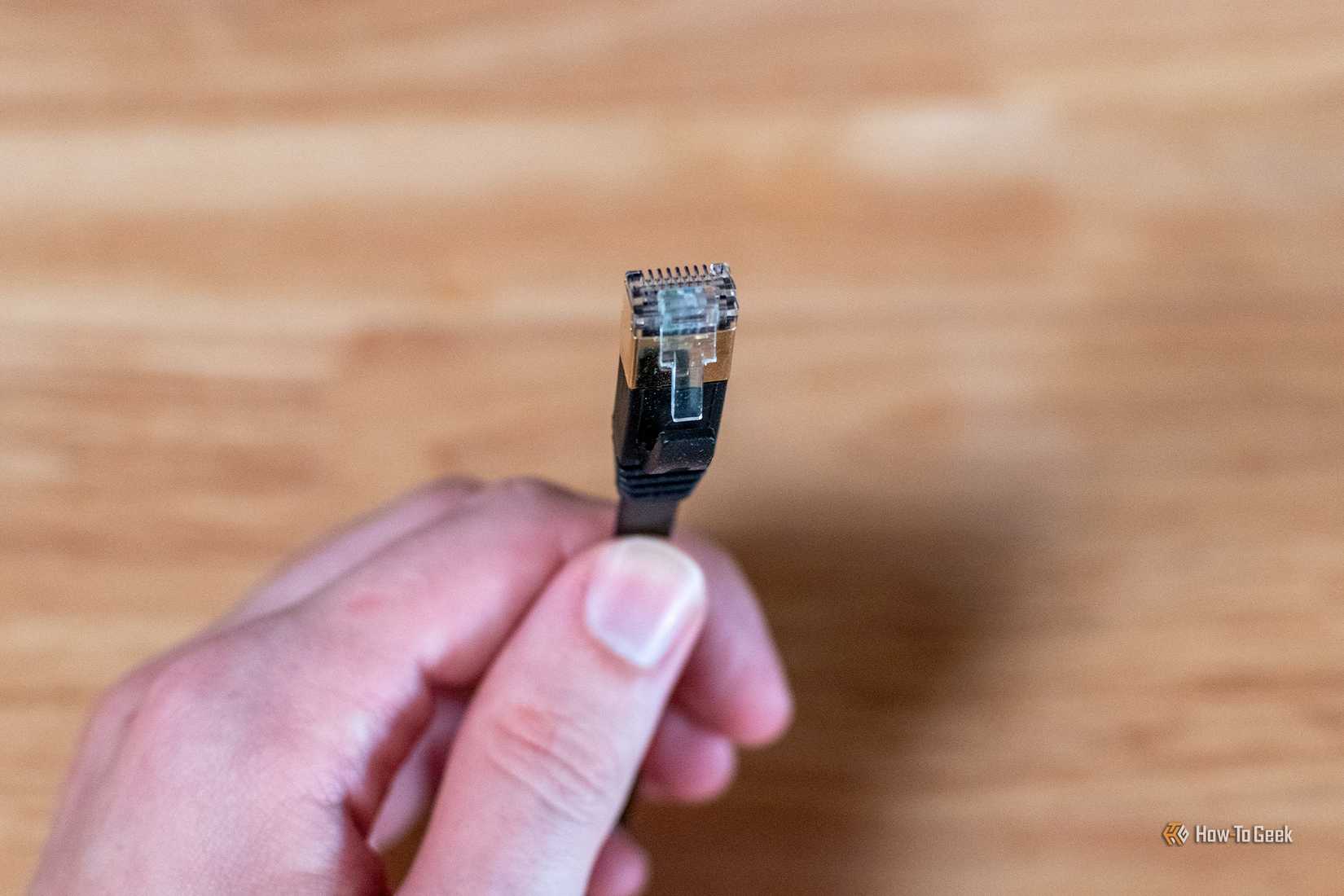
By occasionally checking link speeds and utilizing local bandwidth tools like iPerf3, users can ensure that their hardware isn’t quietly sabotaging their experience. In an era where work, education, and entertainment all rely on the stability of a home network, understanding the difference between a service problem and a hardware failure is the key to maintaining a truly seamless digital life. The internet may be wireless for our phones and tablets, but for the devices that matter most, the copper wires hidden behind our desks remain the foundation—and even the strongest foundation eventually needs an inspection.
 Tech Tutorials & How-To Guides
Battle of the Store Brands: How Ryobi, Craftsman, and Hyper Tough Reshape the DIY Power Tool Market
In the modern landscape of home improvement, the barrier to entry for...
 Tech Tutorials & How-To Guides
Reliability Without the Premium Price: The Evolution of Affordable Multi-Tools for Modern Everyday Carry
The concept of "Everyday Carry," or EDC, has evolved from a niche...
 Tech Tutorials & How-To Guides
The Fragile Alliance: Why Windows Continues to Disrupt Dual-Boot Linux Environments
For many technology enthusiasts and professionals, the ideal computing environment involves a...