
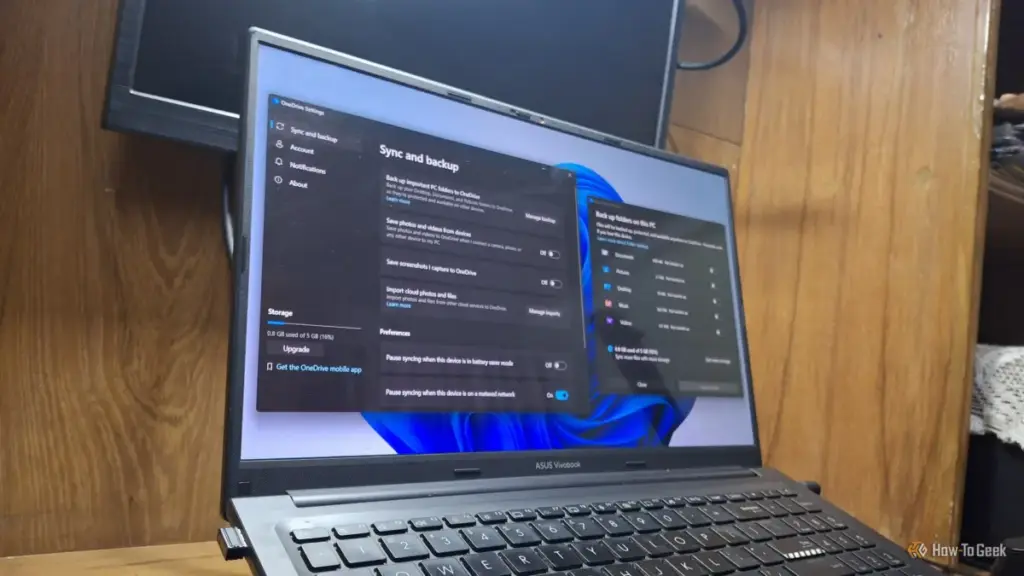
For years, Microsoft Windows has been criticized for an increasing reliance on "bloatware" and the integration of features that many users find more intrusive than helpful. While the operating system remains the dominant force in global computing, its evolution has been marked by a shift toward cloud-centric services that often bypass explicit user consent. Among these features, OneDrive Folder Backup has emerged as a significant point of contention, representing a convergence of performance degradation, aggressive monetization strategies, and profound privacy concerns.
As Microsoft continues to refine Windows 11, the line between a local operating system and a cloud-based service platform has blurred. For many users, this transition is not merely a technical shift but a fundamental change in how they interact with their own data. The automatic activation of OneDrive Folder Backup is a prime example of this trend, turning what was once a choice into a default state that many users may not even realize they have entered.
Your Desktop, Documents, and Pictures Probably Aren’t Where You Think
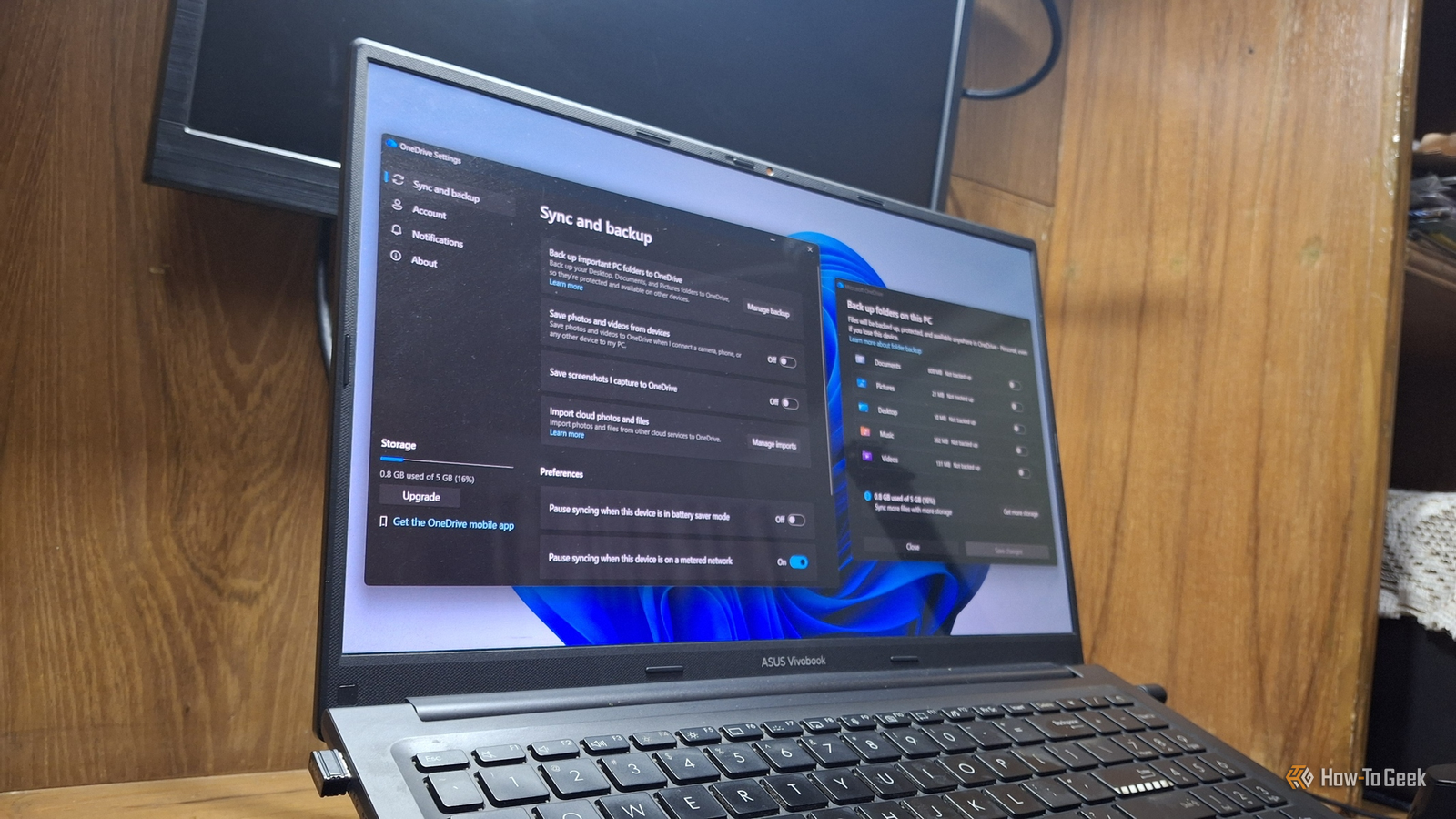
The primary function of OneDrive Folder Backup is to redirect the default paths of a user’s most critical folders—specifically Desktop, Documents, and Pictures—into the OneDrive directory. On the surface, this is marketed as a seamless way to ensure that important files are constantly synchronized with the cloud. However, the implementation of this feature has become increasingly aggressive.
In recent iterations of the operating system, specifically Windows 11 version 25H2, Microsoft has moved away from requesting permission to enable this synchronization. Instead, the feature is frequently activated automatically during the initial system setup (OOBE) when a user signs in with a Microsoft account. This "opt-out" rather than "opt-in" approach means that many users are unknowingly hosting their personal files on Microsoft’s servers from the moment they first boot their PCs.
The technical reality of this shift is often hidden from the casual user. When Folder Backup is active, the physical location of a file on the hard drive is no longer under the user’s direct profile folder in the traditional sense; it is nested within the OneDrive ecosystem. This can be verified by inspecting the properties of the Documents or Pictures folders, where the file path will explicitly include the OneDrive directory. For those who prefer a traditional local-first storage model, this redirection is often discovered only after they notice sync icons appearing on their desktop icons or receive notifications about cloud storage limits.
Why Microsoft Wants Your Folders in Its Cloud

The push toward cloud integration is not merely a matter of providing a safety net for user data. While Microsoft officially positions Folder Backup as a protective measure—ensuring that files are recoverable even if a device is lost or suffers a hardware failure—there is a clear economic incentive driving the policy.
 Tech Tutorials & How-To Guides
Paramount+ Expands Library with Major October Update as Spooky Season Begins
As the calendar turns to October and the first chill of autumn...
 Tech Tutorials & How-To Guides
Paramount+ Strengthens its Cinematic Portfolio with a Strategic Blend of Modern Reboots and Timeless Masterpieces
As the streaming landscape continues to evolve through shifting subscriptions and platform...
 Tech Tutorials & How-To Guides
Netflix’s November Documentary Slate Explores Cartel Shadows, Comedy Legends, and Decades-Old Mysteries
As the streaming landscape continues to evolve, documentaries have emerged as one...







