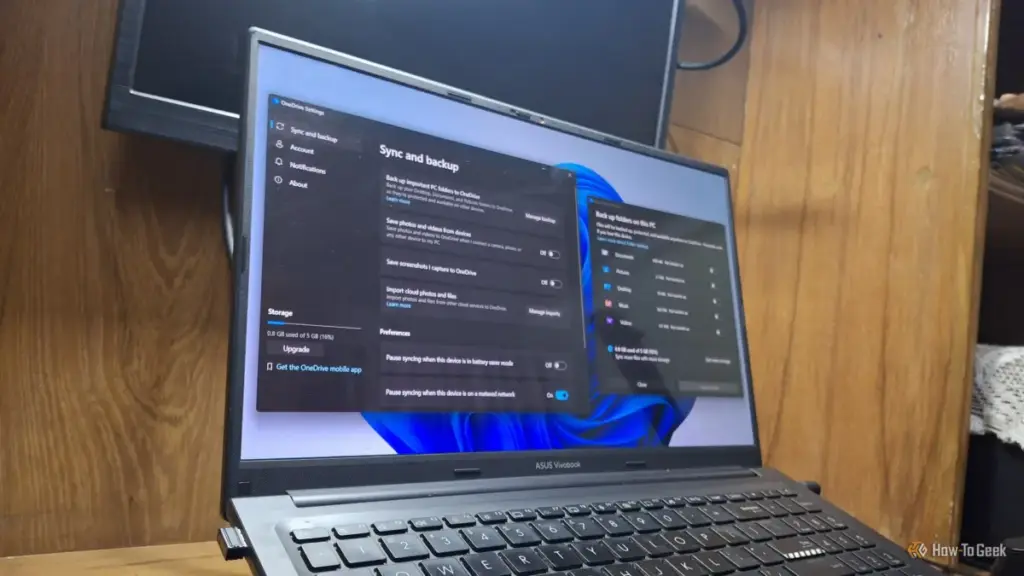
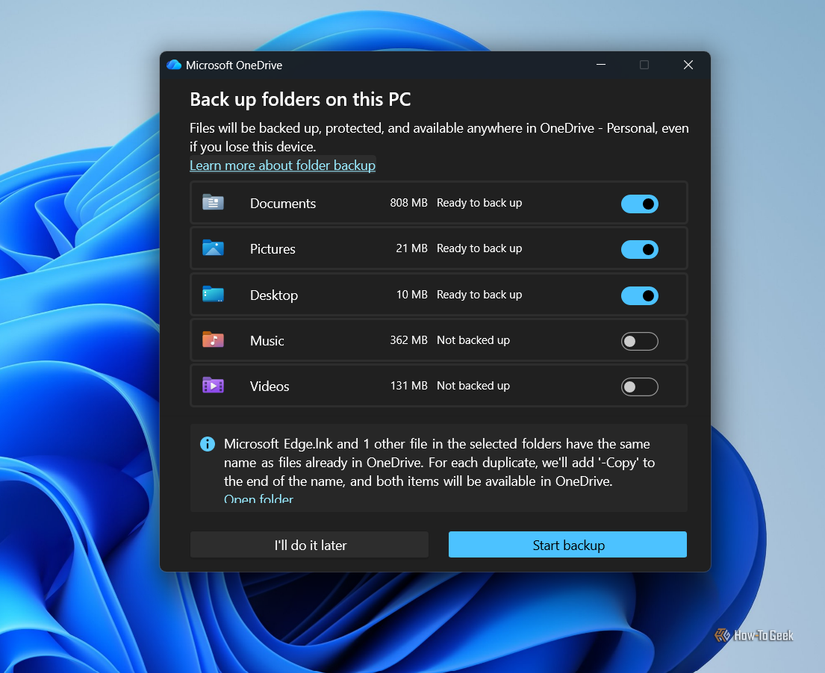
The tension begins with the limitations of the free OneDrive tier. Microsoft currently offers only 5GB of free cloud storage to its users. In an era of high-resolution photography, 4K video recording, and large software project files, 5GB is a remarkably small ceiling. For a user whose Pictures and Documents folders are automatically synced, this limit can be reached within days, if not hours, of setting up a new machine.
Once the storage limit is hit, Windows begins issuing persistent notifications, warning the user that their files are no longer being backed up and that they may lose the ability to sync new data. The solution offered is almost always a paid upgrade to a Microsoft 365 subscription. Whether it is the Basic plan offering 100GB or the Personal plan providing 1TB, the automated nature of Folder Backup serves as a highly effective funnel, nudging users toward a recurring monthly or yearly expense. By making the backup "on by default," Microsoft ensures a steady stream of users who will eventually find themselves needing to pay for the storage they were automatically signed up to use.
Microsoft Once Admitted the Sync Slows Your PC Down
Beyond the financial implications, the impact of OneDrive on system performance has been a long-standing debate among power users and IT professionals. Background synchronization is, by definition, a resource-intensive process. It requires CPU cycles to monitor file changes, RAM to manage the sync engine, and constant network bandwidth to upload and download data.
Interestingly, Microsoft’s own stance on this issue has been inconsistent. In 2025, the company’s official support channels and performance optimization guides actually recommended pausing OneDrive as a way to speed up a sluggish PC. This admission was widely reported by technology outlets such as Neowin and TechRadar, as it confirmed what many users had suspected: the constant overhead of cloud synchronization can have a tangible impact on system responsiveness, particularly on hardware with limited resources.
However, that advice has since vanished from Microsoft’s official documentation. The current iteration of the Windows performance guide lists a dozen ways to improve speed, but the recommendation to disable or pause OneDrive is notably absent. This omission does not mean the performance cost has disappeared; rather, it suggests a shift in corporate priorities where cloud integration is prioritized over the transparency of system overhead. For users running multiple background applications or those with slower internet connections, the "invisible" work of OneDrive can lead to noticeable latency and decreased battery life on laptops.
The Privacy Cost Is Higher Than "Your Files Are in the Cloud"
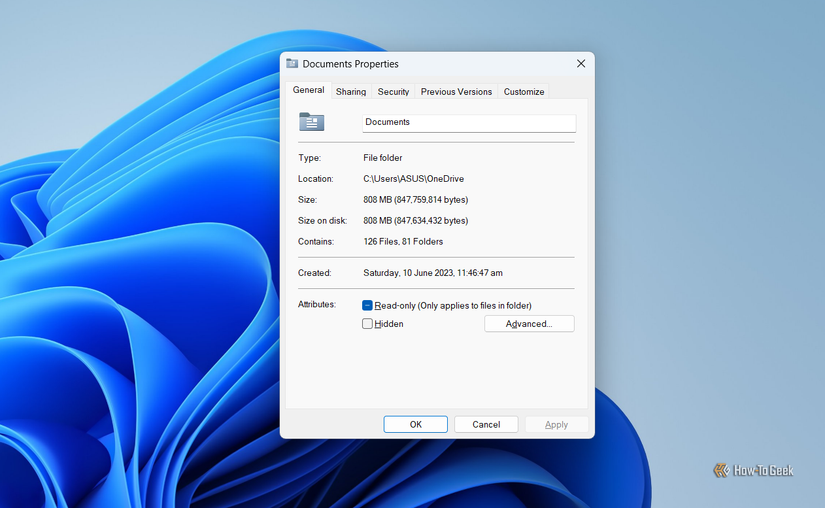
While storage costs and performance hits are significant, the most concerning aspect of the OneDrive ecosystem involves user privacy and the use of biometric data. In July 2026, Microsoft introduced an updated OneDrive Photos application for Windows 11 that integrated a "People" feature. This feature is designed to automatically group photos based on the faces of the individuals appearing in them.
 Tech Tutorials & How-To Guides
Digital Ghosts: The Iconic Windows Applications That Defined an Era of Computing
The landscape of personal computing is one of constant, ruthless evolution. Over...
 Tech Tutorials & How-To Guides
Streaming Transitions: Navigating the Major Movie Departures from Netflix This November
The modern streaming landscape is often defined by a sense of abundance,...
 Tech Tutorials & How-To Guides
Netflix Expands November Documentary Slate With Deep Dives Into Sports Tragedy, True Crime, and Celebrity Betrayal
As the autumn season settles in, Netflix has continued to solidify its...