
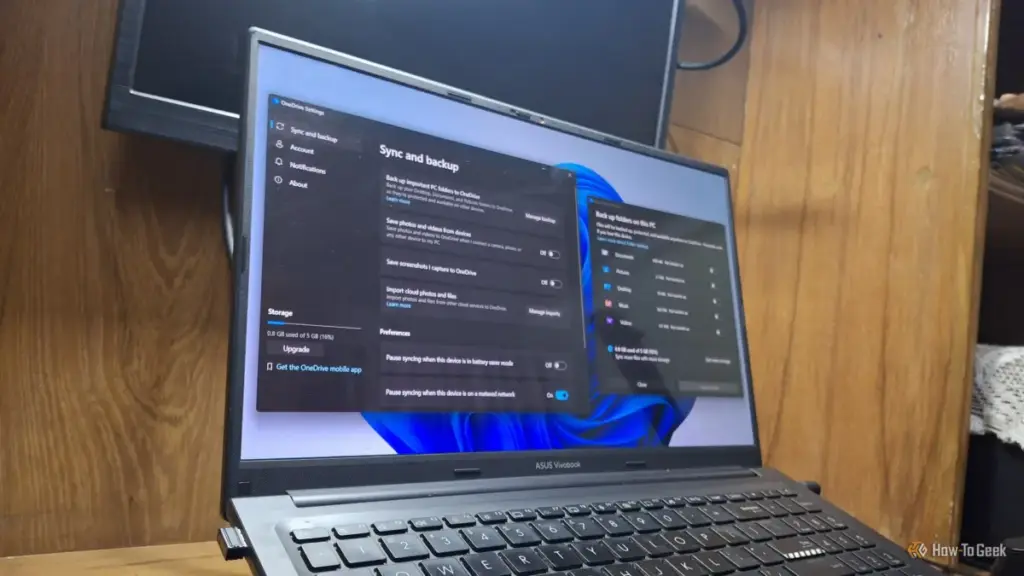
For years, Microsoft Windows has been criticized for an increasing reliance on "bloatware" and the integration of features that many users find more intrusive than helpful. While the operating system remains the dominant force in global computing, its evolution has been marked by a shift toward cloud-centric services that often bypass explicit user consent. Among these features, OneDrive Folder Backup has emerged as a significant point of contention, representing a convergence of performance degradation, aggressive monetization strategies, and profound privacy concerns.
As Microsoft continues to refine Windows 11, the line between a local operating system and a cloud-based service platform has blurred. For many users, this transition is not merely a technical shift but a fundamental change in how they interact with their own data. The automatic activation of OneDrive Folder Backup is a prime example of this trend, turning what was once a choice into a default state that many users may not even realize they have entered.
Your Desktop, Documents, and Pictures Probably Aren’t Where You Think
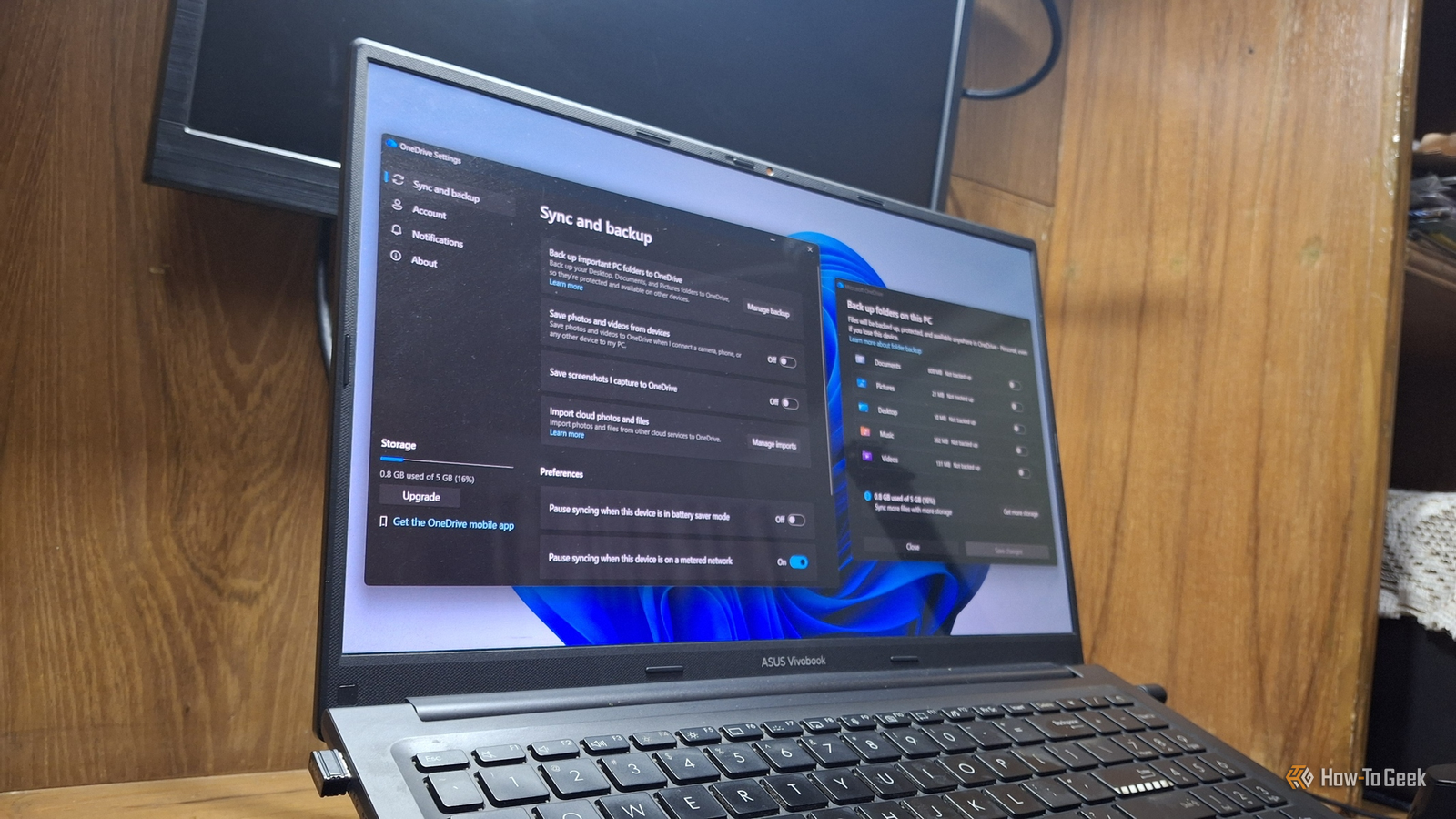
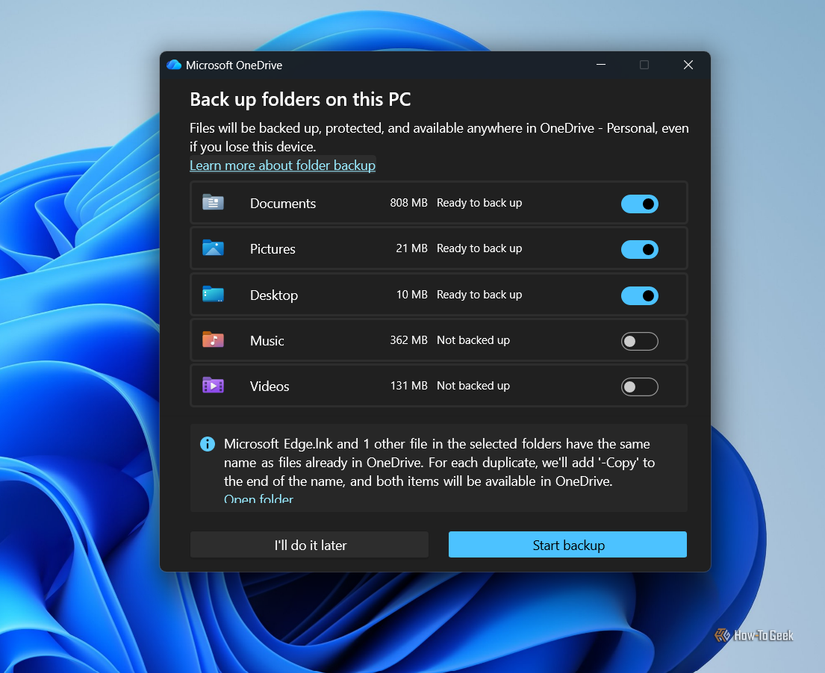
The primary function of OneDrive Folder Backup is to redirect the default paths of a user’s most critical folders—specifically Desktop, Documents, and Pictures—into the OneDrive directory. On the surface, this is marketed as a seamless way to ensure that important files are constantly synchronized with the cloud. However, the implementation of this feature has become increasingly aggressive.
In recent iterations of the operating system, specifically Windows 11 version 25H2, Microsoft has moved away from requesting permission to enable this synchronization. Instead, the feature is frequently activated automatically during the initial system setup (OOBE) when a user signs in with a Microsoft account. This "opt-out" rather than "opt-in" approach means that many users are unknowingly hosting their personal files on Microsoft’s servers from the moment they first boot their PCs.
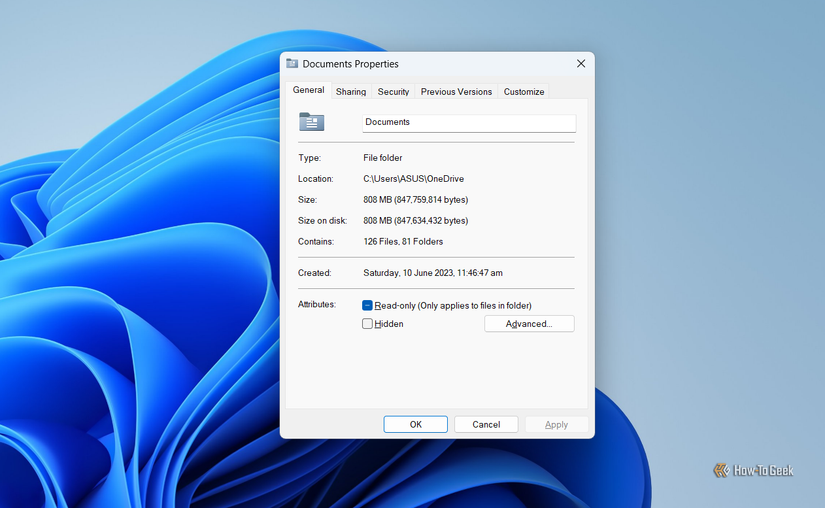
The technical reality of this shift is often hidden from the casual user. When Folder Backup is active, the physical location of a file on the hard drive is no longer under the user’s direct profile folder in the traditional sense; it is nested within the OneDrive ecosystem. This can be verified by inspecting the properties of the Documents or Pictures folders, where the file path will explicitly include the OneDrive directory. For those who prefer a traditional local-first storage model, this redirection is often discovered only after they notice sync icons appearing on their desktop icons or receive notifications about cloud storage limits.
Why Microsoft Wants Your Folders in Its Cloud

The push toward cloud integration is not merely a matter of providing a safety net for user data. While Microsoft officially positions Folder Backup as a protective measure—ensuring that files are recoverable even if a device is lost or suffers a hardware failure—there is a clear economic incentive driving the policy.
The tension begins with the limitations of the free OneDrive tier. Microsoft currently offers only 5GB of free cloud storage to its users. In an era of high-resolution photography, 4K video recording, and large software project files, 5GB is a remarkably small ceiling. For a user whose Pictures and Documents folders are automatically synced, this limit can be reached within days, if not hours, of setting up a new machine.
Once the storage limit is hit, Windows begins issuing persistent notifications, warning the user that their files are no longer being backed up and that they may lose the ability to sync new data. The solution offered is almost always a paid upgrade to a Microsoft 365 subscription. Whether it is the Basic plan offering 100GB or the Personal plan providing 1TB, the automated nature of Folder Backup serves as a highly effective funnel, nudging users toward a recurring monthly or yearly expense. By making the backup "on by default," Microsoft ensures a steady stream of users who will eventually find themselves needing to pay for the storage they were automatically signed up to use.
Microsoft Once Admitted the Sync Slows Your PC Down
Beyond the financial implications, the impact of OneDrive on system performance has been a long-standing debate among power users and IT professionals. Background synchronization is, by definition, a resource-intensive process. It requires CPU cycles to monitor file changes, RAM to manage the sync engine, and constant network bandwidth to upload and download data.
Interestingly, Microsoft’s own stance on this issue has been inconsistent. In 2025, the company’s official support channels and performance optimization guides actually recommended pausing OneDrive as a way to speed up a sluggish PC. This admission was widely reported by technology outlets such as Neowin and TechRadar, as it confirmed what many users had suspected: the constant overhead of cloud synchronization can have a tangible impact on system responsiveness, particularly on hardware with limited resources.
However, that advice has since vanished from Microsoft’s official documentation. The current iteration of the Windows performance guide lists a dozen ways to improve speed, but the recommendation to disable or pause OneDrive is notably absent. This omission does not mean the performance cost has disappeared; rather, it suggests a shift in corporate priorities where cloud integration is prioritized over the transparency of system overhead. For users running multiple background applications or those with slower internet connections, the "invisible" work of OneDrive can lead to noticeable latency and decreased battery life on laptops.
The Privacy Cost Is Higher Than "Your Files Are in the Cloud"
While storage costs and performance hits are significant, the most concerning aspect of the OneDrive ecosystem involves user privacy and the use of biometric data. In July 2026, Microsoft introduced an updated OneDrive Photos application for Windows 11 that integrated a "People" feature. This feature is designed to automatically group photos based on the faces of the individuals appearing in them.
According to Microsoft’s own support documentation, this feature relies on facial scanning and the collection of biometric information to function. While facial recognition is a common feature in modern photo management software, its integration into OneDrive creates a specific privacy loophole for Windows users. Microsoft has previously defended the feature by stating that facial grouping only occurs on photos stored in the OneDrive cloud, leaving "local" photos untouched.
The problem, however, is that Folder Backup effectively eliminates the category of "local" photos. By automatically moving the Pictures folder into the OneDrive directory, Windows ensures that every personal photograph saved to the default location is uploaded to the cloud and, consequently, subjected to facial scanning algorithms. For a user who believes their family photos are sitting privately on their hard drive, the reality is that those images are being processed by cloud-based AI to create biometric profiles—often without the user ever having made a conscious decision to participate in such a program.
Microsoft has attempted to mitigate these concerns by stating that the facial data is not used to train general AI models and that users can opt out of the feature, which results in the deletion of the biometric data within 30 days. Nevertheless, the "opt-out" nature of these features, combined with the "opt-out" nature of Folder Backup itself, creates a system where privacy is something users must actively fight to maintain, rather than a default expectation.
Your Files Should Stay Where You Put Them
The debate over OneDrive Folder Backup is ultimately a debate over user agency. For some, the convenience of having their files accessible across all devices and the security of a cloud-based backup is worth the storage fees and the privacy trade-offs. For others, a computer is a private tool that should function according to the user’s explicit commands, not a portal for data harvesting and subscription upselling.
The trend toward "on by default" cloud services in Windows 11 highlights a growing disconnect between Microsoft’s vision of a connected ecosystem and the needs of users who value local control. As Windows continues to integrate more AI-driven features and cloud-dependent services, the importance of auditing system settings becomes paramount. Disabling Folder Backup is a relatively simple task for those who know where to look, but the fact that it requires a manual intervention to prevent the automatic uploading and scanning of personal files remains a point of significant criticism.
As the operating system evolves toward the 2027 cycle and beyond, the balance between helpful automation and intrusive overreach will continue to be a defining issue for the platform. For now, users are left to navigate a landscape where their desktop, their documents, and even their faces are increasingly treated as assets within a cloud-based ecosystem they may never have intended to join.
 Tech Tutorials & How-To Guides
Bridging the Security Gap: Replicating the YubiKey Experience with a $6 ESP32 Microcontroller
In an era where digital identity is under constant siege from sophisticated...
 Tech Tutorials & How-To Guides
Pixel 11’s Rambler AI Voice Typing Proven to Run Seamlessly on Older Hardware
The launch of a new flagship smartphone is almost always accompanied by...
 Tech Tutorials & How-To Guides
The Best Netflix Miniseries to Binge on a Sick Day: A Curated Guide to Recovery Viewing
There is a specific, universal rhythm to the onset of a seasonal...







