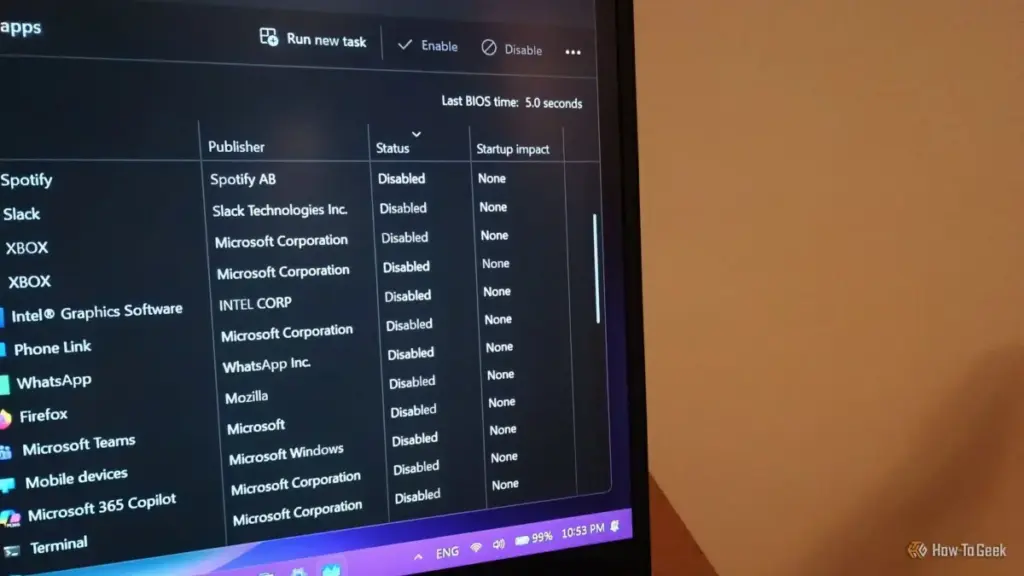
For many Windows users, the ritual of optimizing a computer begins with a visit to the Task Manager. The goal is usually simple: navigate to the "Startup apps" tab and disable any software that isn’t strictly necessary for the immediate operation of the device. This practice is widely regarded as one of the most effective "low-hanging fruits" for improving boot times, reclaiming system memory, and reducing the cognitive load of unwanted notifications immediately after logging in. However, a growing number of users are discovering that the Task Manager’s "Disable" button is no longer the definitive command it once was.
Despite explicit instructions to remain dormant, certain applications—ranging from communication tools like Discord to media platforms like Spotify—frequently find ways to bypass these operating system preferences. This phenomenon highlights a complex tug-of-war between user autonomy and the increasingly sophisticated ways modern software integrates itself into the Windows environment. Understanding why these apps persist requires looking beyond the surface-level settings of the Task Manager and into the multi-layered architecture of the Windows startup process.
The Illusion of Control in Task Manager
The Task Manager has long been the primary interface for managing how Windows handles third-party software during the boot sequence. When a user toggles an app to "Disabled," Windows essentially modifies a specific entry in the system registry, telling the OS not to execute that particular file upon user authentication. For many legacy applications, this is sufficient. However, modern software suites are rarely comprised of a single executable file.
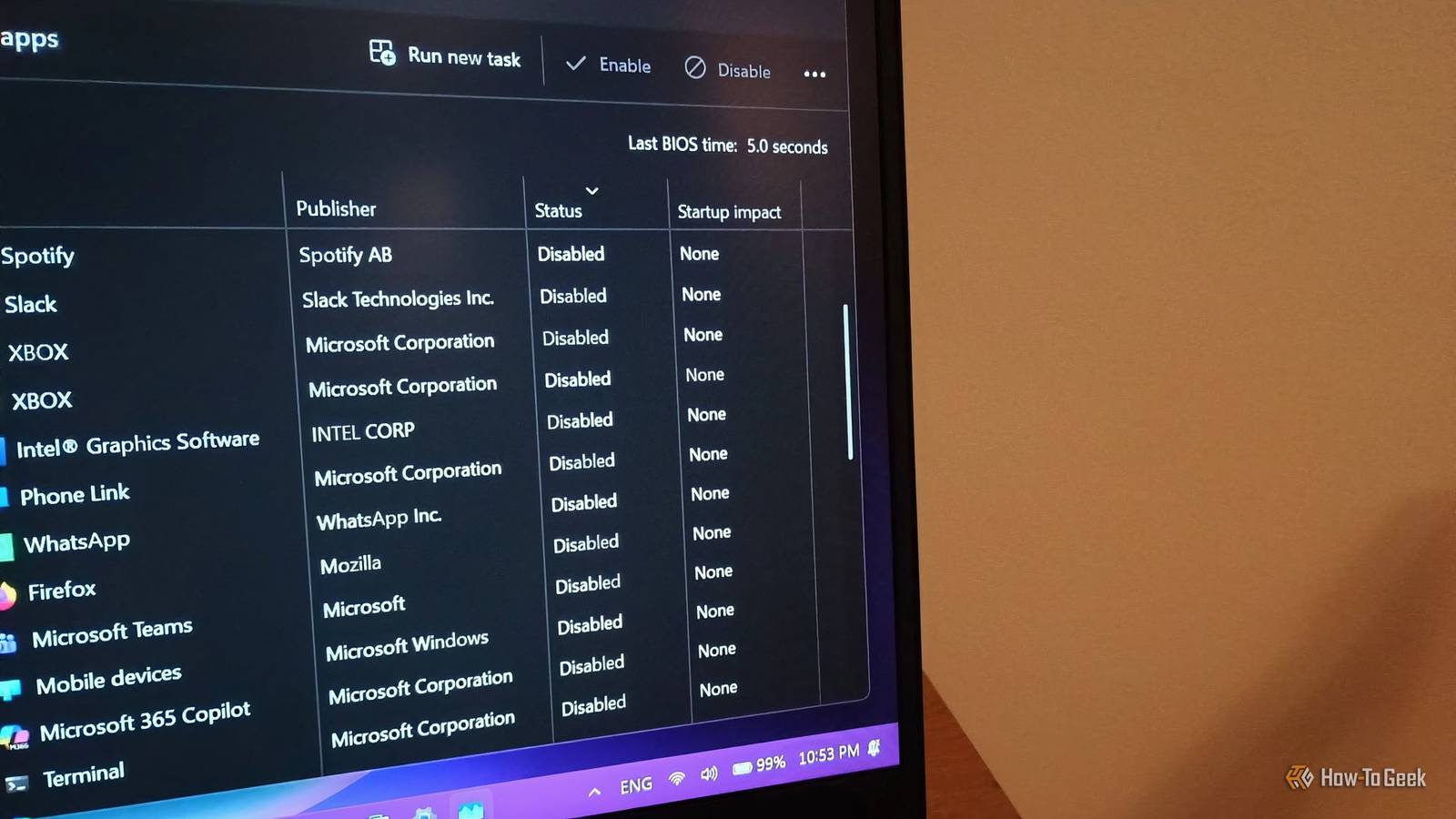
The limitation of the Task Manager lies in its scope. It typically monitors standard startup "hooks"—specific locations in the registry where programs register their intent to run at boot. Yet, developers have various other methods at their disposal to ensure their software remains active. If an application utilizes secondary processes, "helper" apps, or independent update services, the primary entry in the Task Manager may only represent a small fraction of the program’s footprint. When these secondary components are triggered, they often "wake up" the main application, effectively rendering the user’s "Disabled" preference moot.
The Role of Helper Processes and Update Launchers
One of the most common reasons an app stubbornly appears at startup is the presence of a background helper or an independent update executable. Discord serves as a primary example of this architectural choice. While a user might disable "Discord" in the Task Manager, the software often utilizes a separate process, frequently named Update.exe, which is designed to check for patches the moment the computer connects to the internet.
Because this updater is technically a different process than the main user interface, it may not be governed by the same startup rule. When the updater runs, its final command is often to launch the main application. This creates a scenario where the user sees the app window appear on their desktop, despite having "disabled" it moments or days prior. Similar behavior is observed in various game launchers and productivity suites, where "launcher" processes act as a gateway, triggering the full application even if the primary executable was told to stay closed.
In these instances, the solution often remains within the Task Manager, but it requires a more forensic approach. Users must look for secondary entries that share the same icon or a similar naming convention. Disabling these "updaters" or "launchers" is often the only way to break the chain of commands that leads to the app’s unwanted appearance.
 Tech Tutorials & How-To Guides
The Great Big-Box Battle: Evaluating the Power Tool Ecosystems of Ryobi, Craftsman, and Hyper Tough
For the modern homeowner or the burgeoning DIY enthusiast, the walk down...
 Tech Tutorials & How-To Guides
Lessons from a Decade of Layer Lines: Why Even Veteran Makers Have a "No-Fly" List for 3D Printing
For many technology enthusiasts, the allure of 3D printing lies in its...
 Tech Tutorials & How-To Guides
From Satire to Slapstick: A Curated Selection of Netflix Comedies to Cure the Workday Blues
In the modern professional landscape, the transition from a high-stress office environment...