
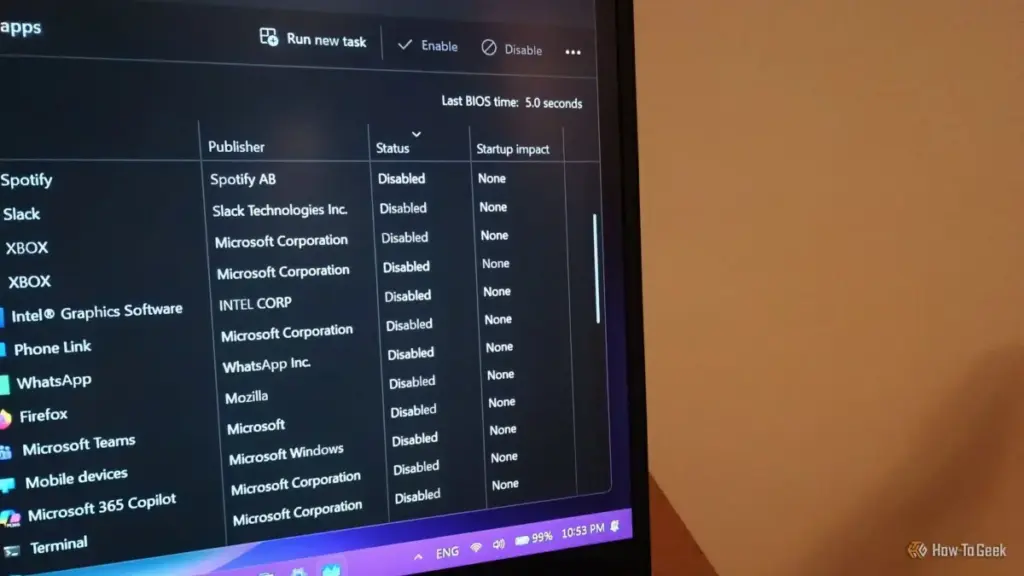
Some installers still use this legacy method to ensure their software runs. Because this is a file-system-based trigger rather than a registry-based one, it can occasionally lead to redundancies or "ghost" launches that are harder to track through the standard Task Manager interface. Checking this folder is a necessary step for any user attempting to achieve a truly "clean" boot sequence. It represents the most manual form of startup management, yet it is frequently overlooked in favor of more modern, automated tools.
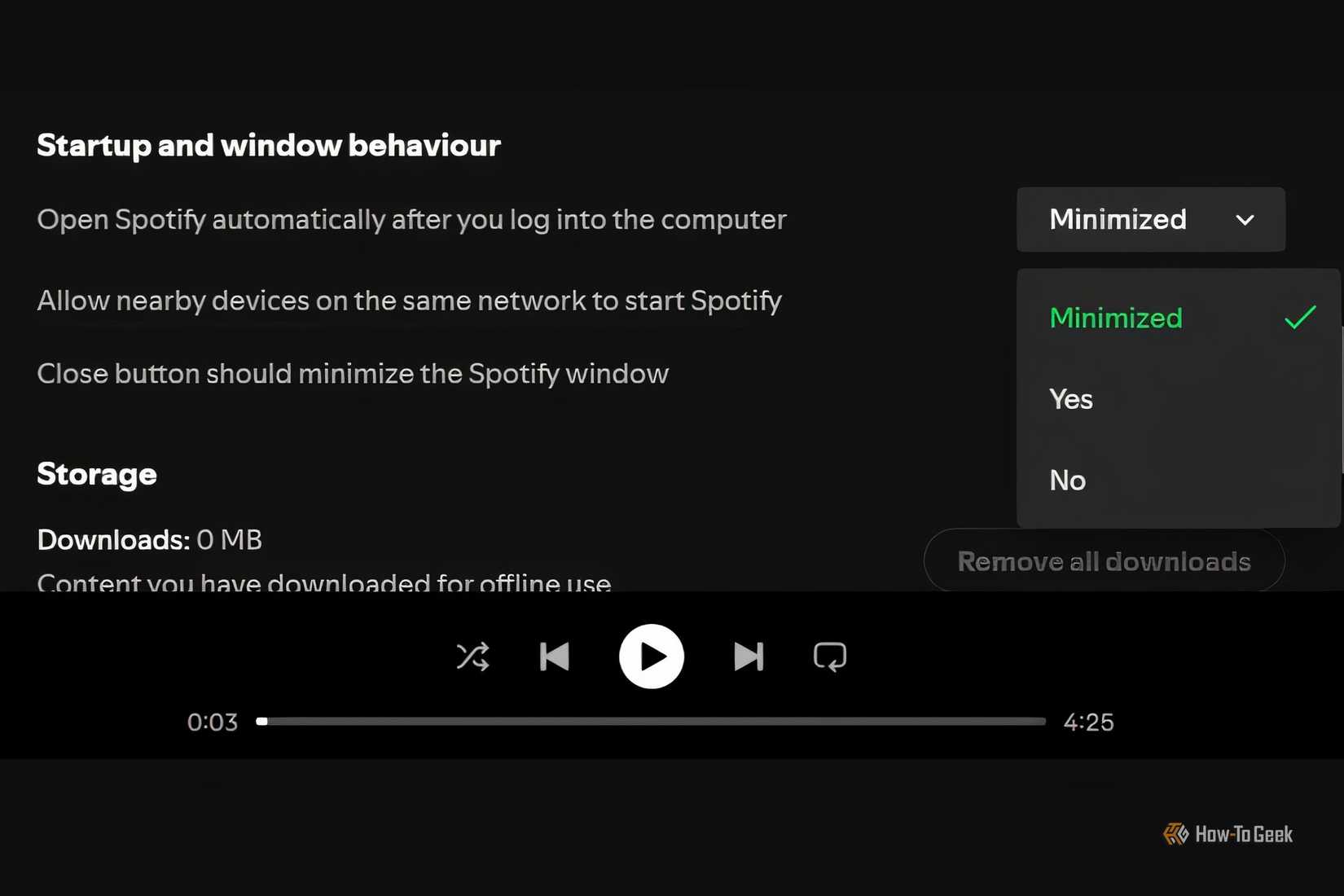
Balancing System Performance and Essential Services
The drive to eliminate startup bloat is often fueled by a desire for a faster, more responsive machine. On older systems with traditional hard drives, every additional startup app can add seconds or even minutes to the time it takes for the computer to become usable. Even on modern systems equipped with high-speed NVMe SSDs, the cumulative effect of dozens of background processes can impact CPU overhead and available RAM, particularly for users who engage in resource-intensive tasks like gaming or video editing.
However, the challenge for the average user lies in distinguishing between "bloat" and "essential services." While it is easy to categorize a music player or a chat app as non-essential, other processes are more ambiguous. Driver-related software for audio interfaces, graphics cards, and peripheral management (such as mouse and keyboard macros) often needs to run at startup to ensure the hardware functions as intended.
The professional consensus for maintaining a healthy Windows environment is one of "informed minimalism." Users are encouraged to investigate processes they do not recognize before disabling them. A process that seems like an intruder might be a critical security component or a network-related service that prevents connectivity issues.
The Ongoing Battle for the Desktop
As software continues to evolve into service-based models, the pressure for applications to remain "always on" will likely increase. For developers, being present in the system tray or on the taskbar is the best way to ensure their service remains at the forefront of the user’s mind. For the user, the responsibility of maintaining system performance has shifted from a one-time setup to a recurring maintenance task.
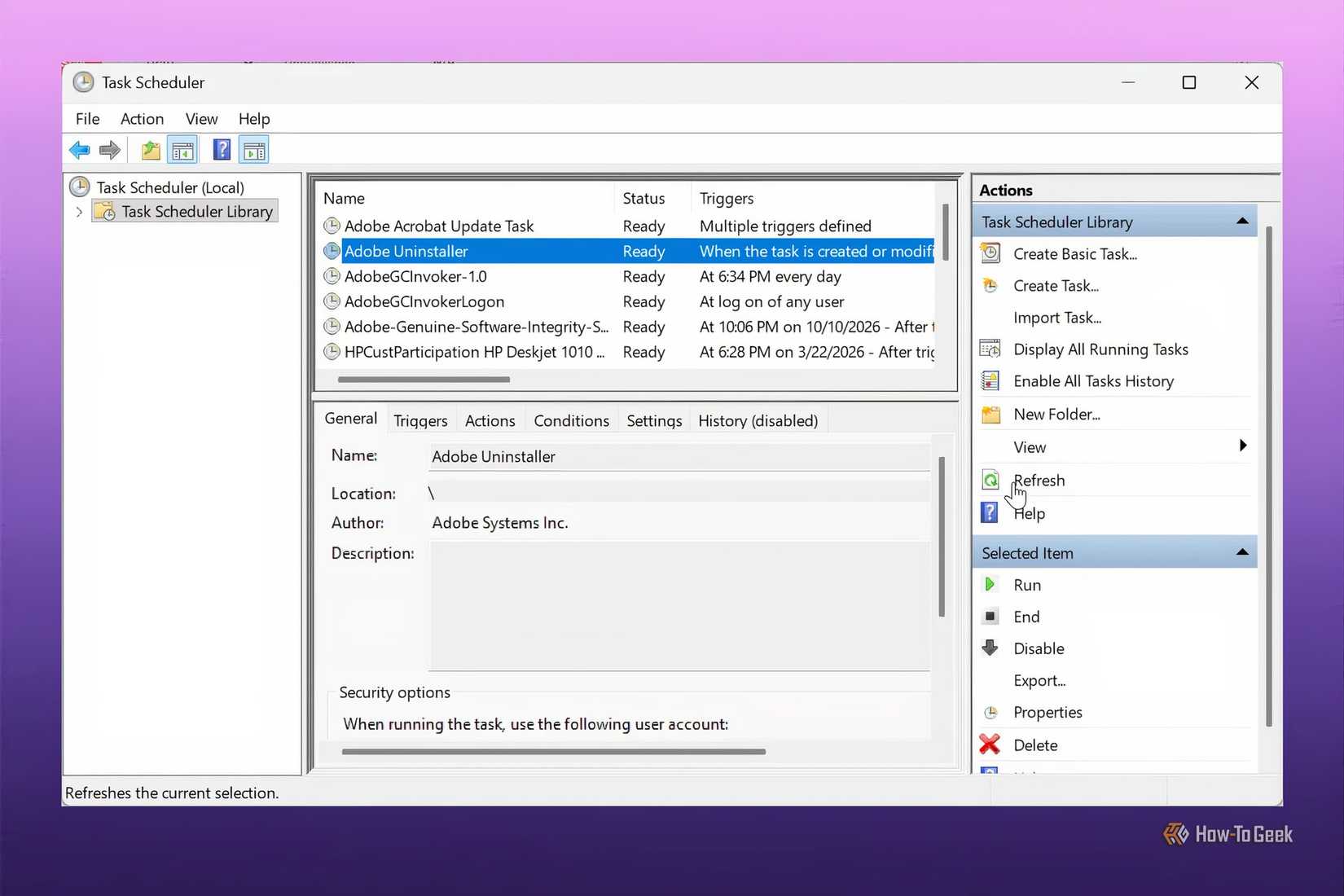
The persistence of startup apps despite being "disabled" is a reminder that Windows is a complex ecosystem of competing priorities. The Task Manager remains a powerful tool, but it is no longer a "silver bullet." Achieving a truly streamlined startup requires a holistic approach that encompasses in-app configurations, the Task Scheduler, and a fundamental understanding of how modern software components interact with the operating system. In the end, the price of a fast-booting, distraction-free PC is constant vigilance against the "sneaky" tactics of modern application design.
 Tech Tutorials & How-To Guides
Five Highly Rated Comedy Series on Netflix for Quick and Easy Viewing
In the modern landscape of streaming, where "prestige television" often demands dozens...
 Tech Tutorials & How-To Guides
Open-Source Innovation: Transforming Modern Living Through Versatile ESP32-Based Smart Home Integrations
The landscape of the modern smart home is often dominated by a...
 Tech Tutorials & How-To Guides
Battle of the Store Brands: How Ryobi, Craftsman, and Hyper Tough Reshape the DIY Power Tool Market
In the modern landscape of home improvement, the barrier to entry for...







