
The landscape of portable computing has undergone a seismic shift with the official introduction of Googlebooks, the long-anticipated successor to the Chromebook lineup. As Google seeks to redefine its presence in the desktop and laptop market, the transition from the web-centric ChromeOS to the more robust, AI-driven Googlebook OS marks a pivotal moment for the tech giant. This evolution is not merely a branding exercise; it represents a fundamental change in how Google envisions the relationship between local hardware, mobile ecosystems, and cloud-based intelligence.
At the heart of this transition is a revamped approach to file management and local storage, a move designed to address long-standing criticisms of the Chromebook’s reliance on an active internet connection. For years, users of ChromeOS navigated a system that felt like a bridge between a browser and an operating system, often struggling with a file architecture that prioritized Google Drive over the physical hard drive. With the arrival of Googlebooks, that paradigm has shifted. The new operating system introduces a native Android app integration that is more seamless than ever, alongside deep Gemini AI integration and a local file system that promises to bring "desktop-grade" power to the platform.
The Evolution of the Files App: A Refined Hub for Local Storage
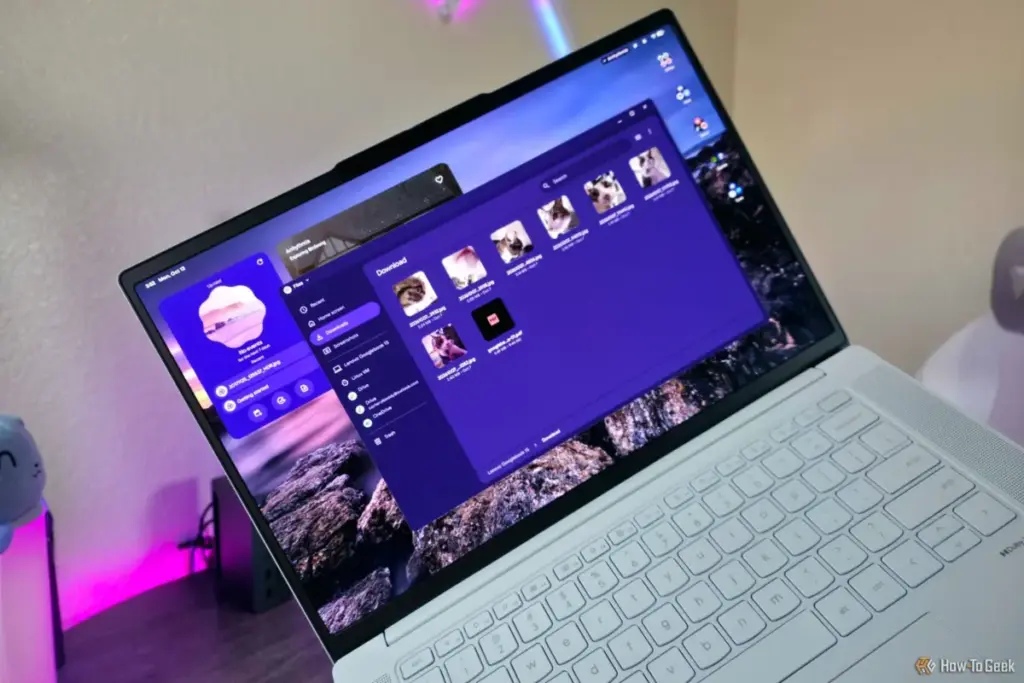
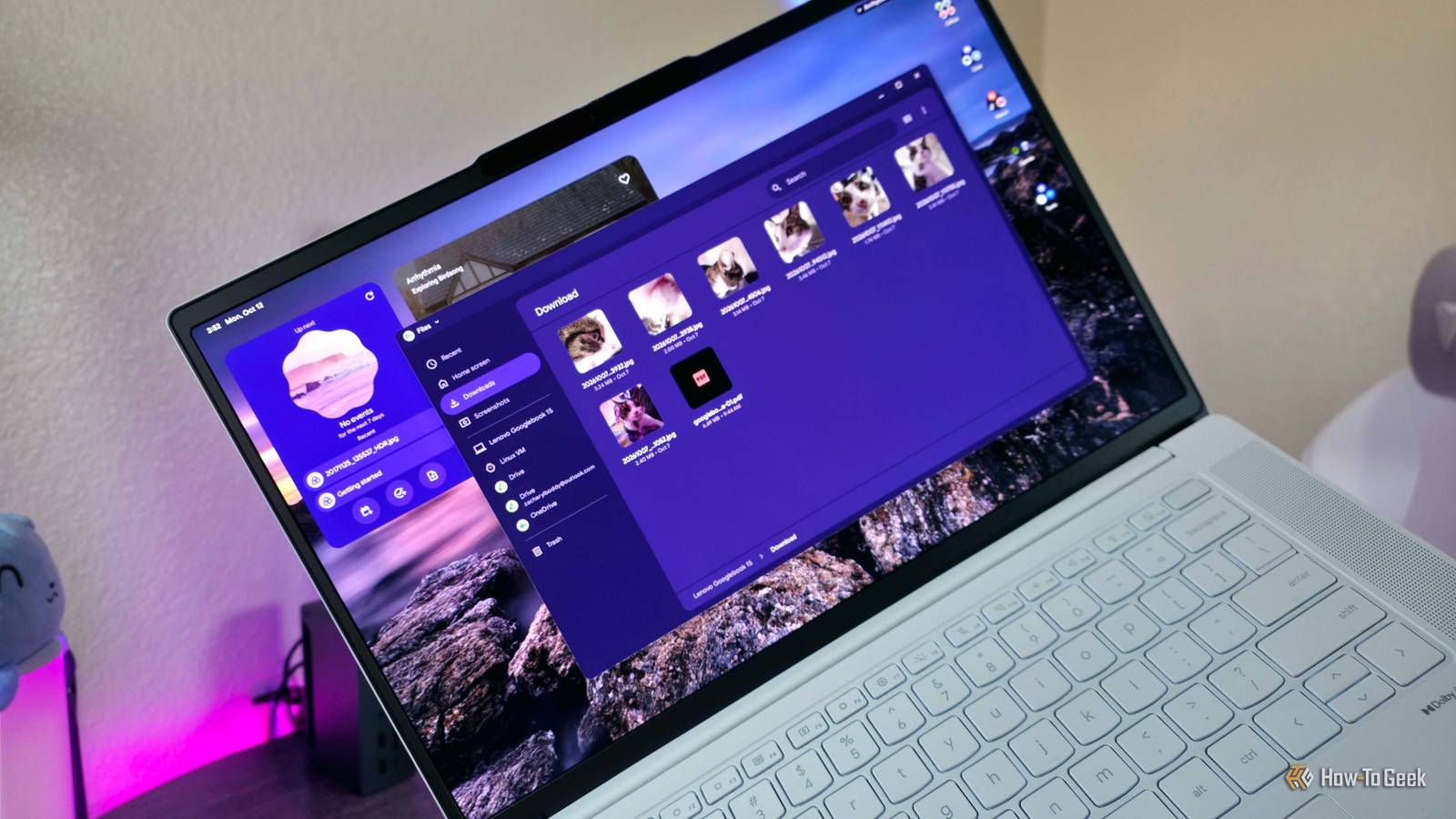
As reported by seasoned technology journalist Zachary Boddy, the transition to Googlebook OS brings with it a significantly "spruced up" version of the traditional Files application. While the Chromebook legacy was built on the idea of the "thin client"—a device that does little on its own but acts as a portal to the web—the Googlebook is designed to be a self-sufficient workhorse. This necessitates a file management system that can handle the complexities of local data with the same grace as Windows or macOS.
The new Files app in Googlebook OS is the central nervous system for this new hardware. Google has overhauled the interface, providing a refreshed aesthetic that aligns with modern design languages while focusing heavily on always-available local storage. In previous iterations of ChromeOS, users often felt that their local files were treated as temporary or secondary. The Googlebook OS changes this by placing the local file system at the forefront of the user experience.
By default, the "Download" folder remains the primary repository for the vast majority of user activity. Whether a user is saving an image from the Chrome browser, receiving a document via the updated Quick Share feature, or generating content through an integrated Android application, the Files app serves as the unified destination. This consolidation is a strategic move to reduce the "misplaced file" phenomenon that plagued earlier web-based versions of the OS. By ensuring that Chrome—which remains the primary gateway for web interaction—defaults to this local directory without the immediate option for alternative download locations, Google is forcing a more organized, localized structure onto the user experience.
Bridging the Gap with Native Android Integration
One of the most significant pillars of the Googlebook OS is its native Android app integration. While Chromebooks have supported Android apps for several years, the experience often felt containerized or "bolted on," leading to friction when trying to move files between the web environment and mobile applications. Googlebook OS aims to erase these boundaries entirely.
 Tech Tutorials & How-To Guides
Unlocking the Hidden Diagnostic Power of Amazon Fire TV: A Deep Dive into Developer Tools and System Transparency
The Amazon Fire TV ecosystem has evolved from a simple portal for...
 Tech Tutorials & How-To Guides
Battle of the Store Brands: How Ryobi, Craftsman, and Hyper Tough Reshape the DIY Power Tool Market
In the modern landscape of home improvement, the barrier to entry for...
 Tech Tutorials & How-To Guides
The End of the Shutdown Era: Why Powering Down Your PC Every Night Is No Longer Necessary
For those who grew up navigating the digital landscape of the 1990s,...







