
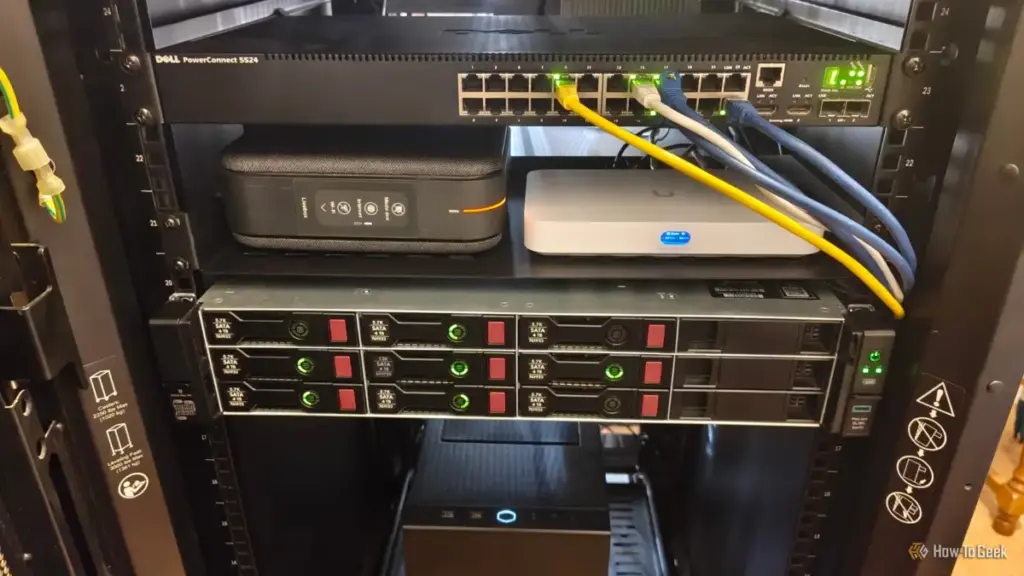
In an era where high-speed internet is as essential as electricity or running water, the persistent frustration of unstable Wi-Fi remains a common grievance for households worldwide. Despite the advancement of Wi-Fi 6, 6E, and the nascent Wi-Fi 7, many users find themselves plagued by dead zones, signal drops, and latency issues that interfere with remote work, gaming, and 4K streaming. While the immediate impulse for many is to invest in expensive mesh systems or high-end routers, a growing movement among technology experts suggests that the solution to these modern connectivity problems may already be hidden within the walls of the home itself.
Monica J. White, a veteran technology journalist with nearly two decades of experience in PC hardware and networking, recently highlighted a paradigm shift in how users should approach home connectivity. The core of her argument is simple: the most stable network is a wired one. However, the perceived barrier to entry—the high cost and physical labor of running new Ethernet cables through finished walls—often deters people from pursuing this "Ethernet utopia." Fortunately, the reality of modern home construction reveals that many residences are already equipped with the necessary wiring; it is simply being used for the wrong purposes or sitting dormant.
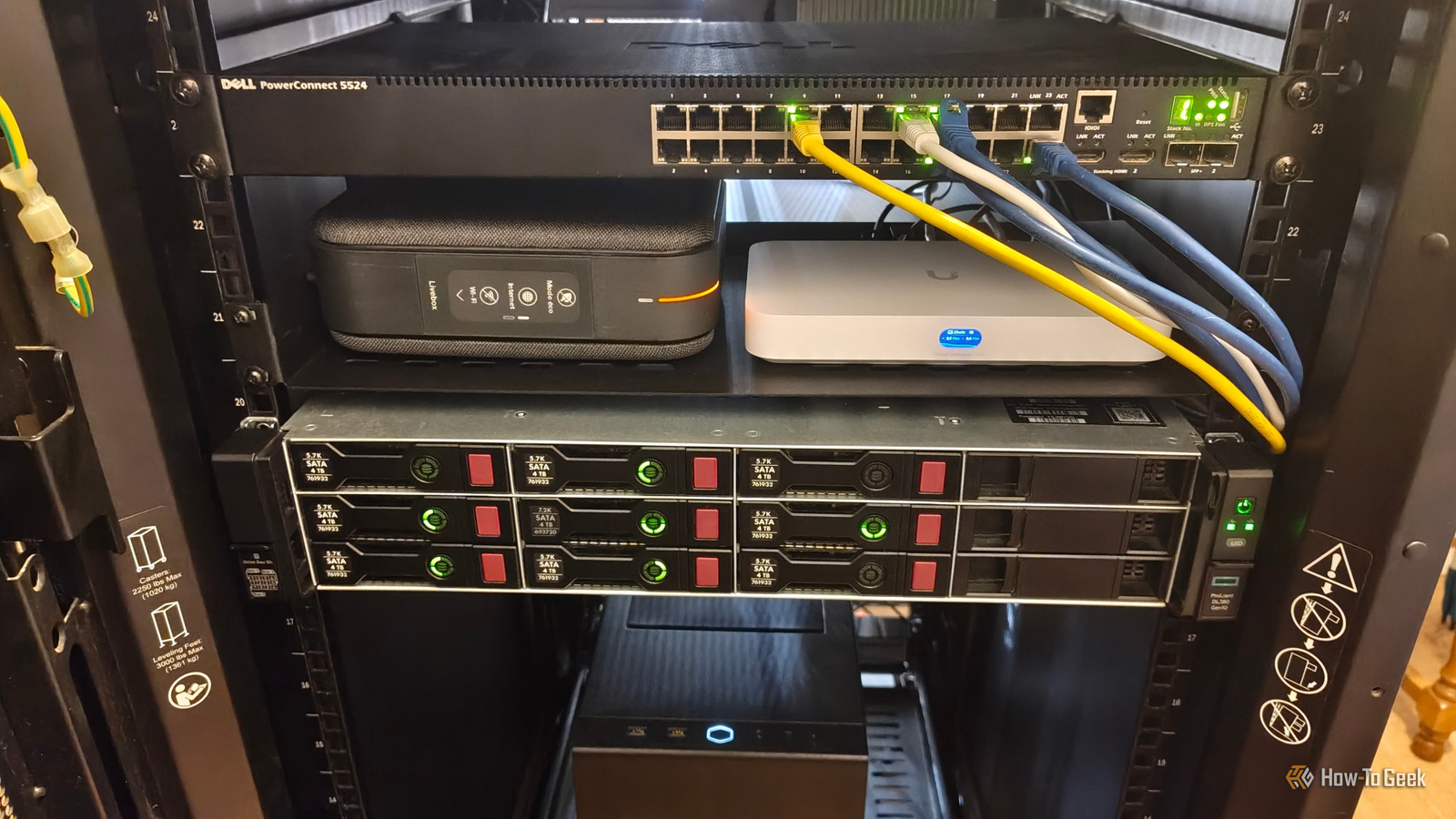
The Diagnostic Power of the Ethernet Cable Tester
The journey toward a more stable home network often begins not with a purchase of a new router, but with a diagnostic audit of what currently exists. Networking gear is a unique market where low costs can be deceptive, and expensive "upgrades" often provide diminishing returns. To navigate this, experts recommend the acquisition of a basic Ethernet cable tester. This relatively inexpensive tool serves as the primary investigative instrument for identifying a home’s hidden networking potential.
Many homeowners are unaware that the mysterious wall jacks in their bedrooms or living areas might be more than they appear. In homes built within the last twenty years, contractors often used high-quality Cat5e or Cat6 cabling to wire standard telephone jacks. Because it was more cost-effective to buy one type of high-grade cable in bulk, the "telephone" lines running to various rooms are often actually data-grade Ethernet cables.
A cable tester allows a homeowner to verify whether these wires are connected properly and can identify common issues such as broken connections, crossed pairs, or incorrect terminations. By mapping out these existing runs, a user can discover a ready-made network infrastructure that requires only minor modifications to become fully functional for high-speed data.

Transforming Legacy Telephone Lines into High-Speed Ports
One of the most significant revelations for many homeowners is the realization that unused telephone wiring can be repurposed. Standard landline telephone service typically only requires one or two pairs of copper wires to function. However, Cat5e and Cat6 cables contain four twisted pairs. If a home was wired with these cables but terminated with RJ11 (standard telephone) sockets, the infrastructure is essentially being throttled by its physical interface.
By replacing these old RJ11 sockets with RJ45 keystone jacks—the standard for Ethernet connections—a homeowner can effectively "unlock" the cable’s full potential. This process involves terminating all four pairs of wires according to the T568A or T568B wiring schemes. While this may require a basic punch-down tool and a small learning curve, it is a far less invasive and expensive alternative to pulling new wire through the attic or crawlspace.
There is, however, a critical technical caveat: the cables must run "point-to-point." In older homes, telephone lines were sometimes "daisy-chained," meaning one cable ran from the first jack to the second, then to the third. This configuration is incompatible with Ethernet, which requires a "home run" setup where every individual jack has its own dedicated cable running back to a central location. If the house features this point-to-point architecture, the transition to a wired Ethernet network is both feasible and highly effective.
Activating the Central Hub with Unmanaged Switches
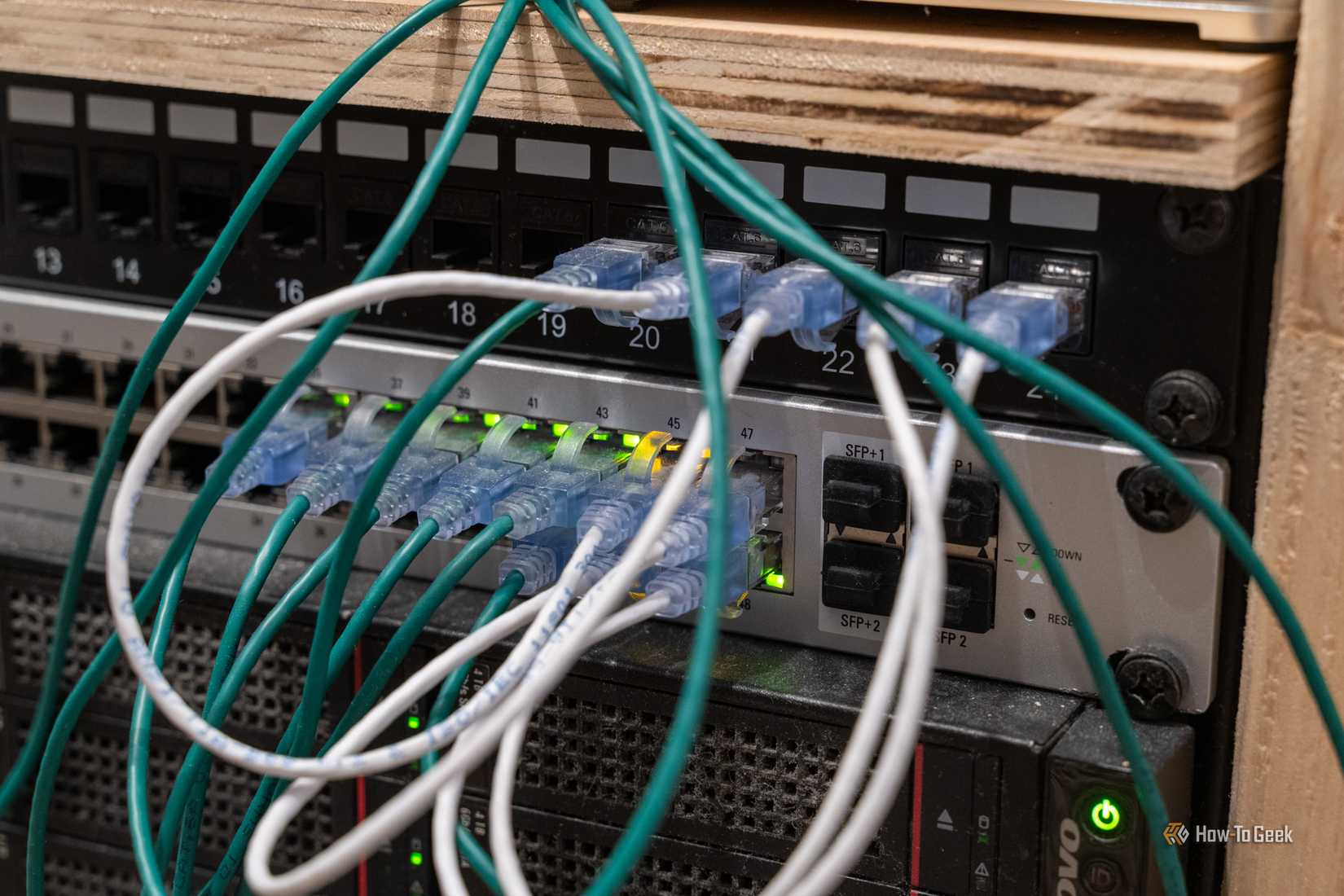
Even when a home is correctly wired with Ethernet ports in every room, many residents find that the ports simply do not work. This is frequently because the cables all terminate in a central wiring cabinet—often located in a closet, basement, or laundry room—where they have been left disconnected or dangled loosely. In some cases, they may be terminated into a "voice" patch panel that is not designed for data.
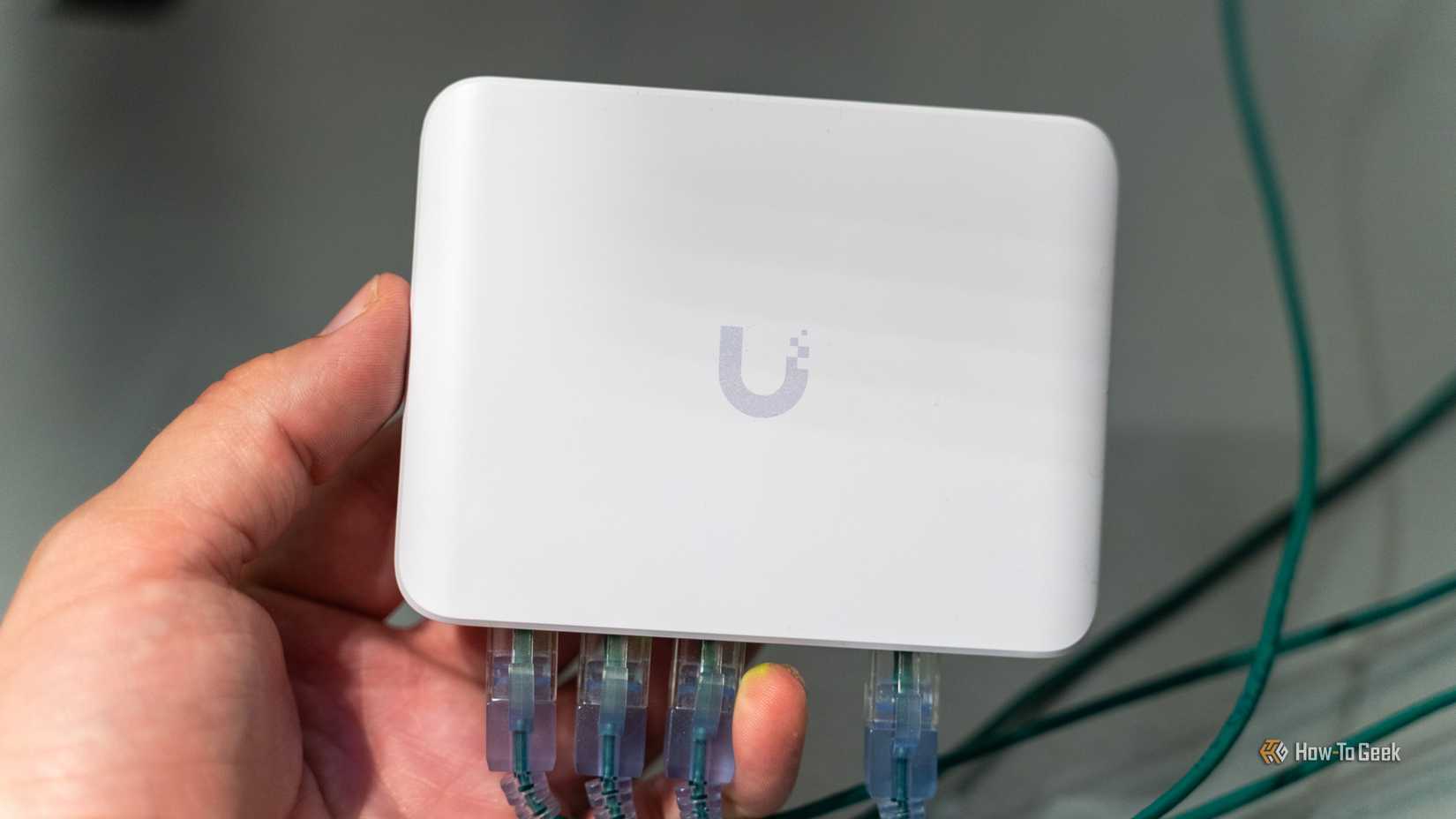
To bring these dormant ports to life, the central hub requires an Ethernet switch. For the vast majority of home users, an inexpensive "unmanaged" switch is the ideal solution. Unlike managed switches, which require complex configuration and are designed for enterprise environments, unmanaged switches are "plug-and-play." By connecting the router’s LAN port to the switch and then connecting the various room cables to the other ports on the switch, a user can distribute a wired internet connection to every room in the house simultaneously.
This centralized approach effectively eliminates the reliance on Wi-Fi for stationary devices like desktop PCs, gaming consoles, and smart TVs. By offloading these high-bandwidth devices to a wired connection, the remaining Wi-Fi bandwidth is preserved for truly mobile devices like smartphones and tablets, leading to an overall improvement in network stability and speed for every user in the household.
MoCA Adapters: Leveraging Coaxial Cables for Data
In homes where Ethernet or Cat5e wiring is absent, the next best alternative often lies in the coaxial cables originally installed for cable television. Known as MoCA (Multimedia over Coax Alliance), this technology allows for the transmission of high-speed network data over existing coax wiring without interfering with existing TV signals.
A MoCA setup typically requires at least two adapters. One adapter is placed near the router, connecting the router’s LAN port to a nearby coax wall outlet. The second adapter is placed in the room where a wired connection is needed, converting the coax signal back into an Ethernet connection.
The primary advantage of MoCA is its reliability and speed, which can often reach up to 2.5 Gbps with modern adapters. This makes it a superior alternative to Wi-Fi extenders or powerline adapters in many scenarios, particularly in older homes with thick walls that block wireless signals but feature extensive coaxial networks. As long as the home’s coaxial splitters are compatible with MoCA frequencies, this method provides a robust, wired-like experience with minimal setup.
The Role of Powerline Adapters in Modern Networking
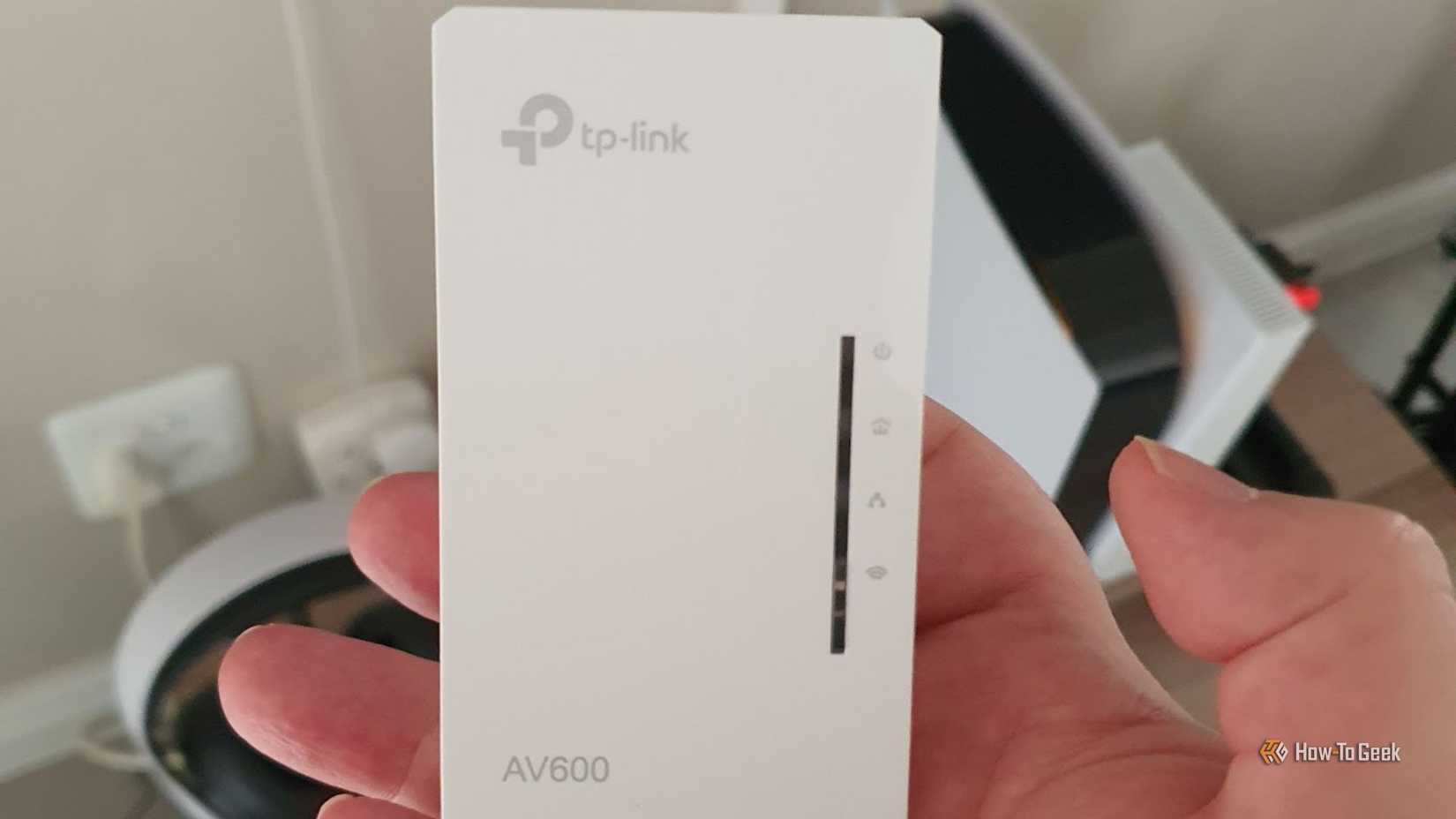
When neither Ethernet nor coaxial options are available, the final frontier of existing home infrastructure is the electrical wiring. Powerline adapters utilize the copper wiring of a home’s electrical circuit to carry data signals between rooms. This technology is perhaps the most accessible for the average consumer, as it requires no modification to wall jacks or existing cables.
The process involves plugging one adapter into a wall outlet near the router and another near the target device. While convenient, the performance of powerline adapters is famously variable. Because the data must compete with electrical noise from appliances and is subject to the layout of the home’s circuit breakers, speeds can fluctuate. Older homes with aged wiring or homes where the signal must cross between different phases of the electrical panel may see significantly reduced performance.
Despite these limitations, powerline adapters remain a valuable tool for reaching "impossible" corners of a house where Wi-Fi cannot penetrate. For tasks that require stability over raw speed—such as connecting a smart home hub or a printer in a distant garage—powerline technology provides a functional solution that utilizes the most ubiquitous infrastructure in any modern building.
The Economic Case for a Wired Home
The move toward hardwiring a home is often framed as a luxury or a high-end enthusiast project, but the financial reality tells a different story. As Monica J. White noted in her personal experience, it is entirely possible to outfit a home with Ethernet connectivity for under $50 by utilizing existing wires and purchasing budget-friendly hardware like unmanaged switches and keystone jacks.
In contrast, high-end Wi-Fi mesh systems can easily cost several hundred dollars and still fall victim to environmental interference or signal degradation. By shifting the focus back to the physical infrastructure already present within the walls, homeowners can achieve a level of network reliability that wireless technology, by its very nature, struggles to match.
The transition to a wired "Ethernet utopia" is not merely about achieving higher benchmark speeds; it is about reclaiming the stability of the internet connection. In a world where digital connectivity is the backbone of daily life, the most sophisticated solution is often the one that has been sitting right in front of us, hidden behind a plastic wall plate. By repurposing telephone lines, activating dormant Ethernet runs, or utilizing MoCA and powerline technologies, the modern household can finally move past the era of unstable Wi-Fi and into a more reliable, wired future.
 Tech Tutorials & How-To Guides
The One-Cable Desk: Why USB-C Monitors Are Replacing Traditional Docking Stations
For years, the dream of a truly minimalist desk setup was hampered...
 Tech Tutorials & How-To Guides
The Enduring Legacy of Connectivity: Why Decades-Old Ports Still Dominate Modern Technology
In an era defined by rapid technological obsolescence, where smartphones are replaced...
 Tech Tutorials & How-To Guides
Netflix Bolsters November Lineup with High-Stakes Thrillers and the Return of Fan-Favorite Dramas
As the final months of 2026 approach, Netflix is signaling that it...







