
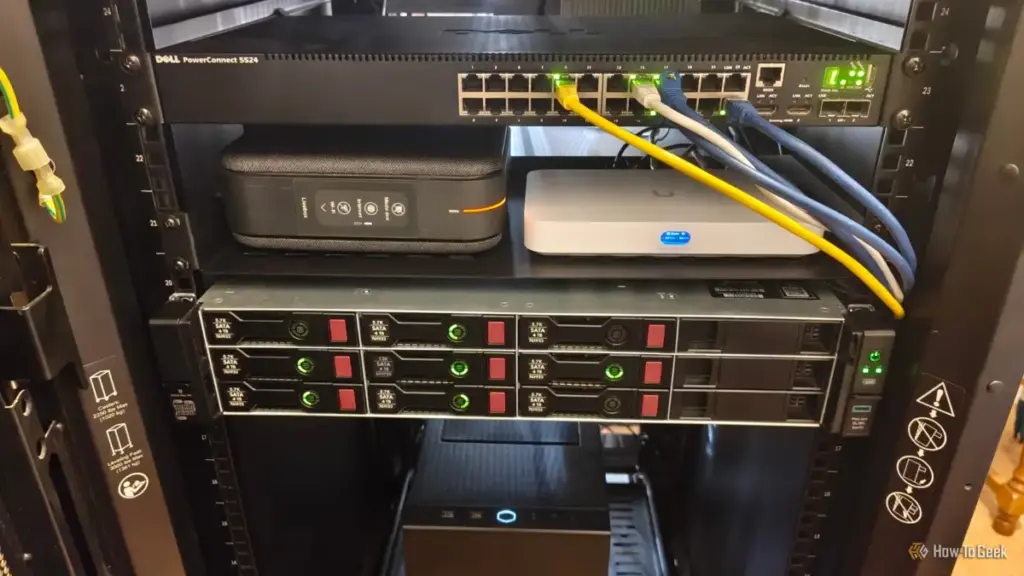
There is, however, a critical technical caveat: the cables must run "point-to-point." In older homes, telephone lines were sometimes "daisy-chained," meaning one cable ran from the first jack to the second, then to the third. This configuration is incompatible with Ethernet, which requires a "home run" setup where every individual jack has its own dedicated cable running back to a central location. If the house features this point-to-point architecture, the transition to a wired Ethernet network is both feasible and highly effective.
Activating the Central Hub with Unmanaged Switches
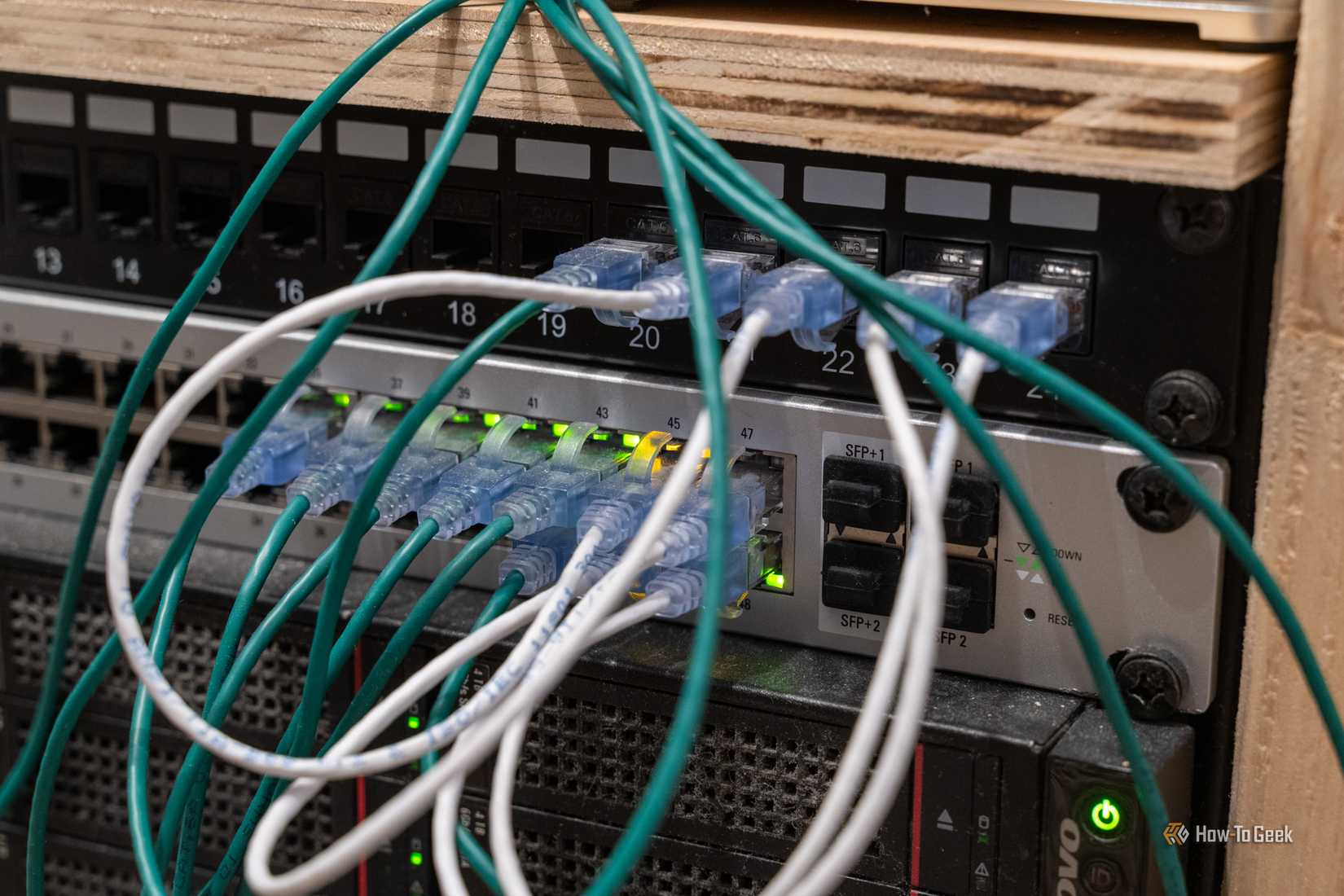
Even when a home is correctly wired with Ethernet ports in every room, many residents find that the ports simply do not work. This is frequently because the cables all terminate in a central wiring cabinet—often located in a closet, basement, or laundry room—where they have been left disconnected or dangled loosely. In some cases, they may be terminated into a "voice" patch panel that is not designed for data.
To bring these dormant ports to life, the central hub requires an Ethernet switch. For the vast majority of home users, an inexpensive "unmanaged" switch is the ideal solution. Unlike managed switches, which require complex configuration and are designed for enterprise environments, unmanaged switches are "plug-and-play." By connecting the router’s LAN port to the switch and then connecting the various room cables to the other ports on the switch, a user can distribute a wired internet connection to every room in the house simultaneously.
This centralized approach effectively eliminates the reliance on Wi-Fi for stationary devices like desktop PCs, gaming consoles, and smart TVs. By offloading these high-bandwidth devices to a wired connection, the remaining Wi-Fi bandwidth is preserved for truly mobile devices like smartphones and tablets, leading to an overall improvement in network stability and speed for every user in the household.
MoCA Adapters: Leveraging Coaxial Cables for Data
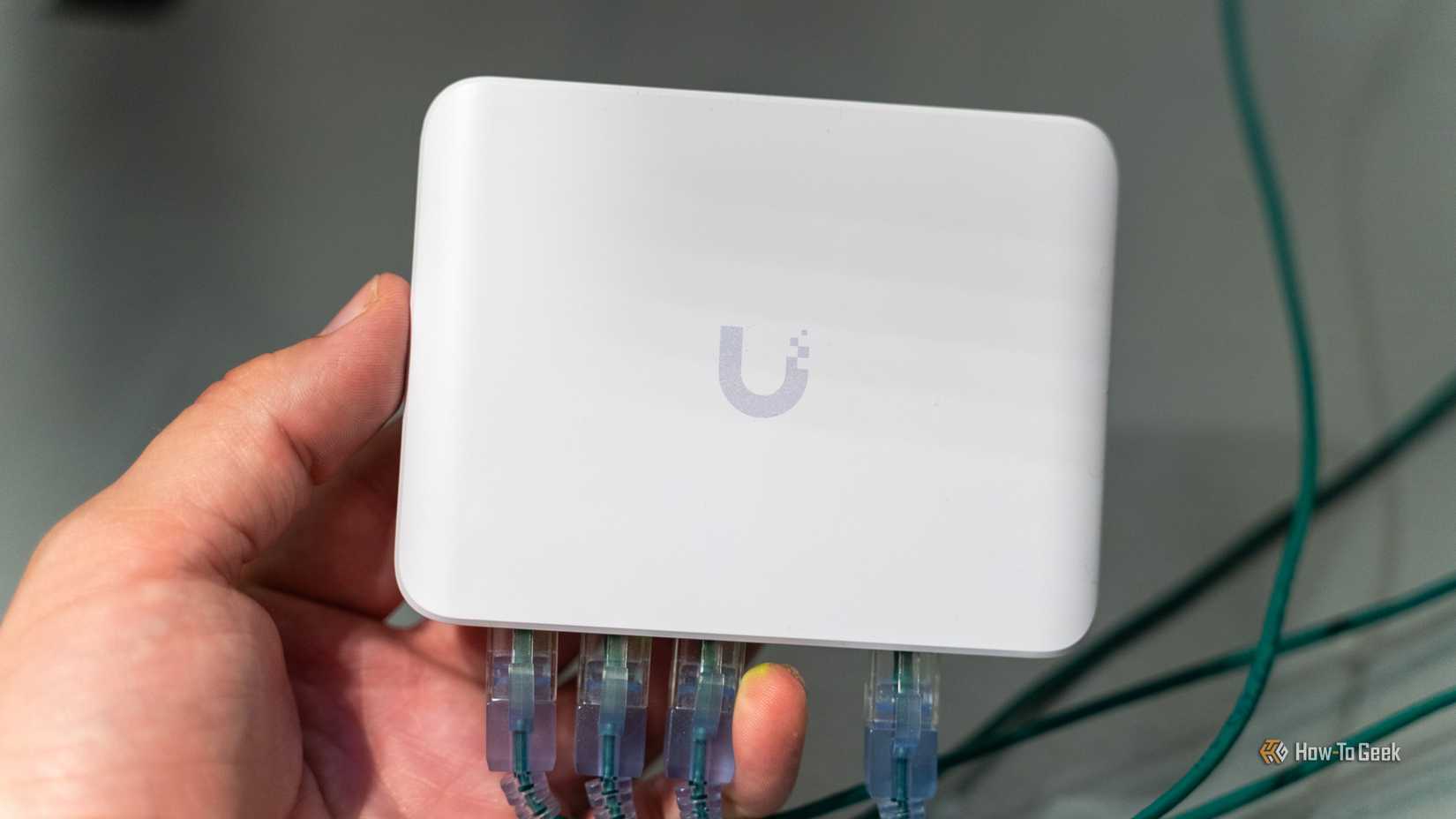
In homes where Ethernet or Cat5e wiring is absent, the next best alternative often lies in the coaxial cables originally installed for cable television. Known as MoCA (Multimedia over Coax Alliance), this technology allows for the transmission of high-speed network data over existing coax wiring without interfering with existing TV signals.
A MoCA setup typically requires at least two adapters. One adapter is placed near the router, connecting the router’s LAN port to a nearby coax wall outlet. The second adapter is placed in the room where a wired connection is needed, converting the coax signal back into an Ethernet connection.
The primary advantage of MoCA is its reliability and speed, which can often reach up to 2.5 Gbps with modern adapters. This makes it a superior alternative to Wi-Fi extenders or powerline adapters in many scenarios, particularly in older homes with thick walls that block wireless signals but feature extensive coaxial networks. As long as the home’s coaxial splitters are compatible with MoCA frequencies, this method provides a robust, wired-like experience with minimal setup.
 Tech Tutorials & How-To Guides
Top Streaming Picks for Late October: From High-Stakes Documentaries to Modern Classics
As the final week of October arrives, the cultural atmosphere undergoes a...
 Tech Tutorials & How-To Guides
The Persistence of Startup Bloat: Why Windows Apps Continue to Launch Against User Preferences
For many Windows users, the ritual of optimizing a computer begins with...
 Tech Tutorials & How-To Guides
Amazon Slashes Price of Flagship Fire TV Cube to Record Low in Early Black Friday Deal
The landscape of home entertainment has shifted dramatically over the last decade,...







