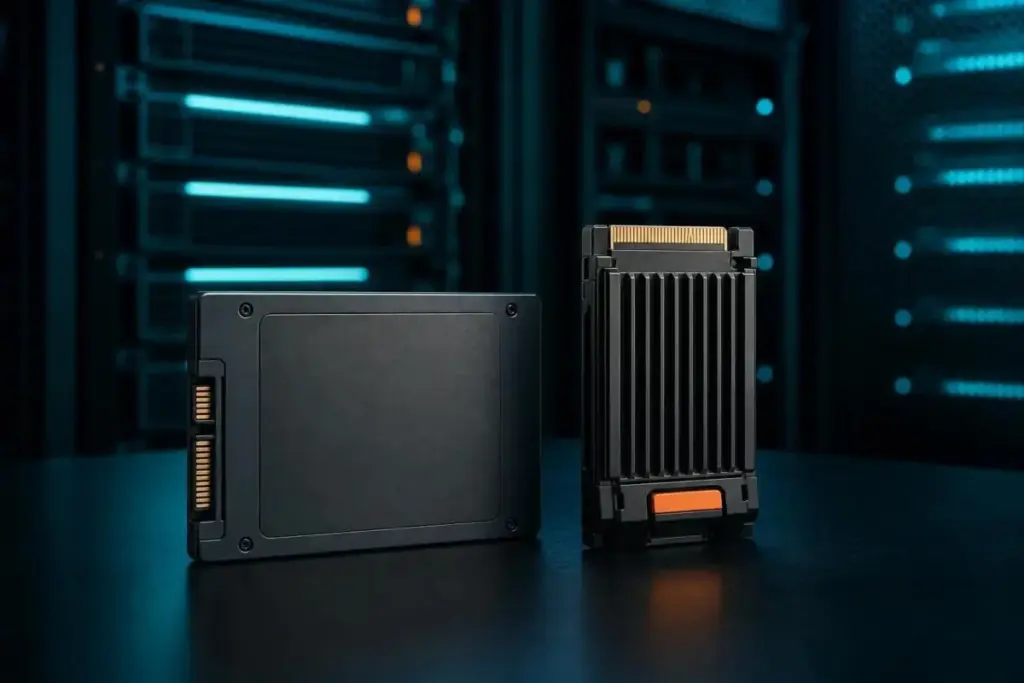
It is also important to distinguish between the interface and the form factor. As IBM highlights, M.2 is a physical shape, not a speed rating. An M.2 drive can use either the SATA or NVMe protocol, though the latter is now the standard for high-performance systems. For legacy server compatibility, the 2.5-inch form factor remains common, particularly for high-capacity SATA drives.
Perhaps the most scrutinized metric in the enterprise space is endurance, usually measured in Total Bytes Written (TBW). However, TBW is not a static number. A datasheet for a high-end drive, such as the Micron 6550 ION Series, may show vastly different endurance figures depending on the workload. For example, a drive might be rated for 112,000TB of writes under a 128KB random-write test, but that figure could plummet to 28,000TB if the workload consists of smaller 4KB random writes. This discrepancy is why SK Hynix recommends that buyers carefully evaluate the warranty terms and the specific workload assumptions used by the manufacturer before committing to a purchase.
SSD vs. HDD: The One Comparison Worth Keeping
While the "Flash vs. SSD" debate is largely a matter of semantics, the "SSD vs. HDD" comparison remains a vital strategic decision. SSDs offer a radical performance advantage, with Pure Storage suggesting they can be up to 14 times faster than traditional spinning disks. They are also more resilient to physical shock and consume less power.
However, HDDs still maintain a lead in terms of cost-per-gigabyte for massive, cold-storage archives. In many enterprise environments, a hybrid approach is the most cost-effective solution. This involves using SSDs for latency-sensitive applications—such as databases and virtual desktops—while reserving HDDs for bulk data that is infrequently accessed. This tiered storage strategy allows organizations to leverage the speed of flash where it matters most without overspending on capacity for stagnant data.
The Future of Informed Storage Procurement
Ultimately, the phrase "Flash vs. SSD" is a misnomer. Flash is the ingredient, and the SSD is the finished dish. When evaluating storage solutions, the conversation should move away from these generalities and toward the technical specifications that define a drive’s behavior in a production environment.
The most effective procurement strategy involves a deep dive into the manufacturer’s datasheet. Buyers must look beyond the headline-grabbing sequential speed numbers and investigate how the drive performs when it is 80% full, how large its pseudo-SLC cache is, and what its endurance looks like under the specific block sizes used by their applications.
As the storage industry continues to mature, the gap between "best-case scenario" marketing and real-world performance remains a challenge. The only definitive way to understand how a drive will perform is to test it against the organization’s actual read/write mix. By focusing on NAND types, controller sophistication, and interface protocols rather than just the "flash" label, enterprises can build storage infrastructures that are both high-performing and economically sustainable.
 Enterprise Tech & Infrastructure
Navigating the Hidden Complexities of Amazon S3 Cost Optimization: A Strategic Approach to Storage Management
For enterprise IT leaders and cloud architects, the promise of Amazon S3...
 Enterprise Tech & Infrastructure
IonQ Breakthrough Demonstrates Real-Time Quantum Error Correction Using Standard CPU Architecture
The global pursuit of fault-tolerant, scalable quantum computing has long been defined...
 Enterprise Tech & Infrastructure
From Theory to Engineering: Quantum Computing Reaches a Commercial Tipping Point as Industry Giants Prepare for a Hybrid Future
The long-anticipated transition of quantum computing from a theoretical pursuit of physics...