
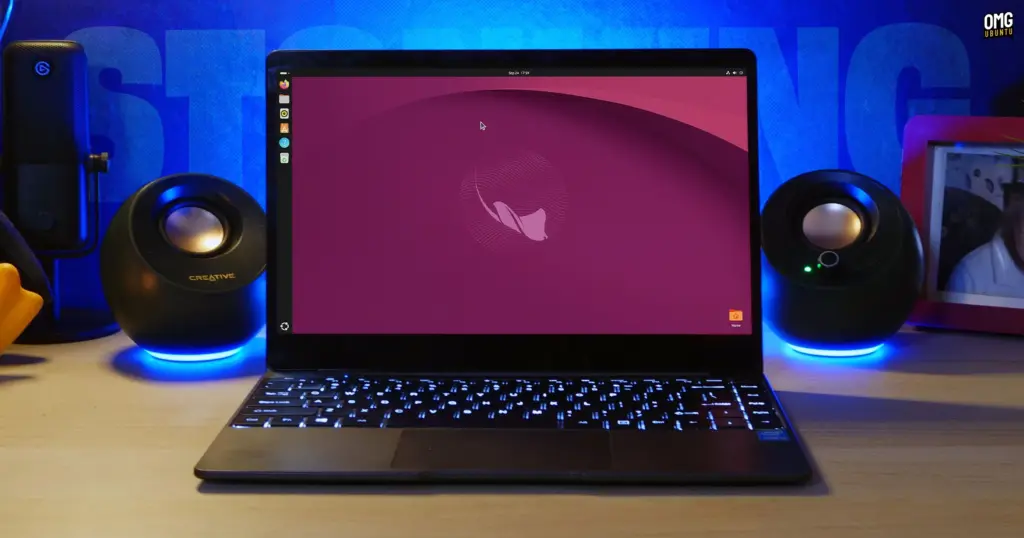
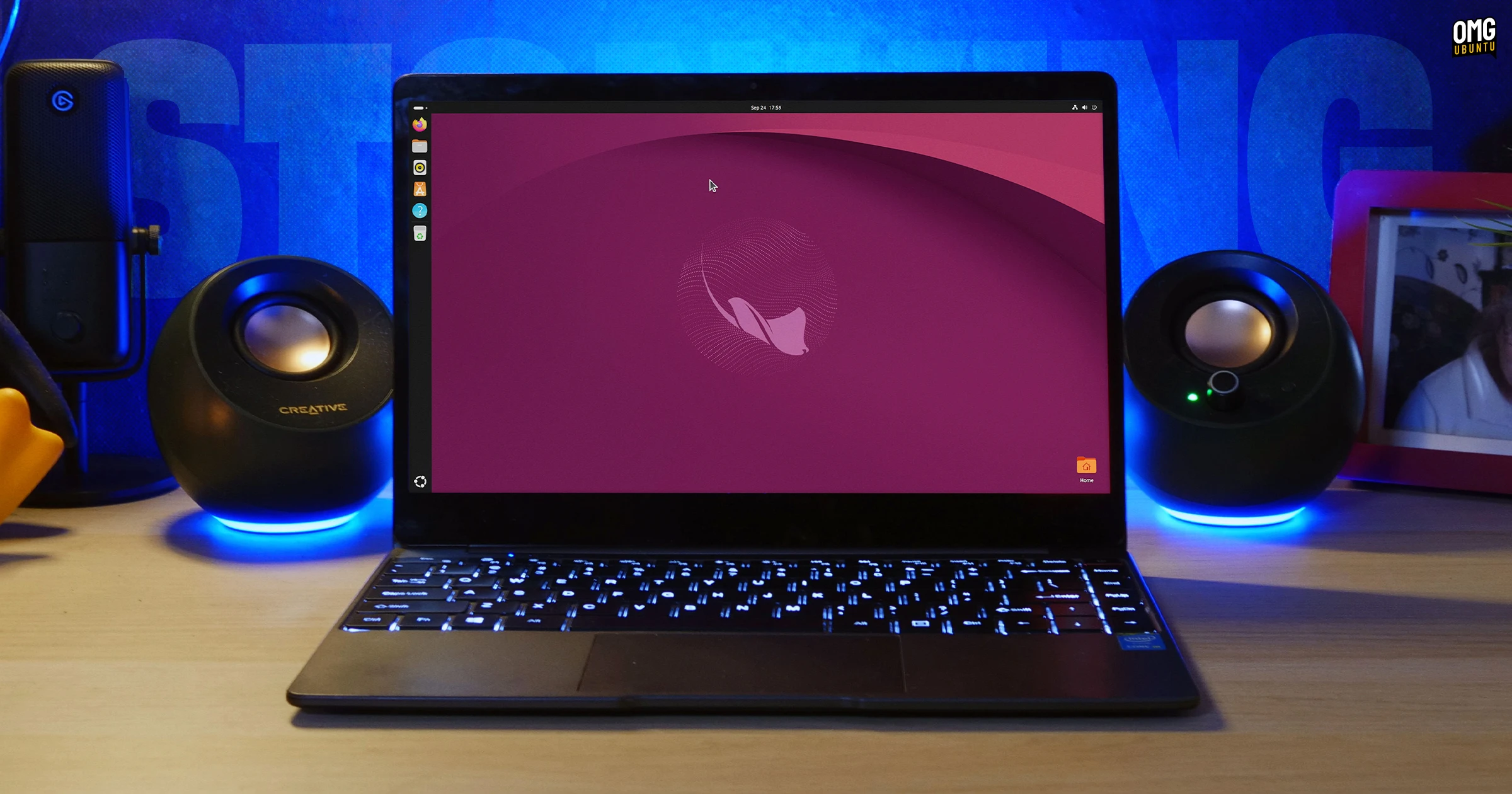
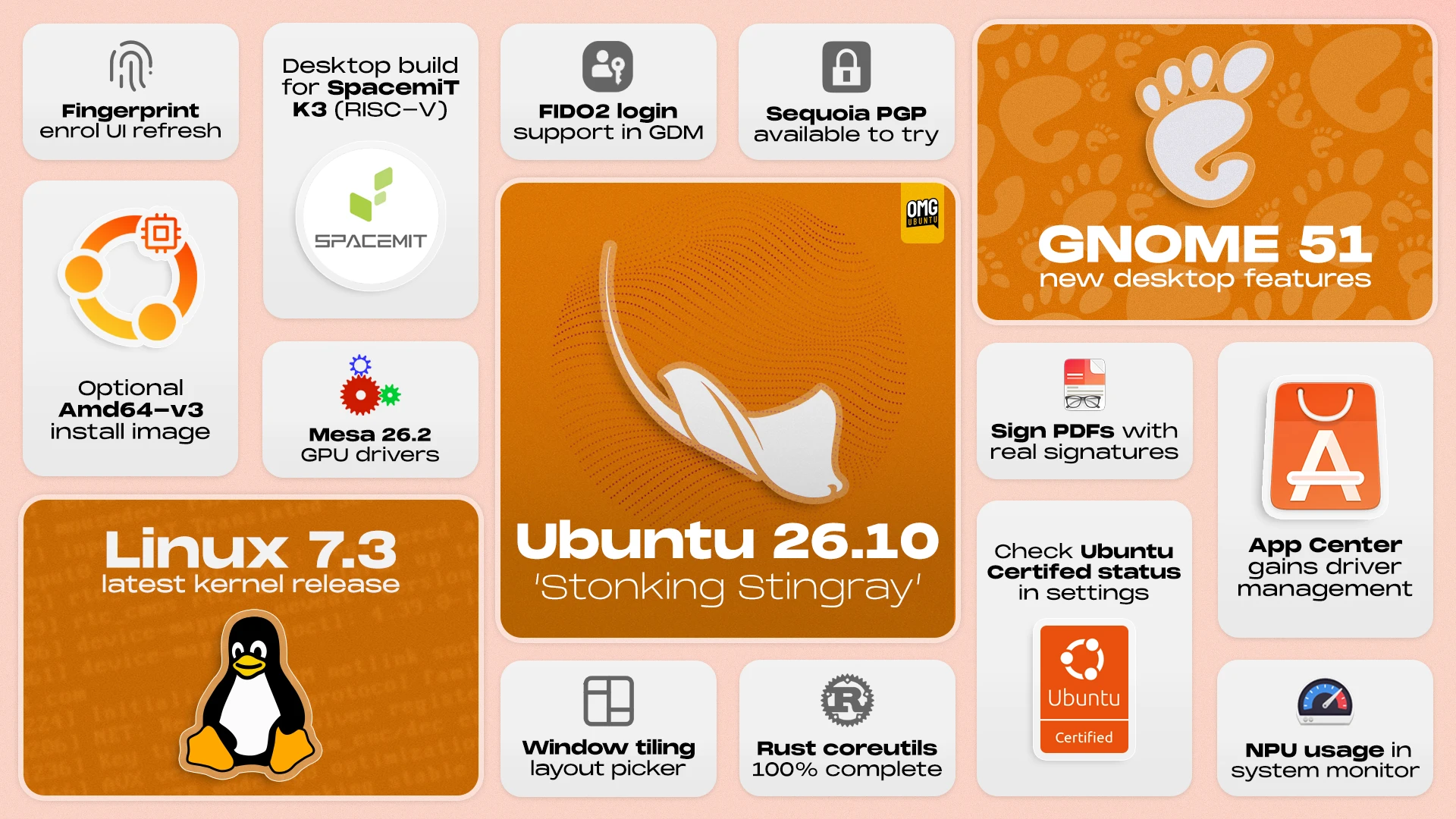
Canonical has officially announced the release of Ubuntu 26.10, codenamed "Stonking Stingray." Serving as the project’s latest interim release, the distribution arrives packed with significant technological shifts under the hood alongside an array of desktop refinements. Supported for nine months through July 2027, the release provides a forward-looking testbed for bleeding-edge technologies, highlighted by GNOME 51, the Linux 7.3 kernel, Mesa 26.2 graphics libraries, and a complete transition to Rust-based core utility commands.
In addition to system-level upgrades, the new release delivers expanded enterprise authentication capabilities, broader full-disk encryption options, performance-tailored installation media, and experimental desktop support for RISC-V hardware architectures. For everyday users and system administrators alike, Ubuntu 26.10 bridges modern security paradigms with everyday desktop conveniences.
New Window Snapping and Layout Picker
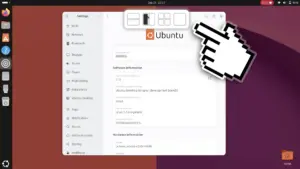
Leading the visible desktop improvements is an overhauled window tiling experience designed to streamline multi-window workflows directly during drag actions. When a user begins dragging a window across the workspace, an interactive layout picker peeks down from the top edge of the display. Guiding the active window toward this bar reveals an array of pre-configured tiling zones.
Hovering over a specific zone displays a translucent ghost preview indicating precisely where the application window will seat itself. Releasing the mouse button immediately snaps the window to that layout. While the functionality expedites multi-tasking without requiring dedicated shortcut combinations, it operates as an active visual element that users may not always want running. Because Ubuntu does not offer an immediate graphical toggle to disable the interface, users who find the animated picker distracting can deactivate it via the command line by executing:
gsettings set org.gnome.shell.extensions.tiling-assistant enable-layout-picker false
The picker can subsequently be restored at any point by running the identical command with the parameter set back to true.
Checking Ubuntu Certified Status Directly from Settings
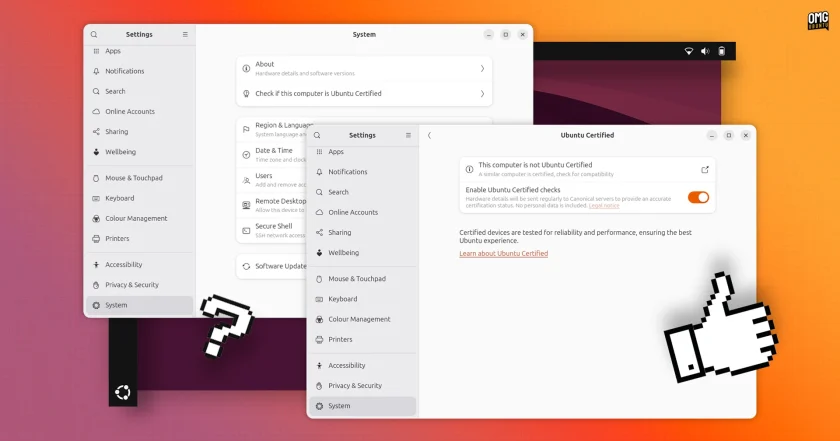
Ubuntu 26.10 makes hardware validation considerably more transparent by embedding a dedicated verification tool within the default desktop settings. By navigating to Settings and selecting the System menu, users can instantly determine whether their specific laptop or workstation carries official Ubuntu Certified status.
Behind the scenes, these diagnostics query the Ubuntu Hardware API through Canonical’s hwctl client, which has been converted into an isolated snap package for this cycle. The interface reports a clear, definitive confirmation if the machine matches a certified production device. If the hardware is not recognized, the interface indicates as much, while systems that closely match certified configurations receive partial-match notices with direct links to the relevant hardware documentation on Ubuntu’s website. Official certification is typically limited to hardware configurations specifically validated and maintained through direct engineering partnerships between Canonical and original equipment manufacturers (OEMs).
Built-in PDF Signature Support in Document Viewer
Document processing sees a practical productivity upgrade in the default Document Viewer, also known as Papers. The utility now incorporates native support for creating, importing, and placing handwritten signatures directly onto PDF documents.
Users can sketch a signature on a built-in canvas using a mouse, digital stylus, graphics tablet, or touchscreen. Alternatively, the app allows users to import an existing photograph of a written signature, with an integrated background-removal mechanism isolating the ink from paper glare.
Once created, signatures are saved internally for future applications. They behave like standard vector document annotations, allowing users to move, scale, and reposition them anywhere across individual pages. Beyond signatures, Papers introduces more descriptive paper size labeling within file properties and ensures that free-text annotations are included on printed copies by default.
Accessible Screenshots and Audio Adjustments
The desktop screenshot tool in GNOME 51 includes fine-grained accessibility adjustments via keyboard controls. After drawing a capture area across the screen, users can employ the directional arrow keys to target a specific boundary. Continued arrow keystrokes expand or contract the frame, while holding the Shift key shifts boundaries in larger increments and the Control key restricts adjustments to micro-steps. Holding the Alt key alongside the arrows allows the entire capture selection to be panned across the display. If an adjustment becomes unwieldy, pressing the R key resets the selection box entirely.
Complementing the mechanical changes is a revamped audio cue. The longstanding camera shutter sound effect has been retired in favor of a discreet system sound. The change was made upstream by GNOME developers to avoid the awkward or suspicious looks users often encountered when triggering screen captures in public settings with speakers unmuted.
 Linux & Open Source Solutions
Ubuntu 26.10 Beta Rescheduled to October 1 Following Unforeseen Infrastructure Issues
Canonical has officially postponed the public beta release of its upcoming operating...
 Linux & Open Source Solutions
Ubuntu 26.10 Introduces Top-Screen Layout Picker to Streamline Window Tiling
Ubuntu 26.10 is introducing a new way for users to organize their...
 Linux & Open Source Solutions
Canonical Publishes Official Ubuntu Desktop Images for RISC-V Hardware Ahead of Ubuntu 26.10
Installing an official Ubuntu desktop operating system on 64-bit RISC-V hardware is...







