
The landscape of the modern smart home has shifted dramatically over the last decade. What began as a fragmented collection of Wi-Fi-connected lightbulbs and basic voice commands has evolved into a sophisticated ecosystem of interconnected sensors, processors, and logic engines. At the heart of this evolution for many enthusiasts is Home Assistant, an open-source platform known for its unparalleled depth and local-control philosophy. However, the sheer volume of features packed into the software can be a double-edged sword. Even for seasoned users with an engineering background, certain high-value tools often remain hidden in plain sight, overlooked in favor of simpler, more immediate configurations.
Adam Davidson, a veteran tech writer and engineer who joined the Home Assistant community during his tenure at Pocket-lint, recently reflected on this phenomenon. Despite a decade of experience in consumer technology, Davidson admitted that he "slept on" several of the platform’s most transformative features for far too long. His experience underscores a common challenge in the smart home space: as platforms become more powerful, the gap between basic usage and "magical" automation widens. For Davidson, the ideal smart home is one that requires minimal human intervention, operating through invisible logic rather than manual control panels.
The Shift to Actionable Notifications
For many years, the standard for smart home communication was the one-way alert. A sensor would detect a leak, or a camera would spot a person, and the system would push a text-based notification to the user’s smartphone. While informative, these alerts often created a point of friction, requiring the user to unlock their phone, find the relevant app, and navigate to a control screen to take action.
The introduction and refinement of actionable notifications have fundamentally changed this dynamic. Unlike their passive predecessors, actionable notifications allow users to respond to events directly from the lock screen or notification shade. By embedding specific command buttons—such as "Turn Off Lights" or "Keep On"—directly into the alert, Home Assistant minimizes the time between an event and its resolution.
Davidson notes that he now utilizes this feature daily, most notably for critical routine tasks. By setting up a sophisticated series of "nagging" notifications for medication reminders, he has turned a simple alert into a failsafe system. If the notification isn’t acknowledged or the action isn’t confirmed, the system can escalate the alert, ensuring that important tasks are never forgotten. This transition from "information delivery" to "interactive control" represents a significant milestone in reducing smart home fatigue.

Bayesian Sensors and the Logic of Probability
One of the most complex challenges in home automation is accurate presence detection. Traditional methods often rely on a single data point, such as a phone’s GPS location or a motion sensor. However, these methods are notoriously prone to "false negatives"—for instance, a motion sensor might stop detecting a person who is sitting perfectly still while reading or watching a movie, leading to the lights unexpectedly turning off.
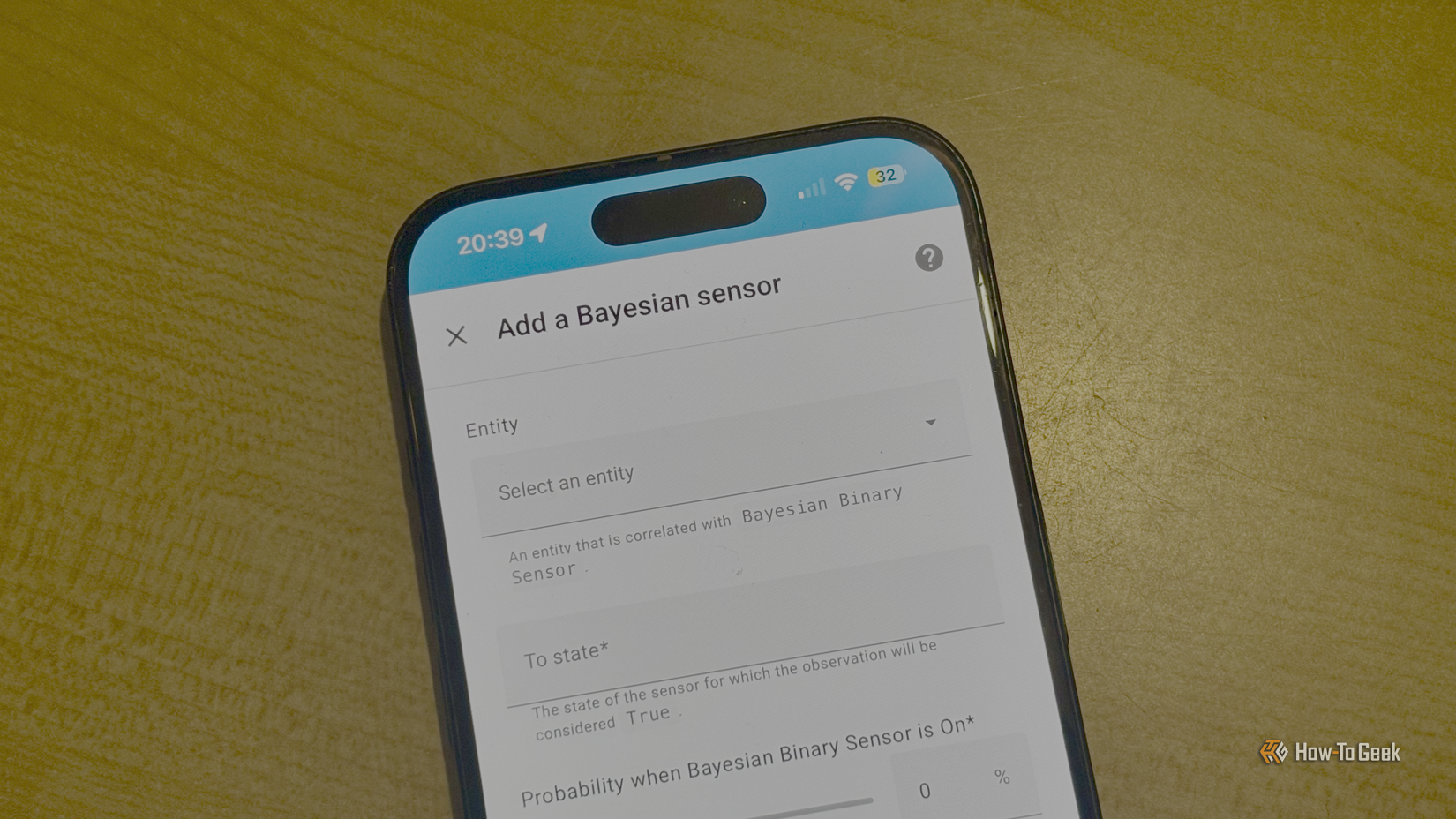
To solve this, Home Assistant offers the Bayesian sensor, a tool that employs mathematical probability to determine the state of the home. Named after Bayesian statistics, this sensor allows a user to combine multiple, often unreliable, signals into a single, highly accurate "truth."
In a practical application, a Bayesian sensor might look at several factors: Is the living room TV on? Is the house’s power consumption above a certain threshold? Has the front door remained closed since the last motion was detected? By assigning a "probability weight" to each of these events, the sensor calculates the likelihood that someone is home. This prevents the "lights-out" scenario during quiet activities and ensures that automations only trigger when there is a high statistical certainty of presence. It is a move away from binary "if-this-then-that" logic toward a more nuanced, human-centric approach to environmental awareness.

Streamlining the Living Room with Universal Media Players
The modern entertainment center is often a chaotic mix of hardware. A single viewing session might involve a smart TV, a specialized streaming stick like an Apple TV or Shield Pro, and a high-end surround sound receiver. Controlling these devices usually requires juggling multiple remotes or switching between different digital interfaces within a smart home app.
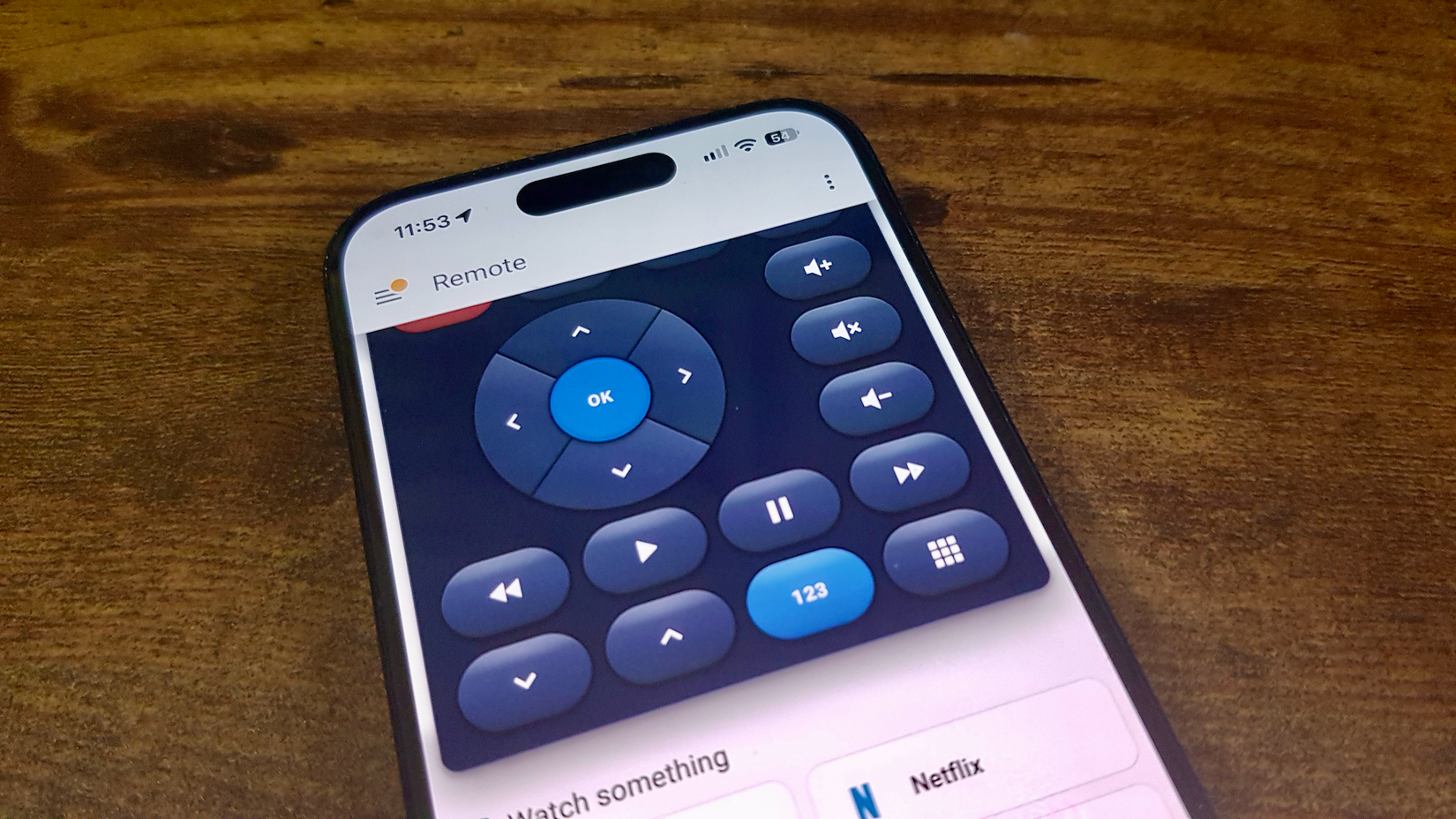
The Universal Media Player integration serves as a powerful consolidator for these disparate entities. It allows users to create a single, virtual media player that controls multiple physical devices simultaneously. The brilliance of this feature lies in its conditional logic. For example, when a user adjusts the volume on the virtual player, Home Assistant can be told to route that command to the surround sound receiver if it is powered on, but to the TV’s internal speakers if the receiver is off.
This level of abstraction simplifies the user experience for everyone in the household. Instead of teaching guests or family members which device controls which function, the Universal Media Player presents a unified interface that "just works," regardless of the underlying hardware configuration.
Redefining Workflow with Automation Modes
By default, Home Assistant is designed to be cautious. When an automation is triggered, the system runs the sequence to completion and typically ignores any new triggers that occur while the automation is still in progress. While this prevents logic loops, it isn’t always the desired behavior for every scenario.
The platform provides four distinct "modes" for automations: Single, Restart, Queued, and Parallel. Understanding the distinction between these is often the key to moving from clunky automations to fluid ones.
The "Restart" mode is particularly valuable for motion-based lighting. In a standard setup, if a light is set to turn off after five minutes of no motion, a person moving at the four-minute mark might not properly reset the timer if the automation is still "running" its delay. By using Restart mode, every new motion detection instantly kills the old timer and starts a fresh one, ensuring the lights stay on as long as someone is in the room.
Conversely, "Queued" and "Parallel" modes allow for more complex handling of simultaneous events, such as multiple people triggering a smart doorbell or various sensors reporting data at the exact same moment. These modes ensure that no trigger is lost in the shuffle, providing a level of reliability that mimics professional-grade industrial automation.
The Proximity Integration: Beyond Simple Geofencing
Standard geofencing is binary: you are either "Home" or "Away." This works well for turning off the lights when you leave, but it is less effective for preparing the home for your arrival. If a thermostat is set to turn on when you enter the "Home" zone, the house may still be uncomfortably cold by the time you actually walk through the front door.
The Proximity integration introduces a vector-based approach to location. Rather than just checking if a user is inside a circle on a map, Proximity tracks the distance from a zone and, crucially, the direction of travel. It can distinguish between a user who is 10 miles away but driving toward the house, and a user who is 10 miles away but driving further into the city.
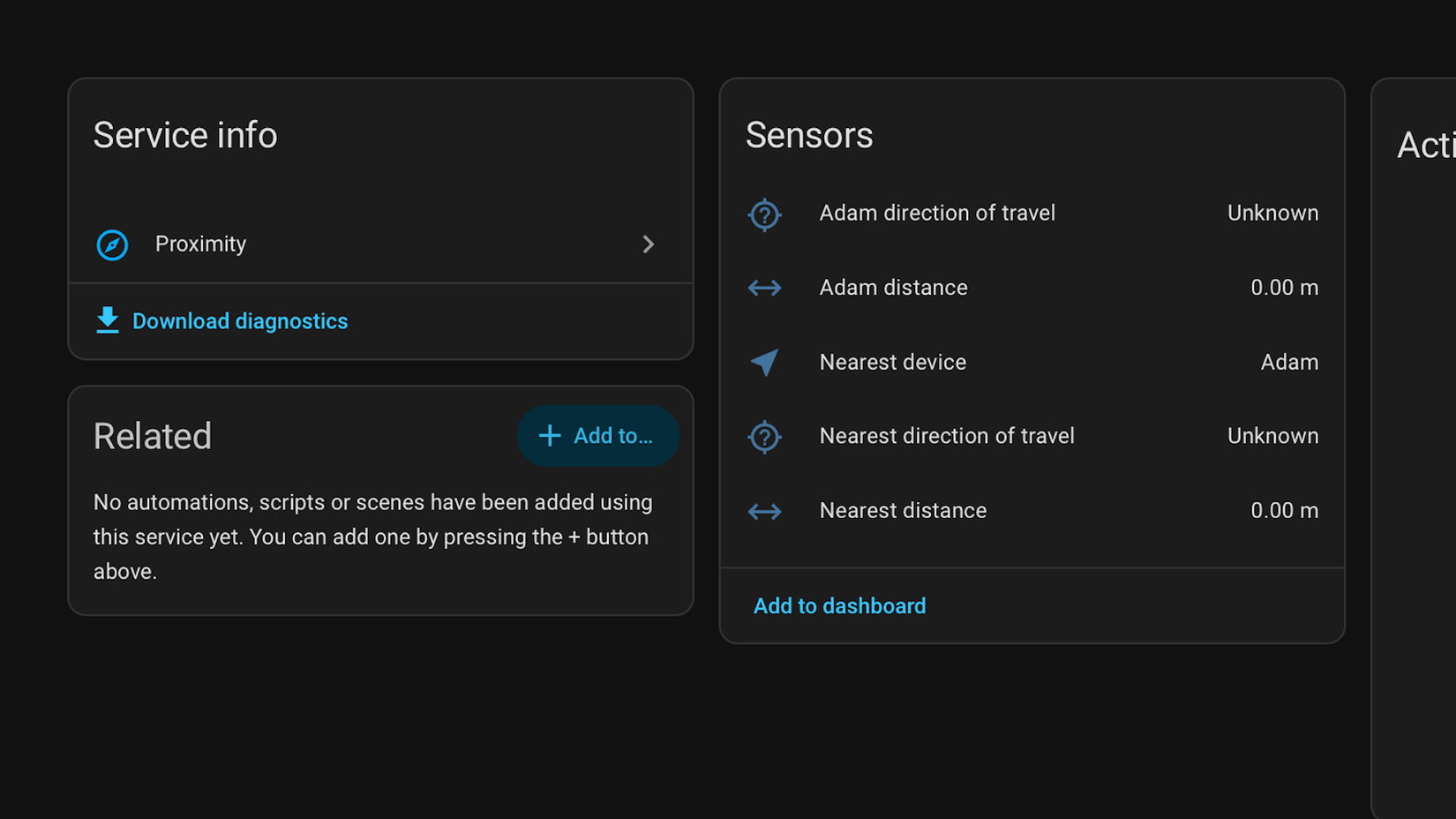
By utilizing this data, Home Assistant can trigger "arrival" automations based on time-to-arrival rather than physical boundaries. This allows the HVAC system to begin pre-heating or cooling the home at the optimal moment, ensuring the environment is perfect the second the door opens, without wasting energy when the user is simply passing by the neighborhood.
Efficiency Through Duration-Based Triggers and Reusable Scripts
The evolution of Home Assistant’s software was highlighted in the 2026.5 update, which expanded the availability of duration-based triggers. While users have long been able to trigger actions based on how long a window has been open, these "for" durations were recently integrated into more specific, purpose-built triggers. This update allows for cleaner, more readable automation code, such as triggering a "house secure" routine only after motion has been cleared for a specific, uninterrupted block of time.
To complement these triggers, Davidson emphasizes the importance of "Reusable Scripts." In the early stages of building a smart home, users often find themselves repeating the same blocks of logic across dozens of different automations—such as the specific sequence of events for a "Critical Alert" that flashes lights and sends phone notifications.

By centralizing these actions into a single script, the user creates a "modular" system. If the user replaces their phone or adds a new smart speaker to the house, they only need to update the logic in one script rather than hunting through fifty separate automations. This "Don’t Repeat Yourself" (DRY) principle, borrowed from software engineering, is what allows a smart home to remain maintainable as it grows from a few devices to hundreds.
As the Home Assistant ecosystem continues to expand, the focus is increasingly shifting from mere connectivity to intelligent orchestration. For users like Davidson, the journey of discovery never truly ends. With each monthly update, the platform inches closer to that "magical" ideal: a home that doesn’t just respond to commands, but anticipates needs through sophisticated, invisible logic. For those who have been using the platform for years, the message is clear: there is almost certainly a feature you are overlooking that could change the way your home lives with you.
 Tech Tutorials & How-To Guides
Ryobi Expands Winter Tool Lineup with Battery-Powered Heating and Emergency Solutions
As the autumn leaves begin to settle and the first frost takes...
 Tech Tutorials & How-To Guides
The Ghost in the Machine: Investigating the Root Causes of Unexpected Windows Wake Events
For many Windows users, the experience is unnervingly familiar: a desktop or...
 Tech Tutorials & How-To Guides
Top Streaming Picks for Late October: From High-Stakes Documentaries to Modern Classics
As the final week of October arrives, the cultural atmosphere undergoes a...







