

Streamlining the Living Room with Universal Media Players
The modern entertainment center is often a chaotic mix of hardware. A single viewing session might involve a smart TV, a specialized streaming stick like an Apple TV or Shield Pro, and a high-end surround sound receiver. Controlling these devices usually requires juggling multiple remotes or switching between different digital interfaces within a smart home app.
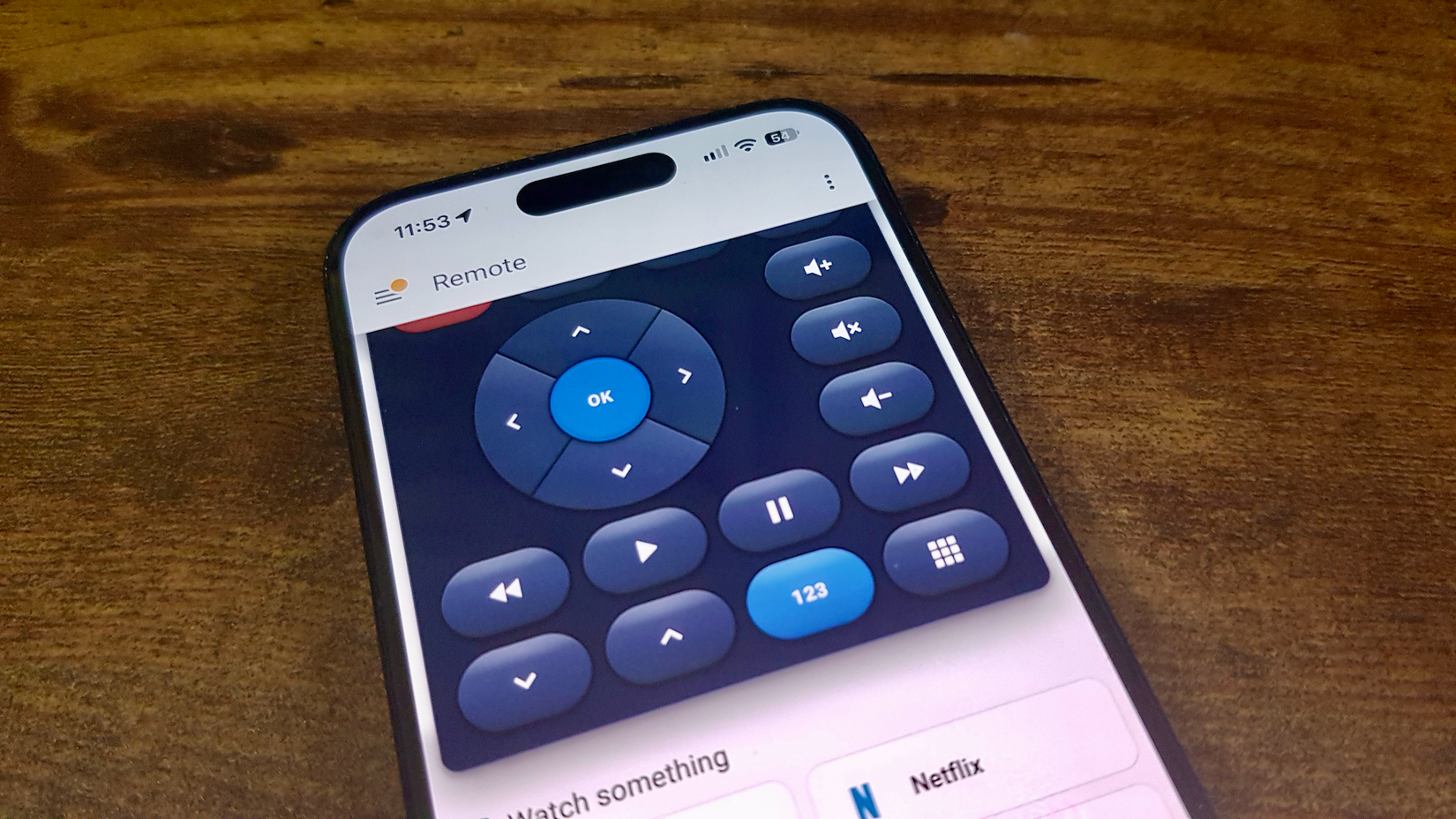
The Universal Media Player integration serves as a powerful consolidator for these disparate entities. It allows users to create a single, virtual media player that controls multiple physical devices simultaneously. The brilliance of this feature lies in its conditional logic. For example, when a user adjusts the volume on the virtual player, Home Assistant can be told to route that command to the surround sound receiver if it is powered on, but to the TV’s internal speakers if the receiver is off.
This level of abstraction simplifies the user experience for everyone in the household. Instead of teaching guests or family members which device controls which function, the Universal Media Player presents a unified interface that "just works," regardless of the underlying hardware configuration.
Redefining Workflow with Automation Modes
By default, Home Assistant is designed to be cautious. When an automation is triggered, the system runs the sequence to completion and typically ignores any new triggers that occur while the automation is still in progress. While this prevents logic loops, it isn’t always the desired behavior for every scenario.
The platform provides four distinct "modes" for automations: Single, Restart, Queued, and Parallel. Understanding the distinction between these is often the key to moving from clunky automations to fluid ones.
The "Restart" mode is particularly valuable for motion-based lighting. In a standard setup, if a light is set to turn off after five minutes of no motion, a person moving at the four-minute mark might not properly reset the timer if the automation is still "running" its delay. By using Restart mode, every new motion detection instantly kills the old timer and starts a fresh one, ensuring the lights stay on as long as someone is in the room.
Conversely, "Queued" and "Parallel" modes allow for more complex handling of simultaneous events, such as multiple people triggering a smart doorbell or various sensors reporting data at the exact same moment. These modes ensure that no trigger is lost in the shuffle, providing a level of reliability that mimics professional-grade industrial automation.
 Tech Tutorials & How-To Guides
Netflix Expands November Catalog With a Diverse Mix of Licensed Hits and Psychological Thrillers
As the autumn chill settles in and the holiday season approaches, the...
 Tech Tutorials & How-To Guides
The Rise of the Personal Media Server: Why Users Are Swapping Streaming Subscriptions for Self-Hosted Control
The promise of the early streaming era was one of unprecedented convenience...
 Tech Tutorials & How-To Guides
Essential Roadside Resilience: Why Modern Drivers are Turning to Portable Battery-Powered Solutions
The modern driving experience is often defined by a sense of seamless...







