Fedora has long occupied a prestigious, if somewhat contradictory, position within the Linux ecosystem. It is frequently hailed as the distribution that "gets things right first," serving as a high-speed laboratory for the technologies that eventually define the enterprise-grade Red Hat Enterprise Linux (RHEL). For developers, sysadmins, and open-source purists, Fedora represents the cutting edge of what a free operating system can be. It is fast, modern, and uncompromising in its commitment to free software principles.
However, for the average user—or even the seasoned professional looking for a seamless "out of the box" experience—a different picture often emerges. Beyond the initial polish of its clean GNOME interface lies a system that frequently expects the user to finish the installation process themselves. While the base system is undeniably robust, the "Workstation" experience is often marred by a series of friction points, from missing media support to an ideological aversion to proprietary drivers that can leave hardware underperforming. Despite the significant hype surrounding each new release, Fedora remains a distribution that provides an excellent foundation but leaves the final assembly to the end-user.
The Missing Pieces: Codecs, Drivers, and Default Settings
The primary source of frustration for many Fedora newcomers is not found in what the distribution includes, but rather in what it refuses to ship. Because the Fedora Project is based in the United States and adheres strictly to a policy of excluding patent-encumbered and proprietary software, a fresh installation is functionally hobbled when it comes to modern media consumption.
Since the release of Fedora 37, the project has disabled hardware-accelerated decoding for H.264 and HEVC within the Mesa graphics drivers. While video content will still play on most systems, the heavy lifting is shifted from the dedicated GPU to the CPU. For laptop users, the consequences are immediate and detrimental: increased heat, louder fan noise, and significantly reduced battery life.
Addressing this requires a multi-step intervention. A user must know to enable the third-party RPM Fusion repositories, swap out the default Mesa drivers for the "freeworld" versions, and install the full FFmpeg suite. While these commands are well-documented in community forums, the default setup provides no indication that the system is running in a degraded state or that these steps are necessary to unlock the hardware’s full potential.
The experience for Nvidia hardware owners is similarly fraught. Because the proprietary Nvidia driver cannot be included in Fedora’s official repositories, users must rely on RPM Fusion and a local build process managed by "akmods." On systems where Secure Boot is enabled—which includes almost every modern laptop and pre-built desktop—the process becomes even more opaque. Users must manually enroll a signing key (MOK) at the BIOS/UEFI level, or the driver simply will not load. A user unaware of this requirement may find themselves trapped in a low-resolution environment with software rendering, wondering why their powerful dedicated graphics card is being ignored by the OS.
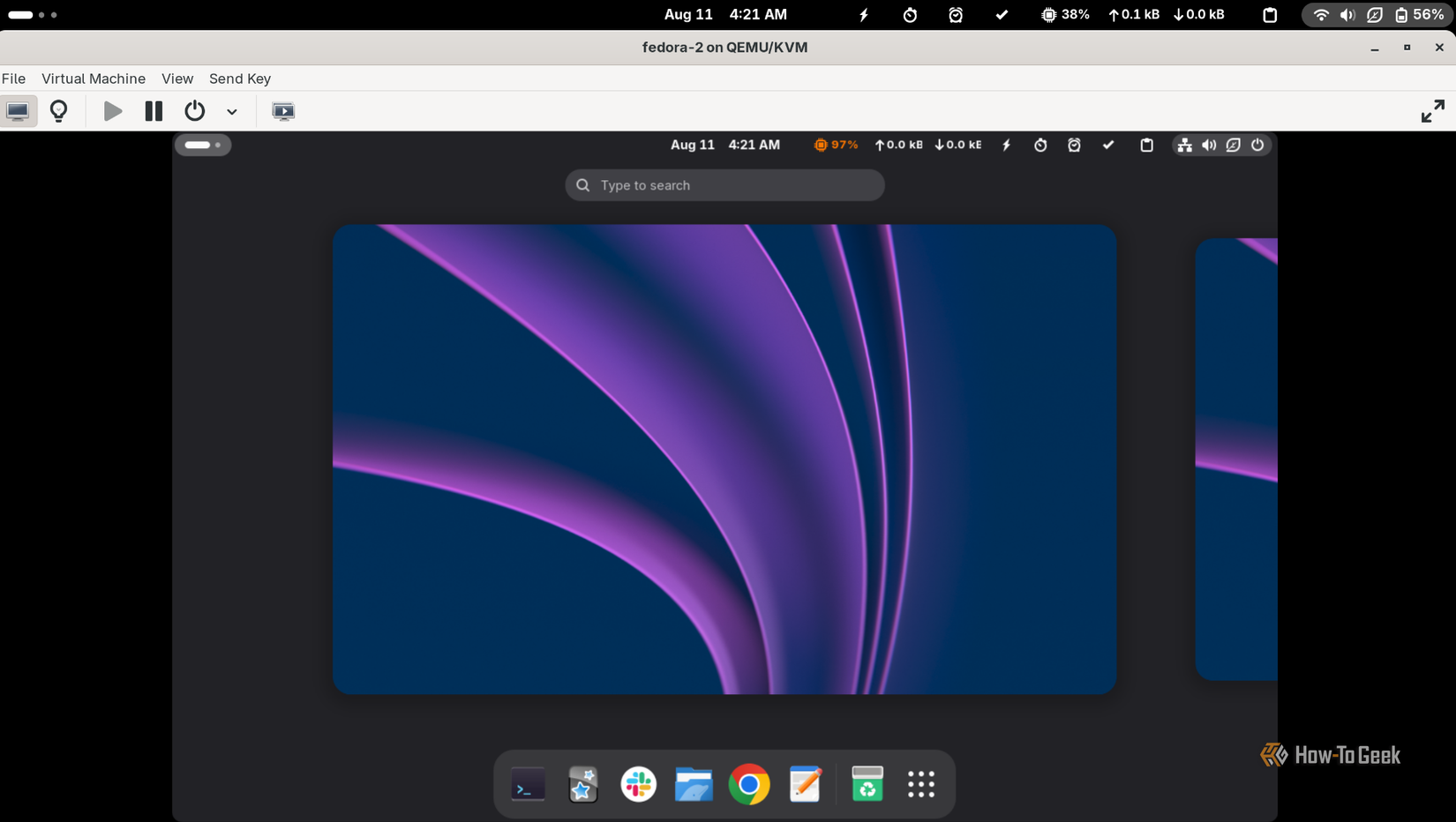
The desktop environment itself, while aesthetically pleasing, adheres so closely to "upstream" GNOME defaults that it often feels utilitarian to a fault. Fedora Workstation ships with windows that feature only a close button, omitting the minimize and maximize controls that have been standard in computing for decades. Furthermore, the lack of native support for system tray icons means that essential applications—such as Dropbox, Steam, or Discord—do not behave as expected unless the user discovers and installs third-party GNOME extensions. For a distribution marketed as a polished workstation, these "rough edges" require a level of manual configuration that many other modern distributions have long since automated.
Software Friction and the Quest for Stability
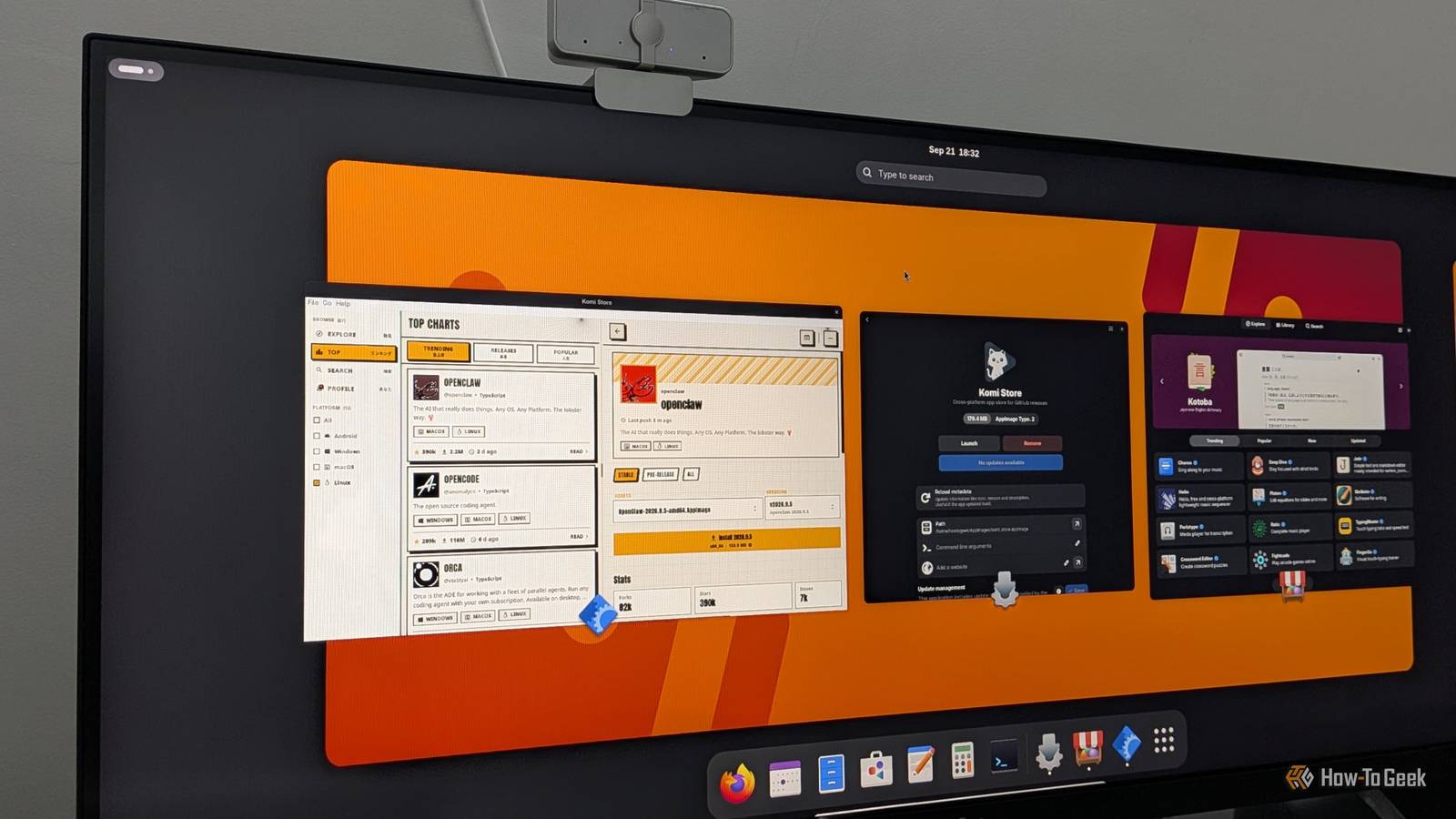
The software delivery model in Fedora has also faced recent scrutiny, particularly regarding the handling of Flatpaks. Fedora maintains its own Flatpak remote, which it prioritizes over the industry-standard Flathub. In early 2025, this led to a public and heated dispute with the developers of OBS Studio. Users were installing a Fedora-packaged version of OBS that was broken, assuming it was the official build. The developers of OBS eventually had to clarify that the Fedora version was not supported by them, highlighting a significant disconnect between Fedora’s packaging philosophy and the needs of software maintainers.
Release quality is another area where Fedora’s "move fast" mantra occasionally stumbles. Fedora 44, for instance, saw its release date slip by two weeks due to critical blocker bugs. Even after the delay, the Workstation installer shipped with a known issue where the installation process could hang indefinitely on machines with slower storage or processors. For a distribution that prides itself on being a premier choice for professionals, these lapses in the final "fit and finish" can be difficult to overlook.
Potential Paths Toward a Smoother Experience
The most frustrating aspect of Fedora’s shortcomings is that they are largely solvable without the project needing to abandon its core principles. Much of the friction could be mitigated through smarter defaults and more transparent communication during the setup process.
Currently, Fedora offers a toggle for "third-party repositories" during the initial setup, but this option is surprisingly limited, primarily covering Google Chrome and a restricted channel for Nvidia drivers. Expanding this prompt to include a clear explanation of the codec situation would go a long way. By offering a guided path to enable RPM Fusion with an honest description of the functionality it adds—such as hardware video acceleration—Fedora could save its users hours of troubleshooting without actually shipping patented code on the ISO itself.

Nvidia support is another area where Fedora could learn from its peers. Ubuntu has demonstrated for years that it is possible to detect a user’s GPU during installation, offer the correct proprietary driver, and handle the complexities of Secure Boot enrollment within a single, unified graphical flow. Fedora’s current process is technically functional, but it requires the user to understand kernel module signing and MOK enrollment—concepts that are far removed from the typical user’s experience of simply wanting to play a game or run a CUDA-based workload.
On the desktop side, the decision to prioritize Fedora’s own Flatpak remote over Flathub continues to cause confusion. Shipping Flathub unfiltered by default, while clearly labeling the origin of each package, would resolve the "OBS-style" conflicts and provide users with the most up-to-date software. Similarly, shipping AppIndicator support by default would ensure that the desktop behaves predictably for the vast majority of cross-platform applications that rely on tray icons.
There are, however, signs of progress. The upcoming Fedora 45, scheduled for release in late October, introduces several meaningful technical improvements. It brings the modern, web-based Anaconda installer to "Atomic" editions like Silverblue and Kinoite, providing a more reliable installation experience. The replacement of the aging kernel console with "kmscon" and the addition of "DRM Panic" for more descriptive crash screens show that Fedora is still innovating at the system level.
However, Fedora 45 also highlights the project’s double-edged sword: it will now enforce RPM signature checking by default. While this is a win for security, it means that installing the RPM Fusion release package via a simple command line will now fail until the user manually imports the signing key. This is a perfect example of a change that is technically sound but introduces yet another hurdle for the end-user—a hurdle that Fedora must learn to communicate effectively if it wants to maintain its broad appeal.
Exploring the Alternatives: Who Finishes the Job?
For those who find Fedora’s "to-do list" approach exhausting, the Linux landscape offers several alternatives that take Fedora’s excellent foundation and add the necessary finishing touches. Many of these are actually built directly on top of Fedora, proving that the base system is not the problem, but rather the default configuration.
The Universal Blue project has gained significant traction with "Bazzite" and "Aurora." These are "Atomic" versions of Fedora that come pre-configured with codecs, Nvidia drivers, and sensible desktop tweaks. Bazzite is specifically tailored for gaming and handheld PCs like the Steam Deck, while Aurora provides a polished KDE Plasma experience designed for productivity. For users who prefer a traditional package-based system, Nobara—maintained by prominent Linux developer GloriousEggroll—offers a version of Fedora specifically optimized for gaming and media production, including custom kernel patches that Fedora’s main branch avoids.
Outside of the Fedora family, the competition remains fierce. Ubuntu 26.04 LTS continues to be the benchmark for "just works" Linux, offering a mature driver manager and five years of guaranteed support. While its "Snap-first" approach remains a point of contention for some, its ease of use is undeniable. Linux Mint, based on Ubuntu’s stable foundation, remains the gold standard for users transitioning from Windows, offering a familiar Cinnamon desktop and an installer that handles media codecs with a single checkbox.
For Nvidia users, Pop!_OS by System76 remains a standout choice. By shipping a dedicated ISO with Nvidia drivers pre-baked into the live environment, they eliminate the most common point of failure for Linux newcomers. Furthermore, their new COSMIC desktop, written in Rust, represents one of the most exciting developments in the Linux space, offering a modern alternative to the GNOME/KDE duopoly.
Finally, for those who value Fedora’s "freshness" but want more built-in tooling, openSUSE Tumbleweed offers a compelling middle ground. As a rolling release, it provides the latest software versions but uses the sophisticated OpenQA testing system to ensure stability, complemented by "Snapper" snapshots that allow users to trivially roll back their entire system if an update goes wrong.
A Powerful Core in Search of a Better Interface
Ultimately, Fedora is an excellent operating system that is frequently let down by its own commitment to a "pure" upstream experience. Its core is fast, its security model is forward-thinking, and it remains the primary driver of innovation in the Linux world. However, as long as it continues to hand new users a checklist of manual configurations to perform after the first boot, it will struggle to move beyond its niche as a "distro for people who already know how to fix it."
Fedora doesn’t need to change its soul to succeed; it simply needs to stop pretending that the needs of the modern desktop user—codecs, drivers, and a functional UI—are problems that don’t exist. Until the project embraces smarter defaults and clearer guidance, the best way to experience Fedora might just be through the various "spins" and community projects that are willing to finish the job that Fedora starts.
 Tech Tutorials & How-To Guides
Beyond the Command Line: How btop is Redefining System Monitoring for the Modern Linux User
The terminal has long been the sanctuary of the Linux power user—a...
 Tech Tutorials & How-To Guides
Essential Ryobi 18V ONE+ Tools Under $80 for New Homeowners and DIY Enthusiasts
The landscape of home improvement has shifted significantly over the last decade,...
 Tech Tutorials & How-To Guides
Paramount+ Expands Library with Major October Update as Spooky Season Begins
As the calendar turns to October and the first chill of autumn...