
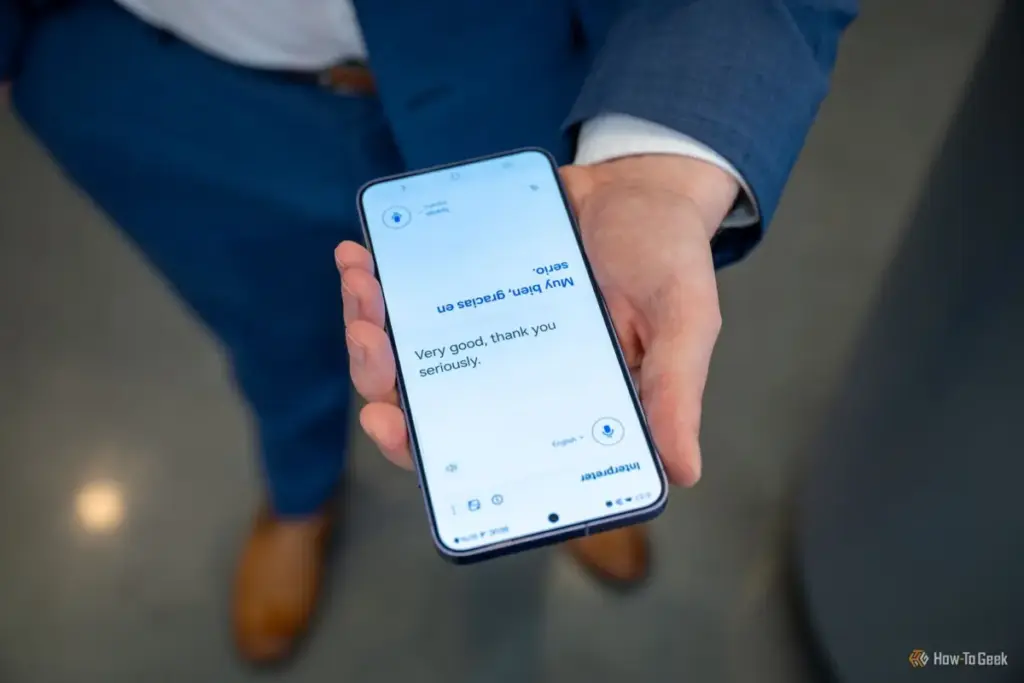
The modern smartphone is no longer just a communication tool; it has become a comprehensive digital extension of the self. Within its glass-and-metal frame lies a person’s entire life: banking credentials, private conversations, work-related documents, and years of photographic memories. For most, the thought of handing this device over to someone else—even a trusted family member—induces a specific kind of modern anxiety. However, for tech experts like Sanya Shah, a computer engineer turned technology journalist, the act of lending a phone is less a leap of faith and more a calculated exercise in leveraging sophisticated software protections.
When Shah’s brother found himself with a non-functional device one morning, she did not hesitate to offer her Samsung Galaxy as a temporary replacement. While the brother’s needs were simple—making essential phone calls and staying reachable for work—the potential for accidental or intentional "snooping" into personal data was a reality. In a world where a single swipe can lead from the dialer to a private photo gallery or a sensitive WhatsApp thread, Shah relied on a suite of integrated Samsung privacy features to ensure her data remained hers alone.
The following exploration details the multi-layered security strategy Shah employed, illustrating how modern mobile operating systems, specifically Samsung’s One UI, have moved beyond simple lock screens to provide granular control over user privacy.
The Virtual Vault: Samsung Secure Folder
The first and perhaps most robust line of defense in Shah’s strategy is the Samsung Secure Folder. While most users are familiar with the standard Gallery app, the Secure Folder functions as an encrypted sandbox, a "phone within a phone" that operates independently of the primary user interface.
"I know my brother well enough to expect him to get a little too comfortable with my device," Shah noted. "The moment he realizes he has it for the whole day, there is a non-zero chance he might open the Gallery to look for—or delete—embarrassing photos."
To preempt this, Shah utilizes the Secure Folder, a feature underpinned by the Samsung Knox security platform. Knox provides defense-grade security that starts at the hardware level, ensuring that the data within the Secure Folder is isolated from the rest of the system. By moving sensitive images and documents into this space, Shah ensures they are invisible to the standard Gallery or My Files applications.
The utility of the Secure Folder lies in its secondary layer of authentication. Even if a borrower knows the primary PIN to unlock the phone, they would require a separate password, pattern, or biometric scan to access the vault. This creates a psychological and technical barrier that effectively cordons off the most private aspects of a user’s digital life without affecting the usability of the rest of the device.
Managing the Flow of Information: Notification Privacy
Even with sensitive apps locked away, a smartphone remains a dynamic device that constantly "pushes" information to the user. Notifications are perhaps the most frequent source of accidental privacy leaks. A sensitive message from a friend, a bank-issued One-Time Password (OTP), or a work-related alert can appear on the lock screen at any moment, visible to anyone holding the device.
For Shah, the solution was not to disable notifications entirely—which might hinder her brother’s ability to use the phone effectively—but to sanitize the content of those alerts. By navigating to the notification settings, she enabled the "Hide content while locked" feature. This setting allows the phone to signal that a notification has arrived, but it masks the actual text of the message.

"He doesn’t need a live feed of everything happening in my life just because he’s borrowing the hardware," Shah explained. This nuance is critical in a journalistic or professional context where a single notification preview could reveal confidential source information or sensitive corporate data. By muting notification sounds as well, Shah ensured her brother could focus on his tasks without being constantly interrupted by the digital echoes of her personal life.
The Social Firewall: App Pinning
One of the most powerful, yet often overlooked, features in the Android ecosystem is App Pinning. While the Secure Folder hides specific files, App Pinning controls the user’s entire environment. This feature is particularly useful when a borrower’s needs are limited to a single application, such as the dialer.
When Shah handed the phone to her brother, she used App Pinning to lock the device into the Phone app. This essentially creates a temporary "kiosk mode." Once an app is pinned, the user cannot navigate back to the home screen, switch to another app via the "Recent Apps" menu, or pull down the notification shade to access settings.
To exit this mode, a specific gesture is required—usually holding the "Back" and "Recent" buttons simultaneously—followed by the owner’s PIN or biometric authentication. This feature transforms the phone from a multi-functional personal computer into a single-purpose tool, providing the owner with absolute certainty that the borrower cannot wander into unauthorized territory. It effectively eliminates the need for the owner to "hover" over the borrower’s shoulder, turning a potentially awkward social interaction into a secure, hands-off transaction.
Proactive Oversight: Privacy Alerts and Permission Management
Beyond the immediate concerns of a human borrower, Shah’s security strategy also accounts for the "behavior" of the software itself. Samsung’s "Now Brief" and the broader Privacy Dashboard provide a high-level overview of how applications are interacting with the device’s sensors and data.
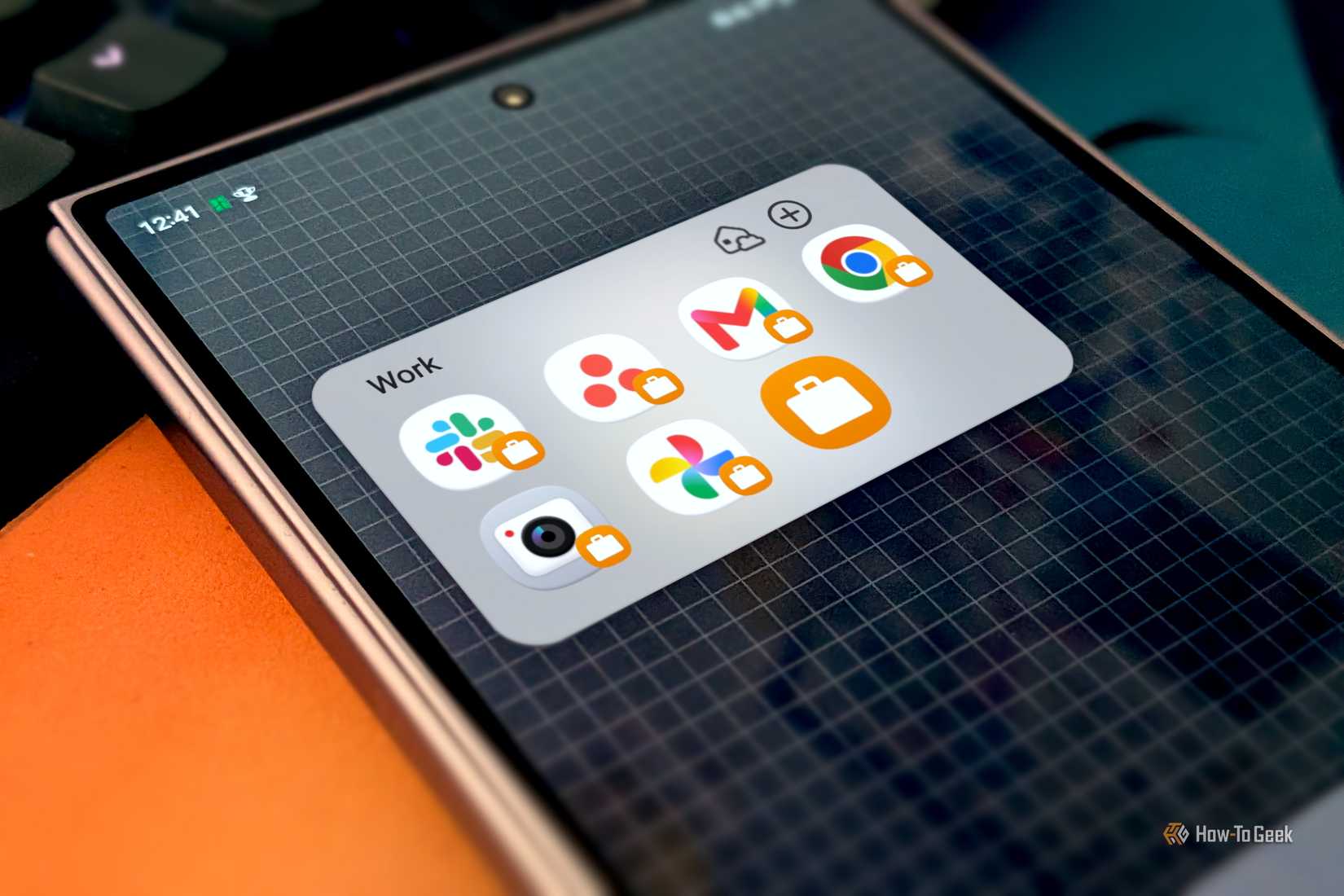
In the 2026 iteration of One UI, these privacy alerts have become more intuitive. Shah uses these tools to monitor which apps are requesting access to the microphone, camera, or location. If an app attempts to access sensitive information more frequently than its function justifies, the system flags it.
"Now Brief gives me a heads-up on whether an app or its permissions look off," Shah said. "If I spot an app asking for access it doesn’t need, I can revoke it immediately through the Permission Manager."
This proactive approach is essential when lending a device, as it ensures that no background processes are compromising the owner’s privacy while the phone is in another person’s hands. It reflects a shift in mobile security from reactive measures—like changing a password after a breach—to a model of continuous, transparent monitoring.
Optical Security: The Privacy Display
Finally, Shah addressed the physical environment in which her brother would be using the phone. In public spaces, meeting rooms, or on public transit, "visual hacking"—the act of looking at someone else’s screen from an angle—is a common way for information to be compromised.
To combat this, Shah activated the Samsung Privacy Display feature. This technology adjusts the light emission of the screen, significantly narrowing the viewing angle. While the screen remains crisp and clear for the person holding it directly in front of them, it appears dark or distorted to anyone attempting to view it from the side.
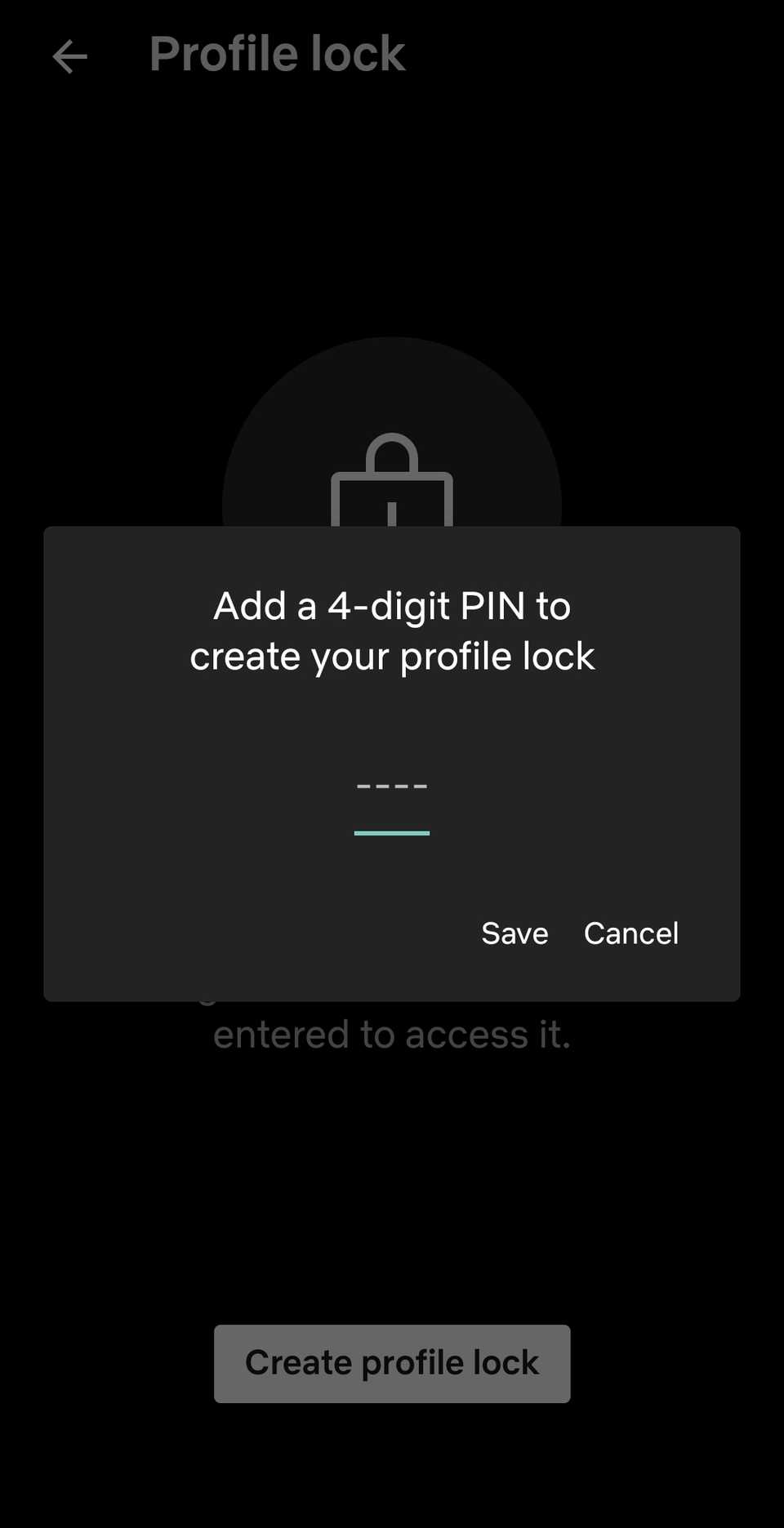
This feature is as much for the borrower’s protection as it is for the owner’s. Since Shah’s brother would be checking his own call history and potentially typing sensitive information, the Privacy Display ensured that his actions remained private from onlookers in crowded environments.
"I don’t want people sitting next to him peeking at the screen," Shah noted, characterizing the move as an act of "good sisterhood" as much as a security precaution. It represents the final layer of a comprehensive strategy that covers hardware, software, and the physical space between the user and the device.
The Evolution of Trust in a Connected Age
The scenario of a sister lending a phone to her brother serves as a microcosm for the broader challenges of privacy in the digital age. As smartphones become more integrated into our identities, the barriers to sharing them become higher. However, as demonstrated by Shah’s experience, technology is evolving to meet these challenges.
The suite of features available in the Samsung ecosystem—from the hardware-backed encryption of Secure Folder to the optical privacy of the display—suggests a future where device sharing is no longer a risk, but a managed interaction. These settings do not reflect a lack of trust between individuals; rather, they reflect a sophisticated understanding of the value of personal data.
By taking a few minutes to configure these settings, users can maintain the integrity of their digital lives while still being helpful to those around them. For Sanya Shah, the ability to hand over her phone without anxiety is the ultimate proof of the effectiveness of these tools. In her view, trust is a vital human connection, but in the realm of technology, a well-configured privacy suite is an even more reliable ally.
 Tech Tutorials & How-To Guides
Bridging the Automation Gap: How Google Gemini is Transforming Smart Home Management Through Personal Intelligence
In the rapidly evolving landscape of the modern smart home, the promise...
 Tech Tutorials & How-To Guides
Streaming Giants and Broadcast Legends: The Top Five Shows to Watch This Weekend
As the final weekend of October 2026 approaches, the digital landscape of...
 Tech Tutorials & How-To Guides
Google Pixel Watch 5 Sees Significant Price Cut as Amazon Offers $100 Discount on Latest Flagship Wearable
The landscape of Android wearables has long been a battlefield of compromise,...







