
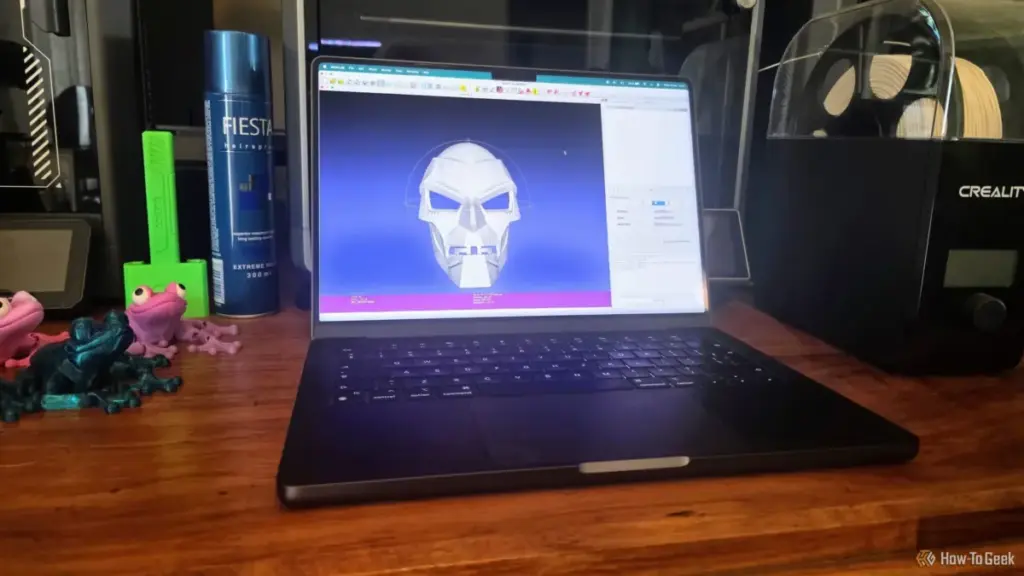
The world of 3D printing has evolved from a niche hobby for engineers into a widespread creative outlet, supported by a massive ecosystem of shared digital designs. Whether a user is sourcing a complex mechanical part from a repository like Printables or downloading a character sculpt from Thingiverse, the process usually feels seamless: download, slice, and print. However, as many enthusiasts eventually discover, the digital representation of an object does not always translate perfectly into a physical one. Even a model that looks flawless on a computer screen can harbor deep-seated geometric errors that cause a 3D printer to fail, often wasting hours of time and significant amounts of filament.
While modern slicing software like PrusaSlicer, Bambu Studio, and Cura have integrated basic repair functions, they are often insufficient for complex topological failures. When these automated tools reach their limits, the 3D printing community turns to more specialized software. Among the most powerful and enduring of these tools is MeshLab, an open-source system for processing and editing unstructured 3D triangular meshes. For those dealing with "non-manifold" geometry or corrupted scan data, MeshLab offers a level of diagnostic and repair precision that standard slicers simply cannot match.
The Deceptive Nature of STL Geometry
To understand why a 3D model fails, one must first understand the STL (Stereolithography) format, which remains the industry standard for 3D printing. An STL file describes the surface geometry of a 3D object using a raw, unstructured triangulated surface. It does not contain information about color, texture, or internal structure; it is merely a collection of triangles, defined by their vertices and normals, which collectively form a "skin" over the intended object.
The problem arises because computer graphics software can render "impossible" shapes that exist perfectly well in a virtual environment but cannot exist in the physical world. For a 3D printer to successfully create an object, the model must be "manifold," often described as being "watertight." In a manifold model, every edge is shared by exactly two faces, and there are no holes in the surface. This allows the slicing software to clearly distinguish between the "inside" and the "outside" of the object, enabling it to calculate where to place infill and where to build walls.
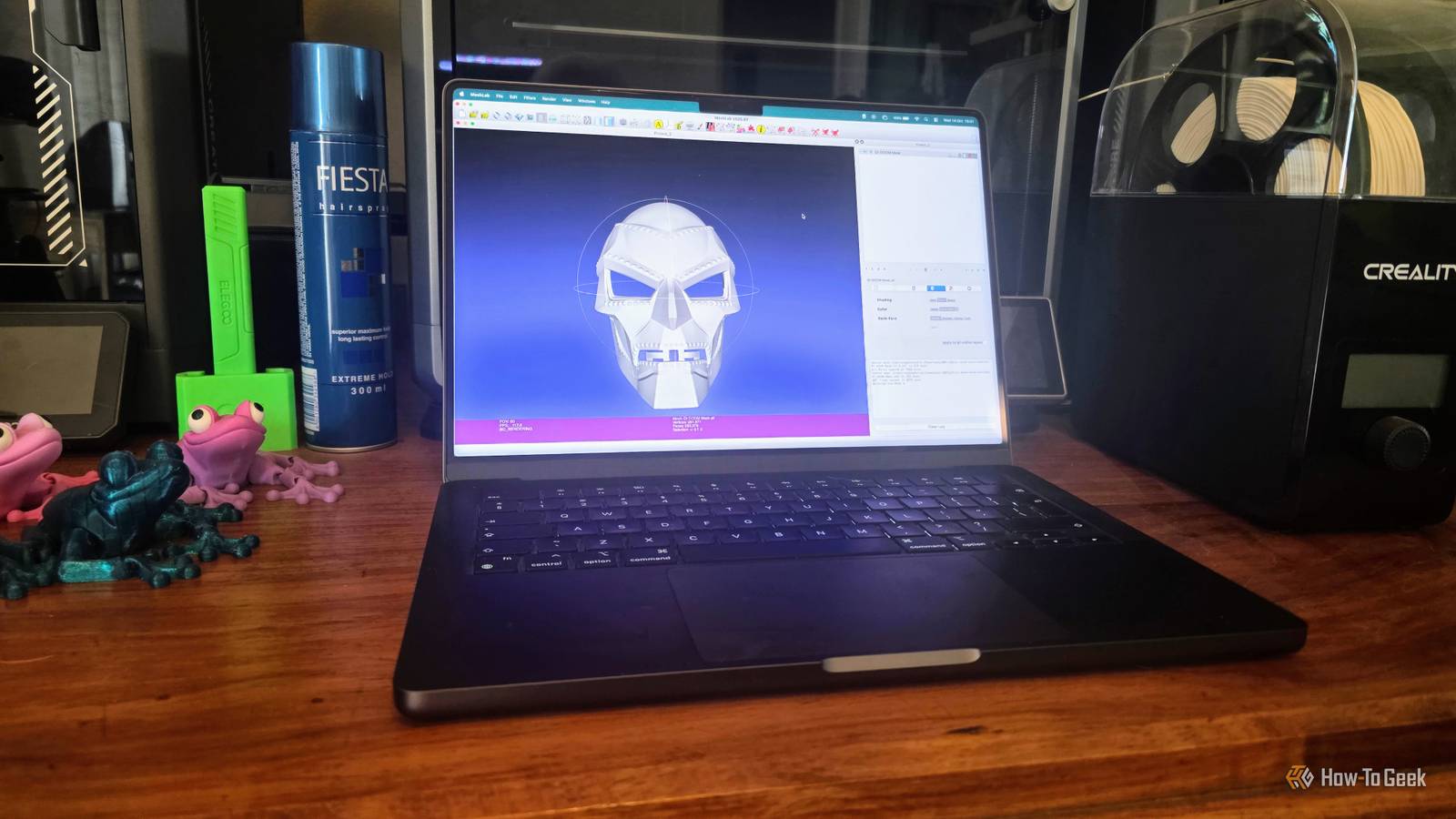
Unfortunately, many models—especially those created through 3D scanning or complex Boolean operations in CAD software—contain "non-manifold" geometry. This can include "zero-area faces," where a triangle has no surface area; "duplicate vertices," where two points occupy the same space but are not connected; or "internal faces," where geometry exists inside the supposed volume of the object. To the human eye, the model looks solid, but to the slicer, the math is broken, leading to missing layers, erratic toolpaths, or total print failure.
The Limitations of Integrated Slicer Repairs
In recent years, the developers of slicing software have made great strides in making 3D printing more accessible. Tools like PrusaSlicer now include an "auto-repair" feature, often powered by Netfabb algorithms, which can fix simple holes or flipped normals with a single click. For the average user printing simple decorative items, these built-in fixes are often enough.
 Tech Tutorials & How-To Guides
Google Transitions Beyond Chromebooks: A Deep Look at the New Googlebook OS and Its Enhanced Local File Management
The landscape of portable computing has undergone a seismic shift with the...
 Tech Tutorials & How-To Guides
The Self-Hosted Revolution: Leveraging Raspberry Pi for Professional and Personal Digital Sovereignty
In the rapidly evolving landscape of modern technology, the boundary between consumer-grade...
 Tech Tutorials & How-To Guides
The Hidden Cost of DLSS: Why NVIDIA’s Software Lead No Longer Justifies the GeForce Price Premium
For over a decade, NVIDIA has cultivated a nearly impenetrable software ecosystem...







