
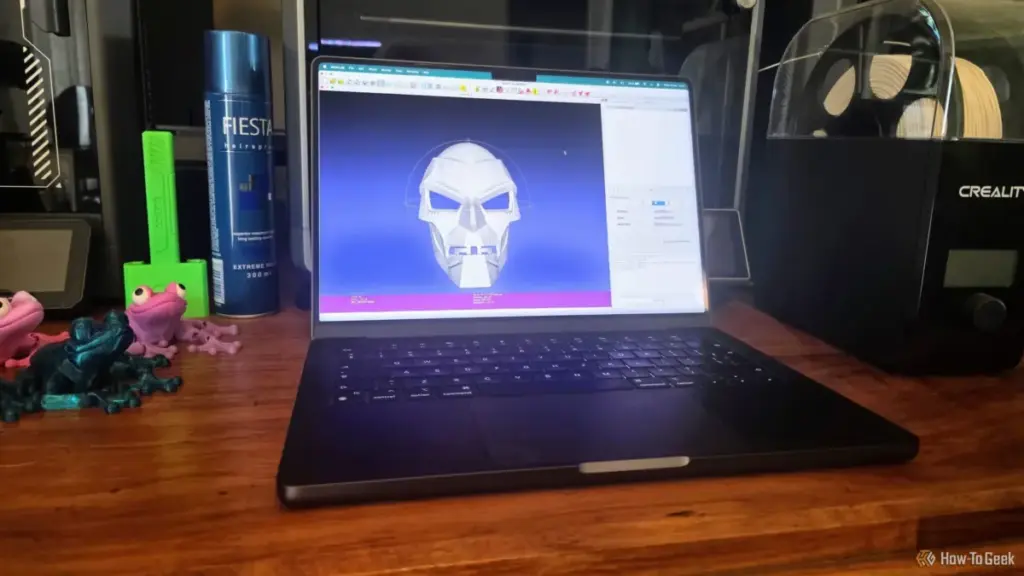
However, these integrated repairs are essentially "black box" operations. The user has little control over how the geometry is modified, and in some cases, the automatic repair might "fix" a model by closing a hole that was actually intended to be there, or by simplifying a mesh so aggressively that fine details are lost. Furthermore, when a model has severe topological issues—such as those often found in AI-generated 3D models or raw laser scan data—slicers frequently give up entirely, flagging the model as unprintable.
This is where the distinction between a slicer and a mesh editor becomes critical. A slicer’s primary job is to generate G-code; its repair functions are a secondary convenience. MeshLab, by contrast, is a dedicated laboratory for mesh processing. It provides the granular control necessary to perform "surgery" on a model’s geometry without compromising its overall integrity.
MeshLab: A Surgical Approach to Mesh Repair
MeshLab can be intimidating for newcomers. Its interface is filled with technical jargon and a dizzying array of filters. Yet, its power lies in this complexity. Rather than guessing at a fix, MeshLab allows users to run a comprehensive diagnostic on a model’s "Topological Measures." By navigating to the Quality Measures and Computation menu, users can generate a report that identifies exactly what is wrong: how many non-manifold edges exist, whether there are self-intersecting faces, or if the mesh contains "degenerate" triangles.

Once the problems are identified, MeshLab provides a suite of specialized filters under its "Cleaning and Repairing" menu. Unlike a slicer’s one-size-fits-all repair button, MeshLab allows users to address specific issues one by one.
For instance, "Remove Duplicate Vertices" is a fundamental tool. Often, a model that appears broken is simply a collection of disconnected triangles that should be joined. By merging vertices that share the same coordinates, MeshLab can "weld" the mesh back together. Similarly, the "Remove Zero Area Faces" filter cleans up the "noise" created by infinitesimal triangles that can confuse a printer’s extruder logic.
For more stubborn issues, the "Repair non-Manifold Edges" and "Repair non-Manifold Vertices" filters are indispensable. These tools can intelligently split vertices or remove problematic faces that create "impossible" connections, such as two distinct volumes sharing a single edge (a common error in complex architectural models). By applying these filters sequentially, a user can methodically transform a corrupted file into a clean, printable STL.
 Tech Tutorials & How-To Guides
Amazon Unveils Comprehensive 2026 Kindle Overhaul Featuring First Color Scribe and Thinner Designs
Amazon has officially announced a sweeping transformation of its entire Kindle ecosystem,...
 Tech Tutorials & How-To Guides
The Best Netflix Miniseries to Binge on a Sick Day: A Curated Guide to Recovery Viewing
There is a specific, universal rhythm to the onset of a seasonal...
 Tech Tutorials & How-To Guides
The Hidden Expiry Date: Why Your Smart Home Hardware May Fail Sooner Than You Think
In the early days of the smart home revolution, early adopters were...







