
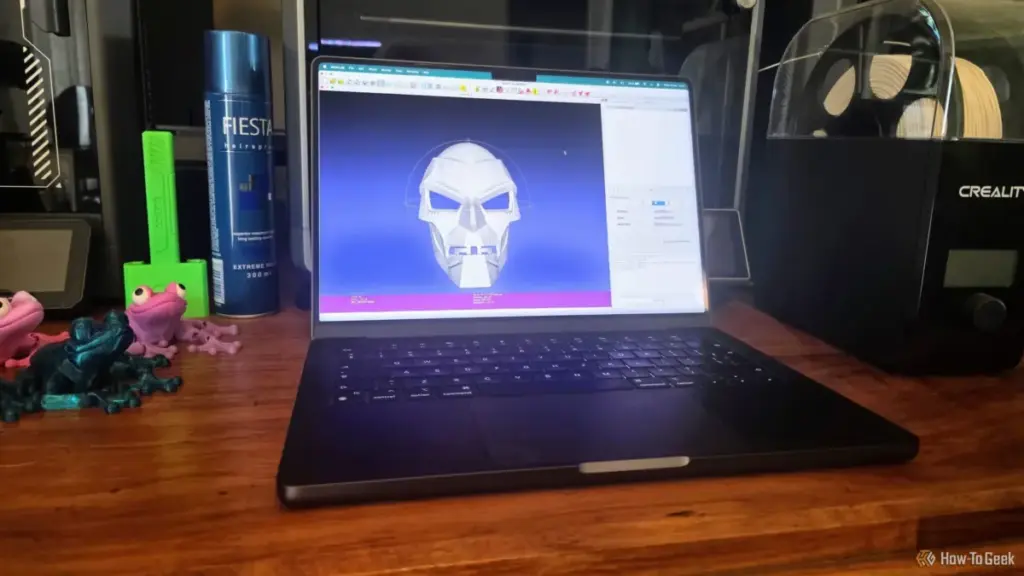
The world of 3D printing has evolved from a niche hobby for engineers into a widespread creative outlet, supported by a massive ecosystem of shared digital designs. Whether a user is sourcing a complex mechanical part from a repository like Printables or downloading a character sculpt from Thingiverse, the process usually feels seamless: download, slice, and print. However, as many enthusiasts eventually discover, the digital representation of an object does not always translate perfectly into a physical one. Even a model that looks flawless on a computer screen can harbor deep-seated geometric errors that cause a 3D printer to fail, often wasting hours of time and significant amounts of filament.
While modern slicing software like PrusaSlicer, Bambu Studio, and Cura have integrated basic repair functions, they are often insufficient for complex topological failures. When these automated tools reach their limits, the 3D printing community turns to more specialized software. Among the most powerful and enduring of these tools is MeshLab, an open-source system for processing and editing unstructured 3D triangular meshes. For those dealing with "non-manifold" geometry or corrupted scan data, MeshLab offers a level of diagnostic and repair precision that standard slicers simply cannot match.
The Deceptive Nature of STL Geometry
To understand why a 3D model fails, one must first understand the STL (Stereolithography) format, which remains the industry standard for 3D printing. An STL file describes the surface geometry of a 3D object using a raw, unstructured triangulated surface. It does not contain information about color, texture, or internal structure; it is merely a collection of triangles, defined by their vertices and normals, which collectively form a "skin" over the intended object.
The problem arises because computer graphics software can render "impossible" shapes that exist perfectly well in a virtual environment but cannot exist in the physical world. For a 3D printer to successfully create an object, the model must be "manifold," often described as being "watertight." In a manifold model, every edge is shared by exactly two faces, and there are no holes in the surface. This allows the slicing software to clearly distinguish between the "inside" and the "outside" of the object, enabling it to calculate where to place infill and where to build walls.
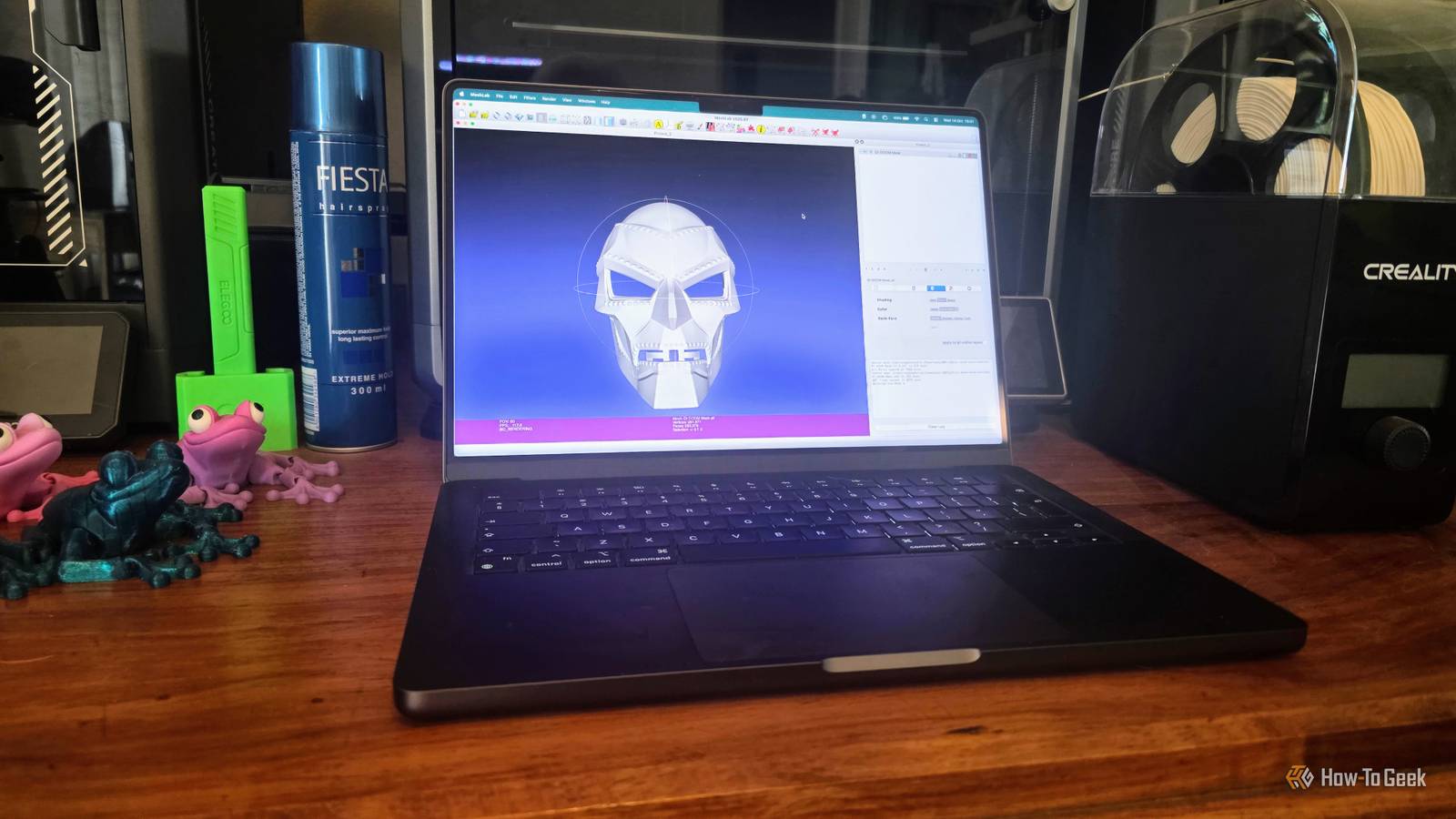
Unfortunately, many models—especially those created through 3D scanning or complex Boolean operations in CAD software—contain "non-manifold" geometry. This can include "zero-area faces," where a triangle has no surface area; "duplicate vertices," where two points occupy the same space but are not connected; or "internal faces," where geometry exists inside the supposed volume of the object. To the human eye, the model looks solid, but to the slicer, the math is broken, leading to missing layers, erratic toolpaths, or total print failure.
The Limitations of Integrated Slicer Repairs
In recent years, the developers of slicing software have made great strides in making 3D printing more accessible. Tools like PrusaSlicer now include an "auto-repair" feature, often powered by Netfabb algorithms, which can fix simple holes or flipped normals with a single click. For the average user printing simple decorative items, these built-in fixes are often enough.
However, these integrated repairs are essentially "black box" operations. The user has little control over how the geometry is modified, and in some cases, the automatic repair might "fix" a model by closing a hole that was actually intended to be there, or by simplifying a mesh so aggressively that fine details are lost. Furthermore, when a model has severe topological issues—such as those often found in AI-generated 3D models or raw laser scan data—slicers frequently give up entirely, flagging the model as unprintable.
This is where the distinction between a slicer and a mesh editor becomes critical. A slicer’s primary job is to generate G-code; its repair functions are a secondary convenience. MeshLab, by contrast, is a dedicated laboratory for mesh processing. It provides the granular control necessary to perform "surgery" on a model’s geometry without compromising its overall integrity.
MeshLab: A Surgical Approach to Mesh Repair
MeshLab can be intimidating for newcomers. Its interface is filled with technical jargon and a dizzying array of filters. Yet, its power lies in this complexity. Rather than guessing at a fix, MeshLab allows users to run a comprehensive diagnostic on a model’s "Topological Measures." By navigating to the Quality Measures and Computation menu, users can generate a report that identifies exactly what is wrong: how many non-manifold edges exist, whether there are self-intersecting faces, or if the mesh contains "degenerate" triangles.

Once the problems are identified, MeshLab provides a suite of specialized filters under its "Cleaning and Repairing" menu. Unlike a slicer’s one-size-fits-all repair button, MeshLab allows users to address specific issues one by one.
For instance, "Remove Duplicate Vertices" is a fundamental tool. Often, a model that appears broken is simply a collection of disconnected triangles that should be joined. By merging vertices that share the same coordinates, MeshLab can "weld" the mesh back together. Similarly, the "Remove Zero Area Faces" filter cleans up the "noise" created by infinitesimal triangles that can confuse a printer’s extruder logic.
For more stubborn issues, the "Repair non-Manifold Edges" and "Repair non-Manifold Vertices" filters are indispensable. These tools can intelligently split vertices or remove problematic faces that create "impossible" connections, such as two distinct volumes sharing a single edge (a common error in complex architectural models). By applying these filters sequentially, a user can methodically transform a corrupted file into a clean, printable STL.
The Role of 3D Scanning and Laser Data
The necessity for tools like MeshLab has grown alongside the popularity of 3D scanning. As more users utilize LiDAR-equipped smartphones or dedicated laser scanners to digitize real-world objects, the resulting "point clouds" and raw meshes are notoriously messy. Scan data often includes "floating" geometry—bits of the background or "noise" captured during the scan—and thousands of overlapping triangles.
MeshLab was originally designed with these academic and professional use cases in mind. It excels at "cleaning" scan data, allowing users to remove isolated pieces of geometry that aren’t connected to the main body and to smooth out surfaces that were distorted by lighting or sensor limitations. For anyone attempting to turn a real-world object into a 3D print, MeshLab is not just an option; it is often a requirement of the workflow.
Validation and Iteration
One of the most important aspects of the MeshLab workflow is the iterative process. After applying a series of filters, a professional user will re-run the topological diagnostics to see if the error count has dropped. This feedback loop ensures that the repairs are actually working and that no new issues have been introduced.
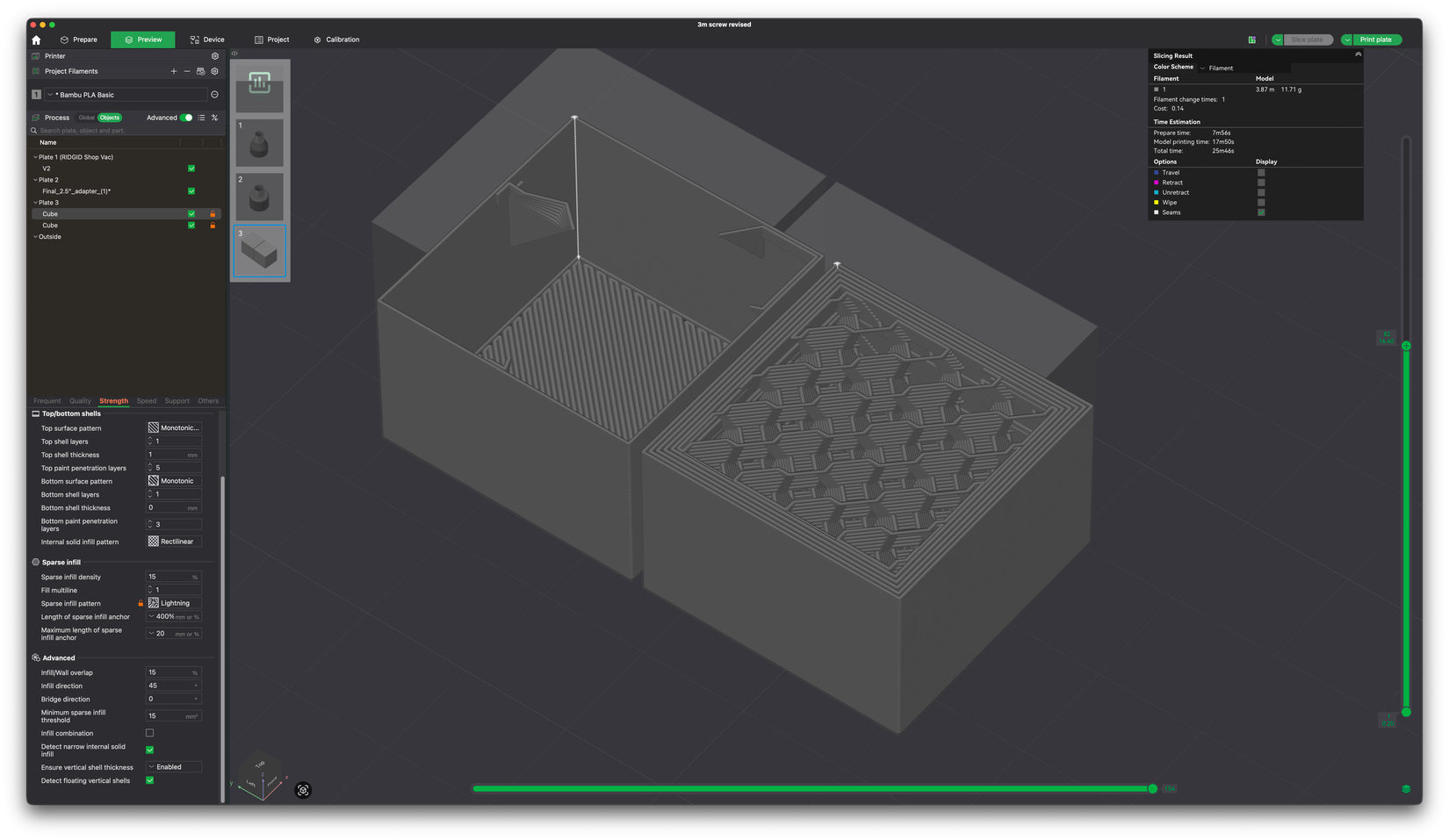
Once the mesh is cleaned, the final step is exporting the file back to a format the slicer can read. Experts recommend exporting the repaired model as a new version rather than overwriting the original, allowing for a "paper trail" of the repair process. The ultimate test remains the slicer’s layer preview. By inspecting the sliced layers, a user can verify that the "inside" of the model is being filled correctly and that the walls are continuous. If the preview shows gaps or strange "webbing" between parts, it is a sign that the mesh still requires work in MeshLab.
The Importance of Technical Literacy in 3D Printing
As 3D printing technology becomes more "plug-and-play," there is a risk that users will lose the technical skills required to troubleshoot complex problems. However, the move toward high-speed printing and more engineering-grade materials means that the margin for error in model geometry is smaller than ever. A tiny hole in a mesh that might have been ignored by a slow, older printer can cause a high-speed machine to stutter or produce a weak spot in a structural part.
MeshLab represents a bridge between the ease of modern consumer 3D printing and the rigorous requirements of computer-aided design and mesh science. While it requires a steeper learning curve than a standard slicer, the ability to manually inspect and repair a mesh is a vital skill for anyone looking to move beyond basic hobbyist printing. By understanding the underlying math of their models and utilizing the right tools to fix them, makers can ensure that their digital visions are accurately and reliably brought into the physical world.
 Tech Tutorials & How-To Guides
Beyond the Brand: Why Even Premium Power Drills Fail Due to Common Operational Habits
In the modern landscape of home improvement and professional construction, the cordless...
 Tech Tutorials & How-To Guides
The Hidden Hazards of Pausing 3D Prints: Why Glitter and Sand Can Devastate Your Hardware
The ability to pause a 3D print mid-operation has long been celebrated...
 Tech Tutorials & How-To Guides
Amazon Unveils Comprehensive 2026 Kindle Overhaul Featuring First Color Scribe and Thinner Designs
Amazon has officially announced a sweeping transformation of its entire Kindle ecosystem,...







