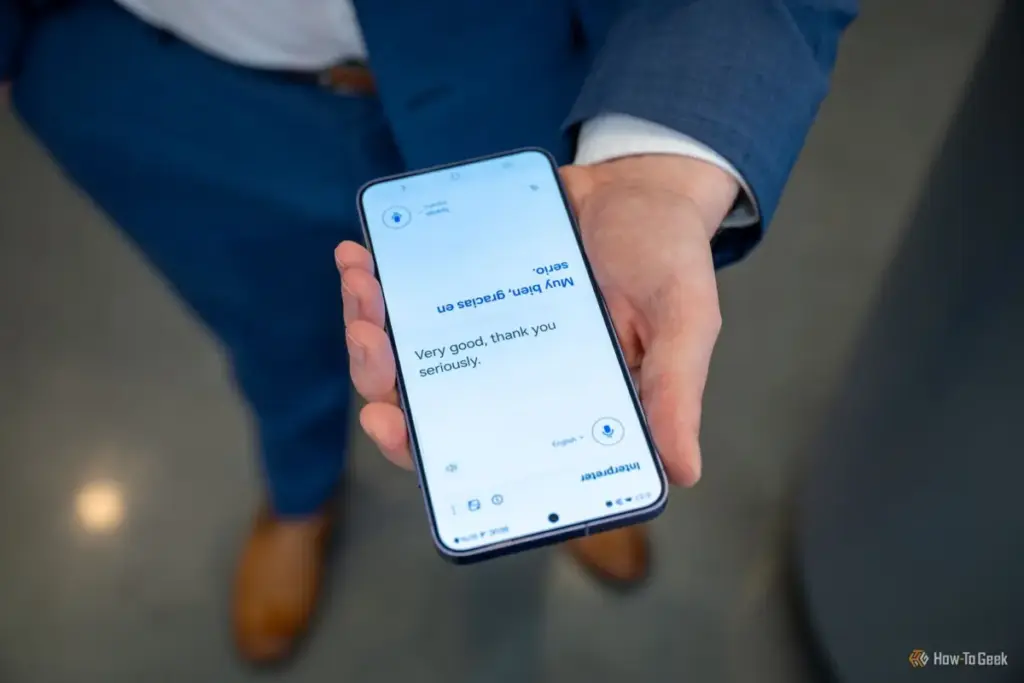
For Shah, the solution was not to disable notifications entirely—which might hinder her brother’s ability to use the phone effectively—but to sanitize the content of those alerts. By navigating to the notification settings, she enabled the "Hide content while locked" feature. This setting allows the phone to signal that a notification has arrived, but it masks the actual text of the message.

"He doesn’t need a live feed of everything happening in my life just because he’s borrowing the hardware," Shah explained. This nuance is critical in a journalistic or professional context where a single notification preview could reveal confidential source information or sensitive corporate data. By muting notification sounds as well, Shah ensured her brother could focus on his tasks without being constantly interrupted by the digital echoes of her personal life.
The Social Firewall: App Pinning
One of the most powerful, yet often overlooked, features in the Android ecosystem is App Pinning. While the Secure Folder hides specific files, App Pinning controls the user’s entire environment. This feature is particularly useful when a borrower’s needs are limited to a single application, such as the dialer.
When Shah handed the phone to her brother, she used App Pinning to lock the device into the Phone app. This essentially creates a temporary "kiosk mode." Once an app is pinned, the user cannot navigate back to the home screen, switch to another app via the "Recent Apps" menu, or pull down the notification shade to access settings.
To exit this mode, a specific gesture is required—usually holding the "Back" and "Recent" buttons simultaneously—followed by the owner’s PIN or biometric authentication. This feature transforms the phone from a multi-functional personal computer into a single-purpose tool, providing the owner with absolute certainty that the borrower cannot wander into unauthorized territory. It effectively eliminates the need for the owner to "hover" over the borrower’s shoulder, turning a potentially awkward social interaction into a secure, hands-off transaction.
Proactive Oversight: Privacy Alerts and Permission Management
Beyond the immediate concerns of a human borrower, Shah’s security strategy also accounts for the "behavior" of the software itself. Samsung’s "Now Brief" and the broader Privacy Dashboard provide a high-level overview of how applications are interacting with the device’s sensors and data.
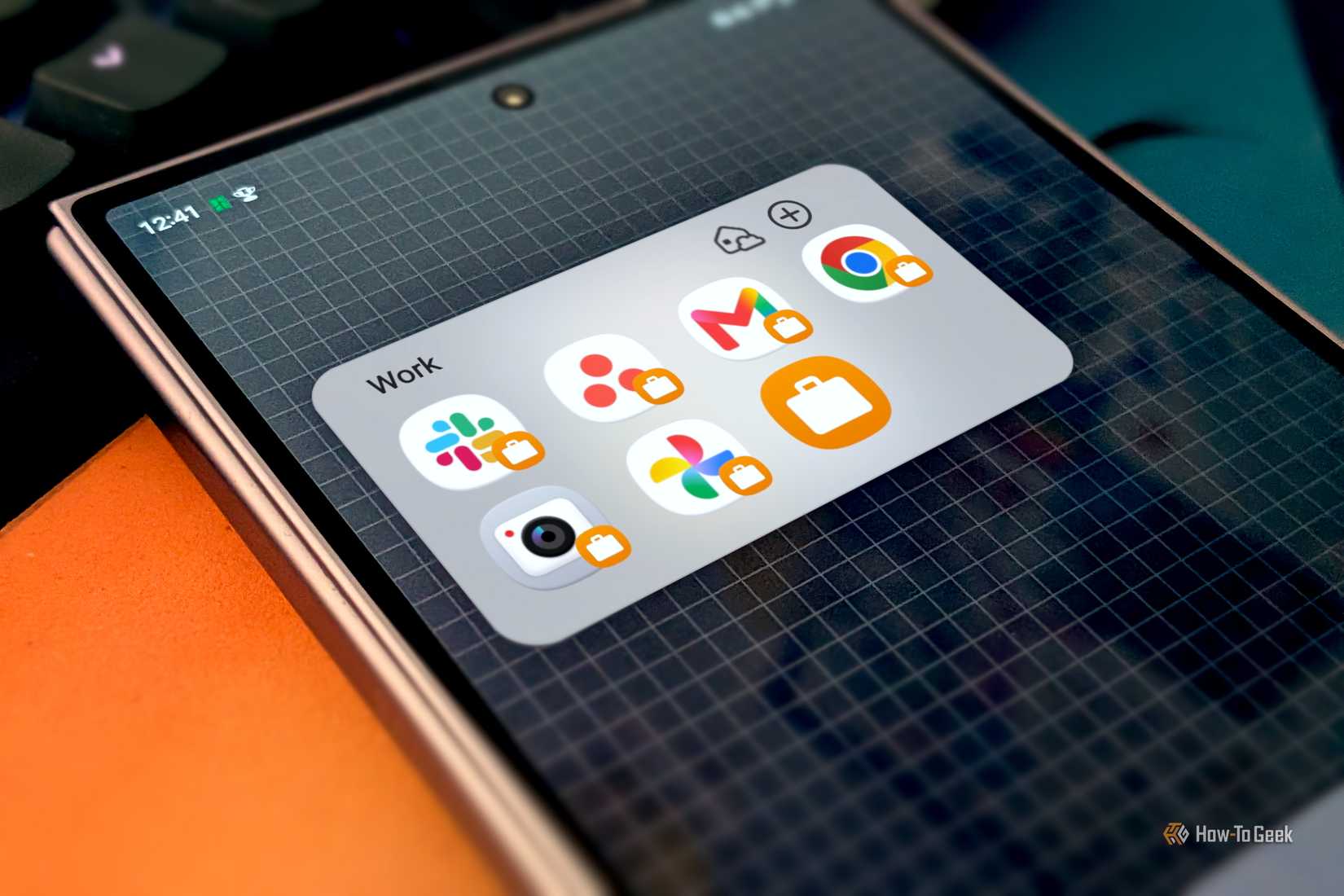
In the 2026 iteration of One UI, these privacy alerts have become more intuitive. Shah uses these tools to monitor which apps are requesting access to the microphone, camera, or location. If an app attempts to access sensitive information more frequently than its function justifies, the system flags it.
"Now Brief gives me a heads-up on whether an app or its permissions look off," Shah said. "If I spot an app asking for access it doesn’t need, I can revoke it immediately through the Permission Manager."
 Tech Tutorials & How-To Guides
Ryobi Expands 30th Anniversary Blackout Series with Limited-Edition Brushless Multi-Tool Release
For decades, the landscape of residential garages and construction sites has been...
 Tech Tutorials & How-To Guides
From Satire to Slapstick: A Curated Selection of Netflix Comedies to Cure the Workday Blues
In the modern professional landscape, the transition from a high-stress office environment...
 Tech Tutorials & How-To Guides
The Case for a Dedicated YouTube Audio Experience on Apple CarPlay and Android Auto
In the rapidly evolving landscape of automotive technology, Apple CarPlay and Android...