
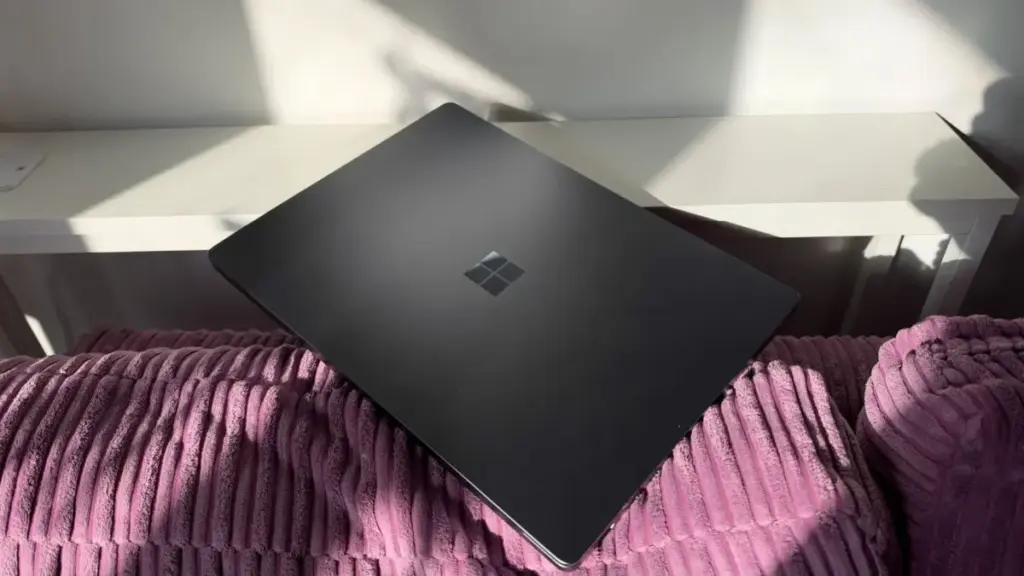
The perennial rivalry between Apple and Microsoft has entered a sophisticated new chapter with the release of the M5 MacBook Pro and the Microsoft Surface Laptop Ultra. For the modern professional, this choice is no longer just about a preference for operating systems; it has become a complex evaluation of hardware philosophy, silicon architecture, and the specific demands of specialized workflows. While the M5 MacBook Pro represents the latest evolution of Apple’s vertically integrated silicon strategy, the Surface Laptop Ultra leans into a high-performance partnership with Nvidia, utilizing the flagship RTX Spark chipset.
Choosing between these two machines requires a deep dive into how they handle the rigors of modern computing, from AI development and 3D rendering to high-end video editing and remote mobility. To provide a clear picture of how these titans compare, we have analyzed the specifications, performance benchmarks, and real-world usability of both devices to determine which workstation truly earns its place in a professional’s arsenal.
Physical Design and the Reality of Portability
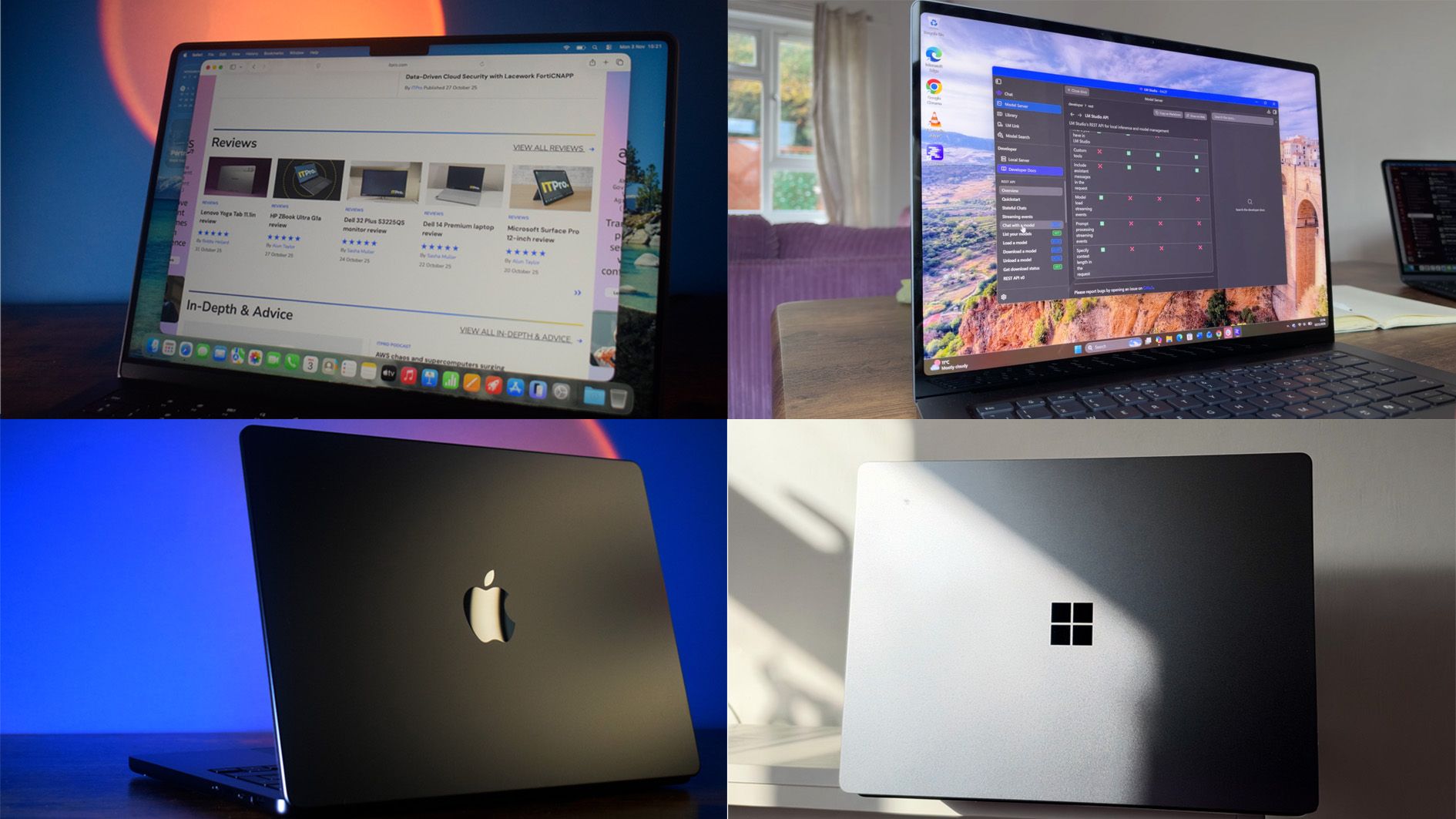
When evaluating workstation-class laptops, the balance between power and portability is often the first point of contention. The physical differences between the M5 MacBook Pro and the Surface Laptop Ultra are stark, and they have a significant impact on daily usage. The Surface Laptop Ultra is a substantial machine, weighing in at 2kg. In contrast, the 14-inch M5 MacBook Pro weighs 1.55kg, making the Microsoft device nearly half a kilogram heavier than its Apple counterpart.
This weight discrepancy is mirrored in the dimensions of the chassis. The Surface Laptop Ultra measures 19.16mm in thickness, a necessity driven by the thermal requirements of its Nvidia RTX Spark hardware. The MacBook Pro maintains a more svelte profile at 15.5mm. Even the larger 16-inch MacBook Pro, which offers more screen real estate, remains thinner than the Surface at 16.7mm.
In practical terms, these numbers translate to a noticeable difference in mobility. While both machines are designed to be portable, the MacBook Pro is significantly easier to carry between meeting rooms or to transport in a rucksack during a daily commute. The Surface Laptop Ultra, while sleek in its own right, feels its weight during extended travel, positioning it more as a "desk-bound" workstation that can be moved when necessary, rather than a device built for constant on-the-go use.
Connectivity and Versatility
Where the Surface Laptop Ultra loses points in portability, it attempts to regain them through connectivity. The larger chassis allows for a more diverse array of ports, catering to users who still rely on a variety of peripherals without wanting to carry a bag full of dongles. The Ultra features two USB-C ports, a dedicated magnetic charging port, an HDMI 2.1b port, a traditional USB-A 3.1 slot, an SD card reader, and a 3.5mm headphone jack. These ports are thoughtfully distributed across both sides of the machine, providing flexibility for various desk and monitor configurations.
Apple’s M5 MacBook Pro follows the company’s established design language of streamlined connectivity. It offers three Thunderbolt 4 ports, an HDMI port, an SDXC card slot, and a MagSafe 3 charging port. While the inclusion of three Thunderbolt ports provides immense bandwidth for high-speed storage and multiple displays, the lack of a traditional USB-A port remains a hurdle for those using older hardware or specific enterprise security keys. Apple’s MagSafe system remains a favorite for its safety and ease of use, but unlike the Surface’s magnetic charger, it does not double as a standard data-carrying USB-C port in the same versatile fashion.
Display Technology and Visual Accuracy
For creative professionals, the display is often the most critical component of a laptop. Both Microsoft and Apple have equipped these flagship machines with high-end panels, but their strengths lie in different areas. The Surface Laptop Ultra features a 15-inch PixelSense touchscreen with a resolution of 3270 x 2180 and a 120Hz refresh rate. The inclusion of touch functionality gives the Surface an edge in certain interactive workflows, such as UI/UX design or digital whiteboarding.
The M5 MacBook Pro, tested in its 14-inch configuration, utilizes a Liquid Retina XDR display with a native resolution of 3024 x 1964 and Apple’s ProMotion 120Hz technology. When subjected to colorimeter testing via DisplayCal software, both screens showed exceptional performance in the sRGB gamut, which is the standard for web content. The MacBook Pro achieved 99.7% coverage, while the Surface Laptop Ultra followed closely at 94.7%.
However, a significant divide emerged during Adobe RGB testing. The MacBook Pro produced a score of 85.8%, a figure that suggests it is well-suited for serious photo editing and print-grade color work. The Surface Laptop Ultra struggled in this category, scoring only 65.6%. Generally, a score of at least 70% is expected for professional-level creative work. While the Surface display is bright and vibrant for general use and video consumption, the MacBook Pro remains the superior choice for those whose livelihood depends on color accuracy.
The Power Struggle: M5 vs. RTX Spark
The heart of this comparison lies in the processing power. The Surface Laptop Ultra is powered by the Nvidia RTX Spark N1x, a 20-core processor paired with an Nvidia Blackwell RTX 5120-core GPU and 64GB of LPDDR5X RAM. Apple’s 14-inch MacBook Pro utilizes the 10-core M5 CPU and a 10-core GPU, supported by up to 32GB of unified memory.
Benchmarking these machines using Geekbench 6 reveals a nuanced performance landscape. The Surface Laptop Ultra holds the advantage in multi-threaded performance, recording a multi-core score of 18,771 compared to the MacBook’s 17,600. This makes the Ultra slightly more capable when it comes to intense, sustained workloads such as compiling large codebases or rendering complex 3D scenes. The RTX Spark chip is particularly adept at handling Large Language Models (LLMs) on-device, making it a tempting proposition for AI developers.
Conversely, the MacBook Pro dominates in single-core performance with a score of 4,248, dwarfing the Surface’s 1,859. Single-core speed is a primary driver for the perceived "snappiness" of an operating system and is vital for tasks that cannot be easily parallelized. While both machines are top-tier performers, the MacBook Pro feels exceptionally responsive in day-to-day applications, while the Surface shows its true strength in heavy-duty, multi-core industrial tasks.
Battery Life: The Efficiency Gap
If there is one area where the competition is not close, it is battery endurance. Apple’s transition to its own silicon has consistently set new standards for efficiency, and the M5 MacBook Pro continues this trend. In standardized battery testing—which involves playing a looped video in airplane mode with brightness set to 170cd/m2—the MacBook Pro lasted a staggering 20 hours and 32 minutes. This level of endurance effectively allows a professional to work through a full day and well into the evening without ever reaching for a charger.

The Surface Laptop Ultra, despite its impressive specs, cannot match this longevity. It managed 12 hours and 41 minutes in the same test. While a 12-hour battery life was once considered excellent for a Windows workstation, it pales in comparison to the Apple silicon’s efficiency. Furthermore, when the Surface’s HDR capabilities are fully engaged, the battery life drops significantly, often failing to hit the 10-hour mark. For remote workers or those who frequently travel, the MacBook Pro’s battery life is not just a luxury; it is a transformative feature.
The Operating System Factor
Beyond the hardware, the choice between these two devices is inextricably linked to the ecosystem. The Surface Laptop Ultra runs Windows 11 Pro, offering the widest compatibility for enterprise software, legacy applications, and a vast array of development tools. Its integration with the Microsoft 365 suite and its superior handling of window management and multi-monitor setups remain key selling points for many business users.
The MacBook Pro runs macOS Tahoe, which has become a favorite for developers due to its Unix-based foundation and for creators due to the optimization of creative suites like Final Cut Pro and Logic Pro. The seamless integration between iPhone, iPad, and Mac continues to be a major draw for users already invested in the Apple ecosystem.
Final Verdict
The M5 MacBook Pro and the Microsoft Surface Laptop Ultra represent the pinnacle of current laptop engineering, but they serve different masters. The MacBook Pro is the clear winner for the creative professional and the frequent traveler. Its superior color accuracy, lighter frame, and extraordinary battery life make it a more versatile tool for those who need to maintain high productivity away from a desk.
The Surface Laptop Ultra, however, carves out a niche for the developer and the power user who requires the specific capabilities of Nvidia hardware. Its edge in multi-threaded performance and its specialized ability to handle on-device AI workloads give it a unique appeal in the burgeoning field of AI development. Furthermore, its broader range of ports and touchscreen functionality provide a level of physical versatility that the MacBook lacks.
Ultimately, the "better" laptop depends on the specific requirements of the user’s workflow. If color precision and all-day endurance are the priorities, the MacBook Pro is the undisputed champion. If the goal is raw multi-core power and on-device AI processing within a Windows environment, the Surface Laptop Ultra is a formidable, if heavier, alternative.
 Helpdesk & IT Service Management (ITSM)
Microsoft Reveals Root Cause of Major 365 Outage, Citing Latent Software Defect and Hardware Discrepancies
Microsoft has officially disclosed the technical findings behind a significant and prolonged...
 Helpdesk & IT Service Management (ITSM)
Xerox C255a Review: A Compact Multifunction Laser Printer That Struggles to Meet Its Own Performance Benchmarks
In the competitive landscape of office hardware, Xerox has long maintained a...
 Helpdesk & IT Service Management (ITSM)
The Hybrid Productivity Paradox: Why Meeting Room Glitches are Eroding the Gains of the AI Era
In the three years since the global shift toward flexible working models,...







