
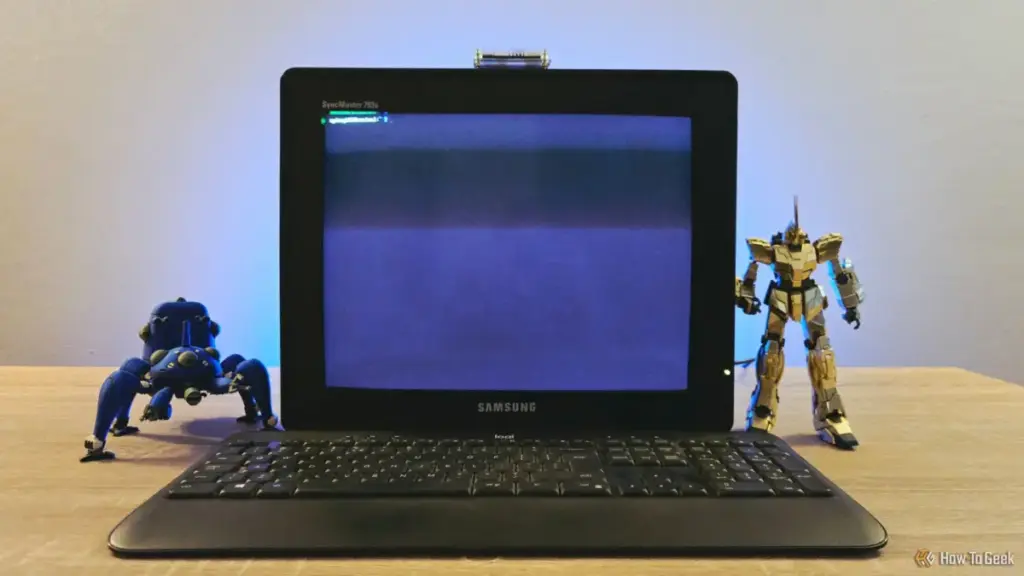
Butler noted that the installation process via the Raspberry Pi Imager was remarkably efficient, taking only minutes to configure. During the imaging process, he pre-configured SSH (Secure Shell) credentials. This allowed for a "reverse" control scenario: while the CRT setup is designed to control other machines, Butler can also remote into the Pi from his main Mac workstation to perform maintenance or updates without having to move to the CRT’s keyboard.
The Utility of a Dedicated Command Center
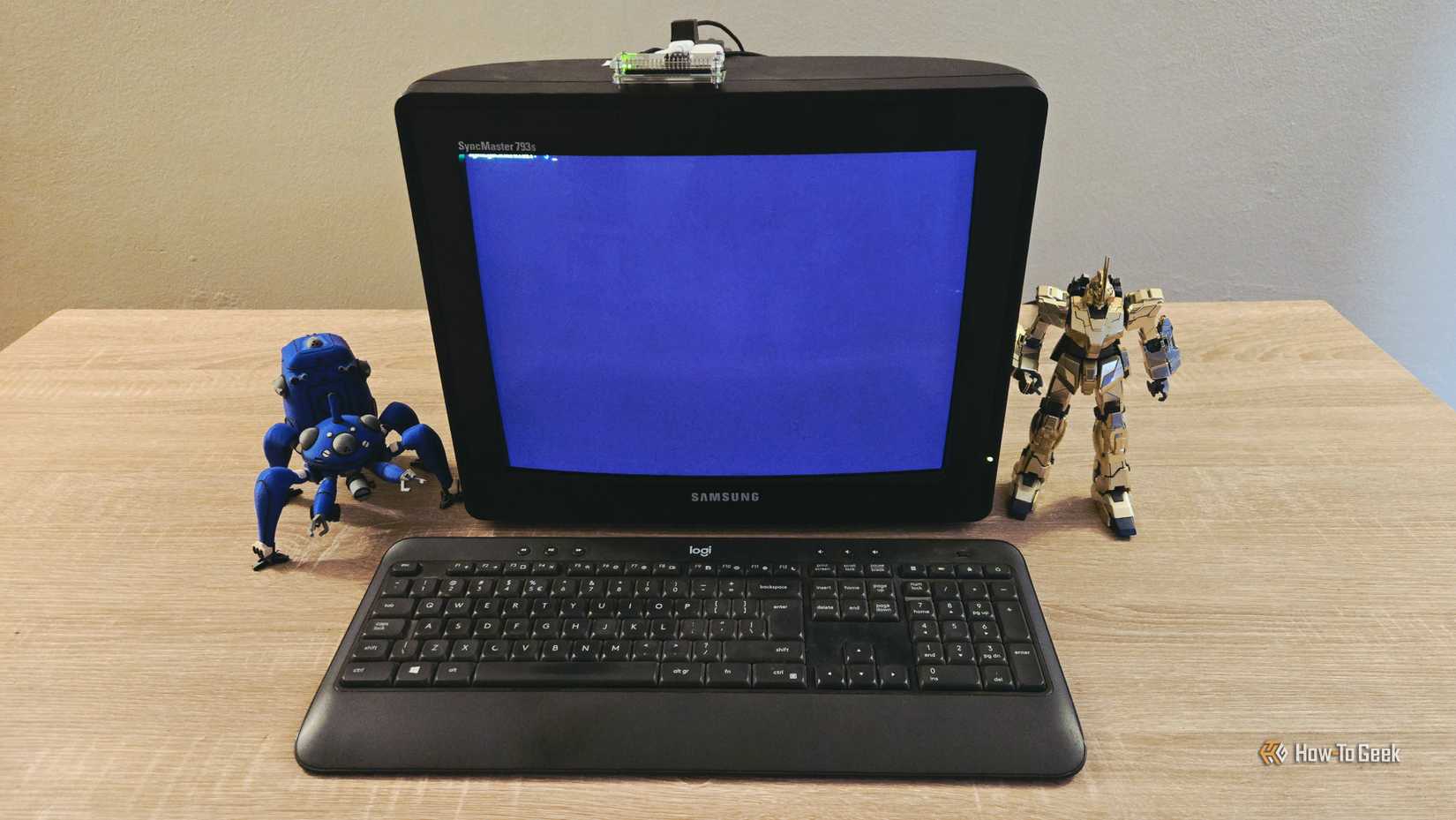
The primary use case for this retro-terminal is SSH-ing into other headless devices on Butler’s local area network (LAN). As he delves deeper into self-hosting—running private servers for data, media, or web services—the need for a quick, reliable way to interface with those servers has grown.
"I find myself SSH-ing from my Mac’s terminal at least once or twice a week," Butler explained. By having a dedicated physical station for these tasks, the workflow becomes more intentional. There is a psychological benefit to having a specific "place" for server maintenance, separate from the distractions of a primary workstation filled with browser tabs and notification pings.
Beyond simple server management, the project has opened the door for more ambitious self-hosting experiments. Butler previously gained attention for hosting an entire local instance of Wikipedia on a Raspberry Pi, a project that ensures access to a massive repository of human knowledge even without an internet connection. He is currently considering migrating that Wikipedia instance to the Pi Zero 2W driving the CRT.
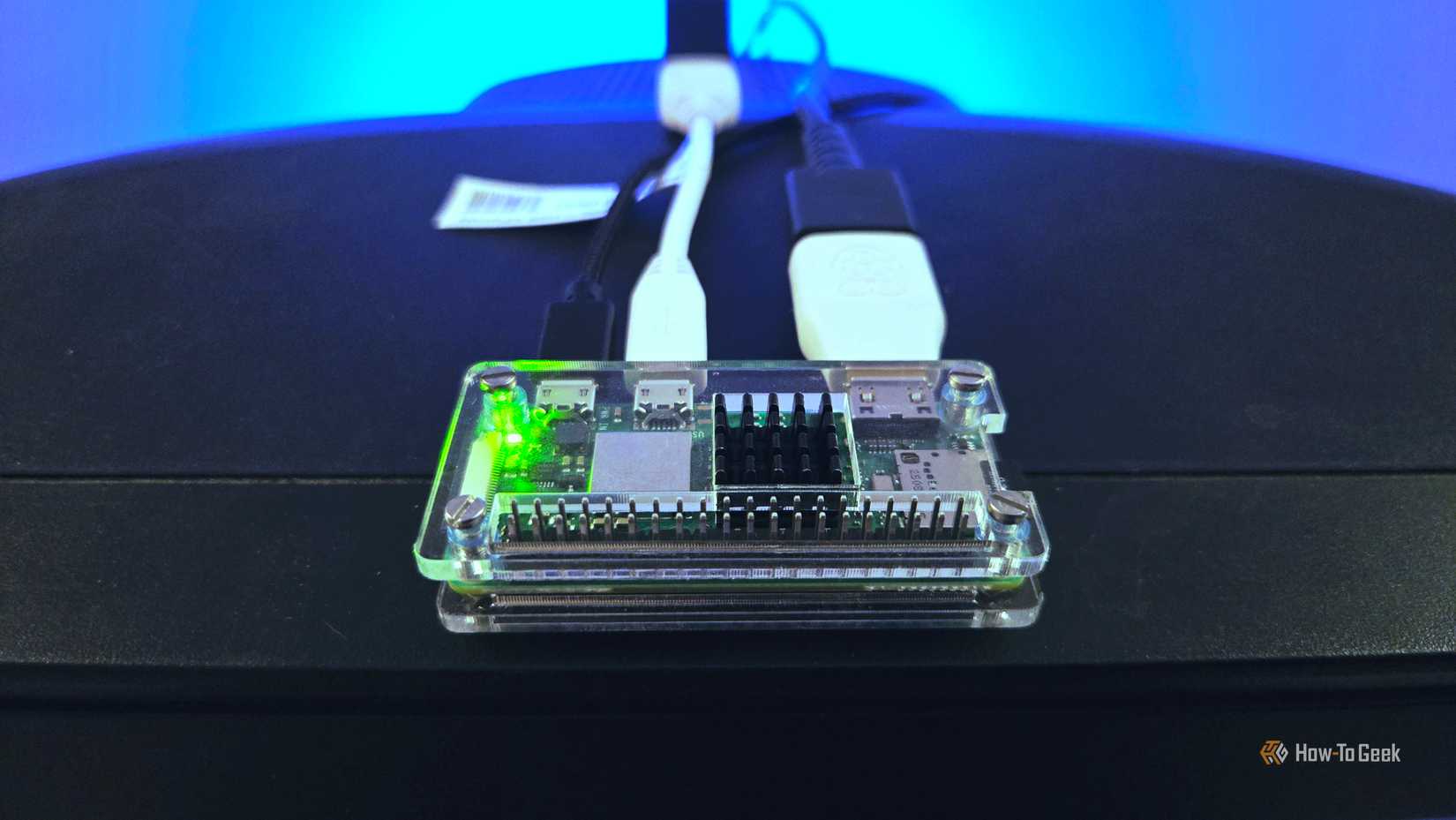
"I’d be keen to see if this little guy can serve the pages up as snappily," Butler remarked, acknowledging that the Pi Zero 2W might be the perfect low-power host for such a service. If successful, the CRT terminal would become not just a controller, but a portal to a local digital library, further cementing its role as a functional piece of tech rather than just a desk ornament.
The Aesthetic Journey: Making it Truly Retro
While the current setup is functional, Butler views it as a work in progress, particularly regarding its visual and tactile identity. The "shabby" appearance of the Samsung monitor provides a certain charm, but there are plans to lean further into the retro-futurist aesthetic.
 Tech Tutorials & How-To Guides
The Ghost in the Machine: Investigating the Root Causes of Unexpected Windows Wake Events
For many Windows users, the experience is unnervingly familiar: a desktop or...
 Tech Tutorials & How-To Guides
Smart Solutions for Rising Utility Bills: How Specialized Tech Identifies and Reduces Residential Energy Waste
As global energy markets remain volatile and utility costs continue a steady...
 Tech Tutorials & How-To Guides
The Cost of Convenience: Analyzing the Value Proposition of Milwaukee’s M18 Cordless Lineup
In the modern landscape of construction and woodworking, the corded power tool...







