
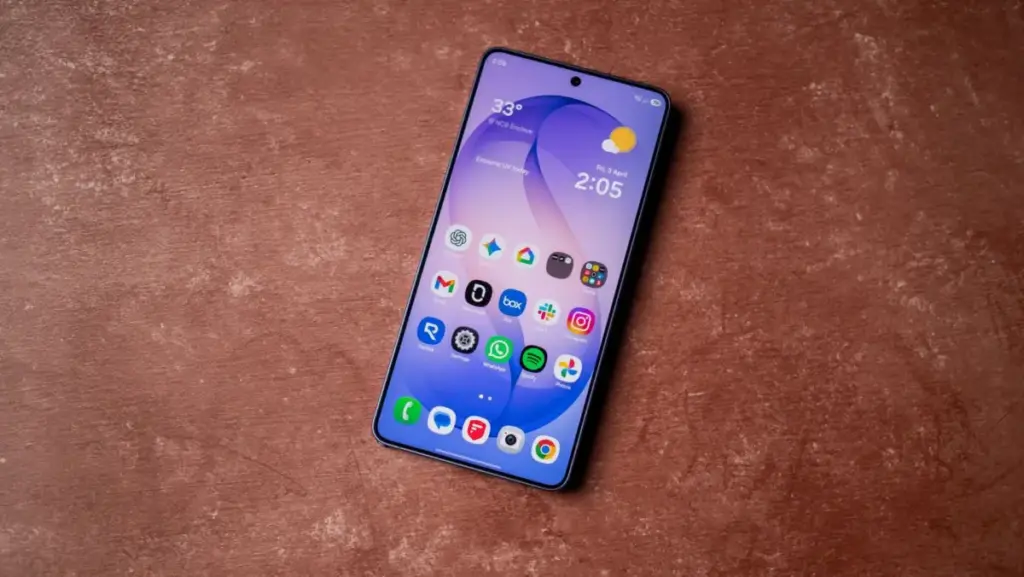
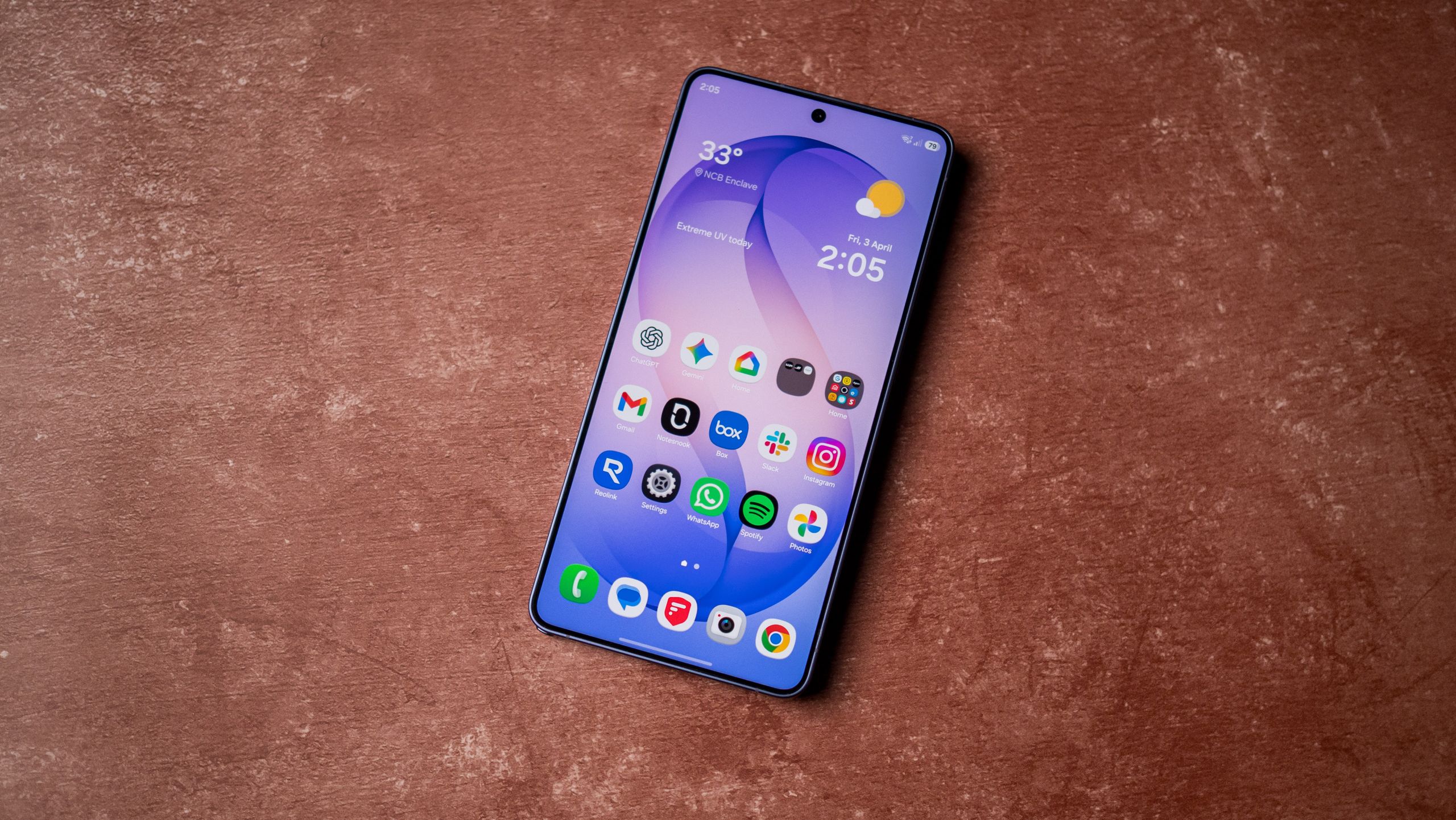
Navigating the Fix: Official Recommendations and User Workarounds
While a comprehensive software patch is the only long-term solution, Samsung has provided a set of immediate troubleshooting steps for those currently trapped by the bug. The company’s primary suggestion is to ensure that all core web components are updated, which can be difficult if the phone cannot reach the home screen. However, for those who can gain intermittent access or are attempting the update now, Samsung recommends updating the Google Chrome browser to its latest version immediately.
Furthermore, Samsung has noted that the instability seems to be exacerbated by specific network conditions. The company advises users to avoid using cellular data (LTE or 5G) during the initial post-update setup. Instead, users are encouraged to switch to a stable Wi-Fi connection. The theory is that a more consistent data stream allows the WebView component to stabilize and authenticate the Samsung Account login without timing out or crashing.
Beyond the official advice, the Android community has been busy crowdsourcing its own solutions. On platforms like Reddit, where the "XML Access Denied" error has also been linked to this update cycle, some users have found success through more drastic measures. One common suggestion involves booting the device into "Safe Mode," a diagnostic state that loads only the essential system software. By disabling Wi-Fi and cellular data before booting into Safe Mode, some users have managed to bypass the frozen setup screen and reach the home screen, where they can then re-enable services and update the necessary apps.
Another, more unorthodox fix reported by users involves the physical removal of the SIM card. By removing the SIM, the phone is forced to drop its cellular handshake, which sometimes clears the network-related conflict within the WebView component, allowing the setup wizard to proceed over a local Wi-Fi network.
A Pattern of Instability in the One UI 9 Rollout
While the Galaxy S26 Ultra is the current focus of this specific WebView bug, it is not the only device in Samsung’s stable to face a rocky road with One UI 9. Over the past several weeks, reports have trickled in from owners of the Galaxy S25 and Galaxy S24 series, as well as some of Samsung’s mid-range A-series devices, regarding similar system freezes.
Roughly two weeks ago, a surge of reports on Reddit highlighted an "XML Access Denied" error that would occur seemingly at random after the Android 17 transition. Like the WebView bug, this error often resulted in a frozen device that required a forced restart. The common thread among these issues appears to be the way the new software handles network-level authentication and system-level web rendering.
These technical hurdles are particularly frustrating for the Samsung faithful given the timeline of the One UI 9 release. The update, based on Google’s Android 17, was subject to numerous internal and external delays throughout 2025. Samsung fans had grown accustomed to the company’s usually prompt update schedule, but this year, the "Global Release" was pushed back several times, leading to speculation that the software was undergoing rigorous quality control to avoid exactly these types of scenarios.
 Mobile Device Management (MDM) & Mobile OS
YouTube Explores Expansion into Audiobooks to Bolster Premium Subscription Value
The digital landscape is witnessing a significant shift as platform giants increasingly...
 Mobile Device Management (MDM) & Mobile OS
Amazon Reimagines Tablet Strategy with New Android-Powered Alexa Tablet Lineup and Aggressive Black Friday Discounts
In a significant pivot that marks the end of an era for...
 Mobile Device Management (MDM) & Mobile OS
Google Implements Significant Price Hike for Pixel 10a, Reshaping the Mid-Range Smartphone Landscape
In a move that signals a shift in the value proposition of...







