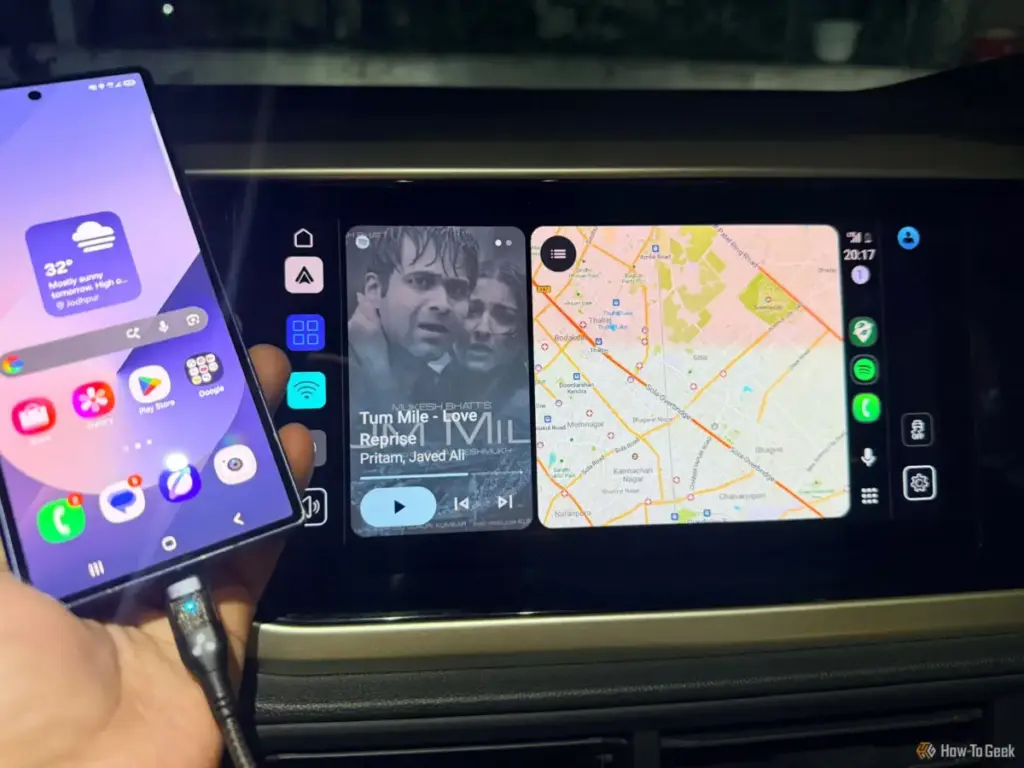
For many modern drivers, the ritual of getting behind the wheel has become inextricably linked with the act of connecting a smartphone to the vehicle’s infotainment system. Within the Android Auto ecosystem, Google Maps has long stood as the default gateway to the world, serving as the primary tool for everything from transcontinental road trips to the mundane logistics of daily life. For tech-savvy users and professionals who rely on precision navigation, the app is often the first and last interface interacted with during a commute. However, as the software landscape matures, a growing variety of alternatives has emerged, promising specialized features that challenge the hegemony of the pre-installed giant.
Sanya Shah, a computer engineer and technology analyst, recently conducted an extensive field test to determine how these alternatives stack up against the industry standard. By moving beyond the familiar confines of Google Maps, the testing sought to identify which applications offer the most intuitive interfaces, the most reliable offline capabilities, and the safest user experiences on the Android Auto display. The evaluation focused on five major contenders: HERE WeGo, Sygic GPS Navigation, TomTom GO Expert, Waze, and Google Maps. Each was judged on its ability to provide clear lane guidance, real-time traffic updates, and seamless integration with the car’s hardware, all while minimizing driver distraction.
5. HERE WeGo
A Limited In-Car Interface Holds It Back
HERE WeGo, a platform with deep roots in the automotive industry and a legacy tied to Nokia’s mapping efforts, has long been a favorite for users who prioritize data privacy and robust offline functionality. During testing, the app’s ability to function without an active internet connection remained its strongest selling point. For drivers traversing rural corridors or areas with notoriously "patchy" cellular service, the ability to download entire regions for reliable turn-by-turn navigation is a significant safety and convenience feature.

However, the transition from a smartphone screen to the Android Auto dashboard reveals significant limitations in the HERE WeGo user experience. While the interface on the car’s display provides the essentials—basic navigation, destination searching, and visual prompts—it lacks the dynamic flexibility required by modern commuters. A primary point of friction identified during the test was the inability to modify a route once the journey had commenced. For a driver attempting to insert a mid-trip errand, such as a grocery stop or a school drop-off, the app proves cumbersome.
The Android Auto version of HERE WeGo feels noticeably more restrictive than its mobile counterpart. Users are often left feeling as though they are using a "lite" version of the software, missing out on the deeper settings and customization options available on their phones. While its map rendering is clean and its offline reliability is unquestionable, the lack of mid-route agility and a simplified feature set prevents it from being a top-tier recommendation for those who need more than just a point-A-to-point-B solution.
4. Sygic GPS Navigation
Packed with Features, But Too Much Comes at a Price
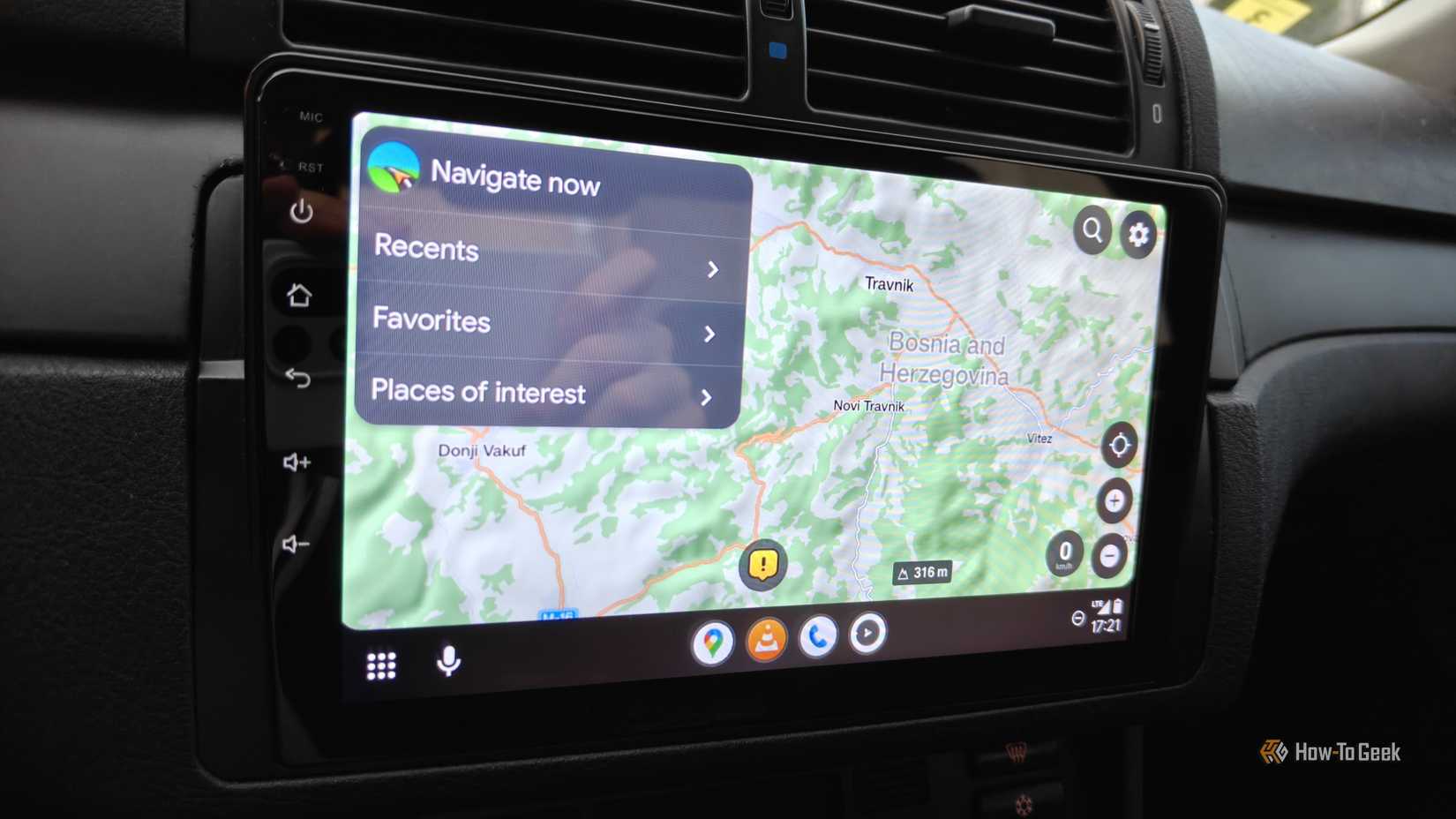
Sygic GPS Navigation represents the high-end, feature-rich end of the spectrum. When launched on an Android Auto display, Sygic immediately distinguishes itself with a high level of visual detail and a professional aesthetic that mimics dedicated, high-end GPS hardware. One of the most lauded aspects of the Sygic experience is its superior lane guidance. In complex urban environments or multi-lane highway interchanges, the app provides clear, predictive visual cues that remove the guesswork from navigating unfamiliar junctions.
Beyond visual fidelity, Sygic integrates critical safety information directly into the driver’s line of sight, including real-time speed limit alerts and detailed map information. Like HERE WeGo, Sygic offers robust offline map support, allowing users to pre-load data and navigate entirely without a data connection. This combination of high-definition mapping and offline stability makes it a formidable tool for long-distance travel.

The primary drawback of Sygic, however, is its monetization model. Unlike many of its competitors, Sygic locks its most valuable features—including Android Auto connectivity itself and advanced driving tools—behind a "Premium+" subscription. This creates a significant barrier to entry for users accustomed to the free-to-use models of Google and Waze. Furthermore, there remains a functional disparity between the phone app and the car interface; several settings available on the mobile device are inaccessible through the vehicle’s touchscreen. While Sygic offers a premium experience, the recurring cost and interface limitations make it a difficult sell for the average daily driver.
3. TomTom GO Expert
Useful Lane Guidance, But the Interface Has Limits
TomTom is a name synonymous with the early era of portable navigation devices, and its GO Expert application attempts to bring that professional-grade heritage to the Android Auto platform. The app is particularly well-regarded by those who drive larger vehicles or who require highly specific lane instructions. In testing, the lane guidance was a standout feature, providing early and accurate warnings about which lane to occupy before reaching a tricky exit or a major highway split. This proactive approach to navigation significantly reduces the "last-minute scramble" that can lead to driver stress and unsafe maneuvers.
In addition to its lane-level precision, TomTom GO Expert provides reliable traffic alerts and excellent offline map management. However, the software’s transition to the car display is marred by several arbitrary limitations. Most notably, the Android Auto interface restricts search results, favorites, and recent destinations to just six entries. For power users with extensive lists of saved locations, this restriction feels unnecessarily punitive and forces frequent interaction with the smartphone to find destinations not present in the short list.
Much like Sygic, TomTom GO Expert suffers from a lack of parity between the mobile app and the in-car display. Many of the deep-dive settings that allow for a customized experience are missing from the dashboard, leaving the user with a simplified version that may not meet the needs of a "pro" user. While it remains a solid choice for those who value the TomTom brand’s accuracy, these interface hurdles prevent it from reaching the top of the rankings.
2. Waze
A Serious Google Maps Rival with Its Own Loyal Fan Base
Waze has cultivated a unique position in the market by transforming navigation into a collaborative, community-driven experience. On Android Auto, Waze excels at providing a real-time "pulse" of the road ahead. Its defining feature is its crowdsourced reporting system, which allows drivers to alert others to police presence, accidents, road hazards, speed cameras, and sudden traffic congestion. During the evaluation, the ease with which a driver can report an incident directly from the car’s display was noted as a major advantage for community safety and awareness.
The visual style of Waze is distinct, favoring a more stylized, icon-heavy map that prioritizes alerts over aesthetic realism. For many drivers, this focus on "what’s happening now" makes Waze an indispensable tool for avoiding delays and fines. However, Waze’s heavy reliance on an active internet connection for its core features—live traffic and dynamic rerouting—can be a liability in areas with poor connectivity.
Despite its strengths, Waze often falls short in the "search and discovery" department. Compared to Google Maps, Waze’s database of businesses, points of interest, and saved locations feels less integrated. While it is excellent for navigating a known route while avoiding obstacles, it is less effective as a general-purpose tool for finding a specific coffee shop or gas station on the fly. For many, Waze serves as a specialized tool for the commute, but it lacks the comprehensive "lifestyle" integration that keeps users anchored to the Google ecosystem.
1. Google Maps
The Definitive Leader in Integrated Navigation
After exhaustive testing of the alternatives, Google Maps remains the premier choice for the majority of Android Auto users. Its dominance is not merely a result of being the default option, but rather a reflection of its deep integration with the broader Google ecosystem. The seamless transition of recent searches from a desktop browser or a smartphone to the car’s display provides a level of continuity that no other app can currently match.
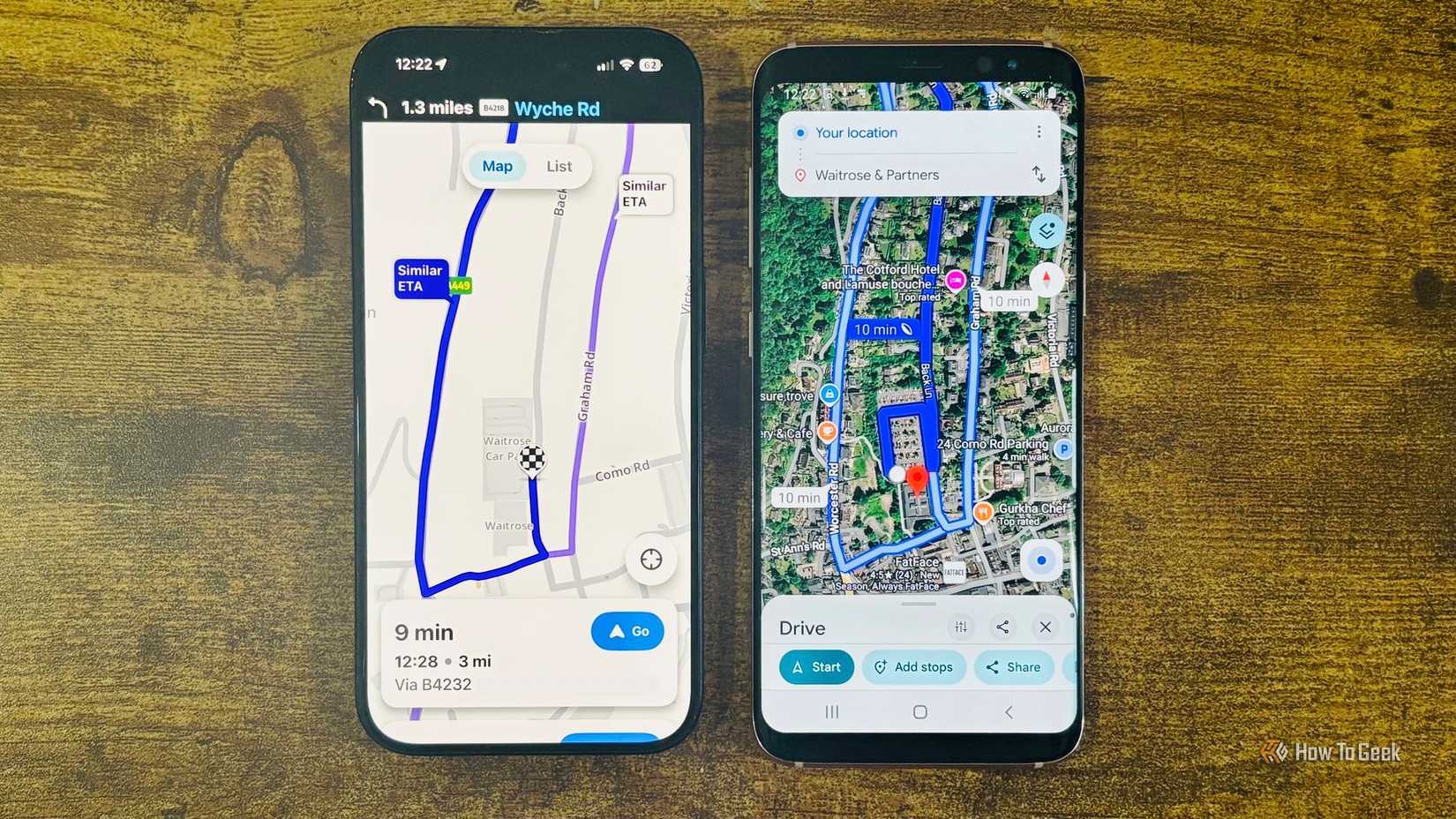
Google Maps excels in its "all-in-one" approach. On the Android Auto screen, users have immediate access to categorized searches for essential services like gas stations, grocery stores, and restaurants. This allows for spontaneous stops without the need to fumble with a phone or exit the navigation flow. The app’s live traffic data remains the gold standard for accuracy, and its ability to suggest and visualize alternate routes in real-time allows drivers to make informed decisions as road conditions evolve.
Furthermore, Google Maps has successfully bridged the gap between a "search engine" and a "navigation tool." The depth of information available for any given destination—including hours of operation, reviews, and busy times—is accessible in a way that feels native to the driving experience. While other apps may offer better lane guidance or more social alerts, Google Maps provides the most balanced and comprehensive package for everyday driving.
The Best Navigation App Depends on Driving Habits
The conclusion of this comparative study suggests that while Google Maps is the most versatile all-rounder, the "best" app is ultimately a matter of individual priority. For a professional driver or someone frequently navigating complex interchanges, the lane-level precision of TomTom GO Expert or Sygic might outweigh the costs or interface limitations. For the commuter who views the road as a series of obstacles to be managed, the real-time community alerts of Waze are unparalleled.
However, for the average user who requires a mix of reliability, search depth, and ease of use, Google Maps continues to set the benchmark. As Android Auto continues to evolve, the competition between these platforms will likely drive further innovation, but for now, the integrated convenience of Google’s flagship remains the one to beat. Drivers are encouraged to experiment with these alternatives, as the right choice can significantly enhance both the safety and the enjoyment of the time spent behind the wheel.
 Tech Tutorials & How-To Guides
Reliability Without the Premium Price: The Evolution of Affordable Multi-Tools for Modern Everyday Carry
The concept of "Everyday Carry," or EDC, has evolved from a niche...
 Tech Tutorials & How-To Guides
Balancing the Spooky Season: Paramount+ Highlights Comedic Classics and Dystopian Thrills This October
As the calendar turns deep into October, the cultural landscape shifts toward...
 Tech Tutorials & How-To Guides
Smart Solutions for Rising Utility Bills: How Specialized Tech Identifies and Reduces Residential Energy Waste
As global energy markets remain volatile and utility costs continue a steady...