The Dynamic Lock feature in Windows 11 addresses this specific scenario by leveraging Bluetooth proximity. By pairing a smartphone with a Windows PC, the operating system can monitor the strength of the Bluetooth signal between the two devices. When the user leaves the vicinity of their computer with their phone in their pocket, the signal drops. After a short period, Windows automatically locks the workstation, preventing unauthorized physical access.
This feature is a recognition that security is not just about code, but about context. In public or semi-public environments, the habit of manually locking a PC (via the Windows key + L shortcut) is easy to forget. Dynamic Lock serves as an automated safety net, ensuring that even if a user is distracted, their data remains protected from opportunistic intruders. It is a simple yet effective integration of personal hardware into the broader security strategy of the operating system.
Windows Security goes beyond malware protection
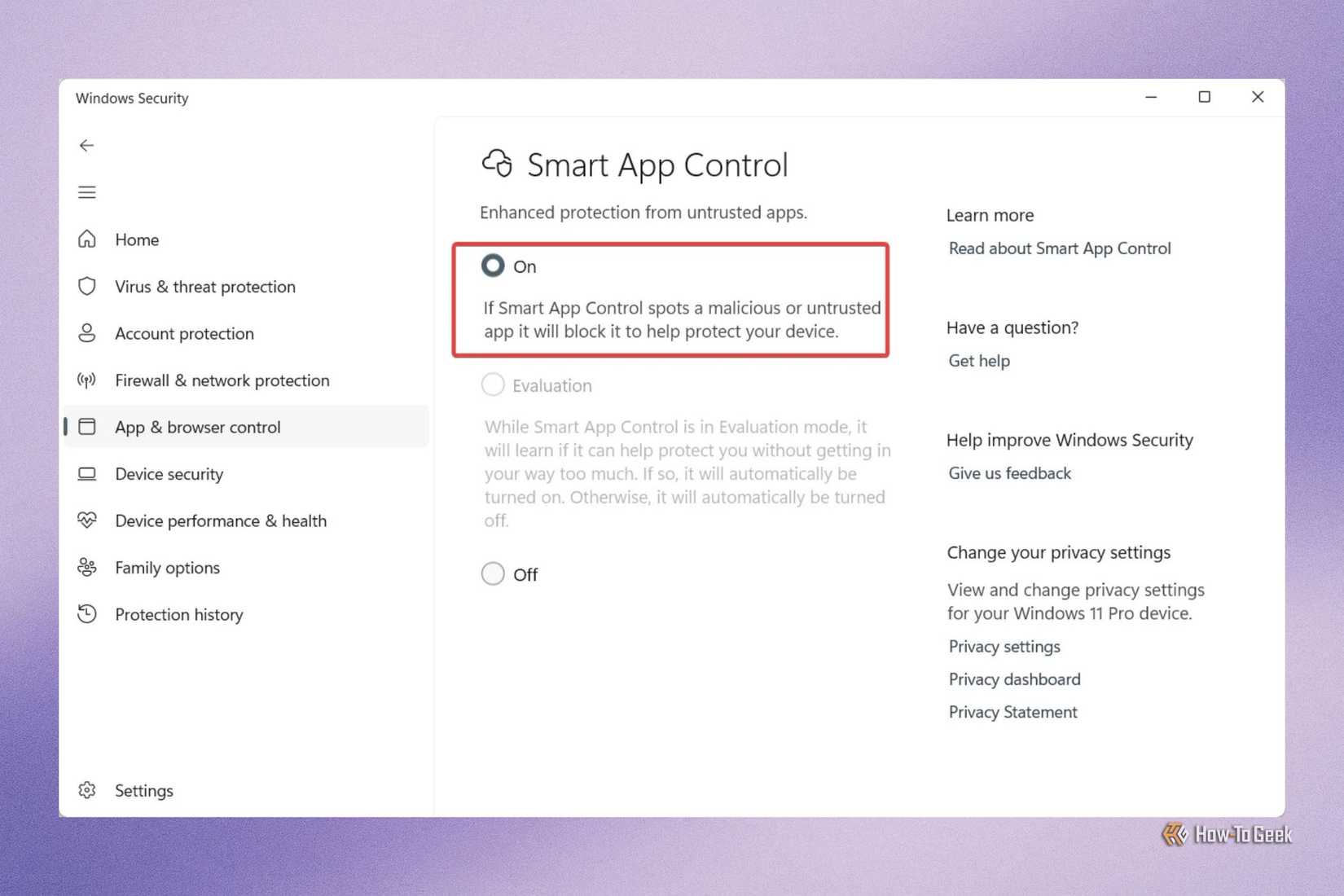
The cumulative effect of these features—Tamper Protection, Controlled Folder Access, Smart App Control, and Dynamic Lock—is a shift in the role of Windows Security. It has evolved from a basic malware scanner into a comprehensive security management platform that addresses a wide spectrum of modern threats.
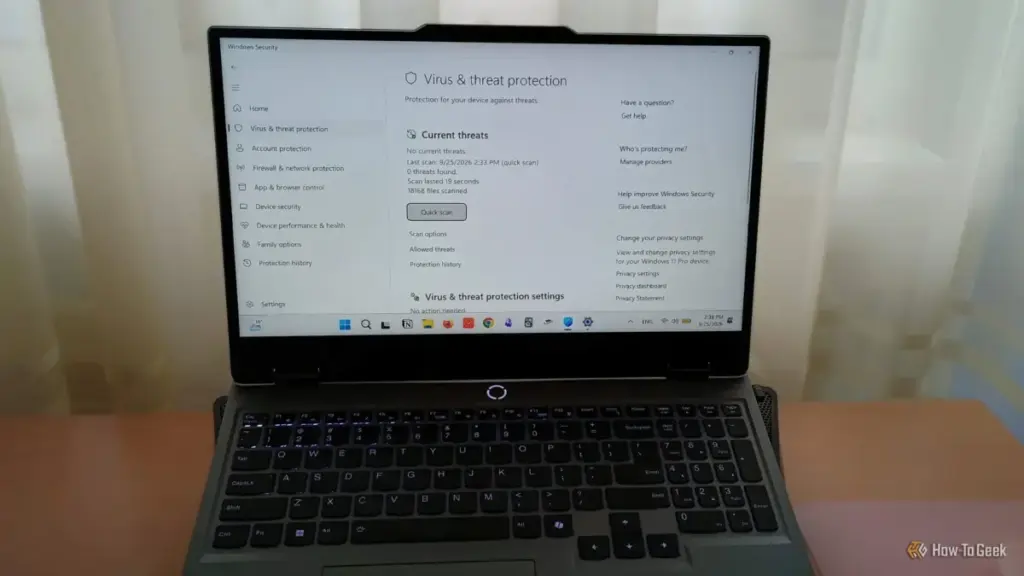
The effectiveness of these native tools is increasingly being recognized by the broader tech community. Historically, many Windows users felt compelled to install third-party antivirus suites to ensure their safety. However, the depth of integration and the sophistication of the features now built directly into Windows 11 have led many to conclude that third-party alternatives are no longer a necessity. By offering deep-level system protection that third-party apps often struggle to replicate without significant performance overhead, Microsoft has positioned Windows Security as a premier defensive suite.
As cyber threats continue to evolve, the importance of moving beyond "default" settings becomes clear. The recent Microsoft reports on deceptive software campaigns serve as a reminder that the best defense is a multi-layered one. By engaging with these advanced settings, users can transform their devices from passive targets into hardened environments capable of withstanding both digital and physical security challenges. The tools are already present; the responsibility now lies with the user to activate the full potential of the protections at their disposal.
 Tech Tutorials & How-To Guides
The Hidden Hazards of Pausing 3D Prints: Why Glitter and Sand Can Devastate Your Hardware
The ability to pause a 3D print mid-operation has long been celebrated...
 Tech Tutorials & How-To Guides
Beyond the Slicer: Why MeshLab Remains the Essential Tool for Repairing Corrupt 3D Models
The world of 3D printing has evolved from a niche hobby for...
 Tech Tutorials & How-To Guides
Beyond the Drill: How Ryobi’s ONE+ Ecosystem is Redefining the Modern Home and Workshop
For decades, the image of a cordless power tool was tethered strictly...