
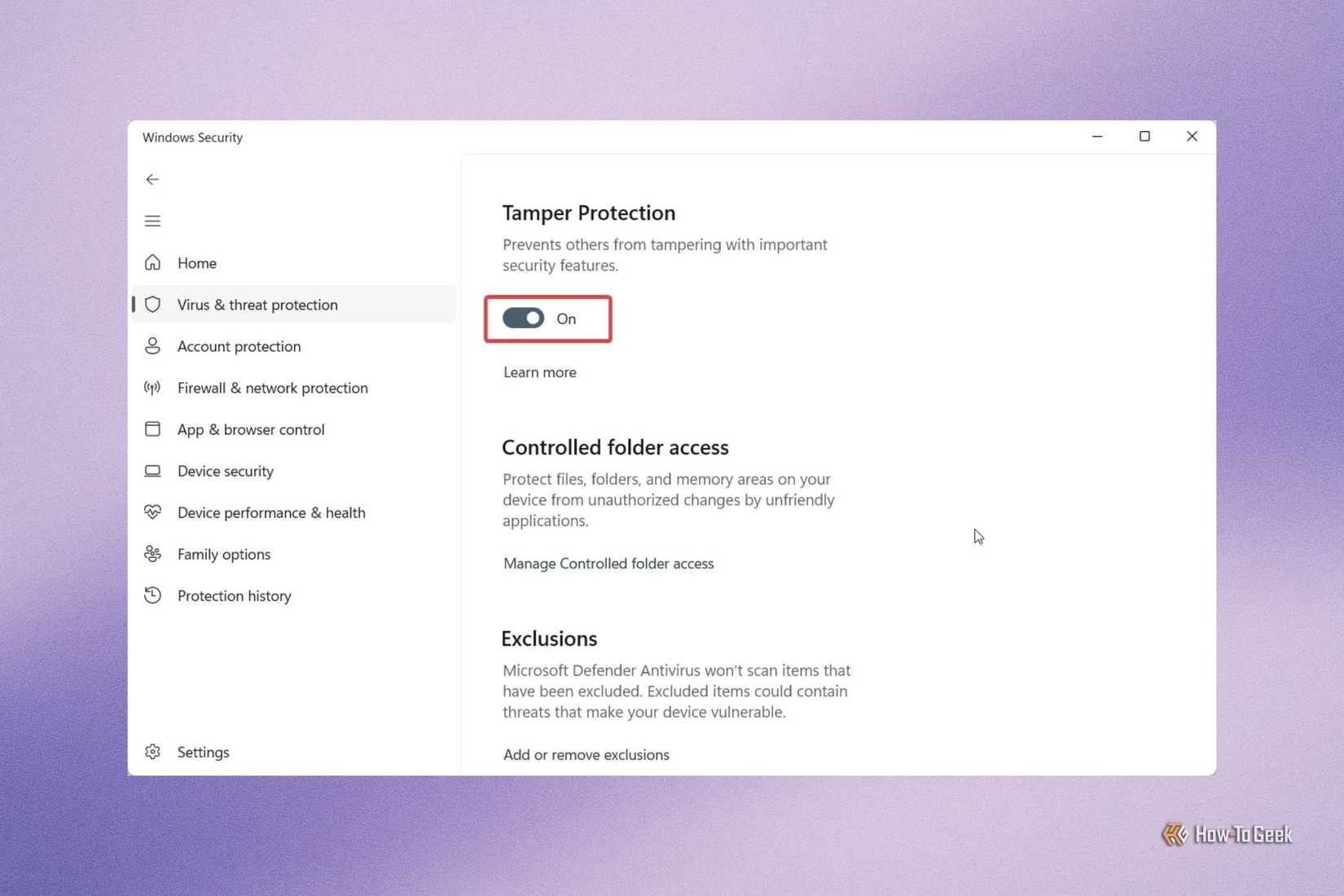
In response to this persistent threat, Microsoft has integrated "Controlled Folder Access" into the Windows Security suite. This feature acts as a proactive gatekeeper for data integrity. Unlike traditional antivirus software, which scans for known malicious code, Controlled Folder Access monitors the behavior of applications. It maintains a strict "allow-list" of trusted software; if an unrecognized or untrusted application attempts to modify, move, or encrypt files within a protected directory, the operating system immediately blocks the action and alerts the user.

The implementation of this feature allows users to designate specific folders—such as "Documents," "Pictures," or custom-created project folders—as high-security zones. This approach is particularly effective against "zero-day" ransomware, where the specific strain of malware may not yet be recognized by signature-based scanners. By focusing on the action of the software rather than its identity, Controlled Folder Access provides a vital layer of protection for users who store sensitive information locally on their devices.
Smart App Control: A Cloud-Powered Approach to Software Trust
One of the more rigorous additions to the Windows 11 security ecosystem is Smart App Control. While the standard User Account Control (UAC) prompts users for permission when an app attempts to make changes, Smart App Control operates on a more fundamental level of trust. It utilizes Microsoft’s extensive cloud-based application intelligence to evaluate the safety of every application the user attempts to run.
This system relies on a combination of digital signature verification and behavioral analysis. If an application is signed by a known, trusted developer and has no history of malicious behavior, it is permitted to run. If, however, the software is unsigned or lacks a verifiable reputation in the cloud database, Smart App Control prevents it from executing entirely.
This feature represents a move toward a "Zero Trust" model for consumer computing. However, it is not without its trade-offs. For power users, software developers, or those who frequently experiment with niche, open-source tools, the lack of an "exception" list within Smart App Control can be restrictive. Microsoft’s current stance is that if a developer’s app is blocked, the recommended path is to obtain a valid digital certificate. For the end-user, this means the feature provides a high-security environment at the cost of some flexibility. It is designed for those who want the highest level of protection against "sketchy" software and are willing to sacrifice the ability to run unverified applications to achieve it.
Dynamic Lock: Addressing the Human Element of Security
While much of the focus in cybersecurity is on remote threats and malicious code, the physical security of a device remains a vulnerable point, particularly in the age of hybrid work and mobile computing. The "human element"—the simple act of walking away from a laptop at a coffee shop or in a shared office space—can lead to devastating data breaches if the device is left unlocked.
 Tech Tutorials & How-To Guides
The Unseen Ecosystem: Why Samsung’s Most Powerful One UI Features Remain Hidden to Most Users
In the hyper-competitive landscape of global smartphone manufacturing, Samsung Electronics has long...
 Tech Tutorials & How-To Guides
The Limits of DNS Privacy: Why Changing Your Resolver Is Not a Total Cloaking Device
In the modern era of digital surveillance and data harvesting, internet users...
 Tech Tutorials & How-To Guides
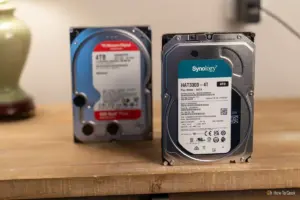
The Mechanical Resilience of the Hard Disk Drive: Utilizing Hook-and-Loop Fasteners to Combat Vibration and Extend Hardware Longevity
In an era increasingly dominated by the blistering speeds of NVMe solid-state...







