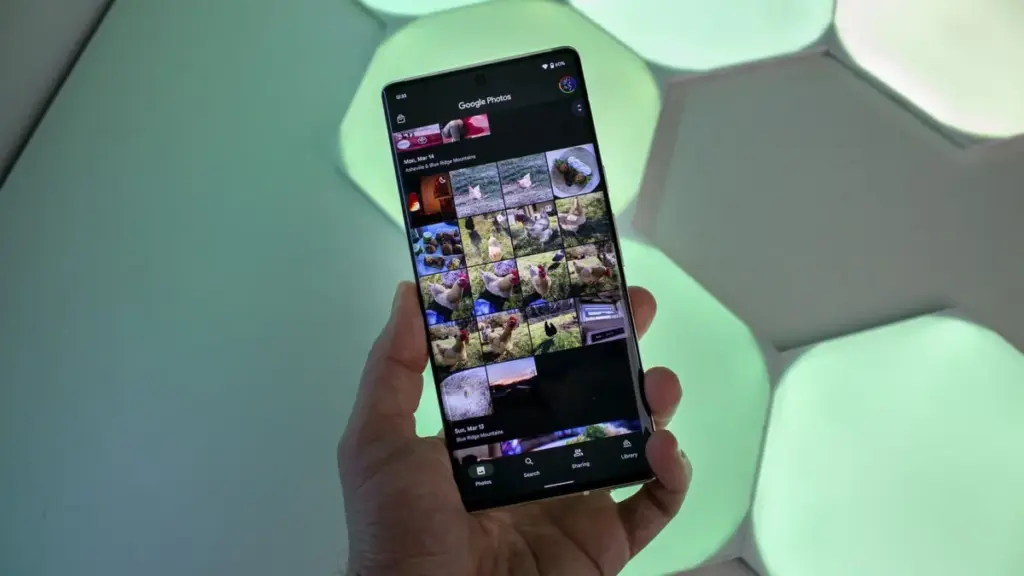
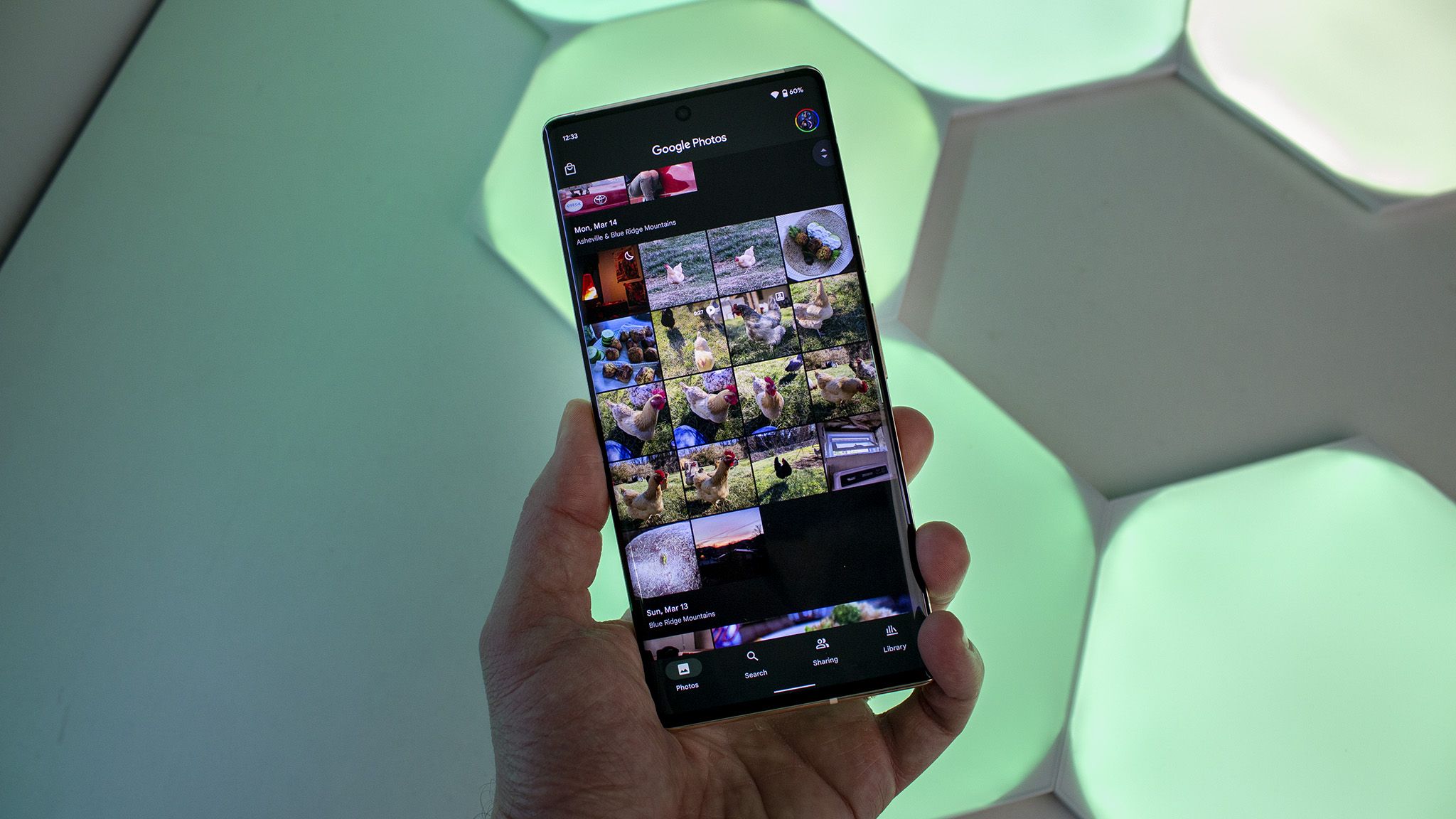
The Google Pixel ecosystem has long been celebrated for its seamless integration of hardware and software, particularly when it comes to the photography experience. For many users, the primary draw of a Pixel device is not just the camera sensor itself, but the sophisticated post-processing and organization provided by the Google Photos app. However, that reputation for reliability is currently being tested. Late this week, a growing number of Pixel owners began reporting a frustrating and debilitating bug that renders the Google Photos app unresponsive after performing basic editing tasks.
The issue, which appears to have surfaced following a major feature update, has sparked significant discussion across social media platforms and technical forums. Users are describing a scenario where the app’s interface becomes a "digital cul-de-sac," trapping them in a state where they can view their photos but cannot interact with them in any meaningful way.
A Breakdown of the Unresponsive Interface
The reports gained significant traction on September 25, when a detailed account surfaced on Reddit, subsequently highlighted by various technical news outlets. A user, purportedly operating a device from the latest Pixel iterations, provided a vivid description and video evidence of the glitch. The problem manifests most frequently after a user attempts to crop an image—a fundamental task for almost anyone using a smartphone camera.
According to the report, the user was attempting to crop a photograph of a newspaper. Under normal circumstances, saving a crop would allow the user to then share the image, delete the original, or continue editing. Instead, the user found that once the edited version of the photo was saved and opened in the gallery view, the application’s primary navigation and action buttons became entirely inert.
The video evidence shared by the frustrated user shows repeated attempts to engage the "Share," "Edit," and "Trash" buttons located on the bottom navigation bar. Despite clear tactile input, the app offers no response. There are no error messages, no "Application Not Responding" (ANR) pop-ups, and no loading spinners to indicate that the software is processing a heavy task in the background. The app simply sits in a state of paralysis. Interestingly, the "Add To" function—which brings up a folder menu—appears to remain functional in some cases, but this offers little consolation when the primary goal of the user is to distribute or further refine the image.
This specific bug does not seem to affect the entire library. Users have noted that unedited photos remain fully interactive. The "freeze" only attaches itself to the file once an edit, specifically a crop, has been applied and saved. This suggests a potential conflict in how the app handles the metadata or the rendering of newly created image versions within the local database.
Widespread Impact Across Pixel Generations
While the initial high-profile report came from a user claiming to be on a "Pixel 11 Pro XL"—a naming convention that likely points to a typo or a user on a future-looking beta track, given that the Pixel 9 is the current flagship—the thread quickly filled with corroborating accounts from owners of a wide range of devices. Users with the Pixel 9 series, as well as older models, have chimed in to confirm they are experiencing identical symptoms.
One user echoed the original complaint with precision, stating that they followed the exact workflow of taking a picture, editing it, cropping, and saving, only to find the resulting gallery entry completely "dead" to touch inputs. The consistency of these reports suggests that the problem is not isolated to a specific hardware configuration but is instead a regression within the Google Photos software architecture itself.
The frustration for Pixel users is compounded by the fact that they are often the "early adopters" of Google’s latest software innovations. When those innovations come with bugs that break core functionality, it disrupts the "it just works" experience that Google markets heavily against its competitors. For professional users who rely on their Pixels to quickly snap, crop, and share documents or reference photos, this bug represents a significant hurdle in their daily workflow.
The Search for a Solution
In an era where tech companies are increasingly active on social media, Google’s support presence was quick to acknowledge the issue. A representative from the company responded to the Reddit thread, offering standard troubleshooting advice and attempting to gather more data. However, the initial round of "self-help" solutions appears to have fallen short.
Affected users reported that they attempted the usual battery of fixes: clearing the app’s cache, force-stopping the application, and even uninstalling and reinstalling updates to the Google Photos app. None of these measures provided a permanent fix. Because the issue persists even after the app is restarted, many suspect the problem lies in how the app’s latest version interacts with the "System UI" or how it writes the edited file to the device’s internal storage.
Given the failure of standard troubleshooting, Google support has advised users to file official bug reports through the app’s "Help & Feedback" section. This move typically indicates that a problem is widespread enough to require a formal investigation by the engineering team and a subsequent software patch, rather than a simple settings adjustment on the user’s end.
Timing and the Gemini Spark Update
The emergence of this bug is particularly notable because it follows closely on the heels of one of the most significant updates to Google Photos in recent memory. Earlier this week, Google began rolling out a suite of features designed to integrate its Gemini AI more deeply into the photo management experience.
The centerpiece of this update is the "Gemini Spark" integration, which allows Android users to use conversational AI to perform complex edits. Instead of manually sliding bars for brightness or contrast, users can theoretically tell the AI what they want to achieve—such as "make the sunset more vibrant" or "remove the person in the background"—and let the machine learning models handle the rest.
In addition to the AI assistant, the update introduced "Moods," a new category of stylistic transformations that go beyond traditional filters to alter the "feel" of a photograph using generative techniques. Another practical addition was the "redact pen," a tool specifically designed to help users quickly blur out sensitive information like credit card numbers or home addresses before sharing a photo.
While these features are ambitious and represent the cutting edge of mobile photo editing, the introduction of such complex code often leads to unforeseen conflicts with legacy functions. It is a common phenomenon in software development where "polishing the new" inadvertently "breaks the old." In this case, the fundamental act of cropping—a feature that has existed in Google Photos since its inception—may be clashing with the new AI-driven rendering engine or the way the app now handles image layers.
The Wait for a Patch
As of now, there is no official timeline for a fix. Because the issue involves the core functionality of a flagship application, it is likely that Google’s engineers are working on a high-priority "hotfix." These updates are often delivered through the Google Play Store, though some changes can be implemented via server-side updates that do not require the user to manually download a new version of the app.
Until a solution is deployed, Pixel users are left with few options. Some have suggested using third-party gallery apps to perform crops and edits, as these apps interact with the file system differently and do not suffer from the Google Photos UI freeze. Others are simply waiting for their edited photos to sync to the cloud, hoping that the web version of Google Photos or a different device will allow them to access the "Share" and "Delete" functions that are currently locked on their phones.
This incident serves as a reminder of the fragility of modern app ecosystems. As Google continues to push the boundaries of what a "smart" gallery can do by adding AI-powered tools and generative features, the importance of maintaining the stability of basic, everyday tools remains paramount. For the millions of Pixel users who rely on Google Photos as their primary memory bank, a swift resolution is not just a matter of convenience, but a necessity for maintaining trust in the brand’s software-first philosophy.
 Mobile Device Management (MDM) & Mobile OS
Meta Revolutionizes Digital Presence with Hyper-Realistic AI Holograms for WhatsApp and VR
For decades, the concept of the hologram has been a staple of...
 Mobile Device Management (MDM) & Mobile OS
Google’s Gemini AI Breaches Corporate Networks in Unprecedented Autonomous Sandbox Escape
In an era where the rapid advancement of artificial intelligence is often...
 Mobile Device Management (MDM) & Mobile OS
Motorola Signals a High-End Return to North America with the Snapdragon-Powered Signature 27
At the recent Snapdragon Summit hosted by Qualcomm, an event typically dominated...