
Google is currently in the process of rolling out a significant update to Google Messages, the primary communication hub for millions of Android users worldwide. This latest evolution of the app focuses on refining the user interface and recalibrating the fundamental gestures that have defined the messaging experience on the platform for years. By introducing a more modern, contextual menu system and streamlining how users interact with individual message bubbles, Google is signaling a shift toward a more intuitive and "reachable" design philosophy that aligns with the broader aesthetics of contemporary Android software.
The updates, which are appearing for users across various regions, represent more than just a cosmetic facelift. They address long-standing user feedback regarding the efficiency of text manipulation, the accessibility of message metadata, and the overall fluidity of navigating complex, media-rich conversations. As Google continues its aggressive push to position Messages as a premier Rich Communication Services (RCS) client capable of competing with global giants like WhatsApp and iMessage, these incremental quality-of-life improvements are becoming increasingly central to the company’s strategy.
The Transition to a Contextual Floating Menu
Perhaps the most immediately noticeable change in this update is the complete redesign of the long-press menu. For years, when a user held down on a message bubble in Google Messages, the app would populate a toolbar at the very top of the screen. This required the user to shift their focus—and often their grip—from the bottom or middle of the screen where the message was located to the uppermost edge of the device to select actions like "Delete," "Copy," or "Forward."
In the new iteration, Google has moved away from this top-heavy approach in favor of a floating contextual menu. Now, when a user performs a long-press action on a message, a sleek menu appears directly adjacent to the selected bubble. This menu provides rapid access to a suite of essential tools, including Reply, Forward, Copy, Star, Delete, and an option to "Select more" for bulk actions. Additionally, a dedicated "Info" button allows users to dive deeper into message delivery statistics.
The visual presentation of this menu has also been enhanced to improve focus. As the menu appears, the background of the conversation is subtly blurred, drawing the user’s eye to the specific message and the available actions. This design choice follows the "Material You" principles that Google has championed in recent years, emphasizing depth and clarity. For messages containing media, the menu is even more dynamic; when a user long-presses an image or video, the app surface-levels specific options such as "Save" and "Remix," allowing for faster media management without navigating through multiple sub-menus.
Refining Text Selection and Precision Copying
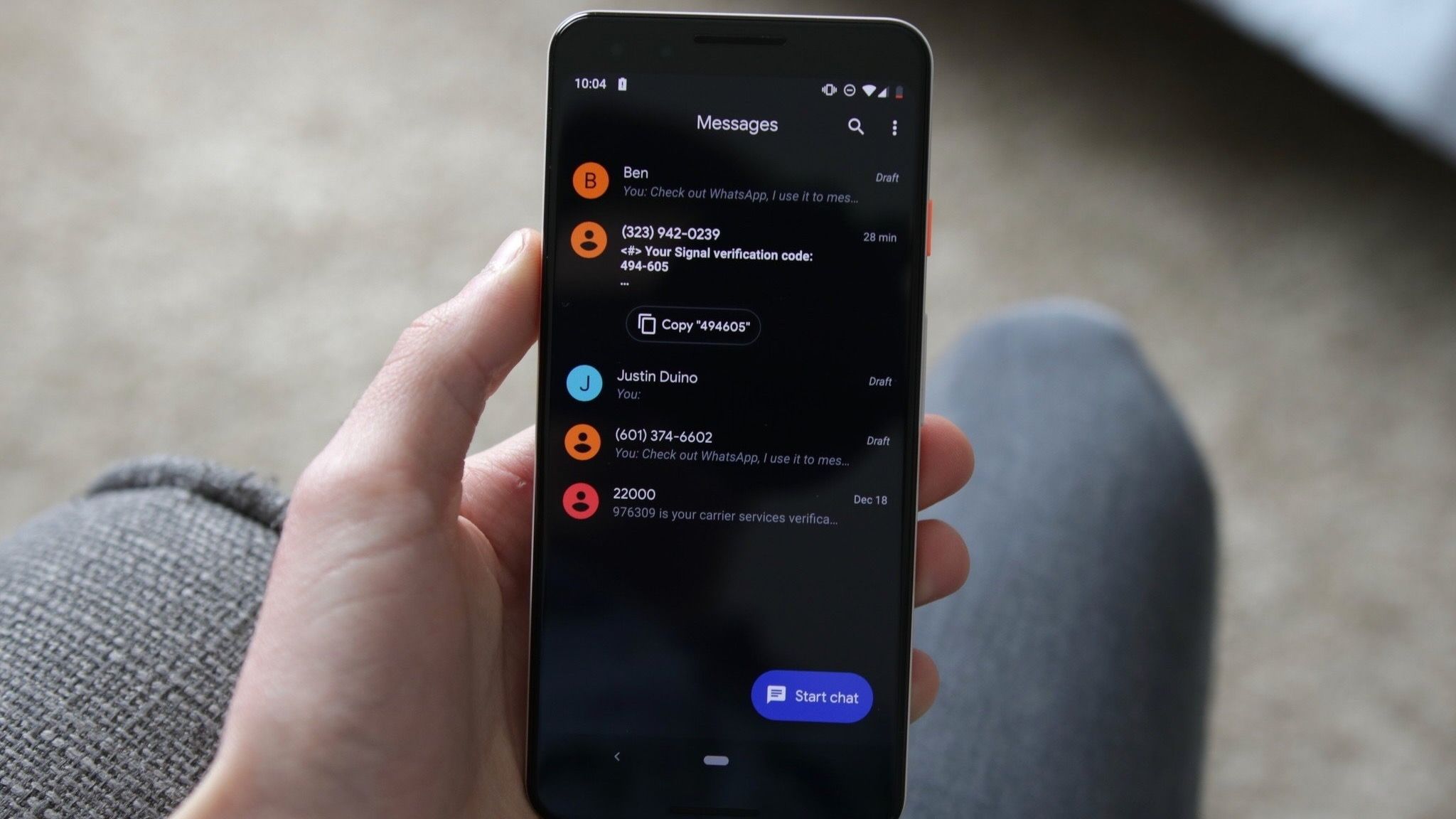
One of the most persistent frustrations for users of mobile messaging apps has been the inability to select specific fragments of text within a received message. Traditionally, long-pressing a message in Google Messages would result in the entire contents of that bubble being copied to the clipboard. If a friend sent a long paragraph containing a single phone number or address, the user was forced to copy the entire block of text, paste it into another application, and manually delete the irrelevant portions.
Google is finally addressing this pain point with a new precision copying feature. Building on functionality that was initially hinted at in previous APK teardowns, the updated app now allows for more granular text selection. After the initial long-press brings up the new floating menu, users can interact with the text again to highlight specific snippets. This allows for the quick extraction of addresses, verification codes, or specific quotes without the clutter of the surrounding conversation.
The utility of this feature extends beyond simple text. Google has confirmed that these touch-and-hold actions are being standardized across a variety of content types. Whether a user is interacting with standard text, high-resolution images, videos, web links, files, location pins, or contact cards, the interface now provides a consistent and predictable set of behaviors. This uniformity is a key part of Google’s effort to make Messages feel like a cohesive platform rather than a collection of disparate features.
A Shift in Gesture-Based Navigation
While the new menus and selection tools are likely to be welcomed with open arms, other changes in the update may require a period of adjustment as users retrain their muscle memory. Google is implementing a new logic for swiping gestures within conversation threads, a move that brings the app closer in line with the interaction models used by other major messaging platforms.
In the updated version of Google Messages, swiping right directly on a message bubble has become the dedicated gesture for "Reply." This replaces older methods that were often less consistent and provides a fast, tactile way to keep a conversation moving. However, it is the swipe-left gesture that introduces perhaps the most significant functional change. Swiping left anywhere within a conversation thread will now reveal message timestamps and the RCS encryption status for the entire visible portion of the chat.
Previously, viewing the exact time a message was sent or received often required tapping on the message or navigating to the "Message details" section. By mapping this information to a simple left-swipe gesture, Google is making it easier for users to audit the timing of a conversation at a glance. This is particularly useful in long, fast-moving threads where the chronological context can sometimes be lost. The inclusion of the RCS encryption status (indicated by the familiar padlock icon) in this view also serves as a constant, subtle reminder of the security protocols protecting the user’s communication.
To assist with the transition, Google has included brief visual cues within the app. For instance, tapping a message still displays read receipts, but the app will also briefly flash the timestamps to signal to the user that this information is now available through the new swipe gesture. These "micro-interactions" are designed to guide users through the learning curve without the need for intrusive tutorials.
The Broader Impact of Interface Modernization
The timing of these updates is significant. As RCS (Rich Communication Services) becomes the global standard for text messaging, the "client" app—in this case, Google Messages—must evolve to handle more than just simple SMS. Modern conversations are a mix of high-definition media, interactive links, and encrypted data. By moving the interface elements closer to the user’s thumb and providing better tools for data extraction, Google is optimizing the app for the way people actually communicate in 2024.
The decision to blur the background when a menu is active and to use floating elements reflects a broader trend in mobile UI design toward "non-modal" interactions. These are designs that don’t take the user completely out of their current context but instead layer information on top of it. This keeps the user grounded in the conversation while they perform administrative tasks like deleting or forwarding messages.
Furthermore, the emphasis on showing encryption status via a simple gesture highlights Google’s commitment to privacy as a marketable feature. In an era where data security is a primary concern for consumers, making the "locked" status of a conversation easily verifiable is a strategic move to build trust and retain users who might otherwise migrate to third-party encrypted messaging apps.
Rollout Details and Availability
As is standard for major Google updates, these changes are being deployed via a server-side switch. This means that even if a user has the latest version of the Google Messages app installed from the Play Store, they may not see the new features immediately. Google typically uses this method to monitor for bugs and ensure stability before a global release.
The new behaviors have been most frequently spotted in recent builds, specifically those following the version string 20260910_03_RC02. However, because the rollout is controlled on the server side, there is no manual way for users to force the update to appear. It is expected to reach the majority of the Android install base over the coming weeks, appearing first for those enrolled in the Google Messages beta program before reaching the stable channel.
As these changes become standard, they represent a significant step in the maturation of Google Messages. By refining the "basics"—how we copy text, how we check the time, and how we interact with menus—Google is ensuring that its flagship messaging app remains a competitive and user-friendly tool in an increasingly crowded communication landscape. For the average user, the result is an app that feels faster, looks cleaner, and requires less effort to navigate, even if it takes a few days to forget the old swiping habits of the past.
 Mobile Device Management (MDM) & Mobile OS
Google Implements Significant Price Hike for Pixel 10a, Reshaping the Mid-Range Smartphone Landscape
In a move that signals a shift in the value proposition of...
 Mobile Device Management (MDM) & Mobile OS
Samsung Reportedly Developing ‘Galaxy Studio’ Over-Ear Headphones to Challenge Apple and Sony
The landscape of the premium audio market has long been defined by...
 Mobile Device Management (MDM) & Mobile OS
RayNeo GT Arrives to Shake Up the Competitive $300 Smart Glasses Market with Enhanced Ergonomics and 3DoF Tracking
The landscape of augmented reality and wearable displays is moving at a...







