
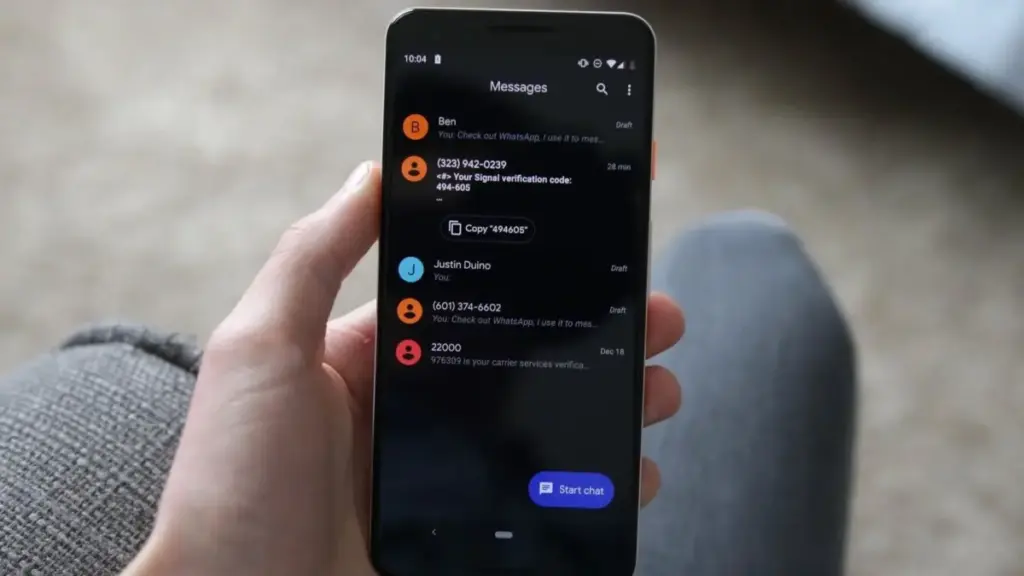
Google is currently in the process of rolling out a significant update to Google Messages, the primary communication hub for millions of Android users worldwide. This latest evolution of the app focuses on refining the user interface and recalibrating the fundamental gestures that have defined the messaging experience on the platform for years. By introducing a more modern, contextual menu system and streamlining how users interact with individual message bubbles, Google is signaling a shift toward a more intuitive and "reachable" design philosophy that aligns with the broader aesthetics of contemporary Android software.
The updates, which are appearing for users across various regions, represent more than just a cosmetic facelift. They address long-standing user feedback regarding the efficiency of text manipulation, the accessibility of message metadata, and the overall fluidity of navigating complex, media-rich conversations. As Google continues its aggressive push to position Messages as a premier Rich Communication Services (RCS) client capable of competing with global giants like WhatsApp and iMessage, these incremental quality-of-life improvements are becoming increasingly central to the company’s strategy.
The Transition to a Contextual Floating Menu
Perhaps the most immediately noticeable change in this update is the complete redesign of the long-press menu. For years, when a user held down on a message bubble in Google Messages, the app would populate a toolbar at the very top of the screen. This required the user to shift their focus—and often their grip—from the bottom or middle of the screen where the message was located to the uppermost edge of the device to select actions like "Delete," "Copy," or "Forward."
In the new iteration, Google has moved away from this top-heavy approach in favor of a floating contextual menu. Now, when a user performs a long-press action on a message, a sleek menu appears directly adjacent to the selected bubble. This menu provides rapid access to a suite of essential tools, including Reply, Forward, Copy, Star, Delete, and an option to "Select more" for bulk actions. Additionally, a dedicated "Info" button allows users to dive deeper into message delivery statistics.
The visual presentation of this menu has also been enhanced to improve focus. As the menu appears, the background of the conversation is subtly blurred, drawing the user’s eye to the specific message and the available actions. This design choice follows the "Material You" principles that Google has championed in recent years, emphasizing depth and clarity. For messages containing media, the menu is even more dynamic; when a user long-presses an image or video, the app surface-levels specific options such as "Save" and "Remix," allowing for faster media management without navigating through multiple sub-menus.
Refining Text Selection and Precision Copying
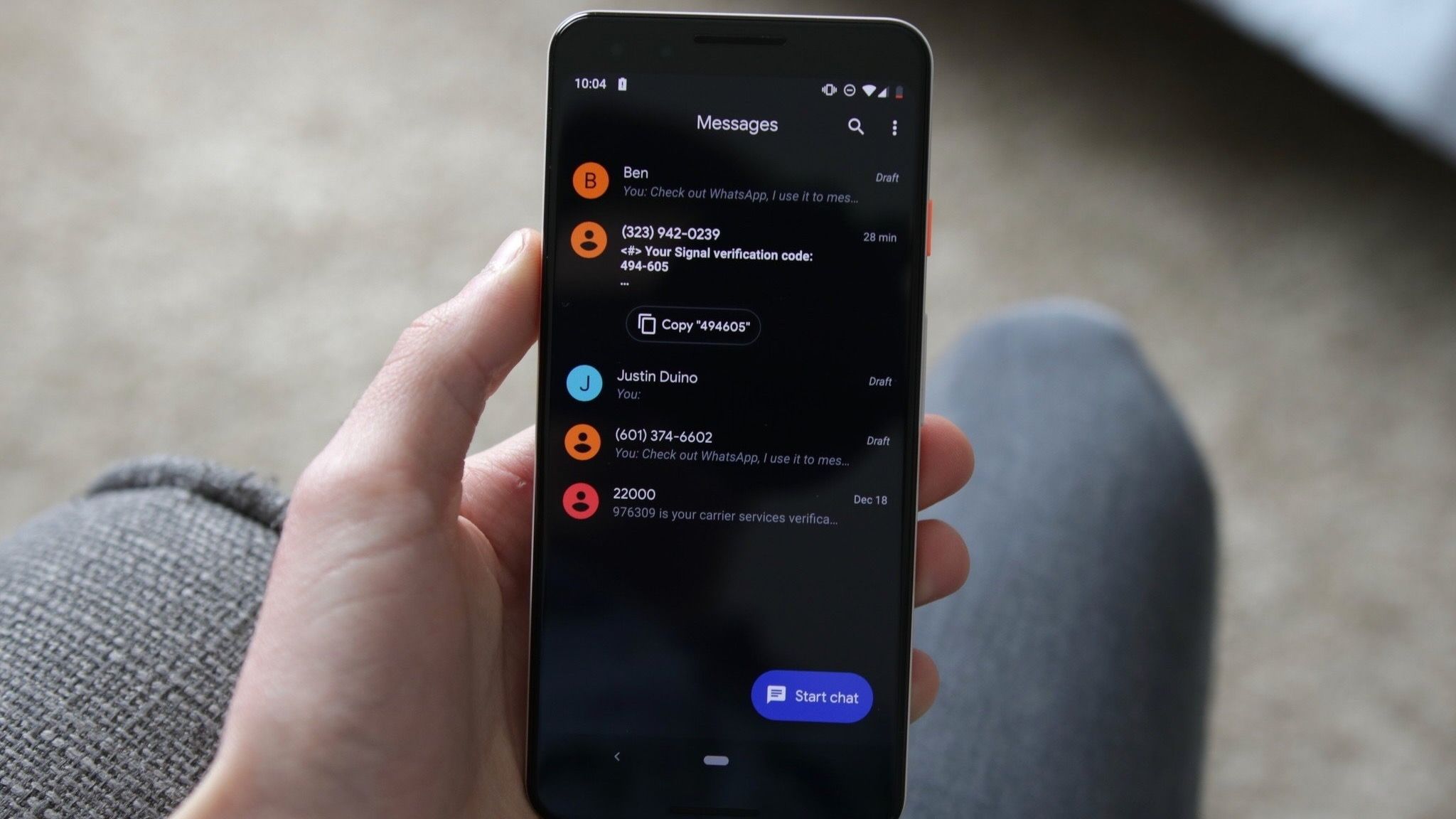
One of the most persistent frustrations for users of mobile messaging apps has been the inability to select specific fragments of text within a received message. Traditionally, long-pressing a message in Google Messages would result in the entire contents of that bubble being copied to the clipboard. If a friend sent a long paragraph containing a single phone number or address, the user was forced to copy the entire block of text, paste it into another application, and manually delete the irrelevant portions.
 Mobile Device Management (MDM) & Mobile OS
Google Releases Android 17 QPR3 Beta 1 for Pixel Devices, Targeting Key Performance Issues and System Stability
Google has officially initiated the next phase of its software testing cycle...
 Mobile Device Management (MDM) & Mobile OS
Vivo Unveils X500 Series in Shanghai Featuring 8,000mAh Battery and MediaTek’s 2nm Dimensity 9600 Pro
Vivo has officially pulled back the curtain on its latest flagship smartphone...
 Mobile Device Management (MDM) & Mobile OS
Google Explores Enhanced Security for Chrome on Android with Biometric Password Reauthentication
The convenience of modern mobile browsing often rests on a delicate balance...







