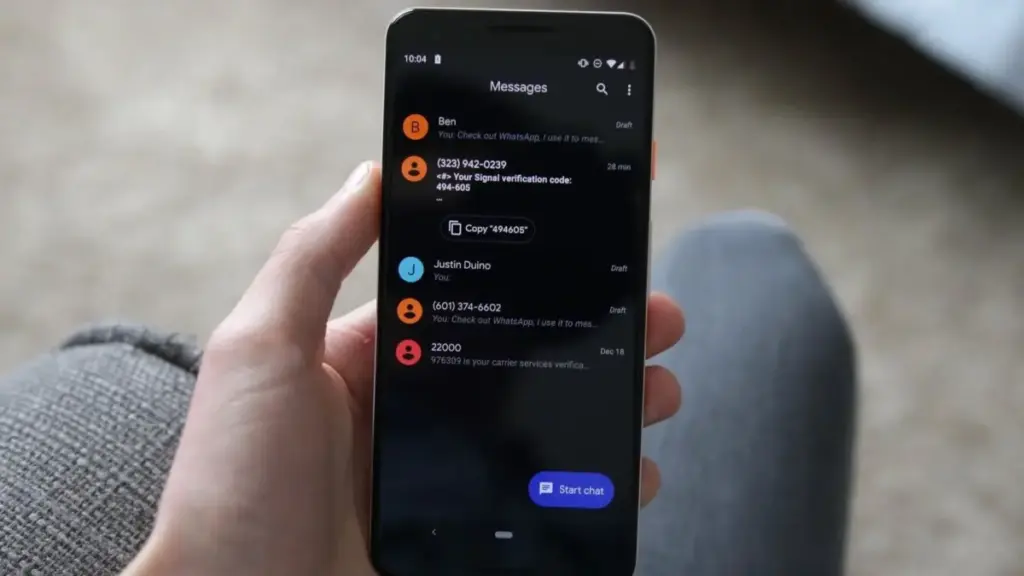
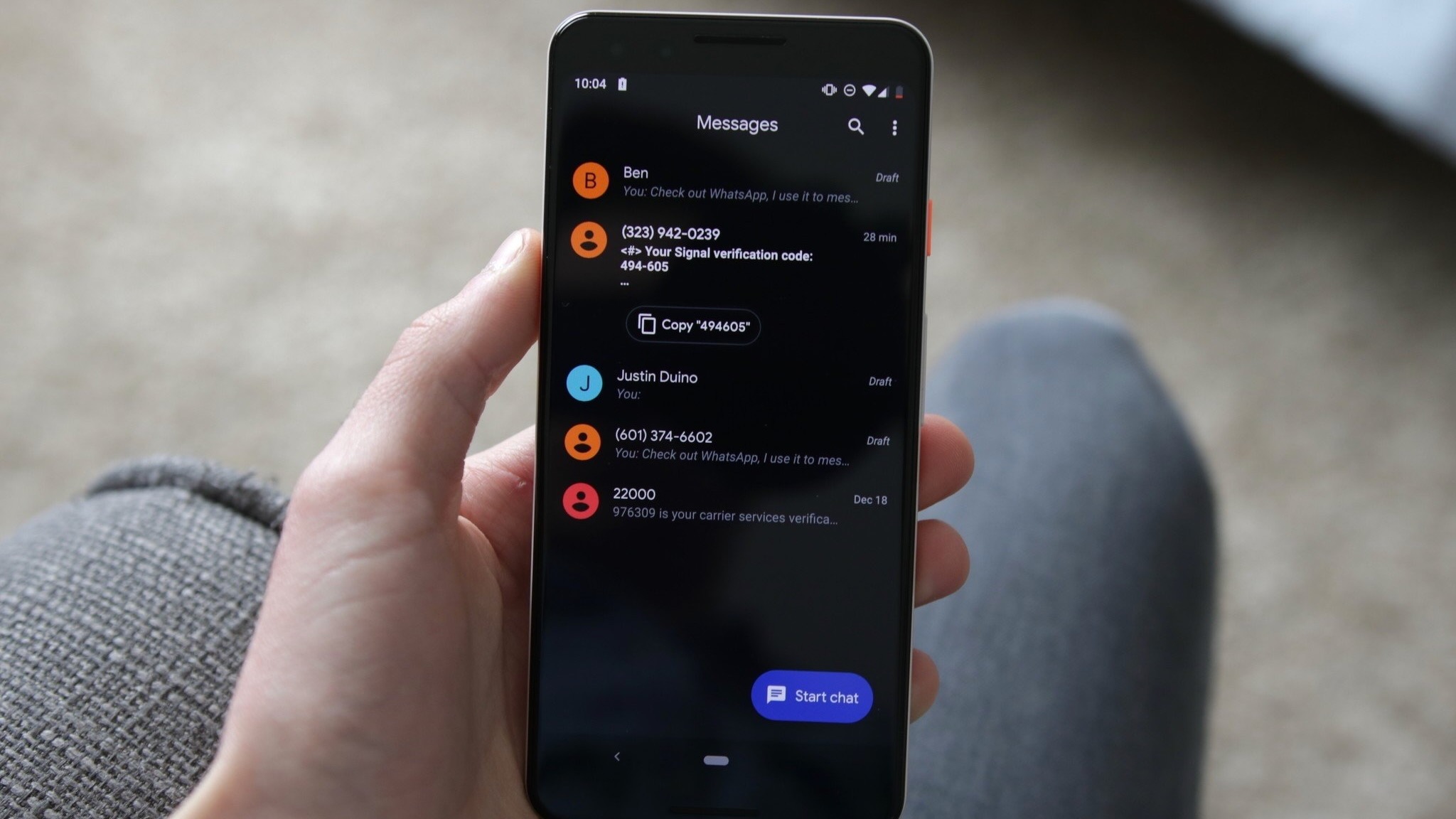
Google is finally addressing this pain point with a new precision copying feature. Building on functionality that was initially hinted at in previous APK teardowns, the updated app now allows for more granular text selection. After the initial long-press brings up the new floating menu, users can interact with the text again to highlight specific snippets. This allows for the quick extraction of addresses, verification codes, or specific quotes without the clutter of the surrounding conversation.
The utility of this feature extends beyond simple text. Google has confirmed that these touch-and-hold actions are being standardized across a variety of content types. Whether a user is interacting with standard text, high-resolution images, videos, web links, files, location pins, or contact cards, the interface now provides a consistent and predictable set of behaviors. This uniformity is a key part of Google’s effort to make Messages feel like a cohesive platform rather than a collection of disparate features.
A Shift in Gesture-Based Navigation
While the new menus and selection tools are likely to be welcomed with open arms, other changes in the update may require a period of adjustment as users retrain their muscle memory. Google is implementing a new logic for swiping gestures within conversation threads, a move that brings the app closer in line with the interaction models used by other major messaging platforms.
In the updated version of Google Messages, swiping right directly on a message bubble has become the dedicated gesture for "Reply." This replaces older methods that were often less consistent and provides a fast, tactile way to keep a conversation moving. However, it is the swipe-left gesture that introduces perhaps the most significant functional change. Swiping left anywhere within a conversation thread will now reveal message timestamps and the RCS encryption status for the entire visible portion of the chat.
Previously, viewing the exact time a message was sent or received often required tapping on the message or navigating to the "Message details" section. By mapping this information to a simple left-swipe gesture, Google is making it easier for users to audit the timing of a conversation at a glance. This is particularly useful in long, fast-moving threads where the chronological context can sometimes be lost. The inclusion of the RCS encryption status (indicated by the familiar padlock icon) in this view also serves as a constant, subtle reminder of the security protocols protecting the user’s communication.
To assist with the transition, Google has included brief visual cues within the app. For instance, tapping a message still displays read receipts, but the app will also briefly flash the timestamps to signal to the user that this information is now available through the new swipe gesture. These "micro-interactions" are designed to guide users through the learning curve without the need for intrusive tutorials.
The Broader Impact of Interface Modernization
 Mobile Device Management (MDM) & Mobile OS
Motorola Signals a High-End Return to North America with the Snapdragon-Powered Signature 27
At the recent Snapdragon Summit hosted by Qualcomm, an event typically dominated...
 Mobile Device Management (MDM) & Mobile OS
Google Bridges the Ecosystem Gap as Better Together Features Roll Out to Samsung Galaxy Devices
When Google officially pulled the curtain back on the Googlebook, the tech...
 Mobile Device Management (MDM) & Mobile OS
Google Reportedly Developing Next-Generation TV Streamer with Hands-Free Voice Controls and Presence Sensing
The landscape of home entertainment is shifting once again as reports emerge...