
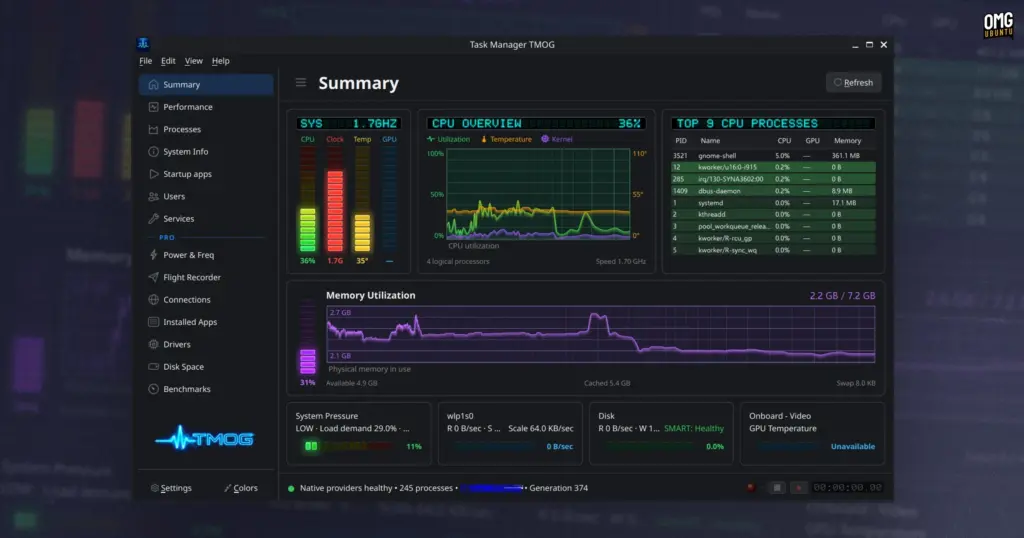
Rather than adopting a heavy, one-size-fits-all cross-platform framework that might sacrifice responsiveness or introduce substantial memory overhead, Plummer chose to pair this central C++ engine with native presentation frameworks on each target operating system. On Linux, TMOG employs the Qt 6 toolkit, ensuring seamless integration and crisp rendering across modern desktop environments such as GNOME and KDE Plasma. On macOS, the user interface is rendered using native Swift and AppKit APIs to adhere to Apple’s platform design conventions and graphics pipeline. On Windows, the client relies on Direct2D hardware-accelerated rendering. This decoupled architectural model ensures that the utility remains fast, efficient, and responsive regardless of the host environment.
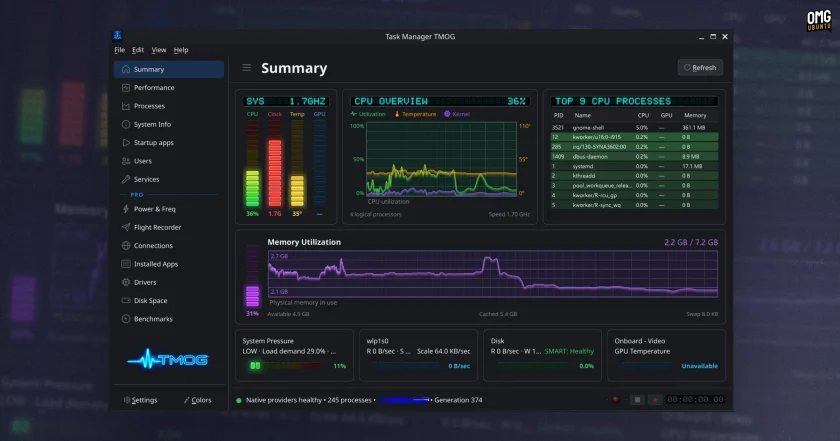
In terms of real-time monitoring, TMOG provides a dense, comprehensive dashboard of operational parameters. The software tracks per-process CPU consumption, memory allocation, network traffic across active sockets, disk throughput, storage capacity, and power draw. Furthermore, the dashboard offers detailed visibility into modern central processing unit behavior, reporting real-time clock frequencies, per-core activity levels, and overall hardware utilization. Users can toggle among several retro-styled visual themes, adjusting the interface’s color scheme to match their desktop setups or personal tastes.
Recognizing that users do not always want a large, comprehensive dashboard monopolizing screen real estate, Plummer integrated a flexible, floating mini-mode. This compact viewport can be pinned above other application windows, delivering a constant summary of crucial vital signs while users engage in resource-intensive tasks such as software compilation, 3D rendering, or gaming. The mini-mode embraces custom visual skins, including an aesthetic tribute inspired by the classic Winamp media player, further reinforcing the application’s affectionate celebration of 1990s software culture while maintaining practical utility for modern multitasking.
Beyond its real-time observation capabilities, TMOG seeks to address a long-standing limitation inherent to conventional system monitoring tools. In standard desktop environments, users typically launch a task manager or performance monitor reactively—only after a machine stutters, locks up, or experiences sudden latency spikes. Because the diagnostic utility is opened after the incident occurs, tracing the precise catalyst behind a temporary performance hiccup can be nearly impossible without combing through cryptic, time-stamped system logs. By the time a user brings up a performance graph, the offending process may have returned to idle, masking the root cause of the disruption.
 Linux & Open Source Solutions
Hylki Brings Modern Rust Engineering and Deep Customization to the GNOME Desktop
For years, the Linux desktop has maintained a complicated relationship with the...
 Linux & Open Source Solutions
ONLYOFFICE Desktop Editors 10.0 Released as Fully Rebuilt App With Decoupled AI Tools and Over 1,000 Bug Fixes
The developers behind ONLYOFFICE have officially released version 10.0 of ONLYOFFICE Desktop...
 Linux & Open Source Solutions
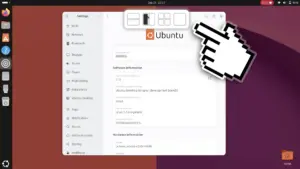
Ubuntu 26.10 Introduces Top-Screen Layout Picker to Streamline Window Tiling
Ubuntu 26.10 is introducing a new way for users to organize their...







