
Face Editing and Personalization
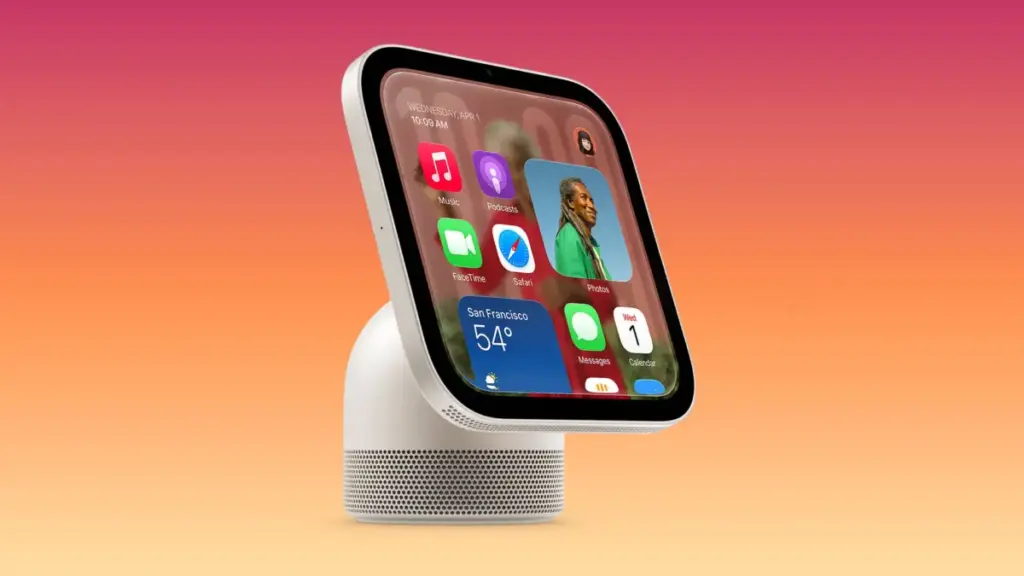
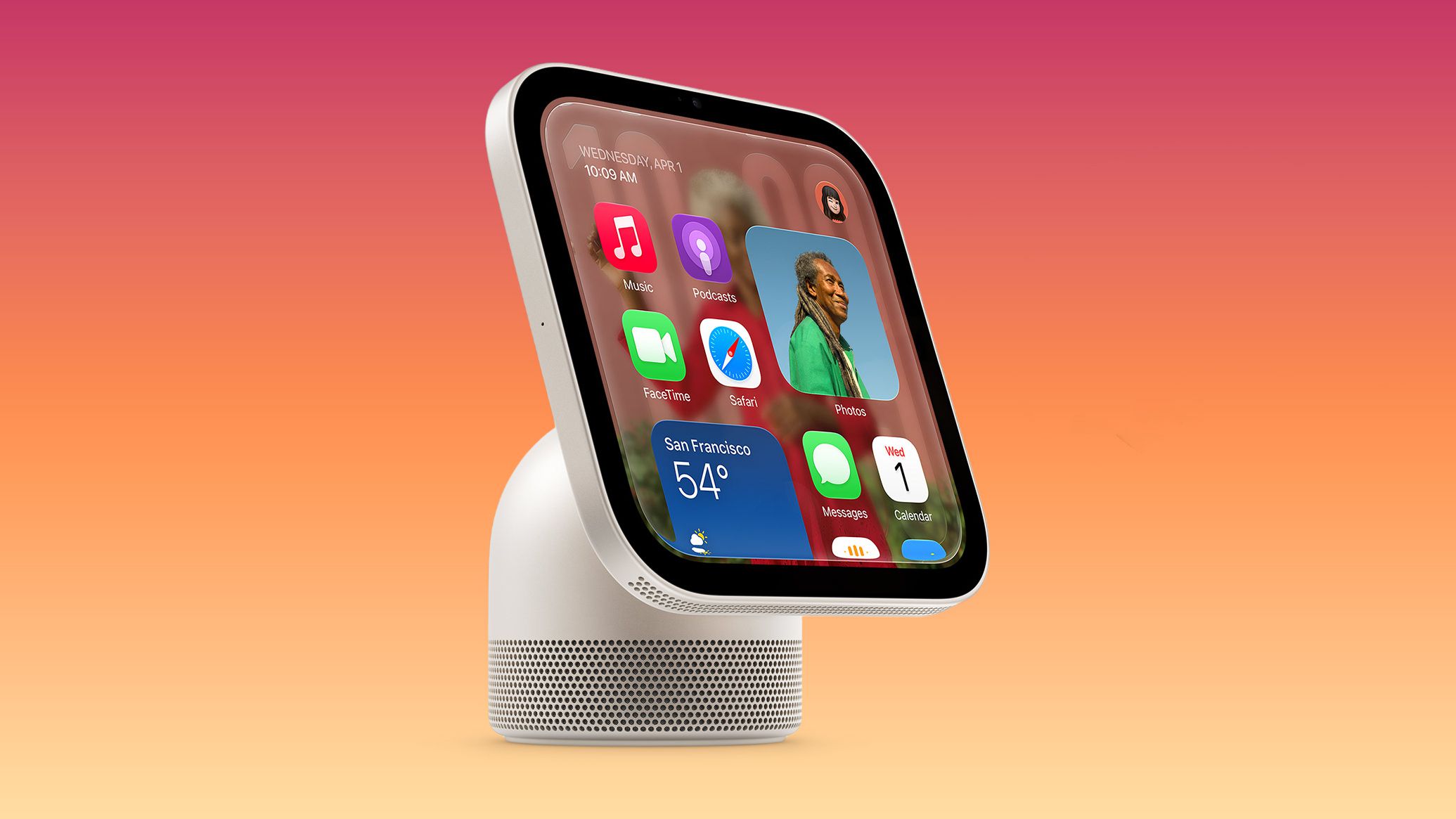
One of the prominent interface features uncovered in the 27.2 software update is the dedicated face editing interface. Developer Guilherme Rambo shared findings after virtualizing the HomeView software build, offering an initial look at how users will configure and edit the display options for the device’s Lock Screen.
The face editing interface allows users to cycle through different layout templates, select color palettes, and configure ambient widgets. This interface operates in tandem with the device’s front-facing sensors. Because the HomeView is built to recognize individual family members as they approach, the display can automatically swap between shared household screens and individual user faces based on who is interacting with the device.
The software teardown indicates that users will be able to customize multiple faces for different scenarios—such as a simplified clock display for evening hours, a photo-heavy display for general ambient use, or a control-centric layout featuring active HomeKit security camera feeds and media controls.
Startup Experience and Control Center
The HomeView 27.2 software build also sheds light on the initial setup process and fundamental navigation elements of the operating system. Upon powering up the device for the first time, users will be greeted by the classic Apple "Hello" screen, animated in script across the 7-inch Liquid Retina display in multiple languages, matching the onboarding flow found across iOS, iPadOS, and macOS.
Beyond the setup screen, assets within the firmware detail the structure of the system’s quick-access controls. Setup animations uncovered by code researcher Aaron (@aaronp613) demonstrate how Control Center functions on the HomeView. Swiping from the edge of the display invokes a dedicated Control Center overlay tailored for smart home management.
Unlike the Control Center on iOS, which focuses heavily on connectivity toggles and device settings, the HomeView Control Center prioritizes immediate access to home scenes, lighting adjustments, security system toggles, audio routing, and intercom controls for communicating with other HomePod and Apple devices in the household.
Light and Dark Modes
Following the visual design established across Apple’s ecosystem, HomeView Software 27.2 includes comprehensive support for both Light Mode and Dark Mode. The interface elements, including widget backgrounds, control cards, and system menus, dynamically adapt their contrast and color temperature to match the selected appearance.
The software includes an automated toggle that uses the device’s ambient light sensors and local time of day to seamlessly transition between Light Mode during daylight hours and Dark Mode at night. This ensures that the display remains legible in direct sunlight while reducing glare in low-light indoor environments, preventing the screen from casting excessive light into a room during the evening.
Snoopy Character Animations
Among the visual options included in HomeView Software 27.2 is the addition of the Snoopy and Woodstock interactive screen faces. Originally introduced on watchOS, the Peanuts characters have been rendered for the larger display of the HomeView.
Video assets extracted from the update show a wide variety of dedicated animations featuring Snoopy. When the Snoopy face is active, the character reacts to local weather conditions, active home events, music playback, and time of day. The animations play out dynamically when the display wakes or when a user interacts with the touchscreen, bringing a lighthearted, playful design option to the desktop display.
 macOS & Apple IT Support
Best Buy Offers $100 Gift Card Incentive as Pre-Orders Open for Apple’s New MacBook Pro With PROLED XDR Display
Following Apple’s official unveil of its next-generation laptop line, pre-orders for the...
 macOS & Apple IT Support
Apple Pencil Support Arrives on iPhone Duo with Specific Hardware Requirements and Launch Constraints
As Apple’s highly anticipated iPhone Duo officially reaches customers on its launch...
 macOS & Apple IT Support
Production Begins on Season 2 of Vince Gilligan’s Apple TV+ Sci-Fi Drama ‘Pluribus’ in Albuquerque
ALBUQUERQUE, N.M. — Principal photography on the second season of the acclaimed...







