Several years ago, the tech industry began a massive push toward passkeys as a more secure alternative to traditional passwords. Passkeys rely on public-key cryptography; your device creates a pair of keys—one public, which is shared with the service you are logging into, and one private, which never leaves your device. This architecture is inherently more resilient than passwords because there is no secret "shared" with the server that can be stolen in a data breach.

Currently, most consumers use passkeys through software-based password managers or mobile operating systems like iOS and Android. While convenient, this approach introduces a potential vulnerability: if the password manager account or the cloud-synced ecosystem is compromised, the passkeys could theoretically be accessed.
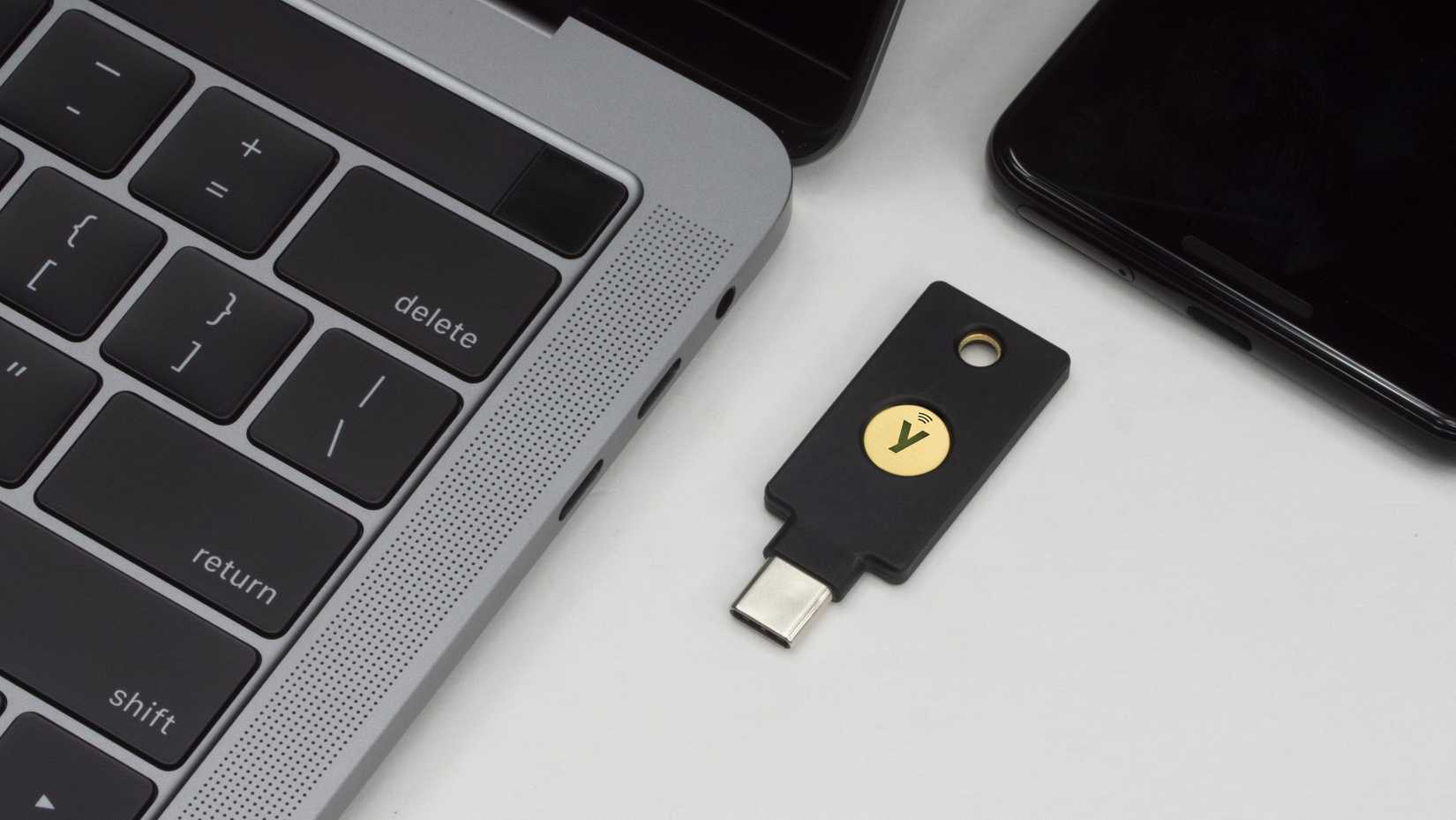
Hardware keys like the YubiKey or other FIDO-compliant devices operate on a different principle. They physically store the cryptographic secrets in a secure onboard vault. The key never leaves the physical hardware. This makes the authentication process almost entirely phish-proof; even if an attacker tricks you into visiting a fake website, the hardware key will recognize that the site’s origin does not match the registered credentials and will refuse to authenticate. However, this high level of security comes at a cost, and for those who are budget-conscious, the $30 price tag for a basic YubiKey NFC can feel steep.
Setting Up the ESP32-S3 to Replicate a YubiKey
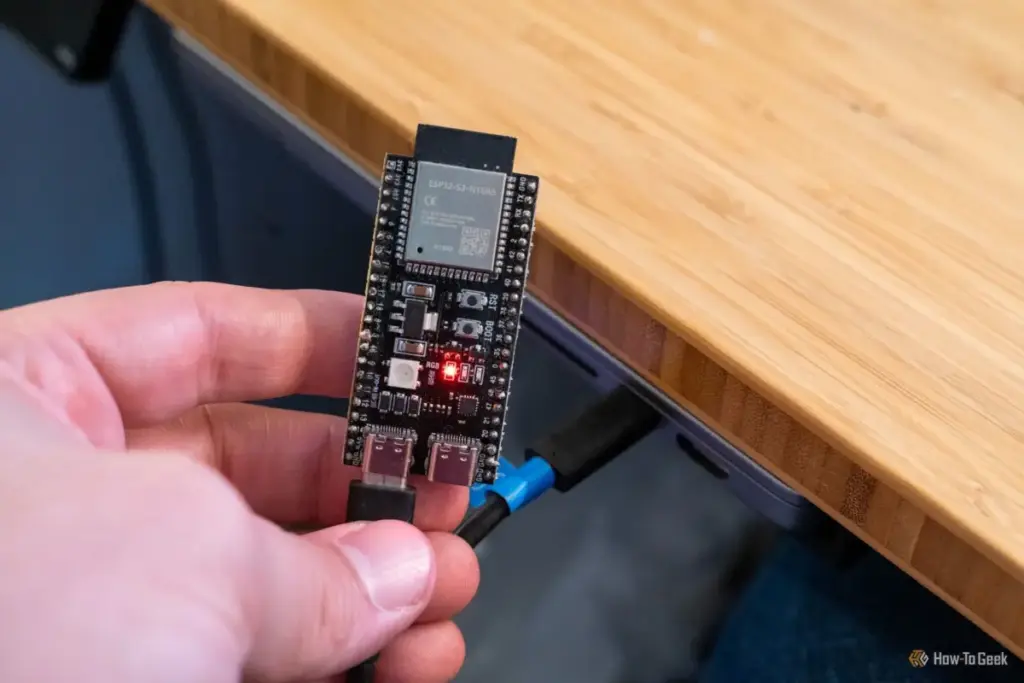
The journey from a raw microcontroller to a functional security key was surprisingly brief. I began by visiting Pico Keys, a platform dedicated to making hardware security modules (HSM) more accessible through open-source and community-driven tools. Pico Keys offers a specialized ESP32-S2/S3 flasher tool that runs directly within a web browser, leveraging the WebUSB API to communicate with hardware connected to the computer.
From the flasher interface, I selected "Pico FIDO." This specific firmware is designed to enable the ESP32 to register and function as a passkey-compatible device within a modern browser. It brings the necessary components to the table: WebAuthn support, PIN protection, and physical button confirmation. This last part is vital for security; the FIDO protocol requires "user presence," meaning a human must physically interact with the device—usually by pressing a button—to prove that the login attempt isn’t being triggered by remote malware.
The actual flashing process was a testament to how far DIY tech has come. It took approximately 60 to 90 seconds for the firmware to be written to the ESP32’s flash memory. Once the progress bar finished, I performed a simple power cycle by unplugging the device from my MacBook and plugging it back in after a short pause.
 Tech Tutorials & How-To Guides
The Hidden Cost of DLSS: Why NVIDIA’s Software Lead No Longer Justifies the GeForce Price Premium
For over a decade, NVIDIA has cultivated a nearly impenetrable software ecosystem...
 Tech Tutorials & How-To Guides
The Case for the Cathode Ray Tube: Why Your Old Monitor is a Treasure, Not Trash
In an era defined by ultra-thin OLED panels, 4K resolutions, and refresh...
 Tech Tutorials & How-To Guides
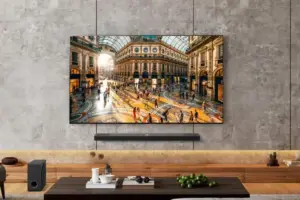
Best Buy Slashes Price of LG 77-Inch B5 Series OLED TV by Fifty Percent in Early Holiday Sales Push
As the calendar turns and the final quarter of the year approaches,...