
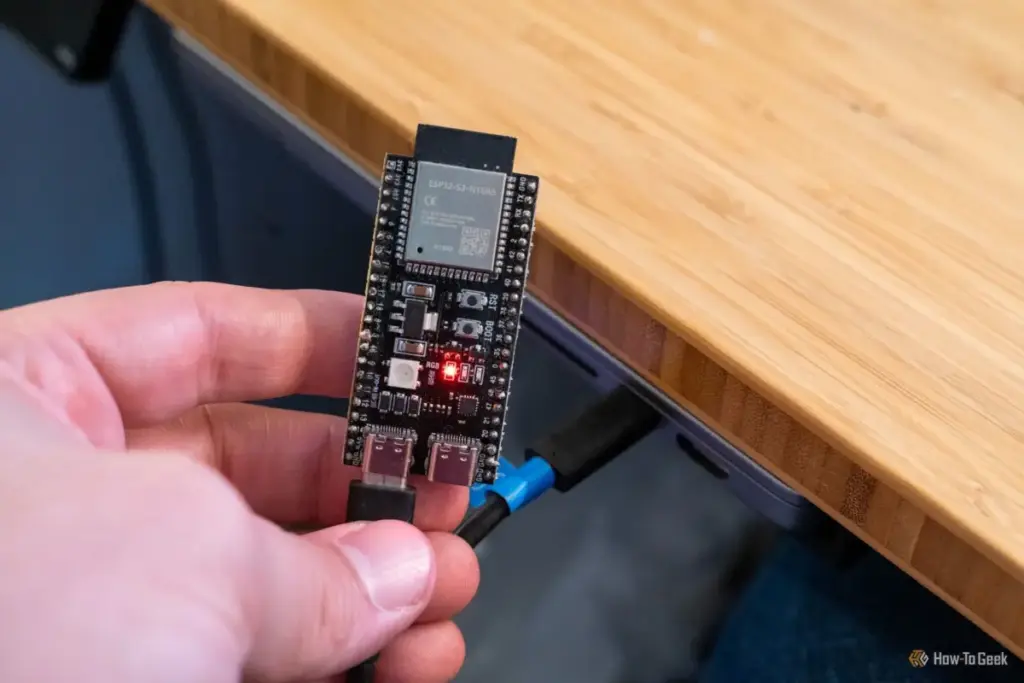
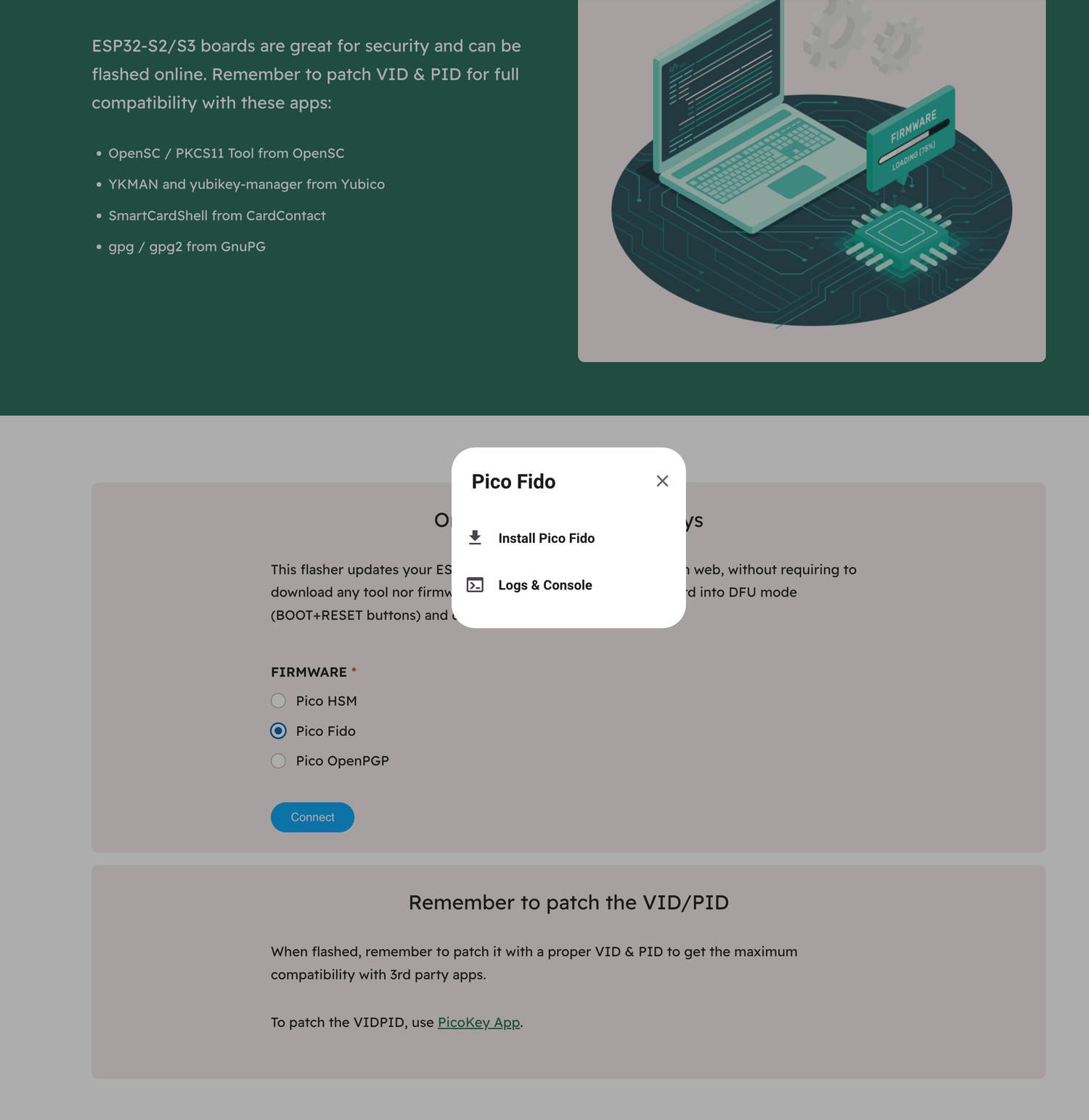
To verify the success of the project, I turned to WebAuthn.io, a standard testing ground for developers and security enthusiasts to validate their hardware keys. The site allows you to register a mock user account and store a passkey on your connected device. While it took a few initial attempts to ensure the browser recognized the ESP32 as a security token, the device eventually synchronized perfectly. Now, the $6 board was functioning exactly like a commercial security key, prompting me for a physical interaction whenever a login was requested.
The hardware I used, often sold in affordable multi-packs, is particularly well-suited for this. For instance, a 3-pack of ESP32-S3 N16R8 modules provides enough overhead to experiment with various firmware options, including MicroPython-based security tools, without the constraints of lower-memory boards. While these boards often require some light soldering to attach the pins, they offer a level of flexibility that proprietary hardware simply cannot match.
Evaluating Trust: DIY vs. Commercial Hardware
The inevitable question following such a project is one of trust. Can a $6 microcontroller truly replace a device engineered specifically for high-stakes security? From a purely functional and cryptographic perspective, the answer is largely yes. The ESP32 is a robust platform, and the FIDO2/WebAuthn protocols it is running are standardized and well-vetted. For a user looking to secure their personal email or social media accounts, this DIY solution provides a massive upgrade over simple passwords or SMS-based two-factor authentication.
However, there are nuances to consider regarding the form factor and physical durability. A YubiKey is a masterpiece of industrial design—rugged, water-resistant, and small enough to live on a keychain for years without failing. The ESP32, by contrast, is a naked circuit board. It is "chonky," as I like to say, and its exposed components are delicate. While I could easily use my workshop skills to 3D-print a protective enclosure or even a custom wood-carved case using my CNC machine, it would still lack the ultra-compact, "set it and forget it" nature of a commercial key.
Because I spend the majority of my working hours at a stationary desk, I have no qualms about leaving the ESP32 plugged into a USB hub for local authentication. It serves its purpose perfectly in that environment. However, I wouldn’t necessarily trust it to survive the rigors of being tossed into a backpack or carried in a pocket alongside loose change and keys. In that regard, the YubiKey’s price tag reflects not just the silicon inside, but the engineering of the shell that protects it.
Ultimately, going the DIY route is an exceptional way to "test-drive" hardware-based security. I have always been intrigued by the prospect of using physical keys, but my frugal nature kept me from committing to the purchase. By spending a few minutes tinkering with a device I already owned, I was able to experience the workflow of passwordless login firsthand. This experiment has served as a proof-of-concept; I now know that I value the convenience and security of a physical key. If I eventually decide to upgrade to a genuine YubiKey, I will do so with the confidence that it is a tool I will actually use, rather than another gadget destined for a desk drawer. For anyone sitting on the fence, the ESP32 provides a low-stakes, high-reward entry point into the future of digital security.
 Tech Tutorials & How-To Guides
Google Transitions Beyond Chromebooks: A Deep Look at the New Googlebook OS and Its Enhanced Local File Management
The landscape of portable computing has undergone a seismic shift with the...
 Tech Tutorials & How-To Guides
The Case for the Cathode Ray Tube: Why Your Old Monitor is a Treasure, Not Trash
In an era defined by ultra-thin OLED panels, 4K resolutions, and refresh...
 Tech Tutorials & How-To Guides
The Fragile Alliance: Why Windows Continues to Disrupt Dual-Boot Linux Environments
For many technology enthusiasts and professionals, the ideal computing environment involves a...







