
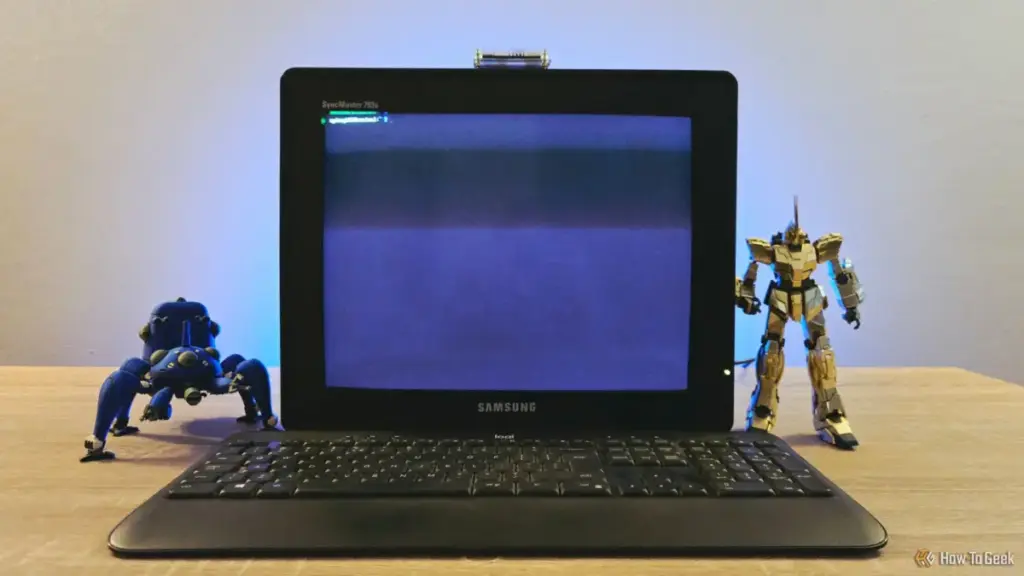
In an era dominated by ultra-thin 4K OLED displays and the seamless graphical interfaces of macOS and Windows 11, there is a growing counter-culture among technology enthusiasts that finds solace in the flickering glow of a cathode-ray tube (CRT). For Sydney Butler, a seasoned technology writer and system builder with over two decades of experience, the shift toward self-hosting and remote server management provided the perfect excuse to merge the cutting-edge versatility of modern single-board computers with the nostalgic, heavy-duty hardware of the 1990s.
Butler’s recent project—transforming a "shabby" Samsung CRT monitor and a dormant Raspberry Pi Zero 2W into a dedicated terminal—highlights a unique intersection of digital sustainability and aesthetic preference. While the project may lack a strictly "practical" justification in a world where any laptop can open a terminal window, it serves as a testament to the enduring appeal of dedicated hardware and the creative potential of "upcycling" electronic waste.
The Hardware: Bridging the Generational Gap
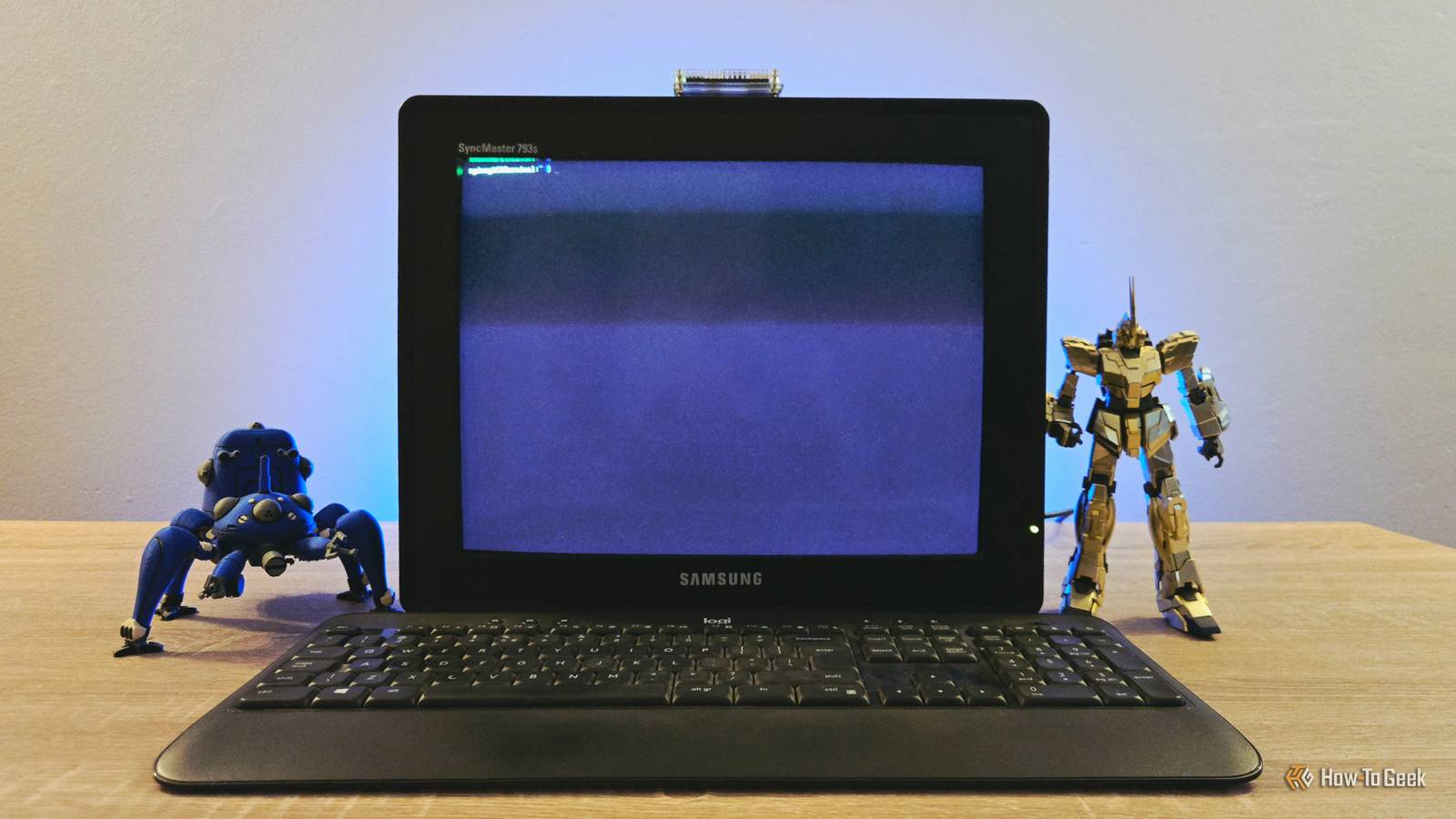
The foundation of the project rests on a stark contrast in hardware generations. On one hand, the Samsung CRT represents a bygone era of computing—bulky, heavy, and reliant on analog signals. On the other, the Raspberry Pi Zero 2W is a marvel of modern miniaturization, packing a quad-core 64-bit ARM processor into a form factor roughly the size of a stick of gum.
Butler, whose background includes a decade of user education and a Master’s degree in Research Psychology, approached the assembly with the eye of a professional technician. The challenge of such a build is primarily one of connectivity. Modern Raspberry Pi boards output digital signals via Mini-HDMI, while vintage monitors like the Samsung CRT expect an analog VGA signal. To bridge this gap, Butler utilized a series of adapters: a Mini-HDMI to HDMI converter, followed by an active HDMI-to-VGA adapter to feed the monitor’s legacy input.
The peripheral setup was equally eclectic. Powering the system required generic USB chargers for both the Pi and the active adapter, while a simple USB hub allowed for the connection of a keyboard. In its current state, the setup is a sprawling web of cables and converters—a "mad scientist" aesthetic that Butler embraces. The result is a workstation that feels less like a modern appliance and more like a specialized tool from a cyberpunk film.

Minimalist Software for Limited Resources
Given the hardware constraints of the Raspberry Pi Zero 2W, software selection was critical. While the Zero 2W is significantly more powerful than its predecessor, it is still limited by 512MB of RAM. To ensure the system remained responsive as a dedicated terminal, Butler opted for Raspberry Pi OS Lite.
Unlike the standard version of the operating system, the "Lite" variant dispenses with the graphical user interface (GUI) entirely. By booting straight into a command-line interface (CLI), the system preserves precious resources. At idle, the OS consumes approximately 150MB of RAM, leaving a comfortable overhead for the Pi’s primary tasks. This minimalist approach transforms the device into what is effectively a "dumb terminal," a concept dating back to the mainframe era where a local station provided a window into more powerful remote systems.
 Tech Tutorials & How-To Guides
The Persistence of Browser Hijackers: How a Tech Expert Used AI to Reclaim Chrome
In the modern digital landscape, the line between a helpful browser extension...
 Tech Tutorials & How-To Guides
The USB-C Power Revolution: How Modern Portable Batteries are Redefining Device Mobility
For decades, the Universal Serial Bus, or USB, was viewed primarily through...
 Tech Tutorials & How-To Guides
Paramount+ Strengthens its Cinematic Portfolio with a Strategic Blend of Modern Reboots and Timeless Masterpieces
As the streaming landscape continues to evolve through shifting subscriptions and platform...







