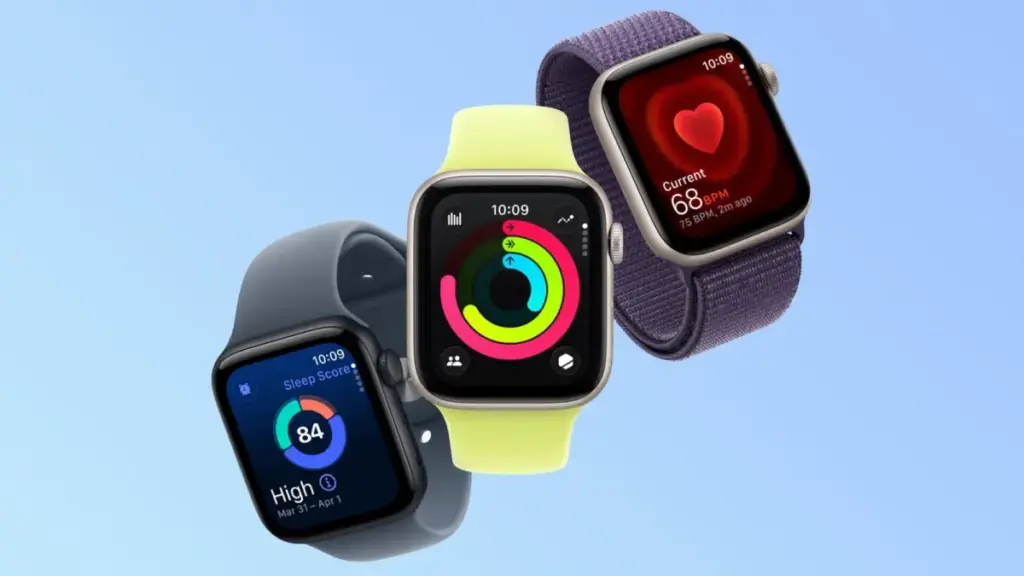
Apple has officially published a support document addressing a software issue that causes certain Apple Watch models to display the incorrect time following the end of Daylight Saving Time. The bug, which leaves affected devices displaying a time that is off by exactly one hour, appears to specifically impact the smartwatch’s low-power state when the display remains dimmed.
According to Apple’s support documentation, the timekeeping error is constrained to a specific mode of interaction on devices featuring Always On display technology. Apple noted that the incorrect time appears only on the Always On display when the user’s wrist is down. When the user activates the display by tapping the screen or raising their wrist, the time immediately updates and changes to the correct hour.
To resolve the discrepancy, Apple has outlined basic troubleshooting measures that users can take directly on their devices. The company recommends that affected users switch to a different watch face and then switch back to their original face, or perform a complete restart of the Apple Watch. These steps appear to force the watchOS system to clear the cached time data used by the low-power Always On display and re-sync the ambient clock face rendering with the system’s actual local time.
The release of Apple’s official guidance comes after a wave of user reports detailing the daylight saving time malfunction. MacRumors previously reported that Apple Watch users in Europe experienced identical display glitches when clocks moved back across European time zones the previous week. Those initial reports surfaced in the wake of recent watchOS updates, including watchOS 27, where users began noticing that the wrist-down ambient display failed to register the fall-back hour change automatically.
The issue became far more widespread over the weekend as Daylight Saving Time came to an end across most of the United States on Sunday, November 1, 2026. As millions of Americans set their clocks back one hour, Apple Watch owners routinely encountered the same visual glitch that had affected European users days earlier. While raising the wrist or interacting with the device immediately reveals the accurate time, the lingering one-hour discrepancy on the ambient low-power screen created confusion for users relying on quick glances at their wrist.
The mechanism behind the glitch appears tied to how watchOS handles ambient rendering in its Always On display state. On supported Apple Watch hardware, the device conserves battery power when the user’s wrist is lowered by reducing the display refresh rate and scaling back background background updates. While the core operating system correctly updates the actual system time when the local time zone or daylight saving status shifts, the static or low-frequency rendering layer assigned to the ambient Always On screen evidently fails to refresh its hour indicator until a full screen state change or device reset is triggered.
 macOS & Apple IT Support
An Era Ends Silence: Apple Abruptly Sunsets Its Global Support Community After Nearly Three Decades
For nearly thirty years, the official online message boards maintained by Apple...
 macOS & Apple IT Support
Apple Support Community Forums to Permanently Close Following 28-Year Legacy of Online Technical Assistance
Apple announced on Tuesday, November 10, 2026, that it will permanently shut...
 macOS & Apple IT Support
Early Black Friday 2026 Apple Deals Hit Record-Low Prices Across Mac, iPhone 18, Apple Watch, and Accessories
With Black Friday approaching on Friday, November 27, 2026, the annual holiday...