
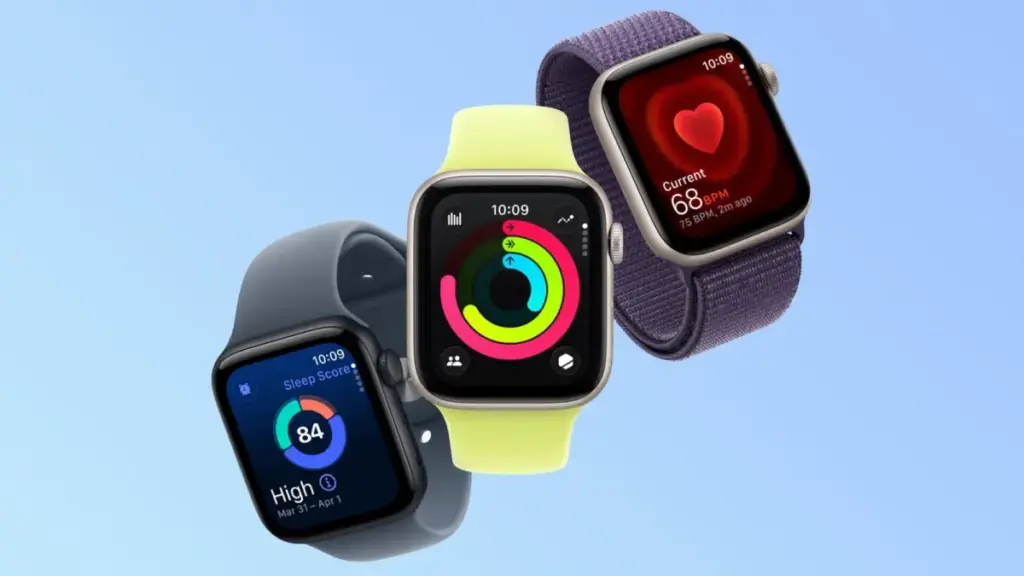
By toggling to another watch face and back again, users effectively force watchOS to redraw the lower-power ambient graphics asset from scratch using the updated local system time. Similarly, restarting the smartwatch forces a complete refresh of all system daemons, including the low-power display sub-routines responsible for driving the wrist-down clock interface.
The timing glitch arrives during a busy period for Apple’s wearable hardware ecosystem. The company recently released its latest flagship smartwatches, the Apple Watch Series 12 and the Apple Watch Ultra 4, both of which feature advanced Always On displays capable of maintaining continuous visual output while minimizing battery draw.
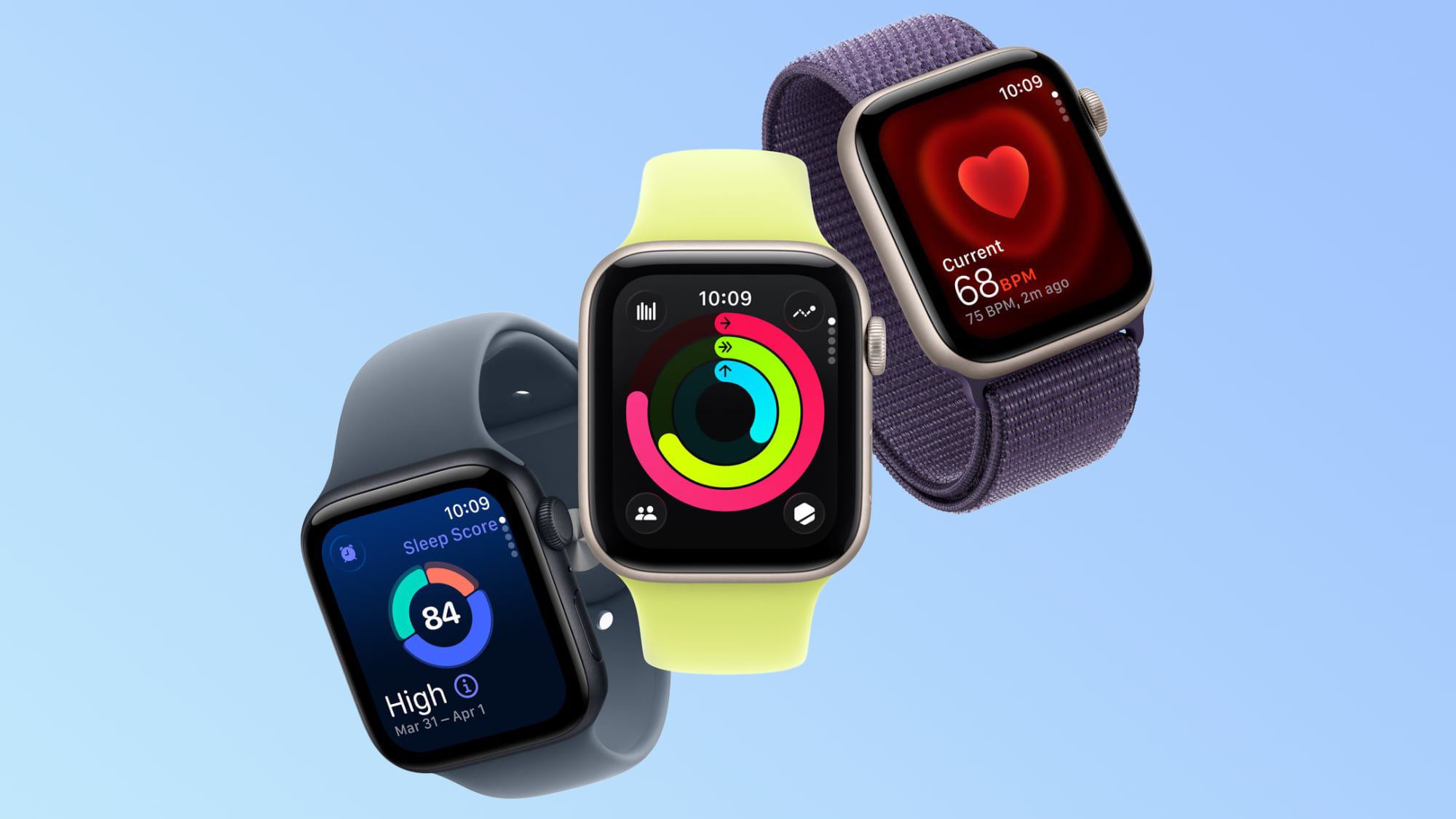
The new hardware generation
has also drawn attention for other operational details. Recent community discussions on the MacRumors forums and Reddit have highlighted feedback from some Apple Watch Series 12 and Ultra 4 owners reporting unexpected skin irritation. Affected users have described experiencing redness and a burning sensation directly underneath the central sensor array on the back crystal of the device.
In discussions regarding the issue, users noted that the Series 12 and Ultra 4 models measure heart rate at frequent five-second intervals, leading some owners to speculate whether the increased sensor frequency or related thermal output could be contributing to skin sensitivity under certain conditions.
 macOS & Apple IT Support
Apple Smart Home Launch Details Surface Ahead of NYC Event: New Home Hub, HomePod Mini 2, and Apple TV 4K Revealed in Leaks
Just two days before Apple hosts its "Welcome home" experience in New...
 macOS & Apple IT Support
Amazon Trims Base AirPods 5 Price Ahead of Official Launch Alongside Broader Autumn Apple Hardware Discounts
As Apple prepares to officially launch its latest generation of personal audio...
 macOS & Apple IT Support
Production Begins on Season 2 of Vince Gilligan’s Apple TV+ Sci-Fi Drama ‘Pluribus’ in Albuquerque
ALBUQUERQUE, N.M. — Principal photography on the second season of the acclaimed...







