
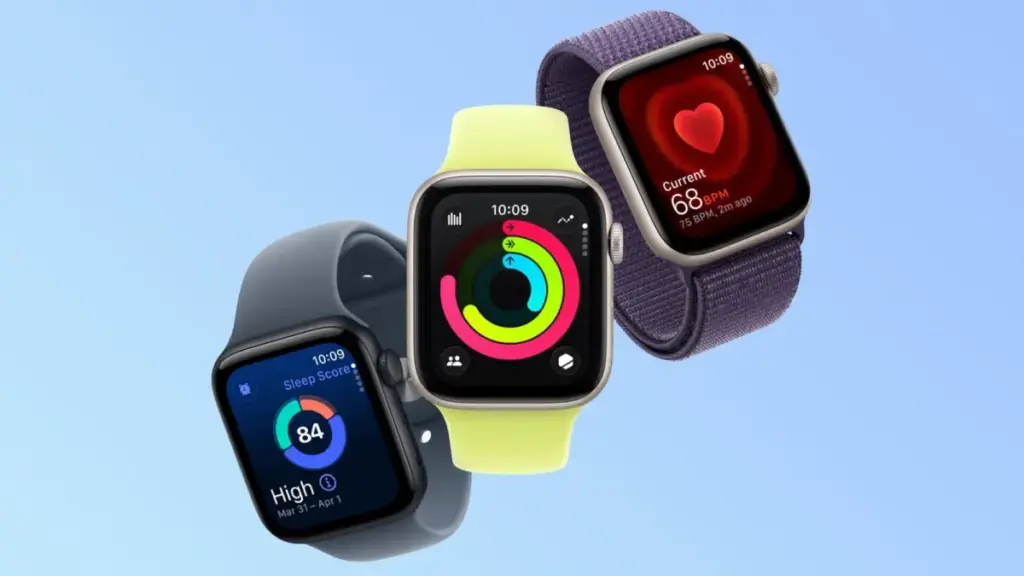
Apple has officially published a support document addressing a software issue that causes certain Apple Watch models to display the incorrect time following the end of Daylight Saving Time. The bug, which leaves affected devices displaying a time that is off by exactly one hour, appears to specifically impact the smartwatch’s low-power state when the display remains dimmed.
According to Apple’s support documentation, the timekeeping error is constrained to a specific mode of interaction on devices featuring Always On display technology. Apple noted that the incorrect time appears only on the Always On display when the user’s wrist is down. When the user activates the display by tapping the screen or raising their wrist, the time immediately updates and changes to the correct hour.
To resolve the discrepancy, Apple has outlined basic troubleshooting measures that users can take directly on their devices. The company recommends that affected users switch to a different watch face and then switch back to their original face, or perform a complete restart of the Apple Watch. These steps appear to force the watchOS system to clear the cached time data used by the low-power Always On display and re-sync the ambient clock face rendering with the system’s actual local time.
The release of Apple’s official guidance comes after a wave of user reports detailing the daylight saving time malfunction. MacRumors previously reported that Apple Watch users in Europe experienced identical display glitches when clocks moved back across European time zones the previous week. Those initial reports surfaced in the wake of recent watchOS updates, including watchOS 27, where users began noticing that the wrist-down ambient display failed to register the fall-back hour change automatically.
The issue became far more widespread over the weekend as Daylight Saving Time came to an end across most of the United States on Sunday, November 1, 2026. As millions of Americans set their clocks back one hour, Apple Watch owners routinely encountered the same visual glitch that had affected European users days earlier. While raising the wrist or interacting with the device immediately reveals the accurate time, the lingering one-hour discrepancy on the ambient low-power screen created confusion for users relying on quick glances at their wrist.
The mechanism behind the glitch appears tied to how watchOS handles ambient rendering in its Always On display state. On supported Apple Watch hardware, the device conserves battery power when the user’s wrist is lowered by reducing the display refresh rate and scaling back background background updates. While the core operating system correctly updates the actual system time when the local time zone or daylight saving status shifts, the static or low-frequency rendering layer assigned to the ambient Always On screen evidently fails to refresh its hour indicator until a full screen state change or device reset is triggered.
By toggling to another watch face and back again, users effectively force watchOS to redraw the lower-power ambient graphics asset from scratch using the updated local system time. Similarly, restarting the smartwatch forces a complete refresh of all system daemons, including the low-power display sub-routines responsible for driving the wrist-down clock interface.
The timing glitch arrives during a busy period for Apple’s wearable hardware ecosystem. The company recently released its latest flagship smartwatches, the Apple Watch Series 12 and the Apple Watch Ultra 4, both of which feature advanced Always On displays capable of maintaining continuous visual output while minimizing battery draw.
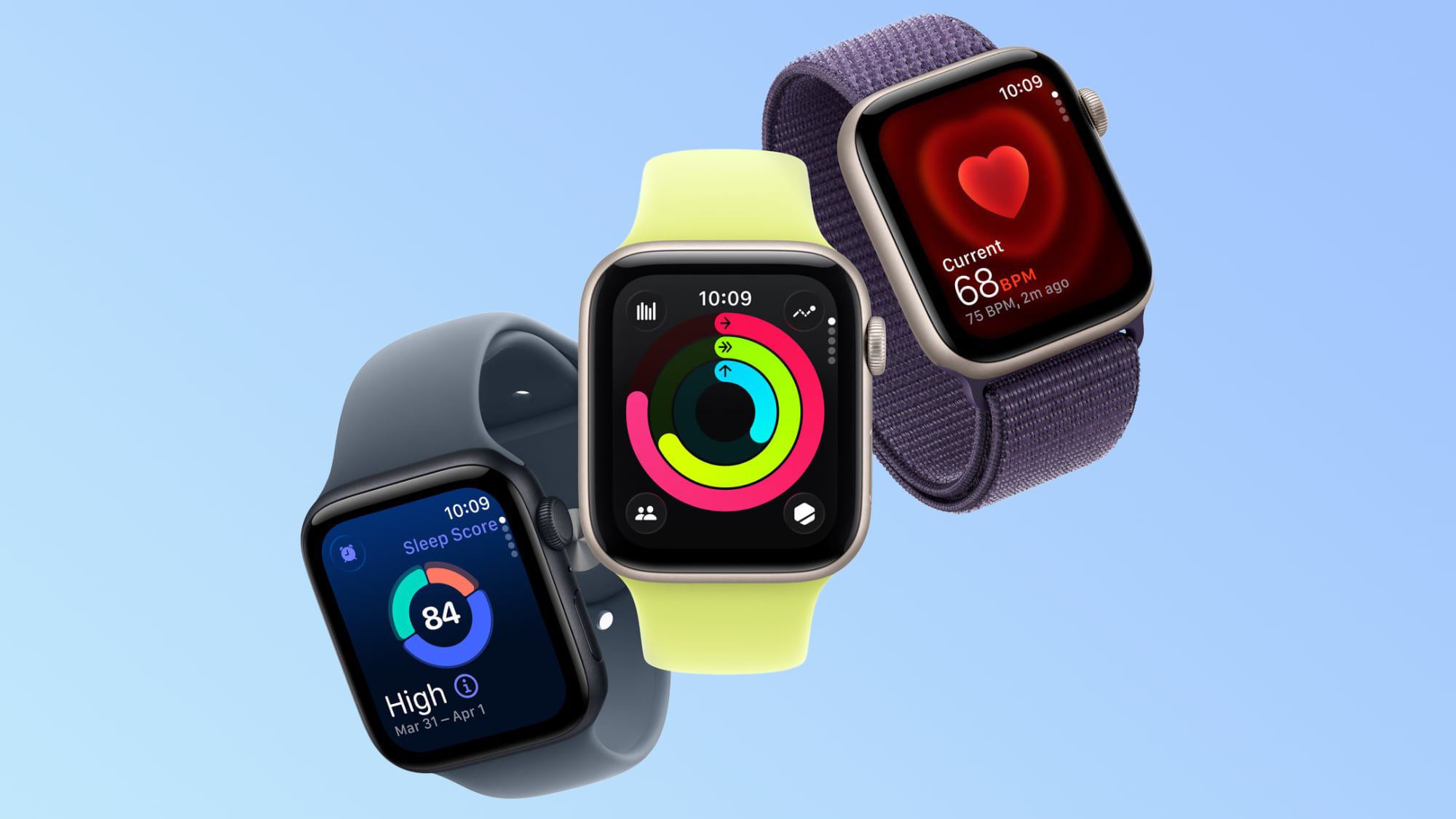
The new hardware generation
has also drawn attention for other operational details. Recent community discussions on the MacRumors forums and Reddit have highlighted feedback from some Apple Watch Series 12 and Ultra 4 owners reporting unexpected skin irritation. Affected users have described experiencing redness and a burning sensation directly underneath the central sensor array on the back crystal of the device.
In discussions regarding the issue, users noted that the Series 12 and Ultra 4 models measure heart rate at frequent five-second intervals, leading some owners to speculate whether the increased sensor frequency or related thermal output could be contributing to skin sensitivity under certain conditions.
At the same time, third-party band vendors continue to build out support for the growing Apple Watch user base. California-based accessory manufacturer Southern Straps, which has produced high-quality nylon and leather bands for the device since Apple original launched the wearable platform in 2015, continues to cater to owners across multiple smartwatch generations, highlighting the enduring scale of the Apple Watch strap market even as baseline hardware designs evolve.
Beyond software glitches and user comfort feedback, Apple’s wearable division continues to navigate significant corporate and legal friction surrounding its proprietary smartwatch technologies. The company remains entangled in high-stakes legal battles over key health-monitoring features that have defined recent Apple Watch hardware generations.
In a recent legal setback, Apple’s existing $634 million patent infringement loss to medical technology developer Masimo saw a substantial financial increase. A federal judge ordered Apple to pay an additional $184 million in pre-judgment interest on the amount owed, according to court documents reported by Bloomberg Law. The ruling by District Judge James Selna pushed Apple’s total bill in the Masimo patent dispute to approximately $818 million. Furthermore, that expanded figure does not account for post-judgment interest that continues to accrue until the final judgment is fully satisfied.
The ongoing legal battles highlight the regulatory and intellectual property challenges surrounding Apple’s continuous health tracking innovations, even as the company works to refine basic operational software features such as timekeeping accuracy across different global time zones.
For now, Apple’s published support document provides a straightforward workaround for users affected by the Daylight Saving Time ambient display bug. Owners encountering an incorrect hour reading while their wrist is lowered can resolve the issue immediately by cycling their selected watch face or rebooting their Apple Watch while waiting for any potential software patch in a future watchOS maintenance update.
 macOS & Apple IT Support
Apple Retail Staff Advised to Warn Walk-In Customers Against Launch-Day Visits as iPhone Duo Supply Shortages Deepen
Apple retail employees have been instructed to proactively warn customers against visiting...
 macOS & Apple IT Support
Apple Updates Free Invites App for iPhone With Full-Resolution Shared Albums, Photorealistic AI Backgrounds, and Simplified Email Verification
CUPERTINO, Calif. — Apple on Wednesday released a substantial software update for...
 macOS & Apple IT Support
Amazon Slashes AirPods Pro 3 to Record-Low $169.99 in Major Black Friday Price Cut
In one of the most significant retail developments of the holiday shopping...






