The modern smartphone is no longer just a communication tool; it has become a comprehensive digital extension of the self. Within its glass-and-metal frame lies a person’s entire life: banking credentials, private conversations, work-related documents, and years of photographic memories. For most, the thought of handing this device over to someone else—even a trusted family member—induces a specific kind of modern anxiety. However, for tech experts like Sanya Shah, a computer engineer turned technology journalist, the act of lending a phone is less a leap of faith and more a calculated exercise in leveraging sophisticated software protections.
When Shah’s brother found himself with a non-functional device one morning, she did not hesitate to offer her Samsung Galaxy as a temporary replacement. While the brother’s needs were simple—making essential phone calls and staying reachable for work—the potential for accidental or intentional "snooping" into personal data was a reality. In a world where a single swipe can lead from the dialer to a private photo gallery or a sensitive WhatsApp thread, Shah relied on a suite of integrated Samsung privacy features to ensure her data remained hers alone.
The following exploration details the multi-layered security strategy Shah employed, illustrating how modern mobile operating systems, specifically Samsung’s One UI, have moved beyond simple lock screens to provide granular control over user privacy.
The Virtual Vault: Samsung Secure Folder
The first and perhaps most robust line of defense in Shah’s strategy is the Samsung Secure Folder. While most users are familiar with the standard Gallery app, the Secure Folder functions as an encrypted sandbox, a "phone within a phone" that operates independently of the primary user interface.
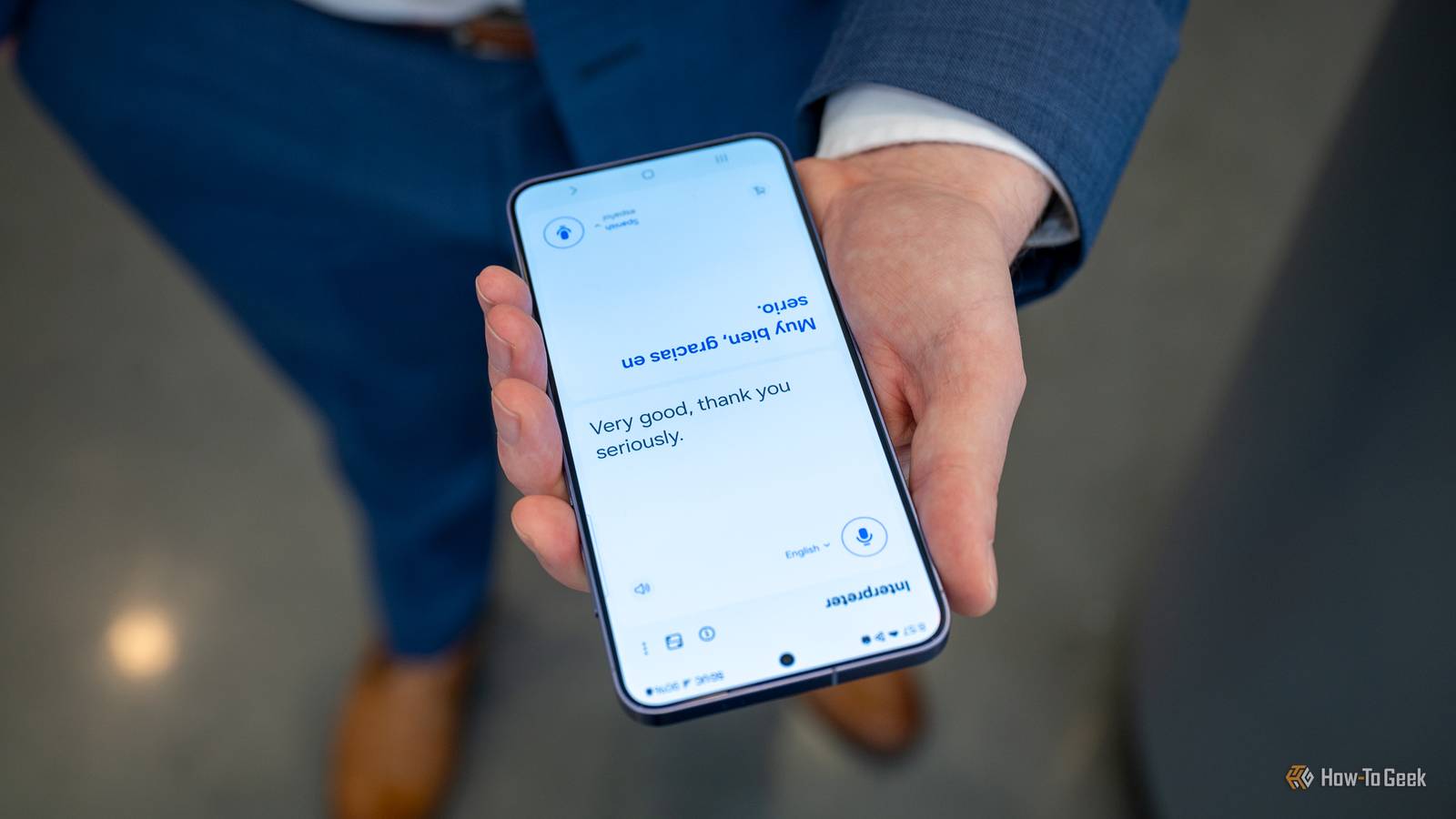
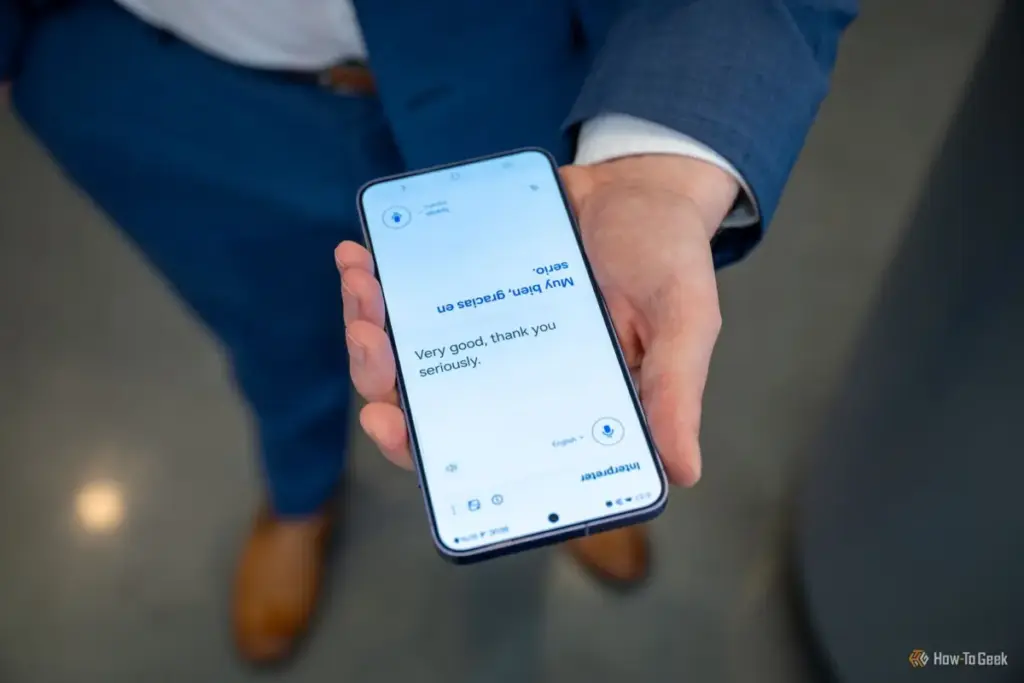
"I know my brother well enough to expect him to get a little too comfortable with my device," Shah noted. "The moment he realizes he has it for the whole day, there is a non-zero chance he might open the Gallery to look for—or delete—embarrassing photos."
To preempt this, Shah utilizes the Secure Folder, a feature underpinned by the Samsung Knox security platform. Knox provides defense-grade security that starts at the hardware level, ensuring that the data within the Secure Folder is isolated from the rest of the system. By moving sensitive images and documents into this space, Shah ensures they are invisible to the standard Gallery or My Files applications.
The utility of the Secure Folder lies in its secondary layer of authentication. Even if a borrower knows the primary PIN to unlock the phone, they would require a separate password, pattern, or biometric scan to access the vault. This creates a psychological and technical barrier that effectively cordons off the most private aspects of a user’s digital life without affecting the usability of the rest of the device.
Managing the Flow of Information: Notification Privacy
Even with sensitive apps locked away, a smartphone remains a dynamic device that constantly "pushes" information to the user. Notifications are perhaps the most frequent source of accidental privacy leaks. A sensitive message from a friend, a bank-issued One-Time Password (OTP), or a work-related alert can appear on the lock screen at any moment, visible to anyone holding the device.
 Tech Tutorials & How-To Guides
Unfiltered Cinema: Why R-Rated Hits Are Finding a Second Life on Major Streaming Platforms
In the modern landscape of digital entertainment, the motion picture rating system...
 Tech Tutorials & How-To Guides
Streaming This Weekend: Horror Prequels, Marvel Returns, and High-Stakes Political Dramas Lead the Lineup
As the calendar turns toward the midpoint of October, the entertainment landscape...
 Tech Tutorials & How-To Guides
Paramount+ Expands Library with Major October Update as Spooky Season Begins
As the calendar turns to October and the first chill of autumn...