
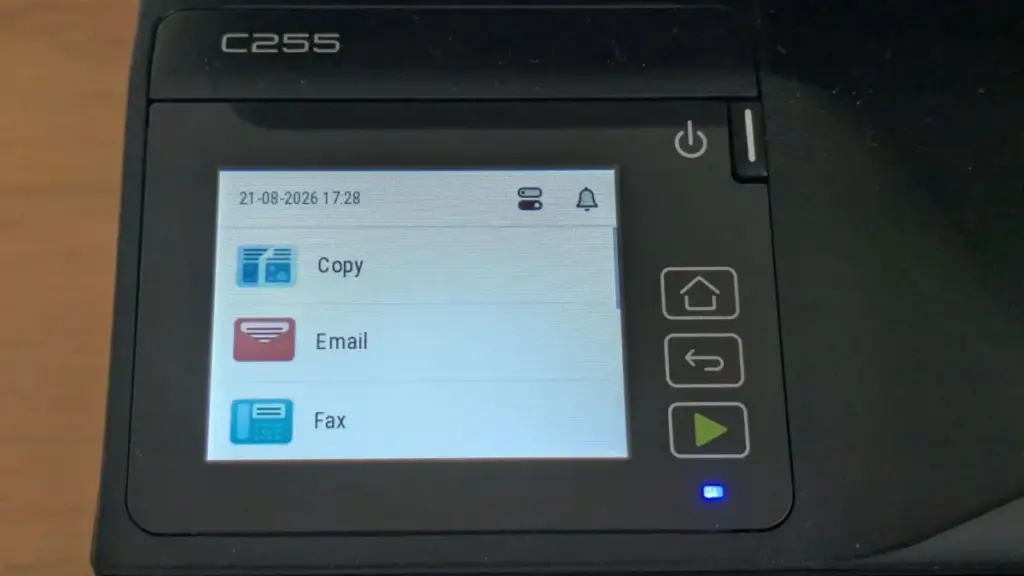
Xerox C255a review: Results
Speed issues might be forgiven if the output quality were exceptional, but the Xerox C255a produces results that are merely average. Black text is sharp and legible, as is typical for laser technology, but color output leaves much to be desired. Both graphics and photographs exhibited a persistent "cool" blue bias. This was particularly noticeable in portraits, where subjects appeared unnaturally pale, and in business graphics, where vibrant colors felt muted and cold.
Compounding this issue is the lack of granular color control within the print driver. Many competing devices allow users to manually adjust color balances to correct for such biases, but the C255a offers no such utility. Users are essentially stuck with the default color profile.
The scanner suffered from similar calibration issues. Scanned images tended to be overly dark, with a significant loss of detail in the shadows. In our tests using a Kodak Q-60 color calibration target, the scanner failed to distinguish between the darkest shades of gray, effectively crushing the blacks and losing the nuance required for high-quality archival work. While the copies produced by the device were slightly more vibrant than the direct prints, we observed strange bordering artifacts around large blocks of color text, suggesting the firmware was over-processing the image in an attempt to sharpen it.
Final Verdict
The Xerox C255a is a device that promises the world but delivers a much smaller province. While its compact design and enterprise-grade security features are commendable, they are overshadowed by a print engine that fails to meet its advertised speeds and an output quality that is consistently underwhelming.
Running costs also fail to provide a compelling reason for adoption. The printer ships with "starter" toners rated for only 750 black or 500 color pages. Once these are exhausted, replacement cartridges are available in 1,300 or 3,000-page capacities for black, and 1,200 or 2,500 pages for color. At current prices, this results in a cost per page of 2.2p for black and 11.5p for color (excluding VAT). These figures are roughly in line with the industry average for this class of device, meaning the C255a offers no significant economic advantage to offset its performance deficits.
For a small office that prioritizes security and compact dimensions above all else, the C255a might find a niche. However, for most users seeking a reliable, high-speed, and high-quality color laser MFP, there are more capable alternatives on the market that deliver a better balance of speed and fidelity.
 Helpdesk & IT Service Management (ITSM)
International Law Enforcement Operation Dismantles KillSec Ransomware Group and Arrests Teenage Mastermind
In a sweeping international law enforcement operation coordinated across multiple borders, authorities...
 Helpdesk & IT Service Management (ITSM)
Microsoft Leadership Calls for Stricter AI Regulation and Global Safety Standards Led by the United Kingdom
In a series of high-profile statements that signal a significant shift in...
 Helpdesk & IT Service Management (ITSM)
Cybersecurity Veteran Simon Reed Joins Overe as Strategic Advisor to Strengthen MSP-Focused Security Resilience
In a move that signals a significant expansion of its strategic capabilities,...







