
The paper tray also requires a small adjustment. In its default shipping state, it is not deep enough to accommodate standard A4 paper. A small lever allows the tray to be extended outward. In a thoughtful bit of engineering, extending the tray does not cause it to protrude from the rear of the machine—a common design flaw in competing compact printers that often leads to dust accumulation or accidental damage.
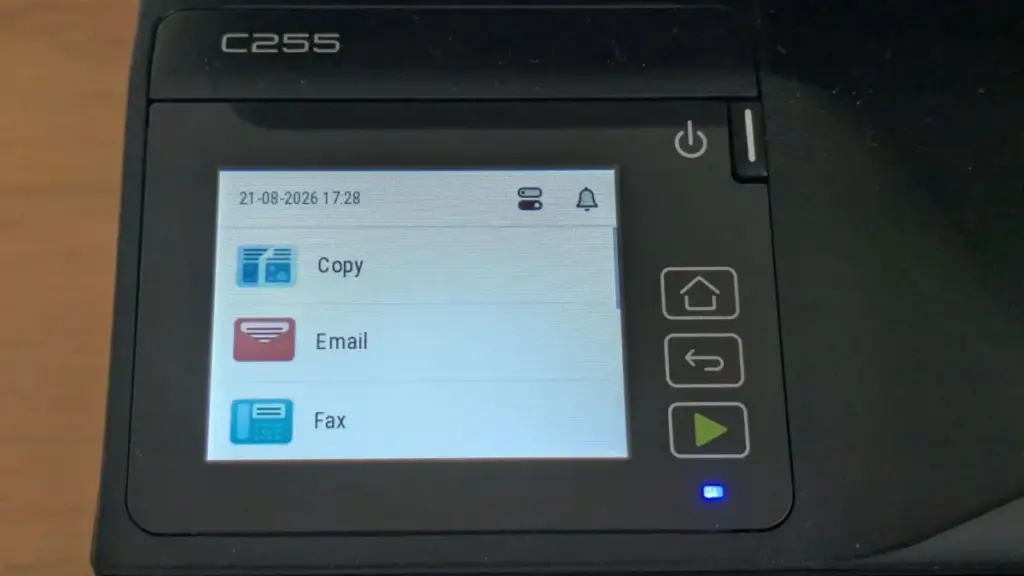
The initial boot sequence is somewhat slow, as the machine initializes its various systems. During this phase, the user is prompted to configure basic settings such as location and time zone. Crucially, the C255a requires the creation of administrator credentials during the initial setup. This is a welcome security feature, ensuring the device is protected from unauthorized configuration changes from the moment it joins the network. The onboard color touchscreen is responsive to the touch, and the menu hierarchy is logically organized, making it easy to navigate through various functions without constantly referring to a manual.
On the software side, the installation process for Windows PCs makes a few unconventional choices. By default, the installer does not include a TWAIN scan driver, which may be a hurdle for users who rely on older imaging software. More puzzling is the default configuration of a 15-second delay between the moment a user clicks "print" and the moment the printer begins processing the job. While this "buffer" might save a few sheets of paper for those who frequently realize they have made a mistake immediately after hitting the button, most users will find it an unnecessary frustration. Fortunately, both the TWAIN driver and the print delay can be adjusted during the custom installation process.
One area where the C255a punching above its weight is in its security and management features. Despite its entry-level status, it supports LDAP and Active Directory login with Kerberos authentication. It also utilizes TLS 1.3 encryption by default and includes an OpenSSL module validated to FIPS 140-3 standards. For businesses requiring centralized oversight, the device is compatible with the Xerox Workplace Suite and Workplace Cloud, allowing it to be integrated into a larger managed fleet of devices.
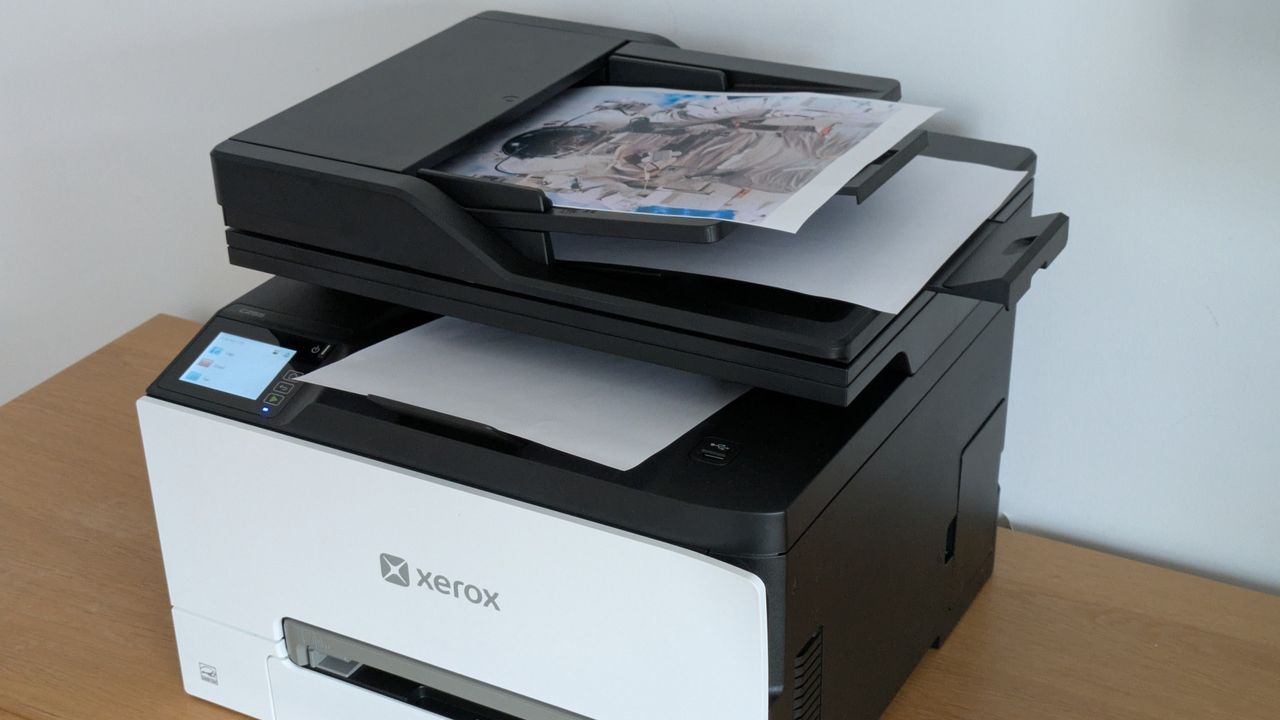
Xerox C255a review: Printing, scanning and copying
Performance is where the Xerox C255a begins to lose its luster. While the 25ppm engine speed is modest on paper, the real-world results in our testing were consistently lower. When printing a standard black-and-white text document, the first page emerged after 18 seconds. Over a longer 25-page run, the device averaged only 19.7ppm.
The slowdown was even more pronounced when handling color documents. A 24-page color test took over two minutes to complete, resulting in a sluggish 11.7ppm—less than half of the manufacturer’s rated speed. This lack of urgency extended to duplex printing; a five-page color document (ten sides) was delivered at a rate of just 5.6 images per minute (ipm). This sluggishness appears to stem from the printer’s internal processing; the C255a seems to require significant "spooling" time to prepare multi-page documents before the mechanical engine even begins to move. Even during a 50-page mono text test, the device failed to hit its stride, reaching only 18.2ppm.
In contrast to the lethargic print engine, the scanning and copying components of the C255a felt remarkably brisk. A preview scan was generated in just seven seconds, and an A4 document was scanned at 300dpi in 10 seconds. Even a high-resolution 600dpi scan of a 6×4" photo was completed in 11 seconds. When used as a standalone copier, the device delivered single-page copies in 14 seconds regardless of whether they were in mono or color.
This creates a strange dichotomy during operation. When making a 10-page mono copy via the ADF, the scanner finished its work in just 17 seconds, while the printer struggled to keep up, eventually finishing the job in 35 seconds. It is worth noting, however, that the ADF was somewhat temperamental. It struggled with older, slightly creased documents, refusing to feed them until they were rotated 180 degrees.
 Helpdesk & IT Service Management (ITSM)
Beyond the IT Help Desk: The Strategic Integration of Enterprise Service Management
As modern organizations grapple with increasing operational complexity, the traditional boundaries of...
 Helpdesk & IT Service Management (ITSM)
US Authorities Disrupt Major Chinese State-Sponsored Cyber Infrastructure Linked to Integrity Technology Group
In a significant blow to state-sponsored cyber espionage operations, the United States...
 Helpdesk & IT Service Management (ITSM)
The Digital Athletes: SolarWinds Survey Reveals IT Professionals Navigate Modern Infrastructure with Championship-Level Precision
As the global business landscape becomes increasingly reliant on seamless digital operations,...







