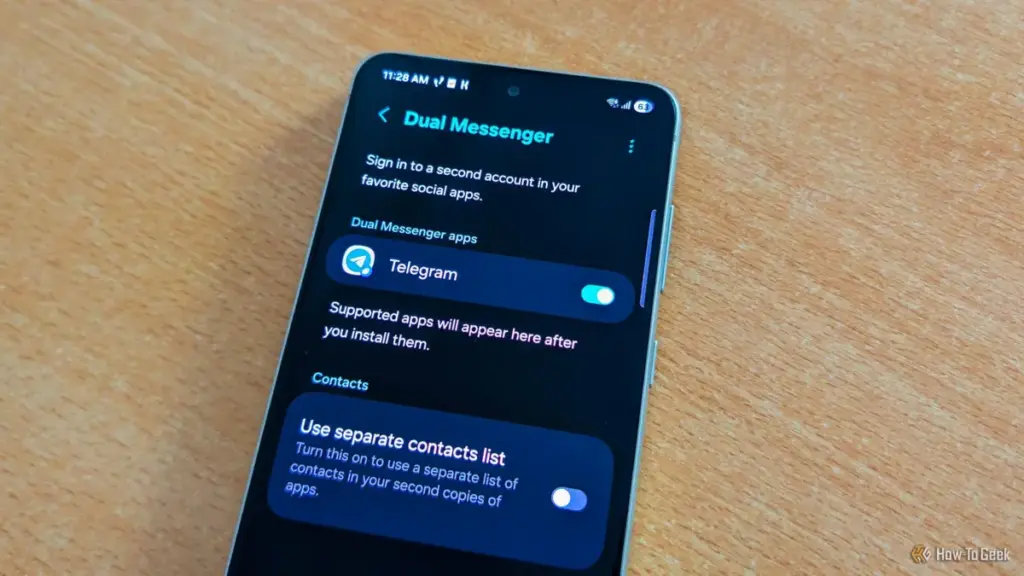
One of the more sophisticated aspects of Dual Messenger is the ability to maintain a completely separate contact list for the cloned application. This ensures that work-related contacts do not mingle with personal ones, providing a much-needed layer of privacy. To help users distinguish between the two versions of the app, One UI applies a small, distinctive blue badge to the icon of the secondary instance. Despite the clear utility for anyone managing multiple digital identities, the feature is often tucked away in the "Advanced Features" section, away from the immediate view of the casual user.
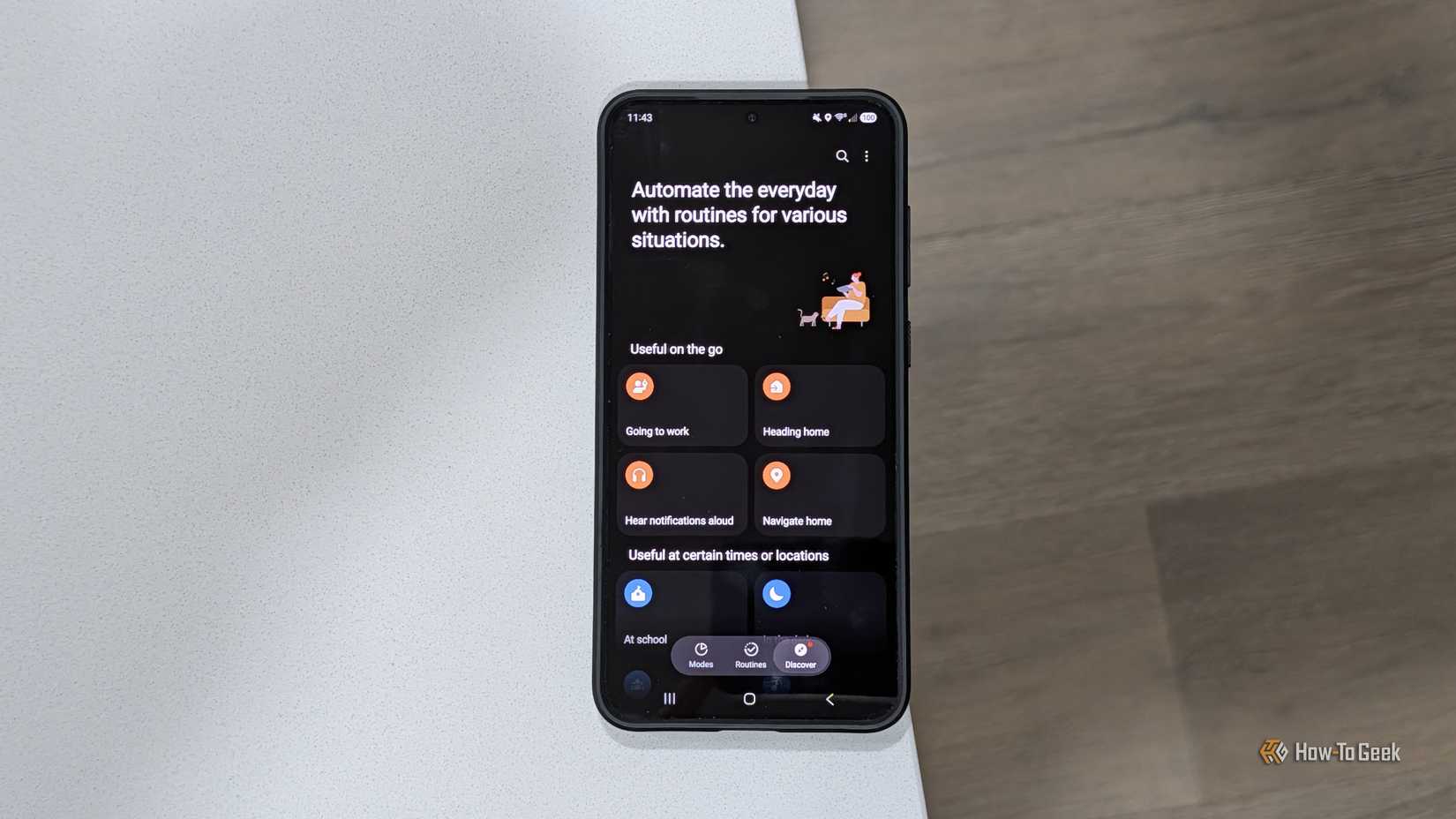
Sophisticated Audio Routing: Separate App Sound
The modern smartphone is no longer just a communication device; it is a central hub for media consumption, often connected to various external outputs like Bluetooth speakers, headphones, and smart TVs. Samsung addressed the potential for audio conflicts in these multi-device environments with a feature known as "Separate App Sound."
This utility allows the device to split its audio output across different channels simultaneously. In a typical scenario, if a user is playing music through a Bluetooth speaker and decides to watch a video on social media, the music is usually interrupted or the video audio plays over the speaker. Separate App Sound solves this by allowing the user to designate specific apps to specific outputs.
A practical application of this might involve a parent who is using their phone to provide background music for a gathering via a home audio system. If they wish to hand their phone to a child to watch a video, Separate App Sound can be configured so that the music continues to stream to the speakers while the video audio plays exclusively through the phone’s built-in speakers. It is a highly situational feature, yet for those who find themselves navigating complex audio environments, it represents a level of software flexibility that is rarely found in other mobile ecosystems.
The Sandbox Advantage: Secure Folder and Samsung Knox
Perhaps the most robust feature in the Galaxy arsenal is the "Secure Folder." While many users mistake this for a simple hidden gallery for photos, it is actually a sophisticated, encrypted sandbox powered by Samsung’s defense-grade Knox security platform. Secure Folder functions essentially as a "phone within a phone," an isolated environment that operates independently of the primary operating system.
The implications for privacy and security are profound. Because Secure Folder is sandboxed, users can install entirely separate versions of apps within it, logged into different Google or Samsung accounts. This makes it an ideal environment for banking apps, sensitive work documents, or any software that requires an extra layer of biometric protection.
 Tech Tutorials & How-To Guides
Amazon Retires Fire Tablet Brand in Favor of New Alexa Tablet Line with Google Play Support
In a sweeping transformation of its mobile hardware strategy, Amazon has announced...
 Tech Tutorials & How-To Guides
Bridging the Security Gap: Replicating the YubiKey Experience with a $6 ESP32 Microcontroller
In an era where digital identity is under constant siege from sophisticated...
 Tech Tutorials & How-To Guides
The Ghost in the Machine: Investigating the Root Causes of Unexpected Windows Wake Events
For many Windows users, the experience is unnervingly familiar: a desktop or...